
The site is divided into a few main sections that can be accessed from the Menu.
Or Just search the main help articles:
The Site Map gives a one page overview of the help.
And you can see the Recent Changes listed together.
Latest News
-
Glow Blogs – Essential Maintenance
We will be carrying out essential maintenance on Glow Blogs Thursday 5th March 04:00PM GMT – 06/03/2026 08:00AM GMT
-
Recent Help & Information Updates
Some recently added and updated pages across our help and information sites this year: Glow Blogs Tips: Add to Your Phone’s Home Screen; Glowing Posts: Digital Influencer Award – Callum Croughan; Tip: Selecting Blocks; A guide to the top toolbar;
Read all the News on Glow Blog Help
Latest Tip
-
Add to Your Phone’s Home Screen
This is a really useful tip to share parents and others who want to follow your Glow Blog site. A one-tap access to the site, just like an app, so you never miss important updates.
Random Tip
An introduction to Glow Blogs
Other Help for Glow Blogs
Here are a few other sites you can find help on Glow Blogs on:
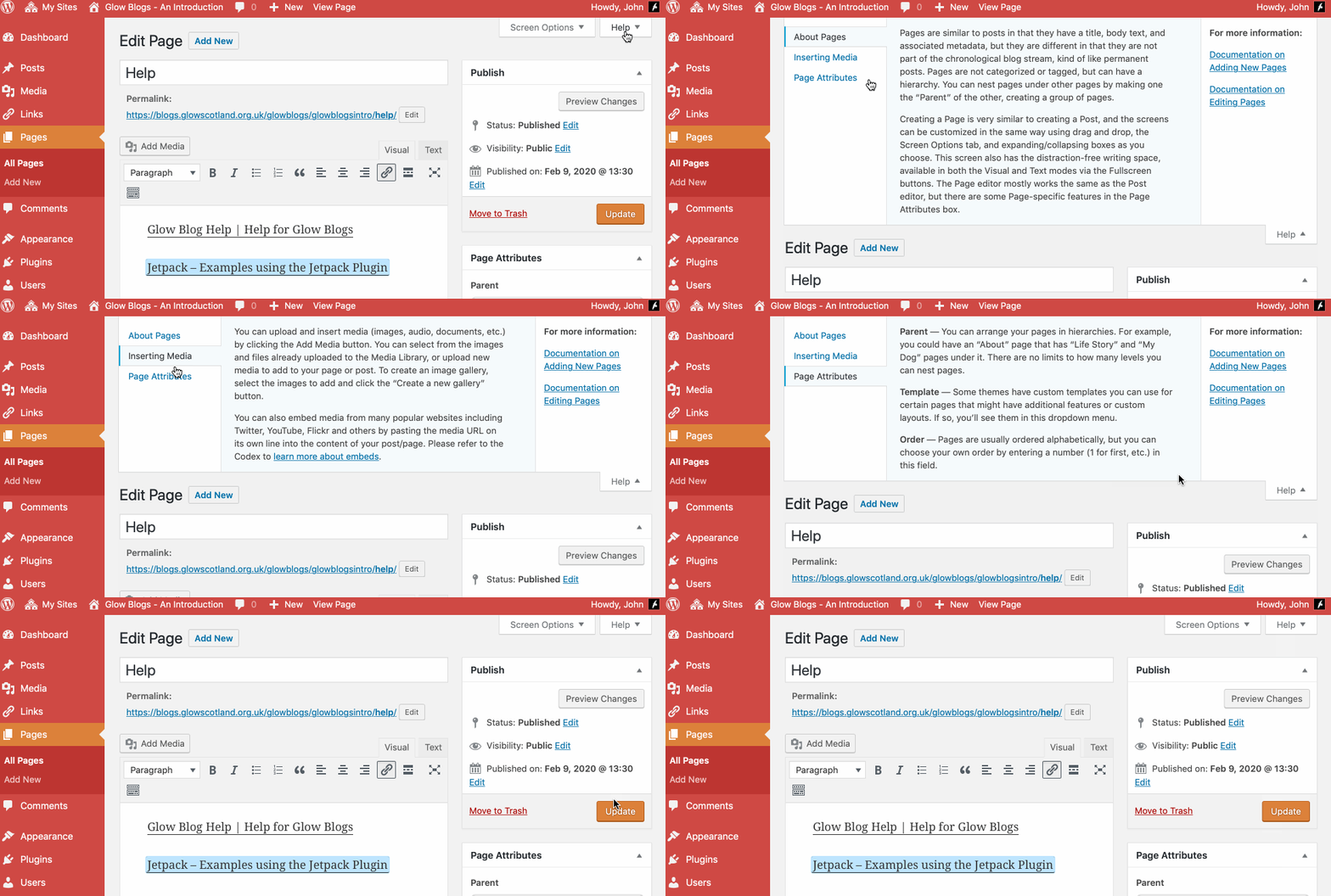
Remember WordPress has some really good built in help:

Hi,
I am taking on blogging as part of a whole school working group/ committee. I was wondering how I can set myself up as an administrator for this site?
Thank you,
Jenny Stewart
Hi Jenny,
Presuming you have a glow account:
You will be the Admin of any blog you create.
If the blog is preexisting the current Admin can make you an Admin too:
https://blogs.glowscotland.org.uk/glowblogs/glowbloghelp/how-to-wordpress-4/adding-users-setting-roles/
If your school has a blog where it has lost the admin account, you need to raise a cal lwith RM through your Local Authority contact.
https://blogs.glowscotland.org.uk/glowblogs/glowbloghelp/support/
I am trying to import from my existing site but It says “No importers are available”
When i click on tool then import.
Help?
thanks
Hi Sarita,
The importer has moved to a plugin, you need to active this before it is avaliable.
I am also having problems with users not being able to access each other accounts which they could do before the switch over. A number of users are showing PENDING and I am not sure what to do now.