
The site is divided into a few main sections that can be accessed from the Menu or search:
Or Just search the main help articles:
The Site Map gives a one page overview of the help.
And you can see the Recent Changes listed together.
Latest News
-
Blogs Back Online
As a precautionary measure, the Glow Blogs platform was temporarily taken offline. This decision was made to allow our technical team to apply urgent security updates to protect the platform. These updates address recently discovered vulnerabilities in PHP – the foundational programming language that acts as the “engine” behind the scenes to make our WordPress…
-
Building Advanced H5P Learning Experiences webinar
Building Advanced H5P Learning Experiences webinar
Read all the News on Glow Blog Help
Latest Tip
-
Bulk Editing Posts and Pages
Sometimes in Glow you want to edit some aspects multiple posts or pages. There are some tools in the Dashboard to help you. This might be useful when you want to delete many posts, add tags or categories and more. Posts You can bulk edit a selection of posts on the Posts Screen of the…
Random Tip
Latest FAQ
-
Editor & Theme Choices
When you create a new Glow Blog you choose the editor you would like to be set as default. This also set the theme. Both can be easily changed at any time.
An introduction to Glow Blogs
Other Help for Glow Blogs
Here are a few other sites you can find help on Glow Blogs on:
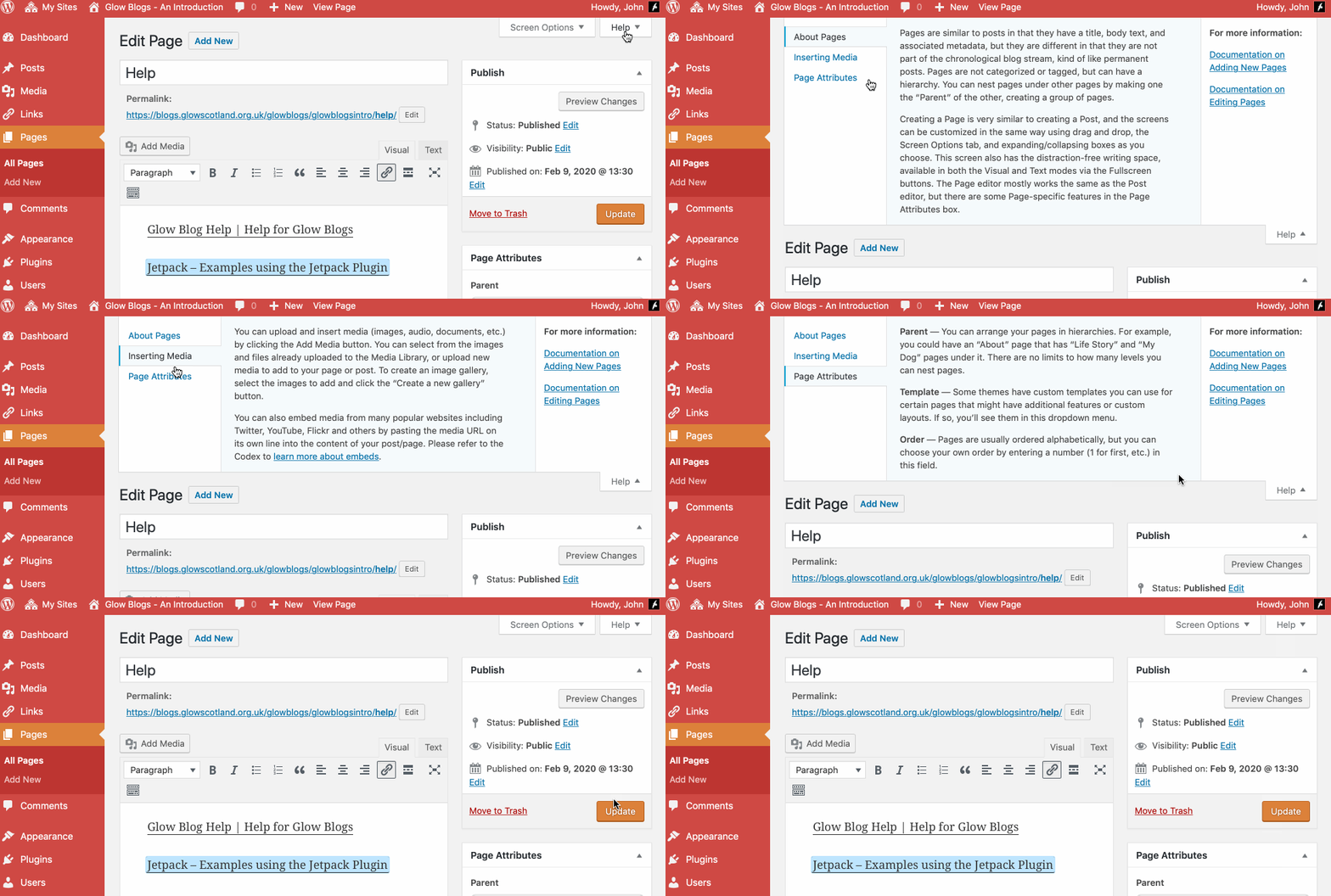
Remember WordPress has some really good built in help:

Hi Anne Marie,
Pending users are users who have not logged not glow blogs since the switchover.
They should have access to the blog when they do so.
If they try and cannot get access the blog you may have to raise a call through your Local Authority with RM. It is best to provide them with details of the blogs and usernames that have problems.
I want to make a blog, and when I click on the ‘glow blogs west lothian’ link, it comes up with:
Something has gone wrong. If this keeps happening, please contact support with the following, and how to re-create it:
Code: 16-1424443550
This happened today and yesterday, is it a problem with the system or is it just me?
Hi Jennifer,
It is a wee problem with your account. You need to raise a call through your Local Authority to the RM help desk. They will sort it out.