
The site is divided into a few main sections that can be accessed from the Menu.
Or Just search the main help articles:
The Site Map gives a one page overview of the help.
And you can see the Recent Changes listed together.
Latest News
-
Forms in the Block Editor
Update Autumn 2025 Jetpack forms do not work in the block editor. We have removed the blocks from the editor. You can now use a new Contact Form block, use the classic editor for a post or page with a contact form or a third party, google or O365 form. More information on our contact…
-
Add Users & Bulk Create blog problem
There is currently a problem with the system for adding users from a curriculum group from seemis. November 2024 Bulk Create Blogs is now working as expected. 27 Sep 2023 Add Users, Add Curriculum Groups is now fixed and working as expected. A fix is under way for Bulk Create Blogs and we expect it…
Read all the News on Glow Blog Help
Tip of the Day
An introduction to Glow Blogs
Other Help for Glow Blogs
Here are a few other sites you can find help on Glow Blogs on:
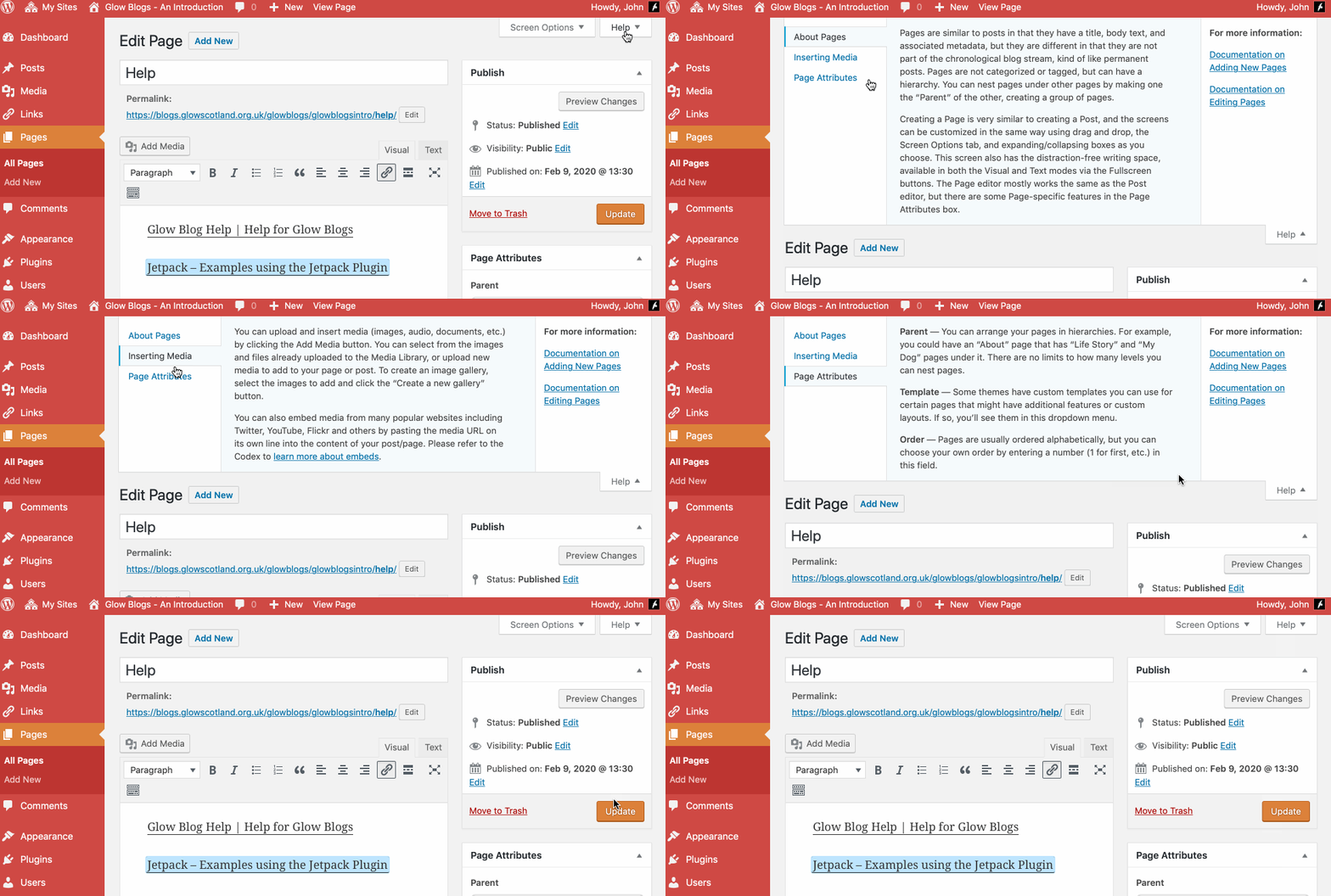
Remember WordPress has some really good built in help:

Hi,
I already have a glow blog that I made in my first year of school – I wish to change the design of it to make it more presentable for school. What I mean by this is I wish to change the blue and bubbled background and dark style of my blog to something neater. I was just wondering if it was possible to change the style of my blog and how I could do this. I am sorry if what I am trying to say is not very well explained anyway if you can help that’s great.
Thank you.
Charlotte Carey
Hi Charlotte,
You can change the style of your blog by changing the theme or using the options to customise the theme.
The theme can be changed in the Dashboard->Appearance section.
Some themes can be customised in Dashboard->Appearance->Theme options
others in Dashboard->Appearance->Customiser
You can get to the customiser from The Admin menu (black bar) at the top of your blog pages too.
We have used the Oxygen theme for our Blog site – we do not want the Leave a Reply on the home page – I have switched everything off in regards this that I can, but it displays these fields on the home page. Can this be remove completely as we would prefer it if no-one can use this, especially as it seems that posts can be put up with no control/authorisation for everyone to see. Thanks
Hi Christina,
If you have turned off discussions in Setting-> Discussions it does not change the status of existing posts or pages.
To do that you need to edit the post or page concerned. You may have to Open Screen Options at the top of the dashboard and check the box for Discussion to show the correct control.
More info:
https://blogs.glowscotland.org.uk/glowblogs/glowbloghelp/how-to/comments-wp4/
gw09johnstonjohn4@glowmail.org.uk if you have any problems.
Hi John
Thanks! Put the checkmark back on Discussions and found the option to remove comments – worked a treat!
Thanks again!
Christina
I would also like to get more info on e-portfolio. I am new to Glow but have some understanding of WordPress. Many thanks
Hi Christina,
We have several pages of information about e-Portfolios here:
https://blogs.glowscotland.org.uk/glowblogs/glowbloghelp/e-portfolios/
Including some screencasts.
These might help. If there is something not covered there you you need more information please get in touch. gw09johnstonjohn4@glowmail.org.uk