
The site is divided into a few main sections that can be accessed from the Menu.
Or Just search the main help articles:
The Site Map gives a one page overview of the help.
And you can see the Recent Changes listed together.
Latest News
-
The Block Editor and e-Portfolios
Glow blogs have had the ability to switch to use the new WordPress Blocks editor. There a few possible issues with using the Block Editor for e-portfolio blogs. Some blocks are not compatible with producing pdfs. We have listed some of the possible issues on the Block editor blog. Most of the problematic blocks are…
-
H5P Plugin
New to Glow Blogs the h5p plugin. This plugin allows you to create a wide variety of interactive content, From 360 tours to word searches, cloze procedures, quizzes and more. We have a blog with some more information to get you started: H5p examples H5P makes it easy to create, share and reuse HTML5 content…
Read all the News on Glow Blog Help
Tip of the Day
An introduction to Glow Blogs
Other Help for Glow Blogs
Here are a few other sites you can find help on Glow Blogs on:
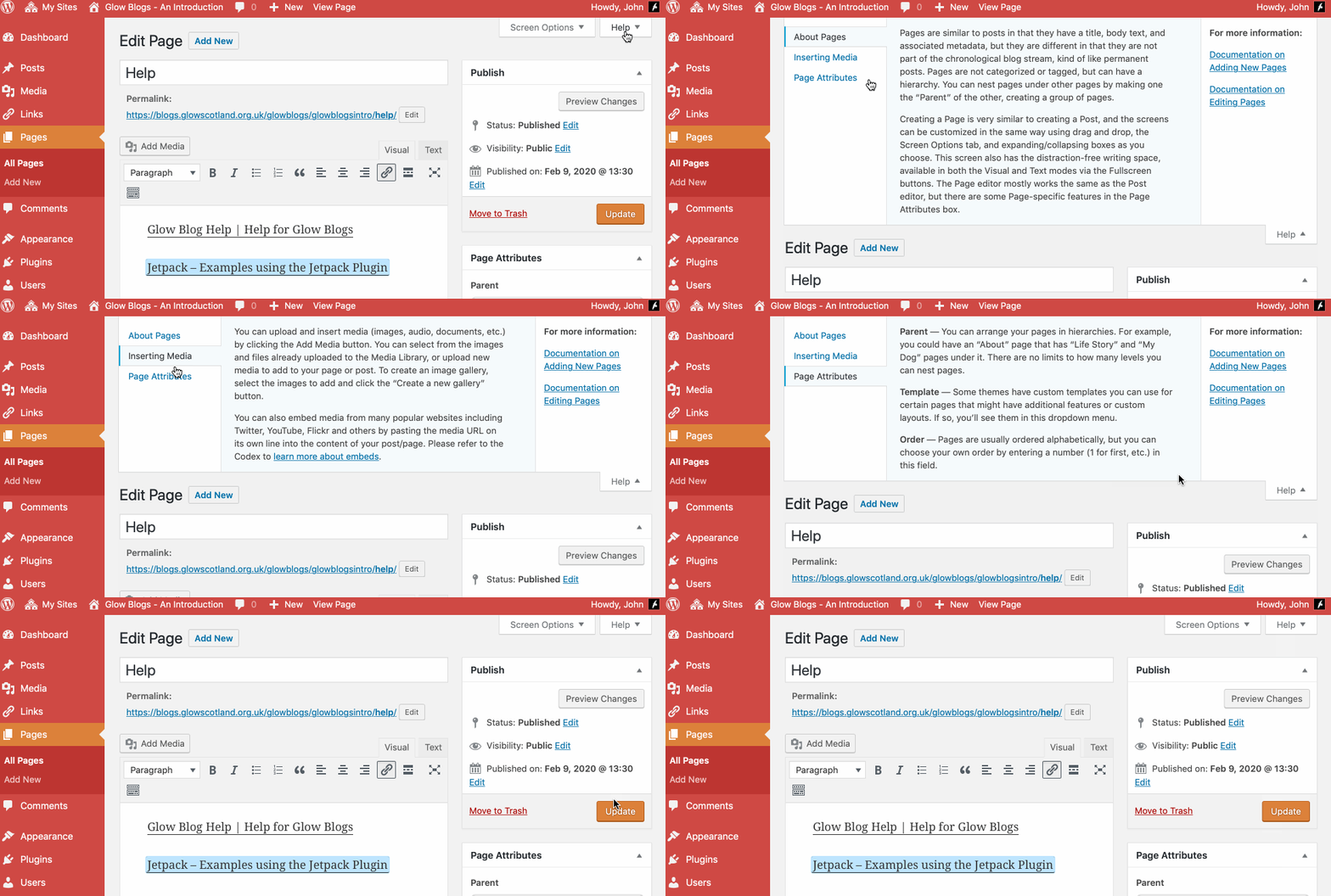
Remember WordPress has some really good built in help:

Hello, can the blog be used as an addition to the school website e.g. like a newsfeed within our current website or is it an entirely new website? Thank you
Hi Mrs Sutherland,
That depends on how your current website is set up. You can display a glow blog or the posts from a glow blog in an RSS feed widget on another glow blog or website that supports RSS. I’ll drop you an email to pick this up.
how doo I delete a blog?
Hi, there are details on this blog:
https://blogs.glowscotland.org.uk/glowblogs/glowbloghelp/how-to/deleting-a-site/
Which should let you delete a blog.
I’m trying to add users/author to a blog but I don’t appear to have a users link down the side of my dashboard. Also, how do I archive previous content?
Hi Simon,
You should have a Users link on your dashboard, can you send me a screenshot of what you do have?
WordPress, which Glow Blogs runs on does not really have a concept of archives. Archives just refer to the older posts listed by months (for example). What are you trying to achieve?
General updating a blog just pushes older content down and eventually off the front page.
You can delete older posts or pages if you don’t want them on the site anymore. Or you could set the posts or pages to pending review and then they would not be viewable by visitors.
I tried to send you an email but got a bounce from the one you used in the comment. If you email me I can give more details gw09johnstonjohn4@glowmail.org.uk