First you need to make sure the Jetpack plugin is activated and the shortcode module is turned on.
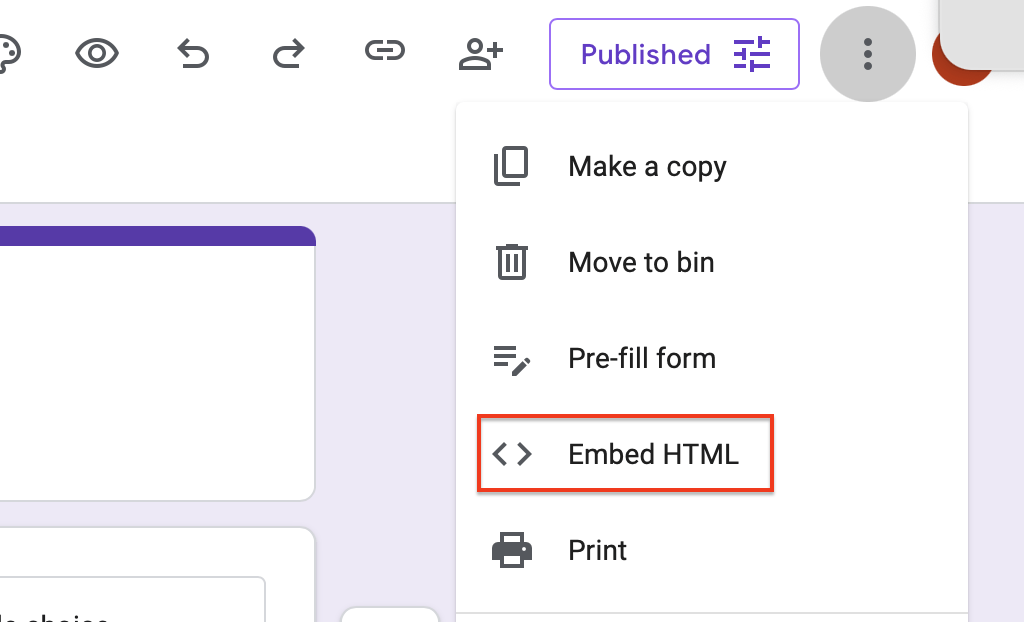
First get the embed code
You need to get the embed code for your google form. The form will need to be published and access given to everybody with a link.
Block Editor
If you are using the Block editor paste the code into a HTML block.
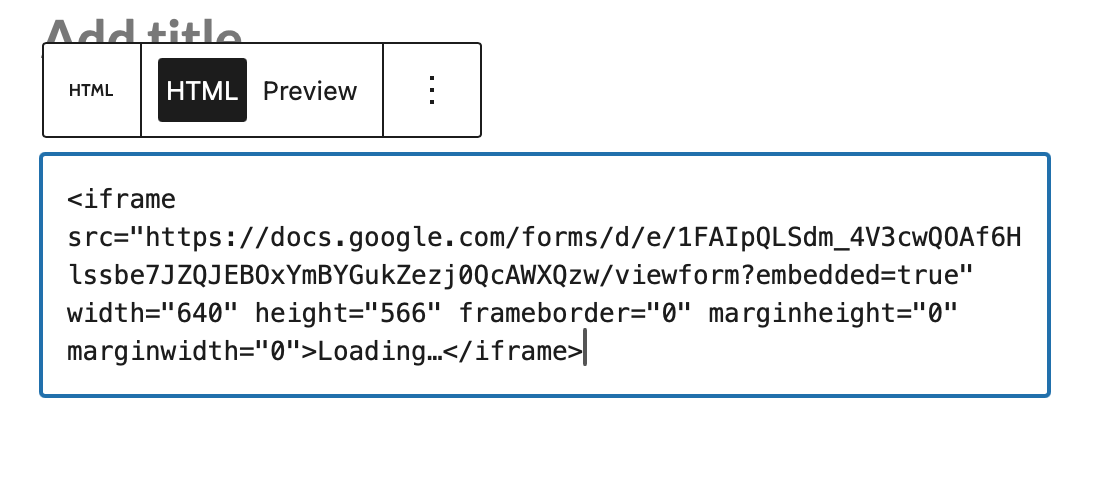
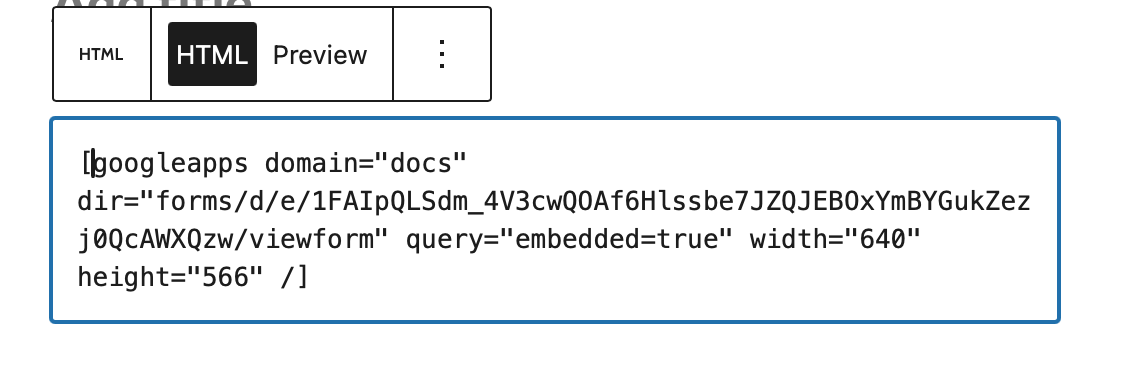
The Preview will show what the form will look like. After publishing the block will lokk like this:
Classic Editor
If you are using the classic editor, paste the embed code into the Editor, the editor must be switched to Text mode:
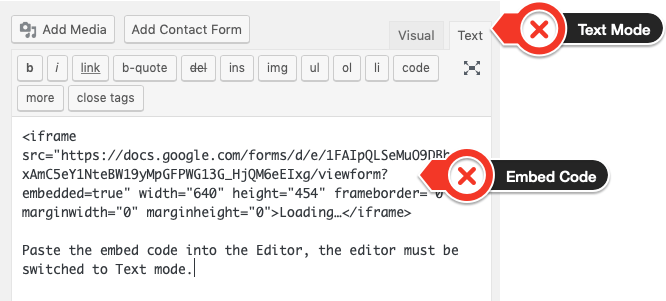
After saving the iframe will change into a shortcode: