
18 Jun 2026 Please read the Theme Retirement News if you are considering changing your theme.
You can change the way your blog appears and functions through Themes.
We have some tips on Testing and Changing Themes which will help in planning your change.
Glow Blogs supports 14 different themes. Most of these are standard WordPress themes. These Standard WordPress Themes are regularly updated.
As of May 2025, we have 4 themes that support Site Editing, Twenty Twenty-Two, Twenty Twenty-Three, Twenty Twenty-Four & Twenty Twenty-Five.
Currently we recommend choosing one of the standard WordPress themes, listed above.
We also have the Yoko, Agama Pro and the Make themes. These are third party themes with some different methods of customisation. We would advise you to think carefully before using one of these themes. See Theme Retirement News and Retiring Blogs Themes – Glow Connect for more information.
Recommendations
Themes are very much a personal preference.
For a straightforward blog/news type site, Twenty Sixteen, or Twenty Twenty Five are good choices. Twenty Sixteen is a classic theme and is edited via the customiser. Twenty Twenty Five is a block theme and changes to the theme are made through the site editor.
For a more complex site, for a school or resource sharing site, a lot of sites use the old Twenty Fourteen theme. It is still a good choice. If you are happy learning to use the Site Editor we would recommend the Twenty Twenty-Five theme with Site Editing.
The Site Editor allows you to design the entire site including the header, footer, and everything in between, with blocks. It gives you greater control over how your site looks.
When you set up a new blog it has the theme Twenty Twenty Five applied as standard. If you choose the Classic Editor on the Create a site page it will set the Twenty Fourteen theme. You can change theme and editors at any time. We would recommend at least trying the Block Editor even if you use a classic theme.
Changing Themes
Changing themes can change a lot about your site, especially going from classic themes to block theme or vice versa.
Widgets in Classic: If you are switching themes you may lose any widgets you have set up. You can save the content of these widgets by dragging them to the Inactive Widgets section of the Widgets area of the dashboard before you change theme. If you are changing to a Block Theme, it will not have a widget area. You can still add widgets to the Templates.
Menus: You may also have to place you menus after switching theme. Your menus will be the saved but they will not appear on the blog until you set their location, or convert them in a Block Theme.
Managing Themes
Themes can be managed via the Theme section of the dashboard or via the Customizer. We cover the dashboard method below.
Themes are managed from the Theme page of the Appearance section of the dashboard [1].
This page shows the current theme [2] and Thumbnails of all of the other themes. You can Preview each theme and activate them from the links under each thumbnail. clicking on the thumbnail will preview that theme[3].
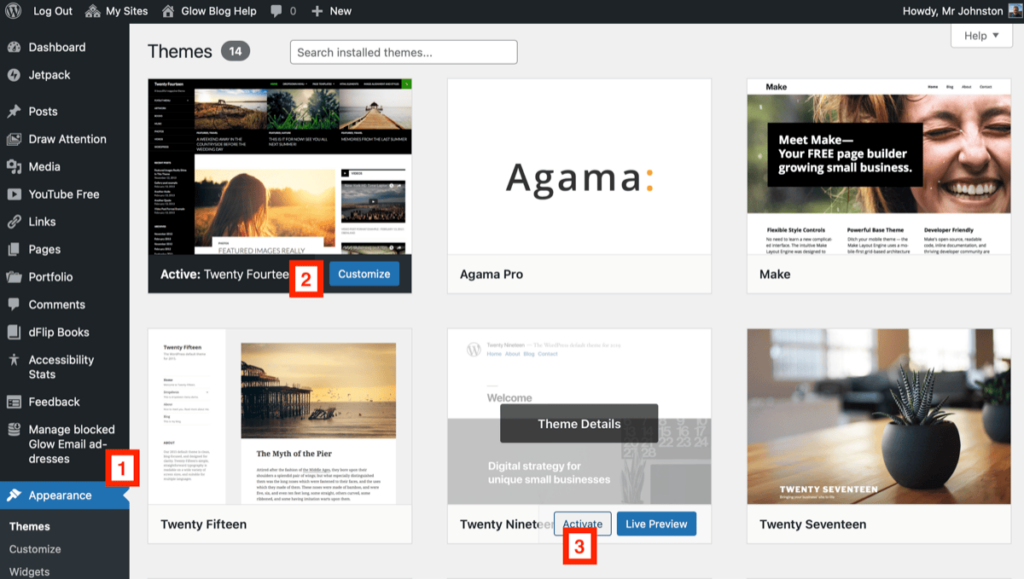
Example of some themes.
Jetpack – Examples using the Jetpack Plugin The JetPack Blog uses the TwentyFifteen theme.
TwentySeventeen – An Example Glow Blog The TwentySeventeen theme supports Video headers, multiple sections on the front page as well as widgets, navigation and social menus, a logo, and more.
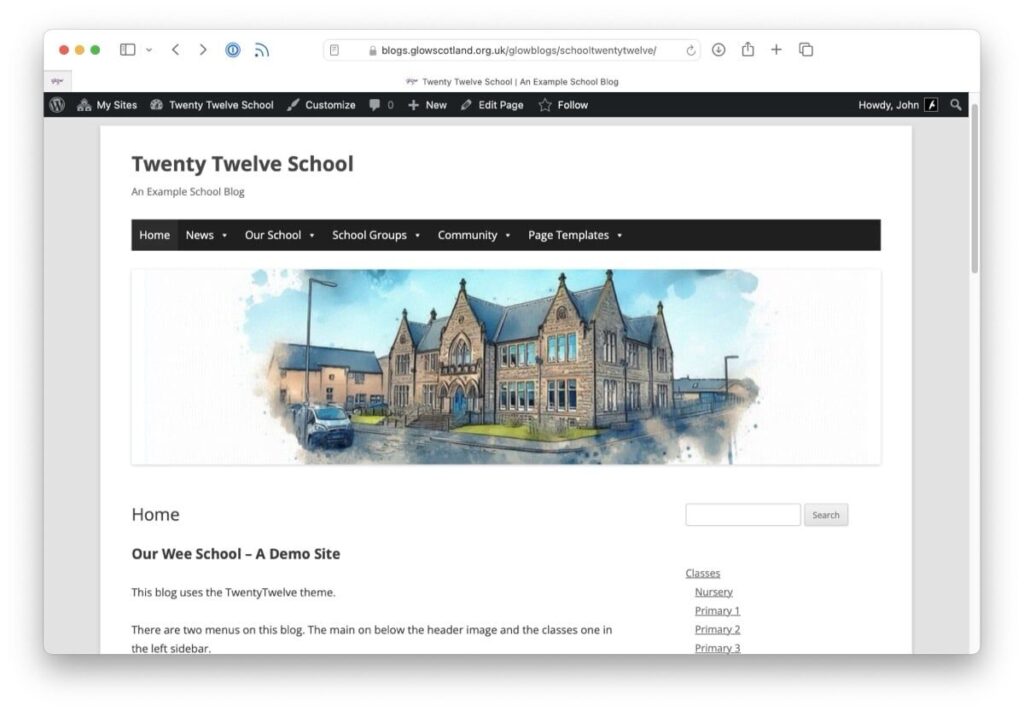
Example School Sites links to a few example blogs using different themes and different features of some of those themes.
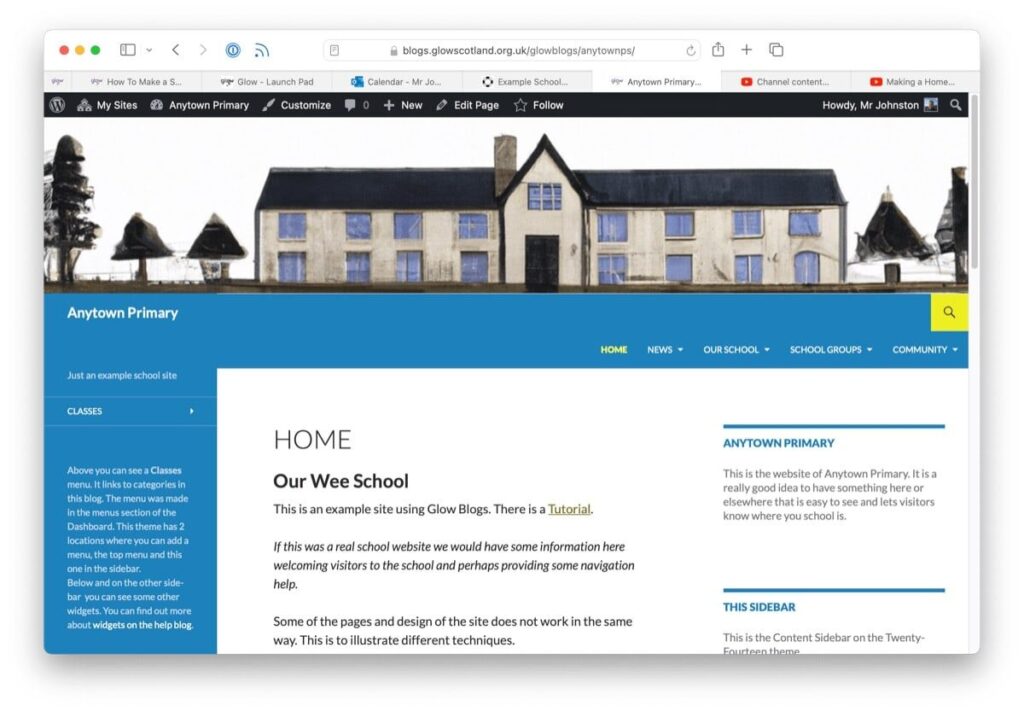
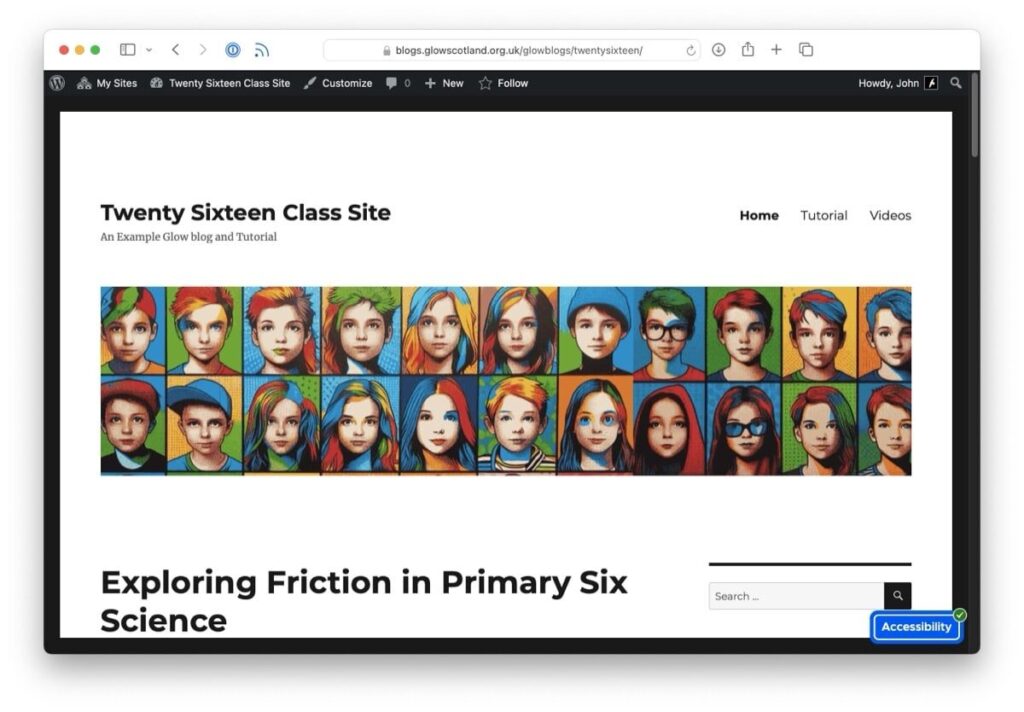
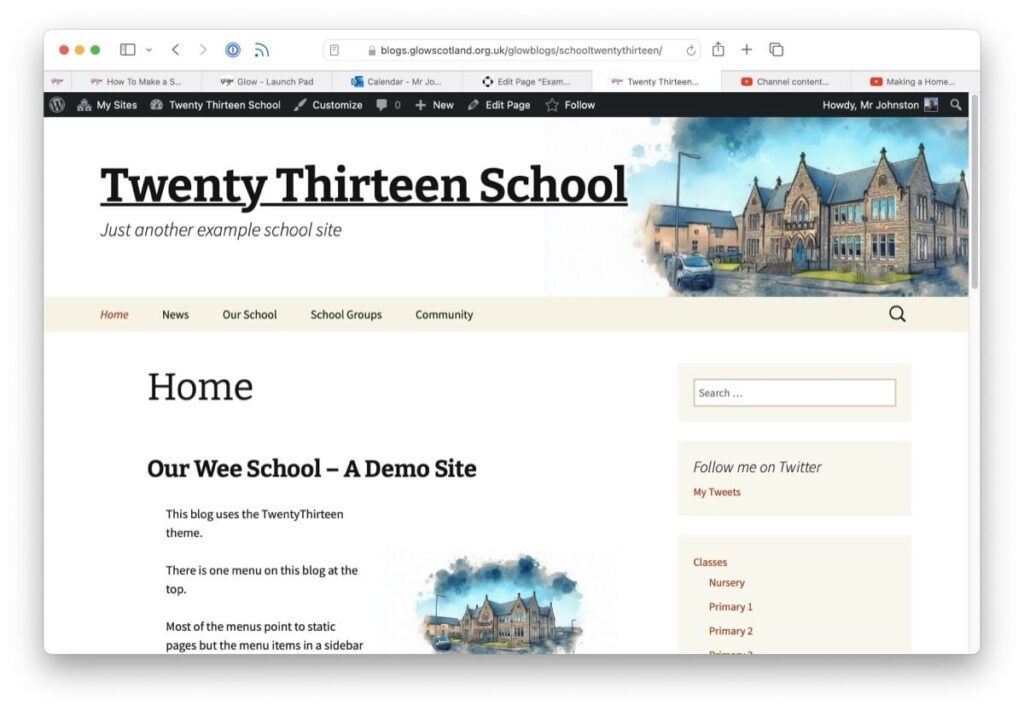
If you need to customise your theme and are willing to learn or use CSS the Custom CSS page on the jetpack blog might help.