
The site is divided into a few main sections that can be accessed from the Menu.
Or Just search the main help articles:
The Site Map gives a one page overview of the help.
And you can see the Recent Changes listed together.
Latest News
-
Language packs
You can now set the language for the Dashboard for your blog. Settings-> General Scroll down to the Site Language choose a Language and save: Here is what the new post page looks like in Gaelic or Gàidhig And in Chinese: Note not all parts of the interface have translations, for example the Jetpack plugin…
Read all the News on Glow Blog Help
Tip of the Day
An introduction to Glow Blogs
Other Help for Glow Blogs
Here are a few other sites you can find help on Glow Blogs on:
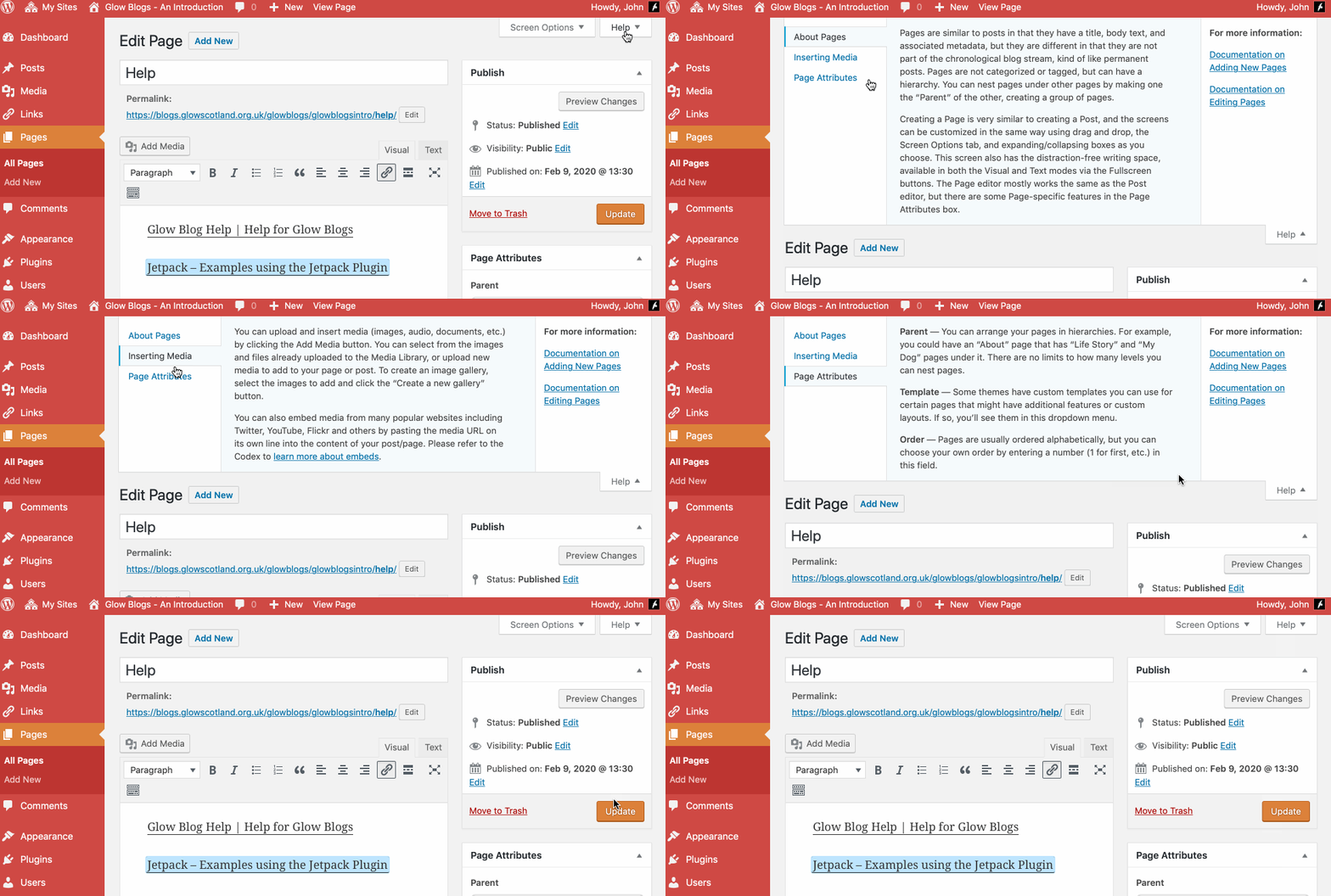
Remember WordPress has some really good built in help:

Hi, I would really like to start getting parents involved in looking at our class blog and leave comments on the work the pupils have been doing. Is there a way this can be done? Possibly using the pupils’ glow e-mail addresses to comment from home?
Thanks
Dora
Hi Dora,
Your parents should be able to post comments using their own (any) email address if you blog is public and you allow comments.
Hello,
I have a lot of blog sites associated with my username – gw09wadleyjennifer. I would like to organise these into classes for our pupils. How do I do this? I would also like to delete the sites of the pupils that have left our school. How do I do this?
Thanks
Jennifer
Hi Jennifer,
You can added users to each of your class blogs. The is information on how to do this on the Adding users, setting roles page.
You cannot currently remove yourself from a blog, so blogs you are a memeber of will stay on your My Sites page. To remove these you will need to get the pupils, if they are admins to remove you. Or you can delete the sites completly: delete a site.
Drop me an email, gw09johnstonjohn4@glowmail.org.uk if you need more information or I have misunderstood your questions.
Good afternoon,
A colleague is receiving this message when they try to open the blogs from the tile. They are able to get in if they follow a direct link I sent them.
Something has gone wrong. If this keeps happening, please contact support with the following, and how to re-create it:
Code: 26-1440503162″
Any help greatly appreciated.
Hi Stephen,
These need to be reported through your Local Authority contact to the RM help desk. They will want the username, url and the code you have posted here. I’ll be in touch via email too.