
The site is divided into a few main sections that can be accessed from the Menu or search:
Or Just search the main help articles:
The Site Map gives a one page overview of the help.
And you can see the Recent Changes listed together.
Latest News
-
Blogs Back Online
As a precautionary measure, the Glow Blogs platform was temporarily taken offline. This decision was made to allow our technical team to apply urgent security updates to protect the platform. These updates address recently discovered vulnerabilities in PHP – the foundational programming language that acts as the “engine” behind the scenes to make our WordPress…
-
Building Advanced H5P Learning Experiences webinar
Building Advanced H5P Learning Experiences webinar
Read all the News on Glow Blog Help
Latest Tip
-
Bulk Editing Posts and Pages
Sometimes in Glow you want to edit some aspects multiple posts or pages. There are some tools in the Dashboard to help you. This might be useful when you want to delete many posts, add tags or categories and more. Posts You can bulk edit a selection of posts on the Posts Screen of the…
Latest FAQ
-
Editor & Theme Choices
When you create a new Glow Blog you choose the editor you would like to be set as default. This also set the theme. Both can be easily changed at any time.
An introduction to Glow Blogs
Other Help for Glow Blogs
Here are a few other sites you can find help on Glow Blogs on:
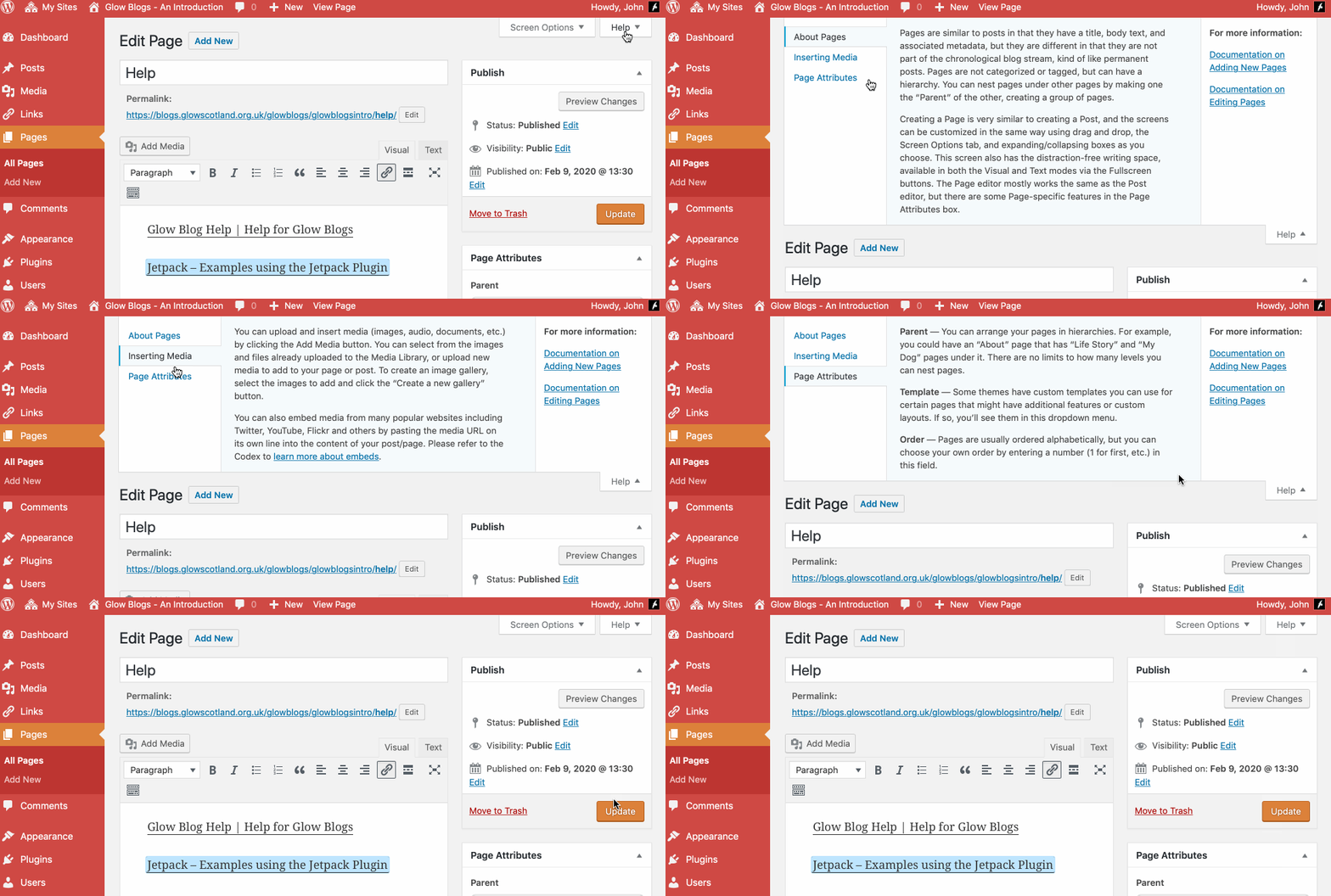
Remember WordPress has some really good built in help:

Hi John,
Just wondering if there was an option to add in the facility for readers to subscribe to a blog with their email address so they are emailed when a new post has been placed on the blog? Know this can be done through other blogging sites such as Blogger but not found any info on this for this version of blogs. Any help greatly appreciated!
Hi Craig,
Not easily. Feedburner used to be a way of doing this, but Feedburner has languished since being bought over by google and does not support sites that use https.
Another third party service is mailchimp http://mailchimp.com/features/rss-to-email/
I’ve not used it or set it up but it may be worth exploring.
Hi John
We are currently looking at using Glow Blogs to facilitate e-portfolios in our school and would like to create our own standard theme with already prepared settings for pupils to use. How can I create a new theme, or modify and existing theme, and save that in such a way that pupils will be able to select this theme for use as their own personal e-portfolio.
Hi Raymond,
You cannot install/create a new theme or modify an existing one (beyond customising an individual theme either via that theme’s options or via css with the Jetpack. This would not meet your needs.
Currently many LAs and even a few school have a custom theme for e-portfolios. There were developed by Education Scotland. These themes have become difficult and expensive to maintain. We will shortly be starting work on a new e-portfolio plugin that should improve that experience and remove the need for a specifc theme for use as an eportfolio.
Hello,
I have 2 questions:
1) Is it possible to add some metatags, so people who google the school can find our public blog?
2) Is it possible to upload plugins or can we only use the ones provided?
Thanks for your help
Ursula
Hi Ursula,
1. Currently it is not possible to add metatags. We would have to add a plugin to handle that.
2. In a WordPress multisite it is not possible for blog admins to add plugins. Plugins have to be added centrally and require a code release. The plugins would need to be tested for functionality, performance and security.
If there are particular plugins you need please get in touch, ideally through your Glow Key Contact. We can’t promise anything but do have regular releases which have added some plugins and themes.