
The site is divided into a few main sections that can be accessed from the Menu.
Or Just search the main help articles:
The Site Map gives a one page overview of the help.
And you can see the Recent Changes listed together.
Latest News
-
Glow Blogs Adding Users improvements
We have made some improvements to the Add users process. It is still best to use the main “Add Curricular Groups” screen and select L.A. then School then class lists. This does need Seemis to be up to date for the school. This process is described in the Add users, Set Roles page. Add Users…
-
Glow Blogs Start of Session FAQ 2022
A few quick tips that might help at the start of this new session. Forgotten username or password Your RM Unify Admin, who may be in your establishment or Local Authority will be able to help. I need to access a blog where I do not have a role. For example you have moved school.…
Read all the News on Glow Blog Help
Tip of the Day
An introduction to Glow Blogs
Other Help for Glow Blogs
Here are a few other sites you can find help on Glow Blogs on:
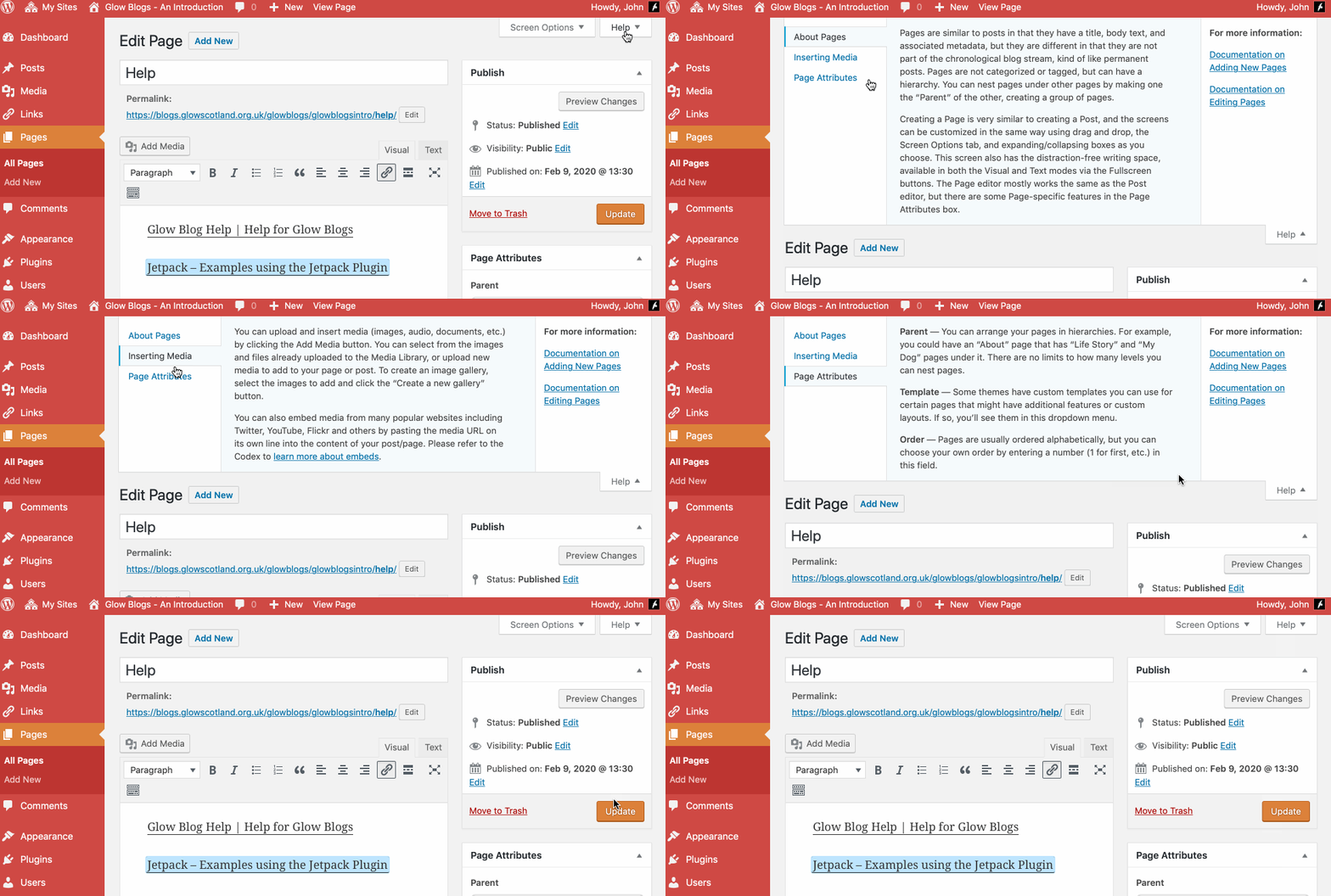
Remember WordPress has some really good built in help:

Hi, John.
I have been asked to help my school revive a blog I set up before I retired a couple of years ago. Could you remind me whether that blog can still be edited or will it have been it archived?
If it has been archived could I use the WordPress import function to copy the content into a new blog?
Thanks
Lesley
Hi Lesley,
The blog should still be there and anyone with an admin account on it should be able to edit it.
If it had been archived it should be able to be re-activated.
I’ll drop you an email.
Is there a way to share this blog? I have the privacy setting to “public” but can’t seem to find it outwith the GLOW space. Can I link it to the school website (also wordpress) or should it be available if googled? What is the actual blog website?
Hi Julie,
If the blogs is public you can share the link and folk can visit the site.
You can of course copy the url from your browser address bar.
Like any other site it may take a bit of time and traffic before google lists the site and it gets to the first page of search results.
Hi John
The Blog is looking great and I would really to share it with the Glow Community.
Please can you guide me though doing this.
I would love to to be on the ‘Latest Updates’ list so users can go directly to it.
I don’t have a clue where to start.
Thank you.
Sarita
Hi Sarita,
Hi Sarita,
Thanks for your comment. I’ll try and answer there as best I can, but I am not sure exactly what you mean?
Is you blog a glow blog?
Is it public?
It then should appear on the latest updates page automatically.
If this is not happening could you send me the full url to the blog.