
The site is divided into a few main sections that can be accessed from the Menu.
Or Just search the main help articles:
The Site Map gives a one page overview of the help.
And you can see the Recent Changes listed together.
Latest News
-
Getting Help with Glow Blogs
During the times of School Closure many schools are using Glow. Blogs are particularly suited publishing news and information in a timely fashion and one of the easiest ways to post public information that does not need a log on to. The recent infrastructure changes make Glow Blogs a more robust platform too. If you…
-
Glow Blogs Theme Retirement
The themes made unavailable in December will be retired completely on the 30th of January along with themes that were removed from the theme picker in 2015. Removal of old and unmaintained themes will allow us to update Glow Blogs and keep blogs secure. If your blog uses on of the old themes, it will be automatically…
Read all the News on Glow Blog Help
Tip of the Day
An introduction to Glow Blogs
Other Help for Glow Blogs
Here are a few other sites you can find help on Glow Blogs on:
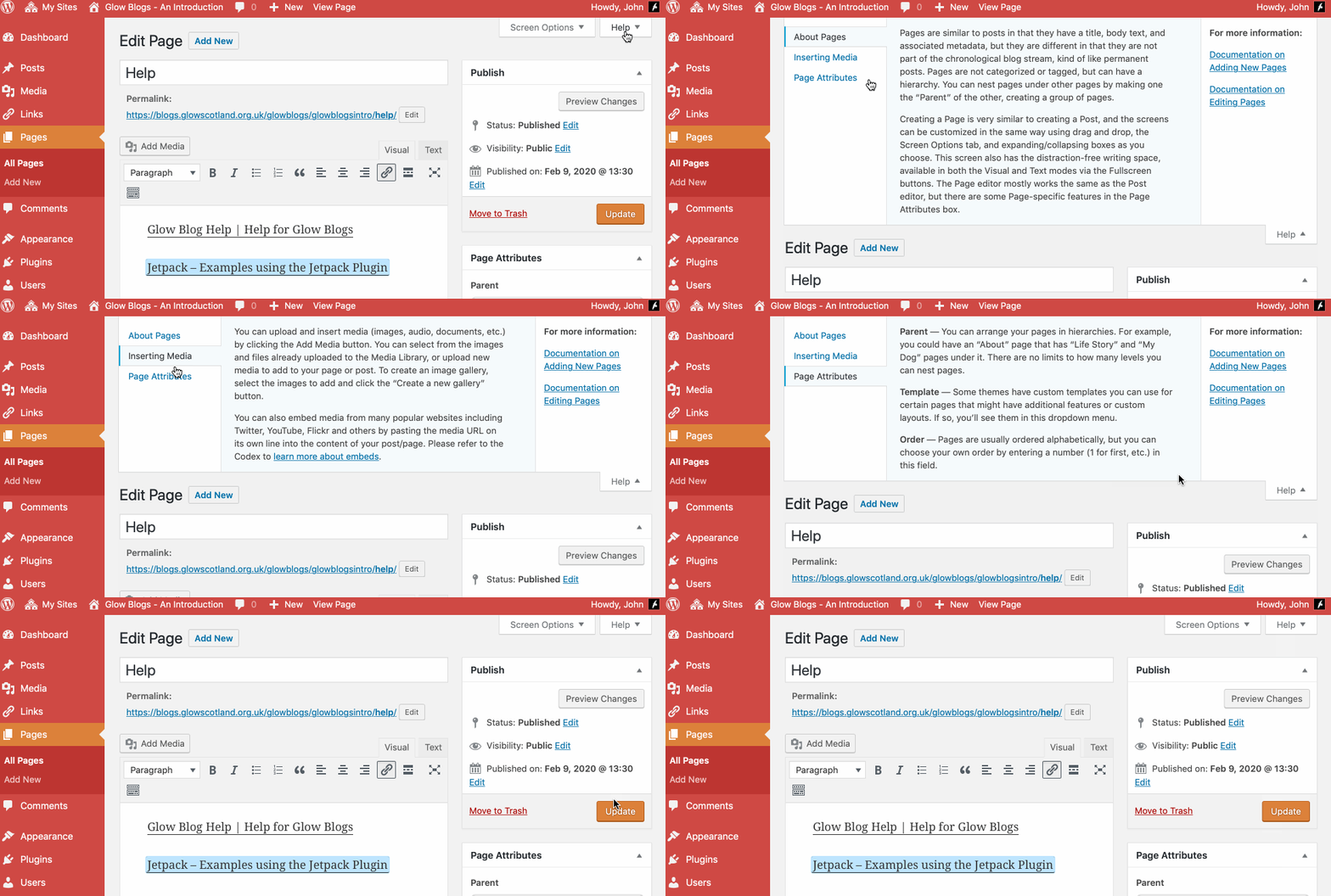
Remember WordPress has some really good built in help:

Can you advise how, having created blog, I can have it accessible through Glow? I have no idea how to access privacy settings as told to do.
Hi Gerald,
On your blog hover the mouse over the name of the blog in the Admin bar (The black bar at the top of the site you see when logged in).
Click Dashboard
When that dashboard open:
hover over Settings and Choose Reading.
The settings are there.
Glow Blogs Privacy & Settings
Hi John
Thank you for your support with my blog. I have managed to import it and it is up and running.
Hope you enjoy looking at it.
Thanks again
Sarita
How do I delete existing blogs that are now defunct ?
Also if creating a new class blog would this be done through the LA Blog tile on the launch pad?
Hi,
To delete a blog:
Log on to the dashboard.
Check you have a working email address in Settings->General.
Go to Tools->Delete a Site
Check the box to say you know you cannot get your blog back.
Click Delete Site.
You will receive an email with a link. This will confirm deletion.