
The site is divided into a few main sections that can be accessed from the Menu.
Or Just search the main help articles:
The Site Map gives a one page overview of the help.
And you can see the Recent Changes listed together.
Latest News
-
WordPress Update
Glow Blogs have been updated from WordPress 4.7 to 4.8.2 The main features in this update: New Widgets There are new Text, Image, Audio & Video widgets More details and examples. Improvements to adding links Adding and editing links is now a better process. See the Version 4.8 on WordPress Codex for more details.
-
PDF upload problem – Fixed
We have had reports with a problem uploading PDF files to Glow Blogs. This issue is now fixed, here is an example 3 page PDF uploaded to blogs: Test PDF file PDFs that are uploaded to blogs are linked to the image thumbnails of the pdf. This looks like the first page of the pdf. The…
Read all the News on Glow Blog Help
Tip of the Day
An introduction to Glow Blogs
Other Help for Glow Blogs
Here are a few other sites you can find help on Glow Blogs on:
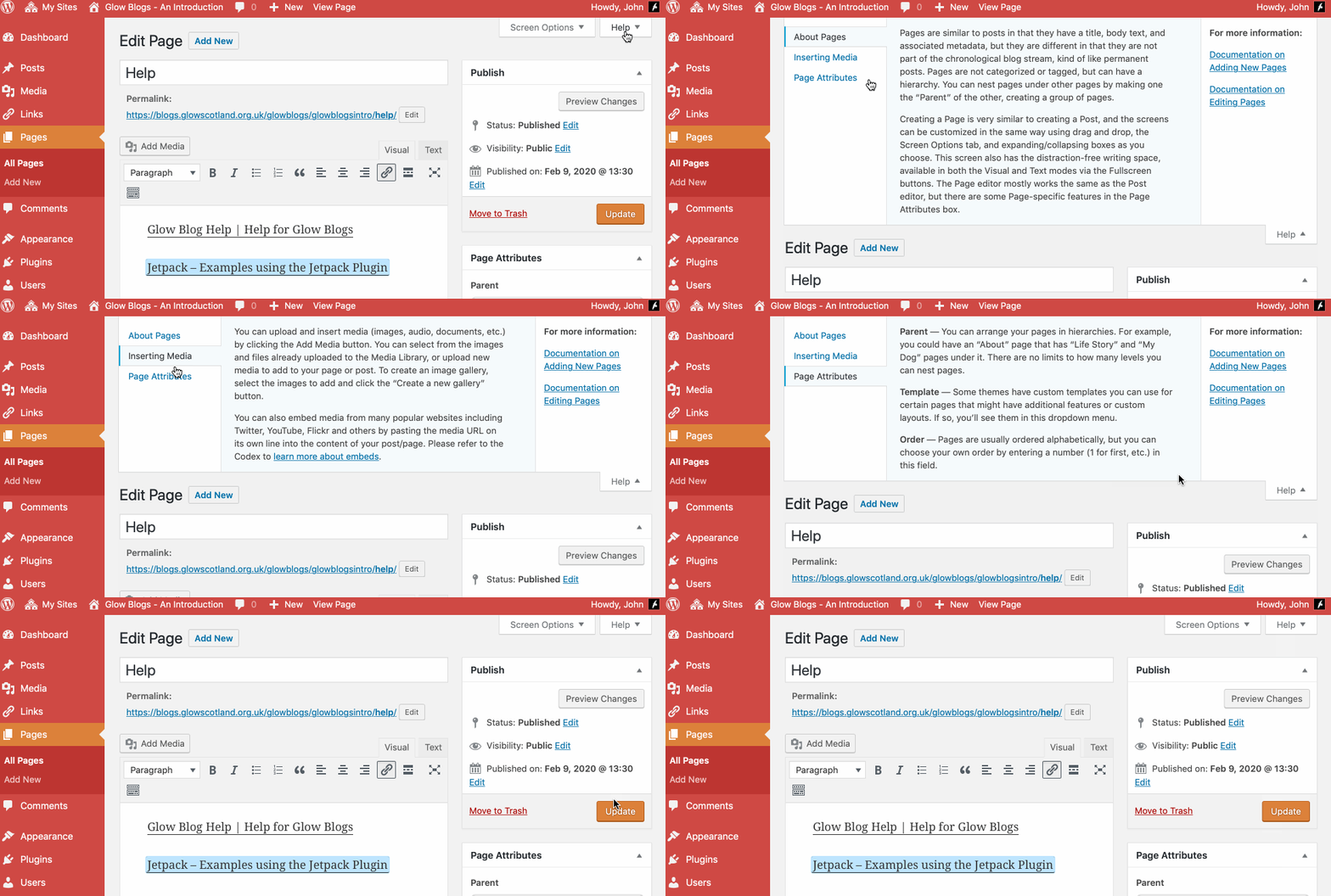
Remember WordPress has some really good built in help:

Hello, can the blog be used as an addition to the school website e.g. like a newsfeed within our current website or is it an entirely new website? Thank you
Hi Mrs Sutherland,
That depends on how your current website is set up. You can display a glow blog or the posts from a glow blog in an RSS feed widget on another glow blog or website that supports RSS. I’ll drop you an email to pick this up.
how doo I delete a blog?
Hi, there are details on this blog:
https://blogs.glowscotland.org.uk/glowblogs/glowbloghelp/how-to/deleting-a-site/
Which should let you delete a blog.
I’m trying to add users/author to a blog but I don’t appear to have a users link down the side of my dashboard. Also, how do I archive previous content?
Hi Simon,
You should have a Users link on your dashboard, can you send me a screenshot of what you do have?
WordPress, which Glow Blogs runs on does not really have a concept of archives. Archives just refer to the older posts listed by months (for example). What are you trying to achieve?
General updating a blog just pushes older content down and eventually off the front page.
You can delete older posts or pages if you don’t want them on the site anymore. Or you could set the posts or pages to pending review and then they would not be viewable by visitors.
I tried to send you an email but got a bounce from the one you used in the comment. If you email me I can give more details gw09johnstonjohn4@glowmail.org.uk