
The site is divided into a few main sections that can be accessed from the Menu.
Or Just search the main help articles:
The Site Map gives a one page overview of the help.
And you can see the Recent Changes listed together.
Latest News
-
Glow Blogs Theme Retirement
As we work on improving and upgrading Glow Blogs some of the themes currently in use are not compatible with newer versions of WordPress. These are going to be retired, first made unavailable in the theme picker from Tuesday 17th December and next year removed from Glow Blogs altogether. Glow Key Contacts will be receiving advice. More…
-
Jetpack sharing IE 11 Bug
We have discover a small issue with the Jetpack sharing module on Glow Blogs. If Facebook and Twitter are selected to hide behind the share button they don’t show in IE11 it doesn’t work with Official buttons so the other option needs selected or they have to be shown individually. We use the Icon Only…
Read all the News on Glow Blog Help
Tip of the Day
An introduction to Glow Blogs
Other Help for Glow Blogs
Here are a few other sites you can find help on Glow Blogs on:
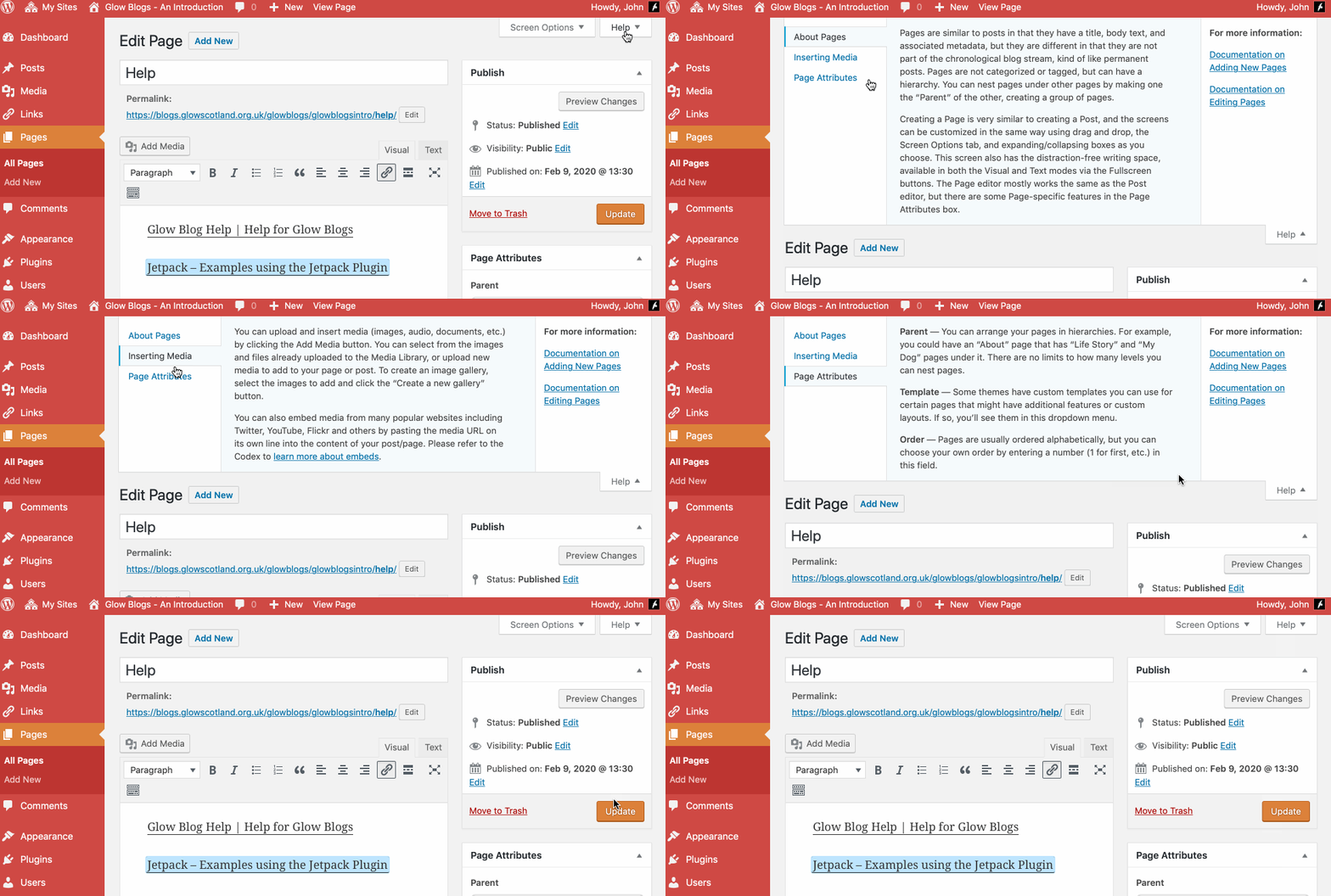
Remember WordPress has some really good built in help:

Hi John,
Just wondering if there was an option to add in the facility for readers to subscribe to a blog with their email address so they are emailed when a new post has been placed on the blog? Know this can be done through other blogging sites such as Blogger but not found any info on this for this version of blogs. Any help greatly appreciated!
Hi Craig,
Not easily. Feedburner used to be a way of doing this, but Feedburner has languished since being bought over by google and does not support sites that use https.
Another third party service is mailchimp http://mailchimp.com/features/rss-to-email/
I’ve not used it or set it up but it may be worth exploring.
Hi John
We are currently looking at using Glow Blogs to facilitate e-portfolios in our school and would like to create our own standard theme with already prepared settings for pupils to use. How can I create a new theme, or modify and existing theme, and save that in such a way that pupils will be able to select this theme for use as their own personal e-portfolio.
Hi Raymond,
You cannot install/create a new theme or modify an existing one (beyond customising an individual theme either via that theme’s options or via css with the Jetpack. This would not meet your needs.
Currently many LAs and even a few school have a custom theme for e-portfolios. There were developed by Education Scotland. These themes have become difficult and expensive to maintain. We will shortly be starting work on a new e-portfolio plugin that should improve that experience and remove the need for a specifc theme for use as an eportfolio.
Hello,
I have 2 questions:
1) Is it possible to add some metatags, so people who google the school can find our public blog?
2) Is it possible to upload plugins or can we only use the ones provided?
Thanks for your help
Ursula
Hi Ursula,
1. Currently it is not possible to add metatags. We would have to add a plugin to handle that.
2. In a WordPress multisite it is not possible for blog admins to add plugins. Plugins have to be added centrally and require a code release. The plugins would need to be tested for functionality, performance and security.
If there are particular plugins you need please get in touch, ideally through your Glow Key Contact. We can’t promise anything but do have regular releases which have added some plugins and themes.