
The site is divided into a few main sections that can be accessed from the Menu.
Or Just search the main help articles:
The Site Map gives a one page overview of the help.
And you can see the Recent Changes listed together.
Latest News
-
Glow Blogs YouTube tutorials by @donaldfeist
Glasgow Teacher Donald Feist (@donaldfeist) is producing some YouTube help videos on Glow Blogs. Glow Blogs Tutorial – YouTube Playlist. Want to know how and why we use Glow Blogs as an incredible classroom resource? Look no further! This short series is on how to create your own Glow Blog for the classroom. This is…
-
Glow Blogs Update September
Glow Blogs has just had a small update which included: Speeding up the loading of the Local Authority Home pages. Add the ability to add O365 Forms, Office Mix and Stream. You can embed all of these by pasting the URL into the post editor. No need to copy the embed code. Example Form: Screenshot…
Read all the News on Glow Blog Help
Latest Tip
-
Add to Your Phone’s Home Screen
This is a really useful tip to share parents and others who want to follow your Glow Blog site. A one-tap access to the site, just like an app, so you never miss important updates.
Random Tip
An introduction to Glow Blogs
Other Help for Glow Blogs
Here are a few other sites you can find help on Glow Blogs on:
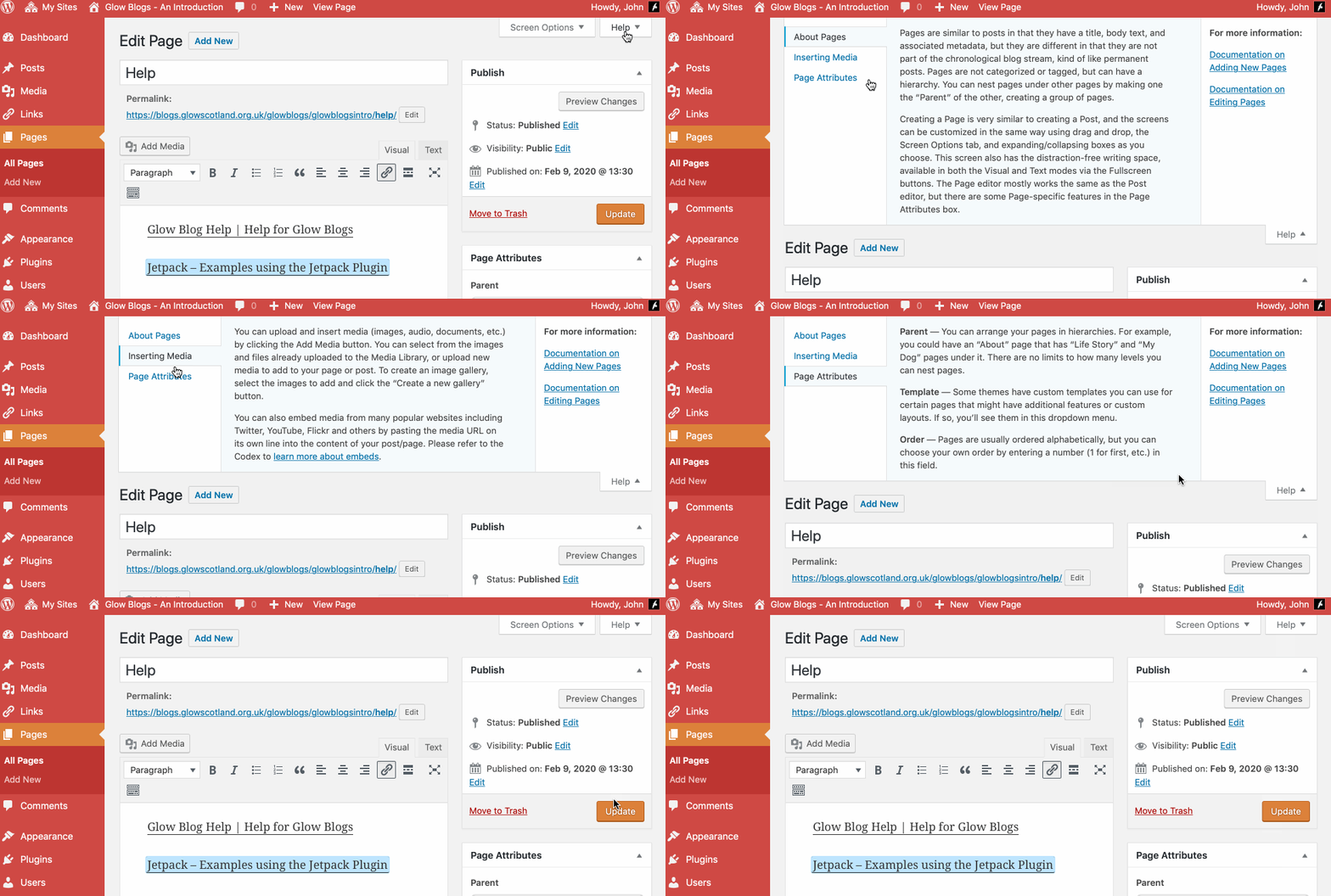
Remember WordPress has some really good built in help:

I have created a website using Glowblogs and would like to share it with a colleague as we finalise the content before making it accessible to others.
I have added them as a User but the site is not showing in their MySites. WHat have I done wrong?
Hi,
Hard to say without seeing the site. I’ll drop you an email. We do have some tips here:
https://blogs.glowscotland.org.uk/glowblogs/glowbloghelp/portfolio/sorting-out-access-problems/
Cheers
John
Test received and responded to
Hi. How do I find out who created test glow blog item “Palestine at the Time of Jesus Religion and Romans”. It’s full of mistakes!
Glow Blogs are blogs for Scottish Education. They contain content from all over Scotland. You would need to contact the owner of the blog that the content is published on and discuss it with them.