We have updated Glow Blogs to WordPress 6.9.4
This upgrade focuses on collaboration, editing improvements, new blocks, accessibility, and performance. Here are the main changes. We have put then in a new accordion block, so click the headings to expand each section and find out more.
A new accordion block lets you create expandable/collapsible sections without plugins. Good for FAQs, long pages, or menus. We have used this block to show you the update information. Read more about The Accordion Block on the Blocks Blog.
Example
A stretchy heading fills the available space. There is a stretchy paragraph block too:
This is stretchy and fills the space.
We would recommend typing a paragraph and then transforming that to stretchy. More information on the Blocks Site.
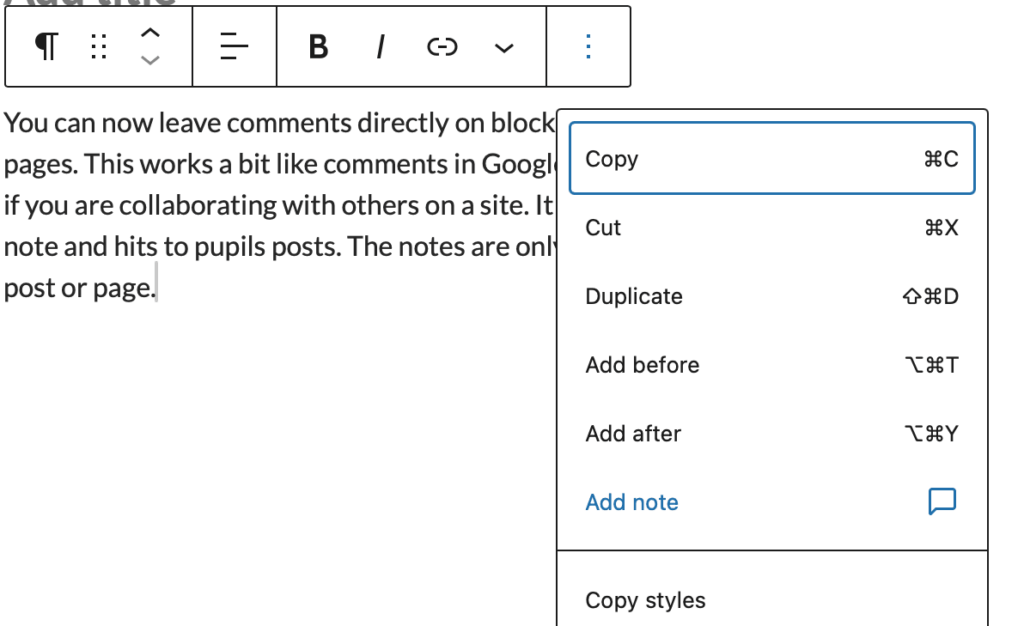
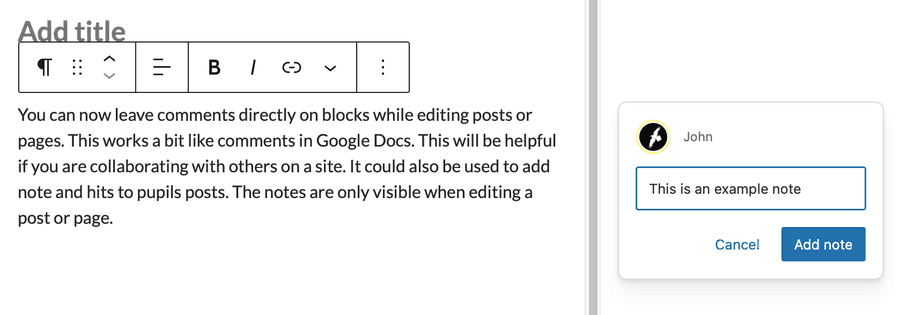
You can now leave comments directly on blocks while editing posts or pages. This works a bit like comments in Google Docs. This will be helpful if you are collaborating with others on a site. It could also be used to add note and hits to pupils posts. The notes are only visible when editing a post or page.
You add a note from the ellipses on a block toolbar.
The Block appears in the side bar.
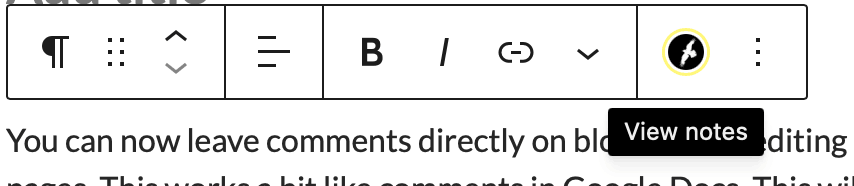
Block with notes attached show a users icon.
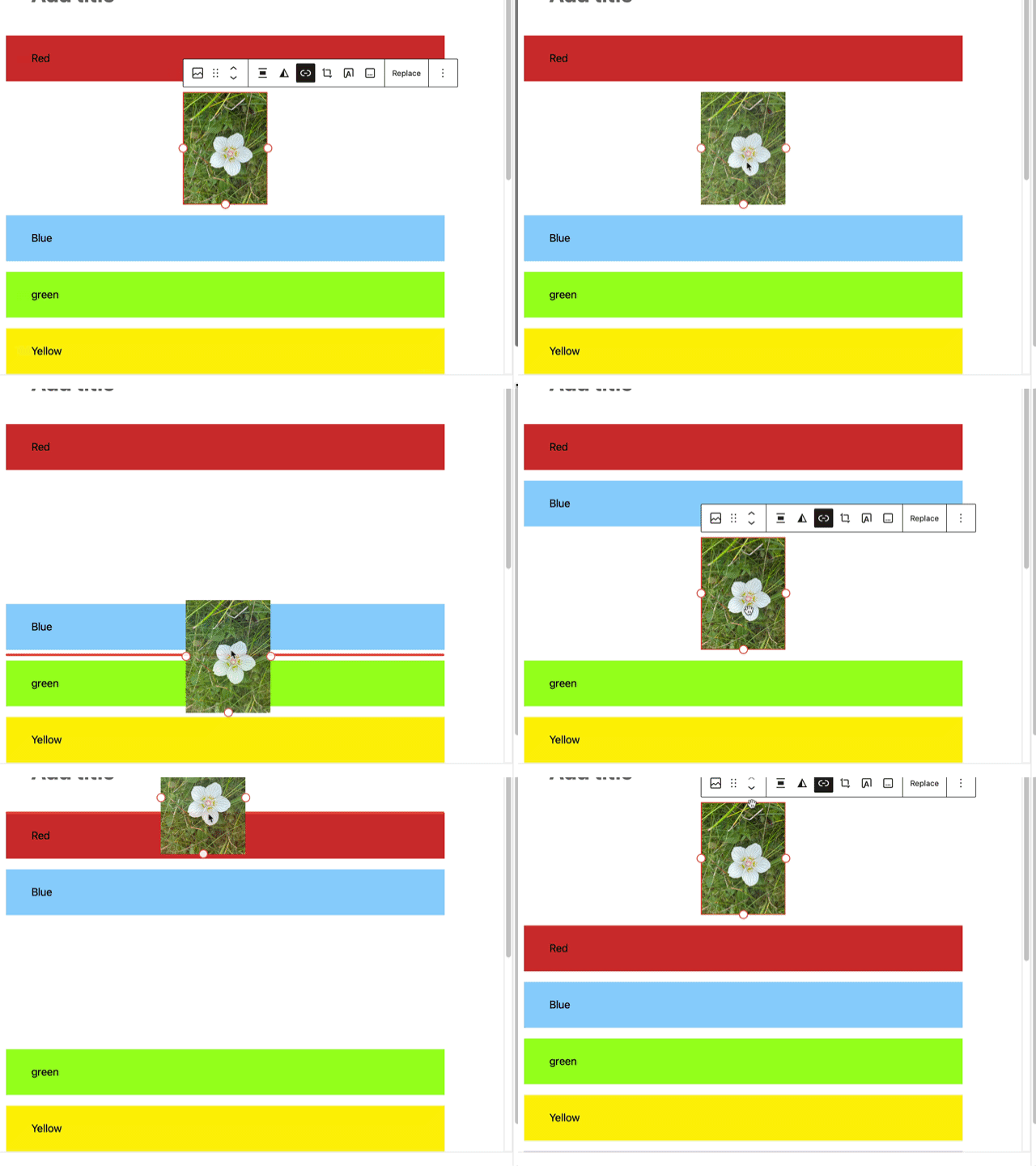
Moving blocks around is now more visual, with clearer drag handles and live previews while dragging content. This makes layout editing feel smoother and more predictable.
Gallery blocks can now enforce a consistent aspect ratio across images, helping galleries look tidier without manual image cropping.
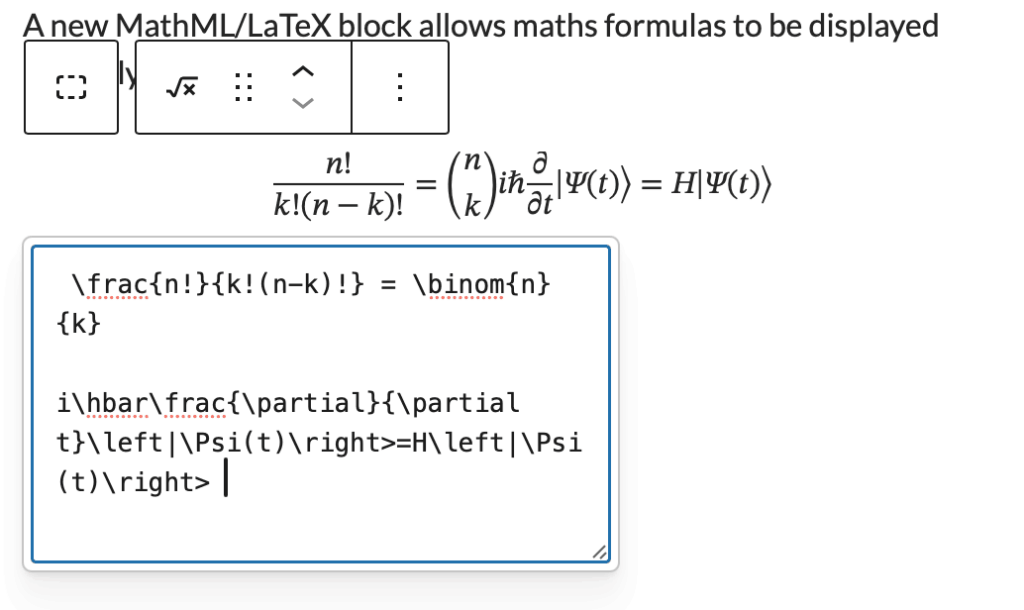
A new MathML/LaTeX block allows maths formulas to be displayed properly in posts and pages.
for example
You can automatically show estimated reading time for posts. This can be used in the Query Loop.
Several blocks for use in designing category or tag pages in the block editor, including term-count, term-name, term-template & terms-query. Of interest to people doing advanced editing in the site editor.
The Command Palette has expanded beyond the editor, letting power users jump quickly to templates, pages, settings, and other admin areas using keyboard shortcuts. Likely to be of interest to people who are doing a lot of site design work in the site Editor.
WordPress 6.9 includes a large number of accessibility fixes 70+ accessibility fixes and enhancements focus on central areas of the WordPress experience
.
Several frontend performance improvements aim to make sites load faster.
Remember that some of the information is for developers or individuals WordPress sites. This may differ on Glow Blogs.