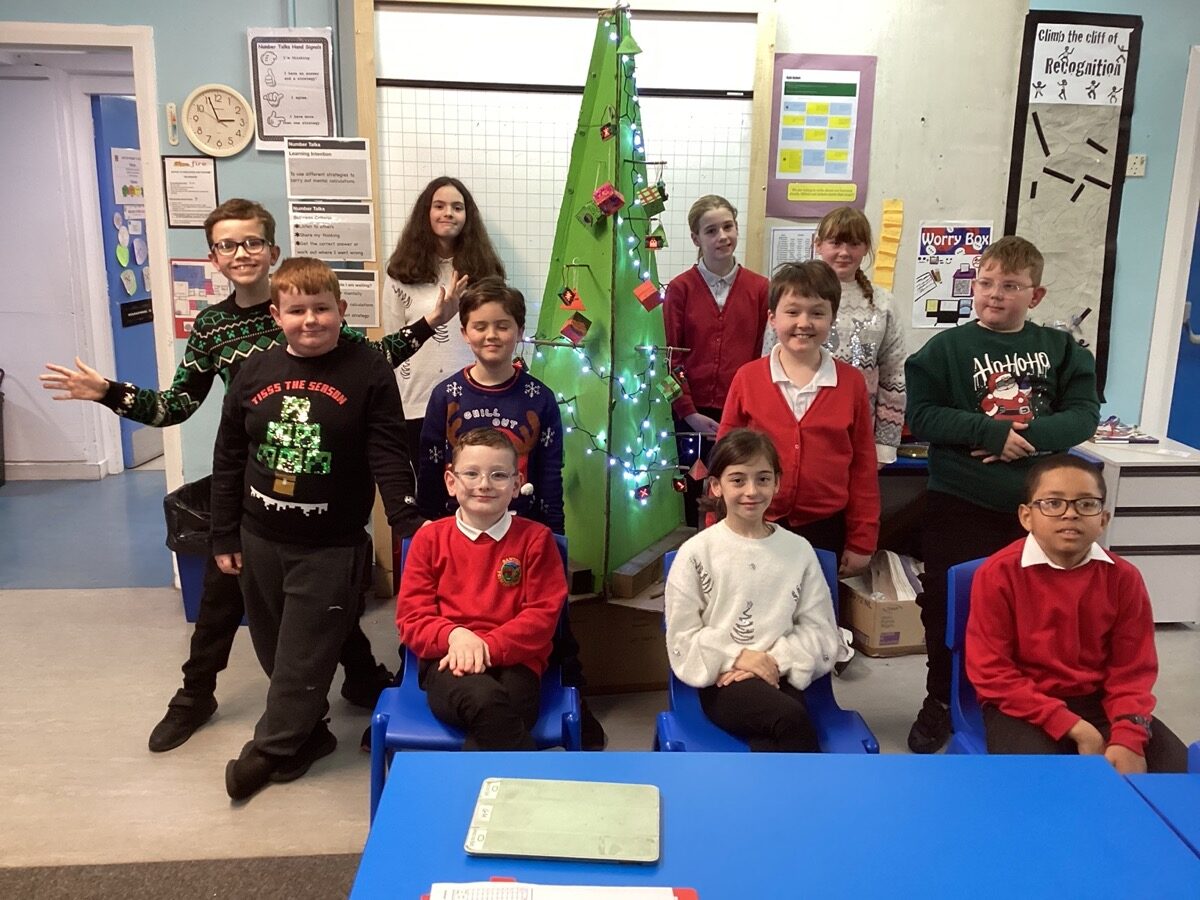
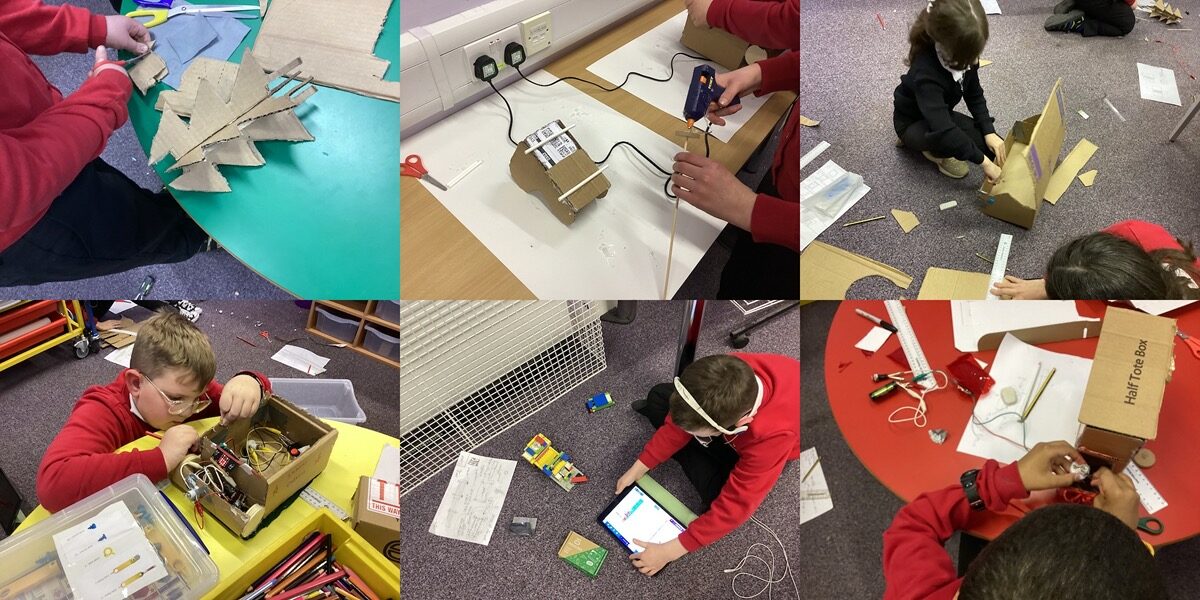
For the last few weeks the Biggies have been spending their time in the MakerSpace tackling a Christmas Challenge.
- Design & construct a Christmas Model 🌶
- Design & construct a Christmas Model that includes a moving part 🌶 🌶
- Design & construct a Christmas Model that includes a moving part & a simple electrical circuit. 🌶 🌶 🌶
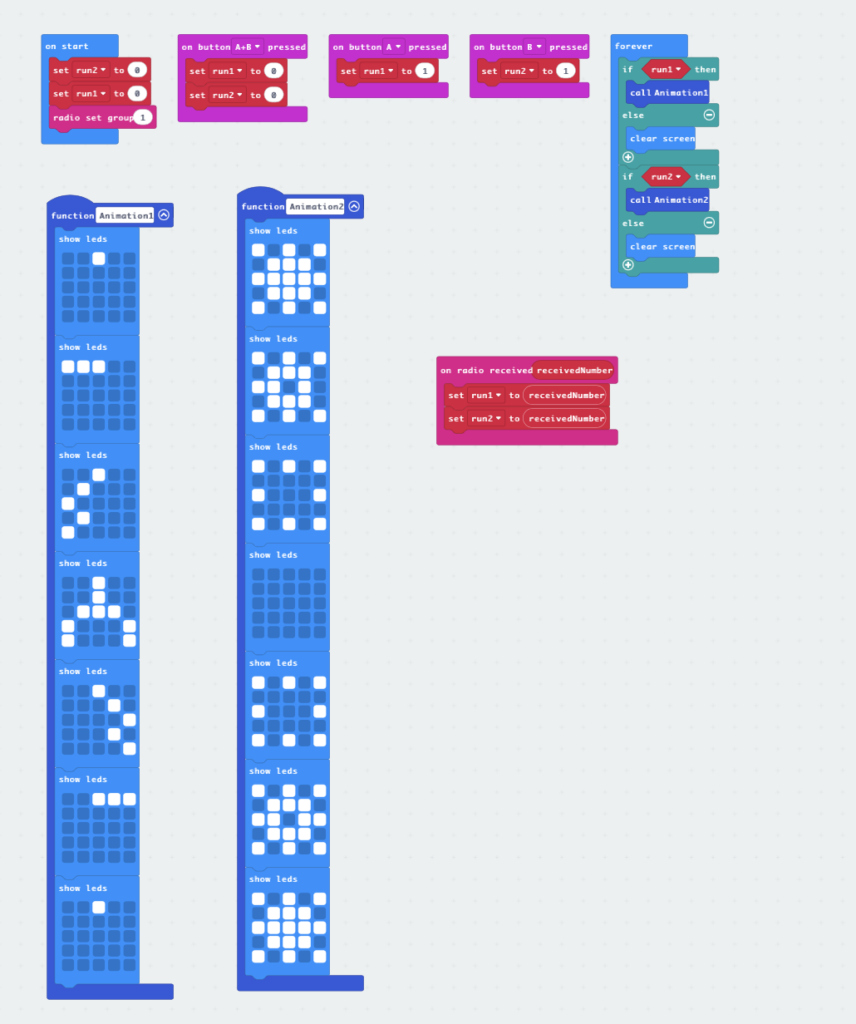
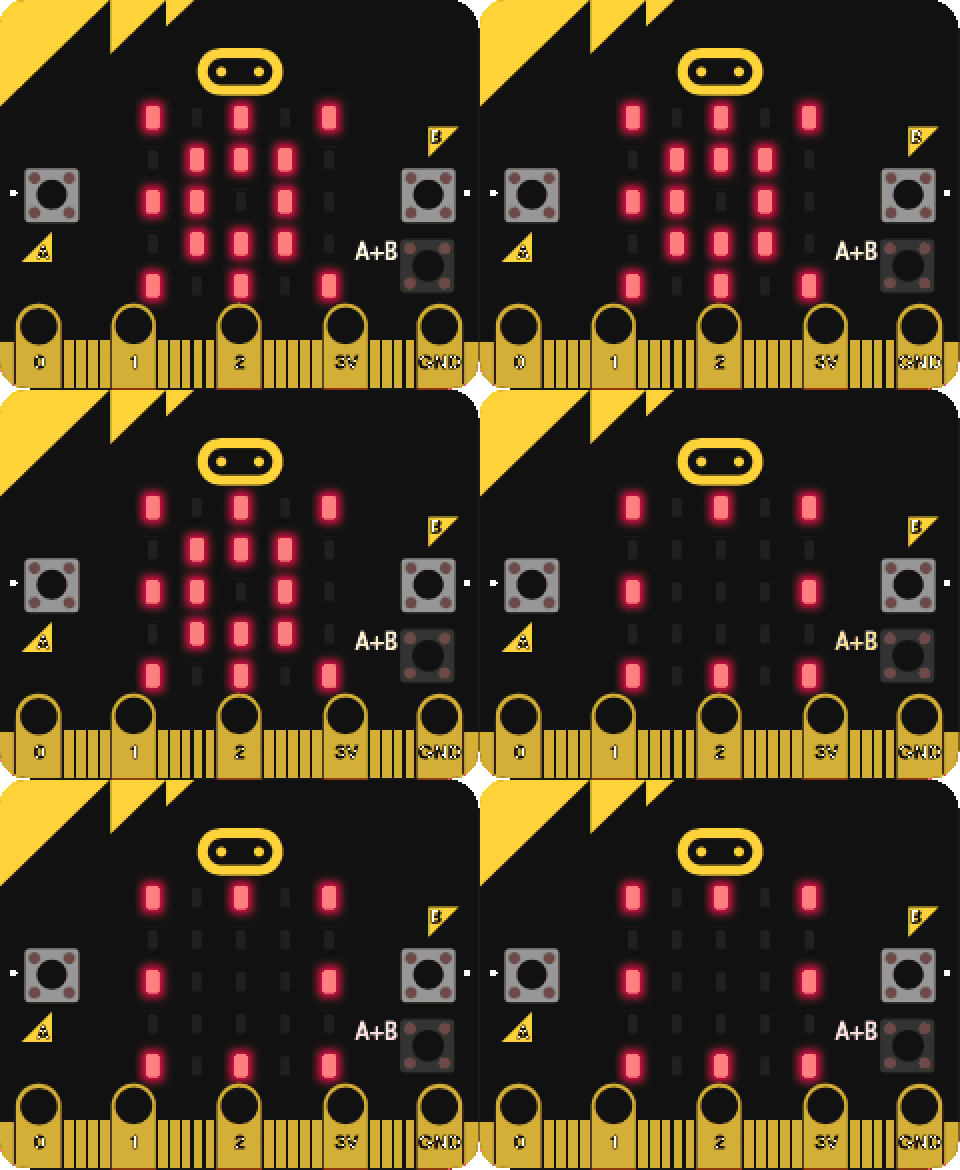
- Design & construct a Christmas Model that includes a moving part, a simple electrical circuit, & a programmable element. 🌶 🌶 🌶 🌶
We started off by making plans:
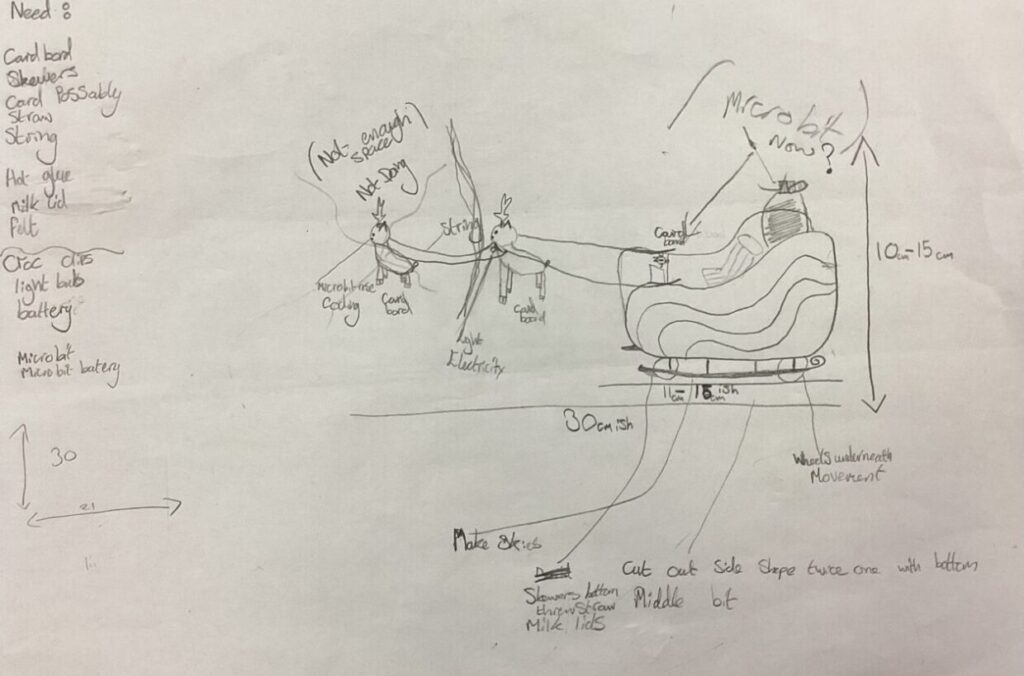
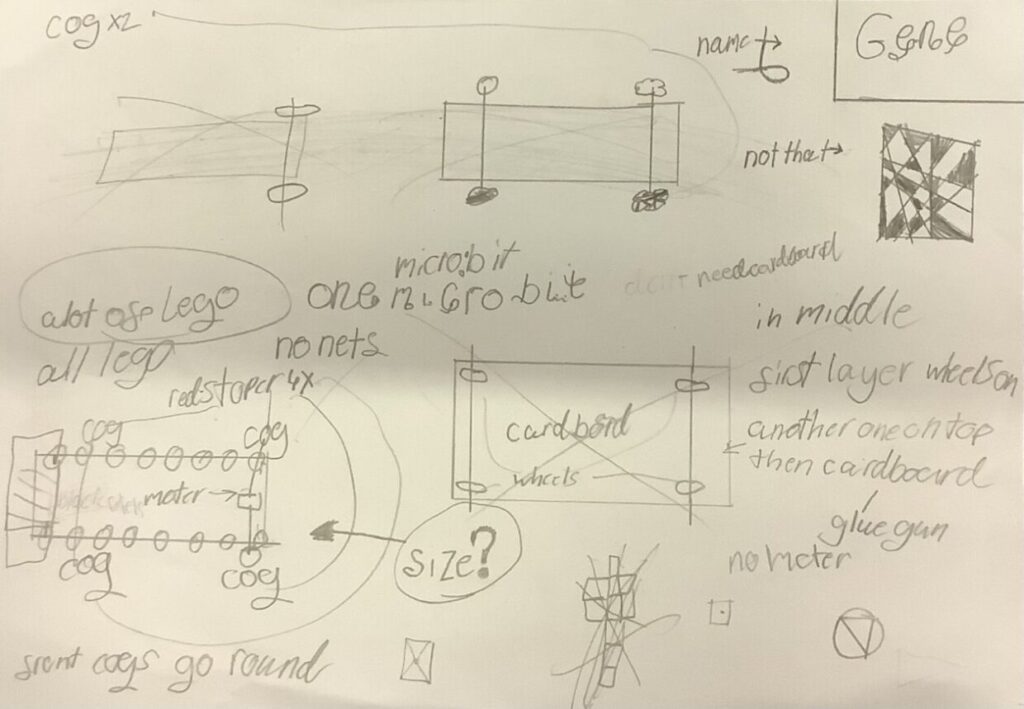
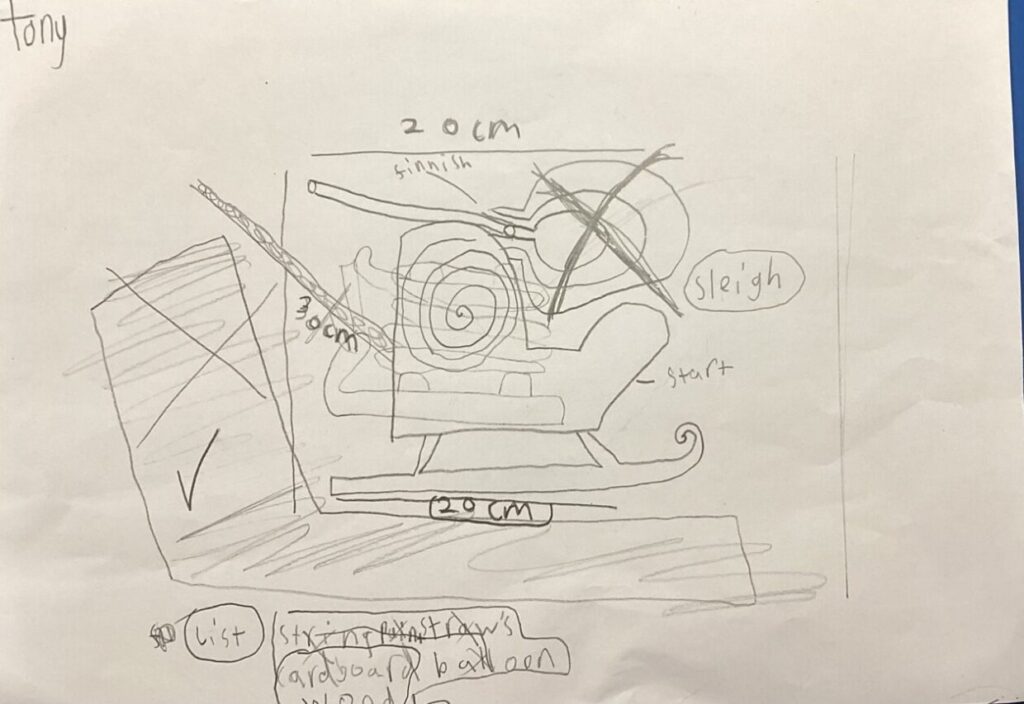
We talked a bit about the skills needed for carrying out or plans and the design cycle.
He results show not only our pupils imagination but a range of skills.
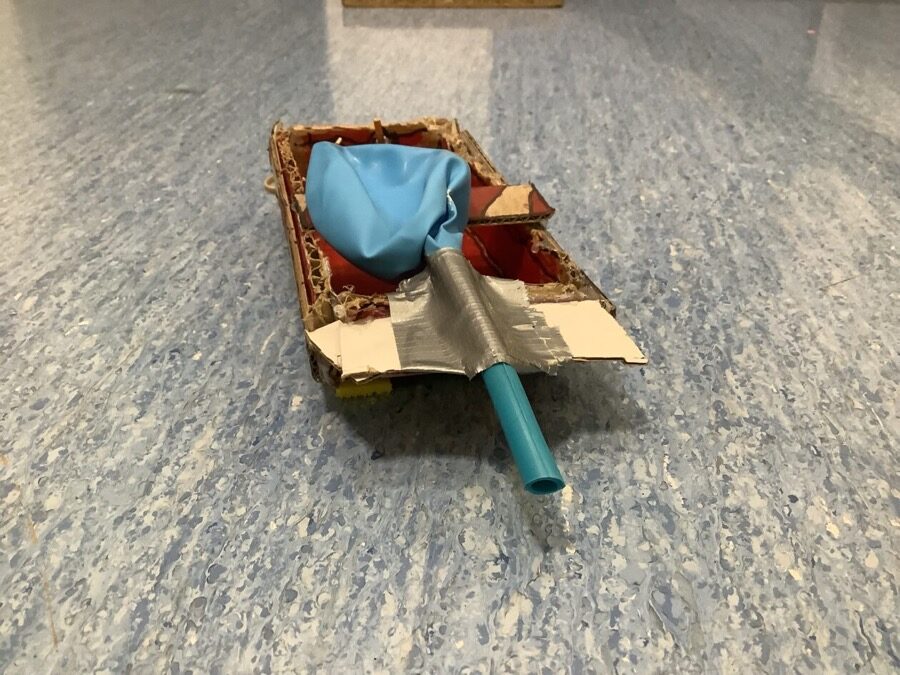
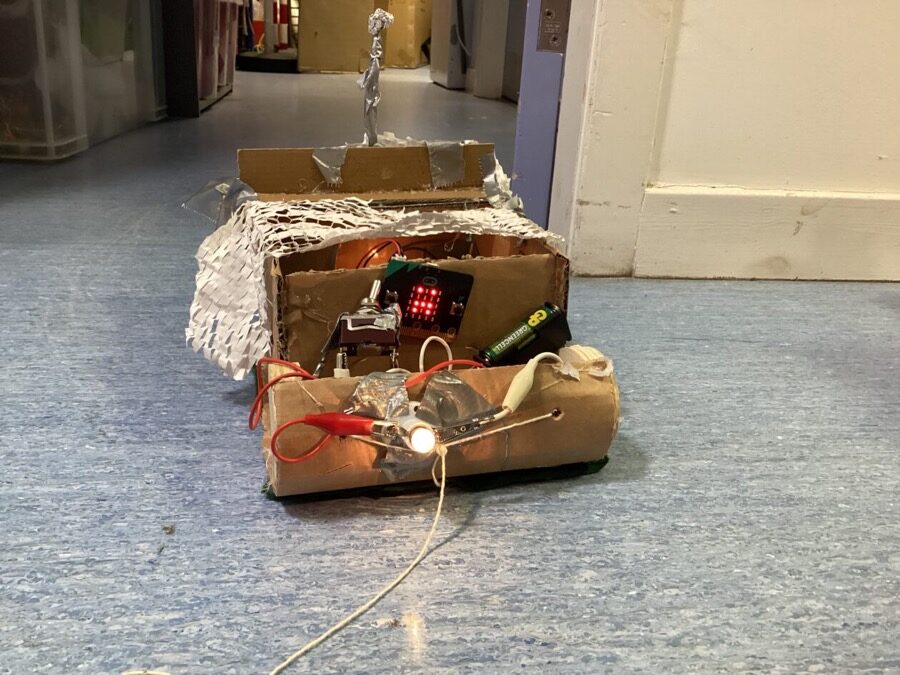
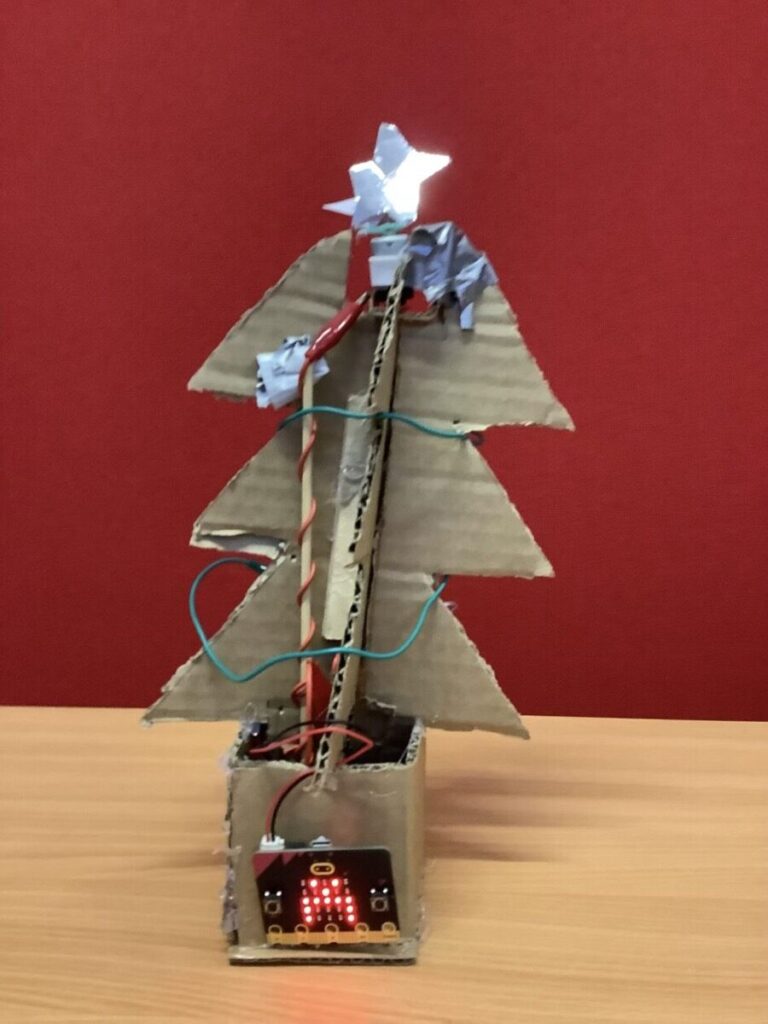
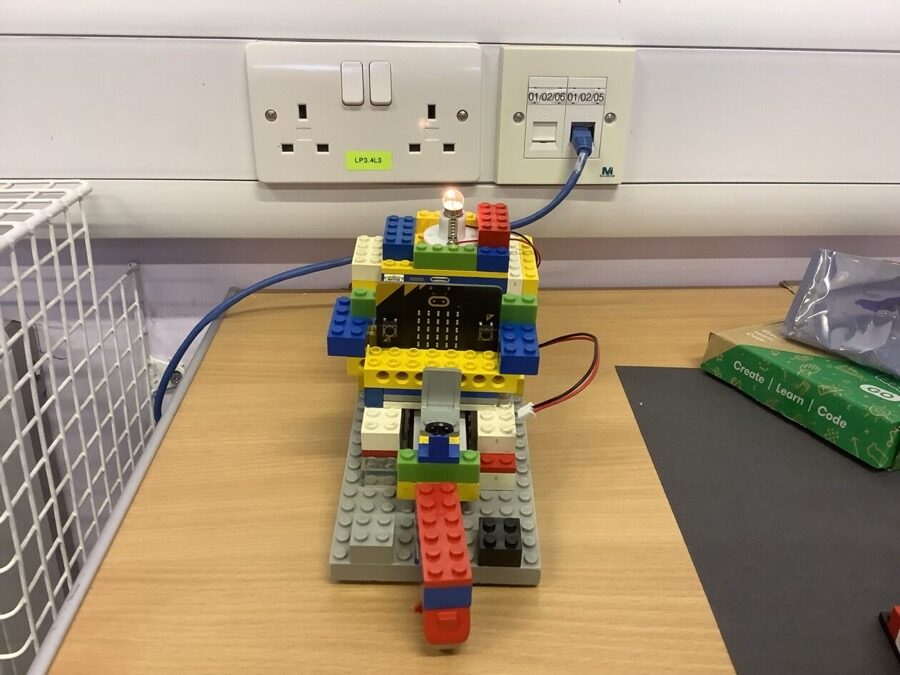
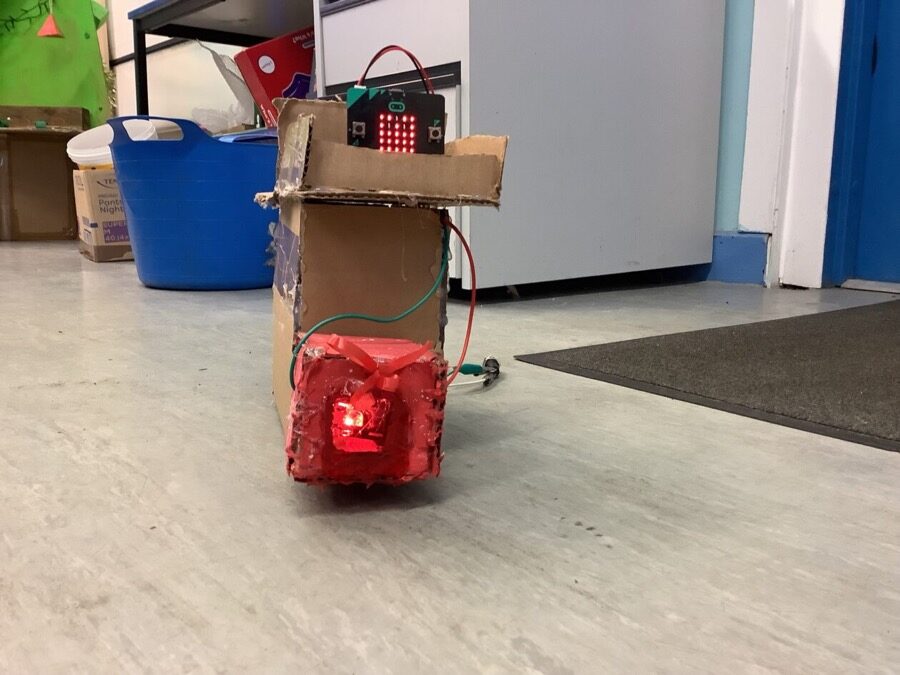
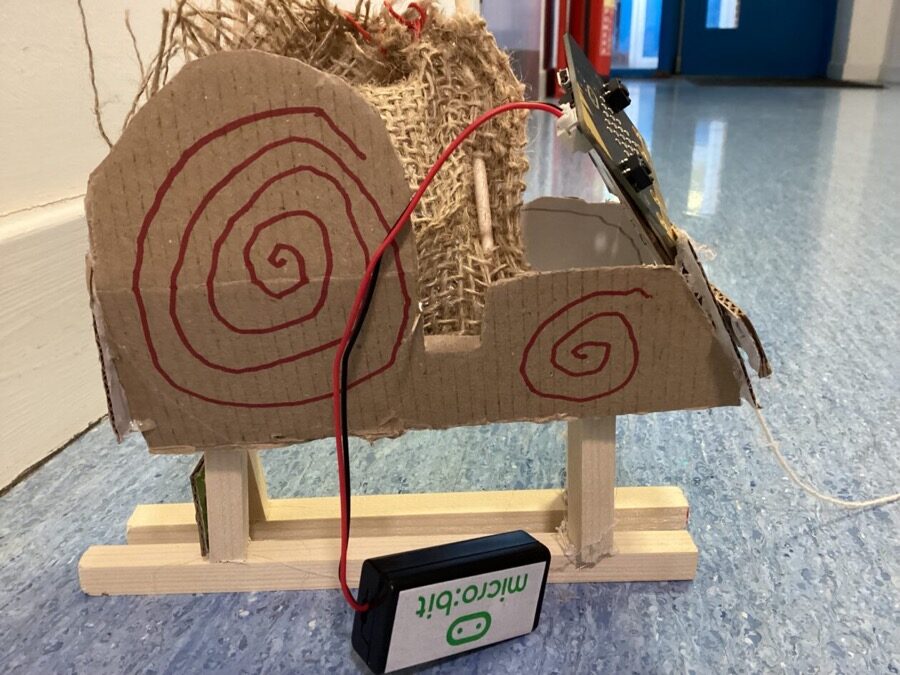
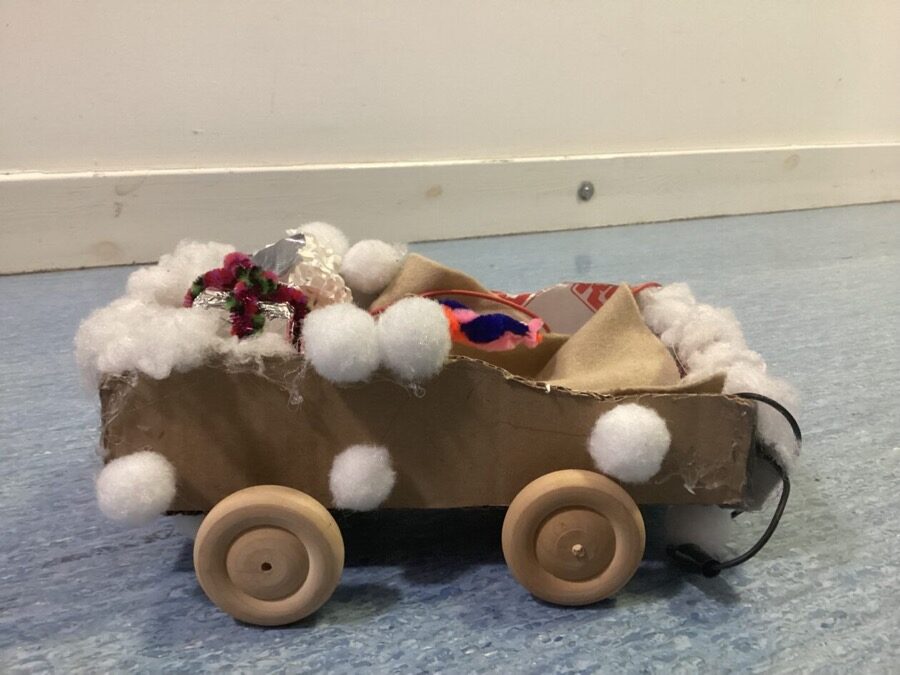
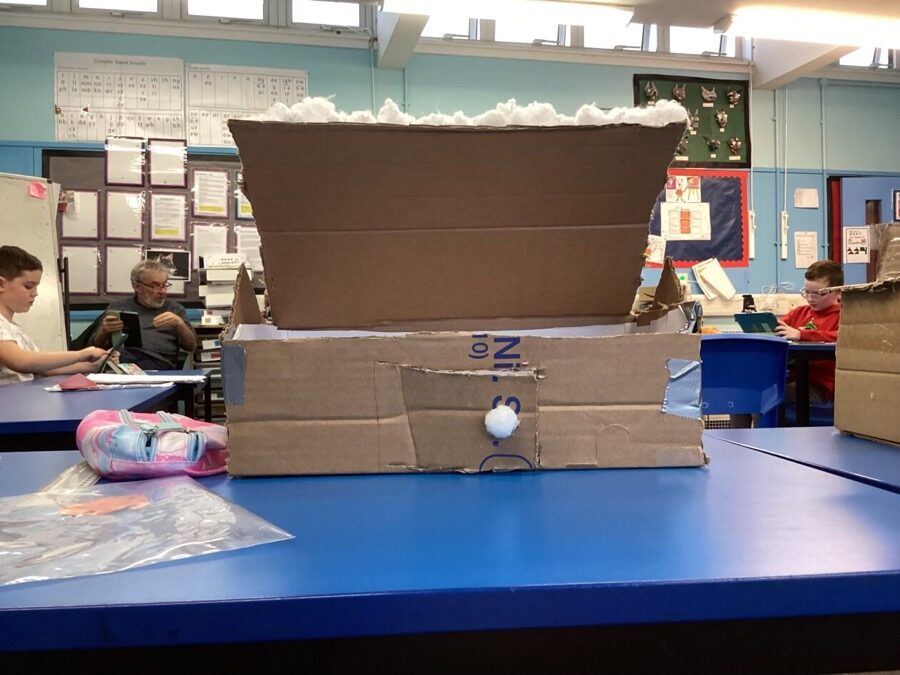
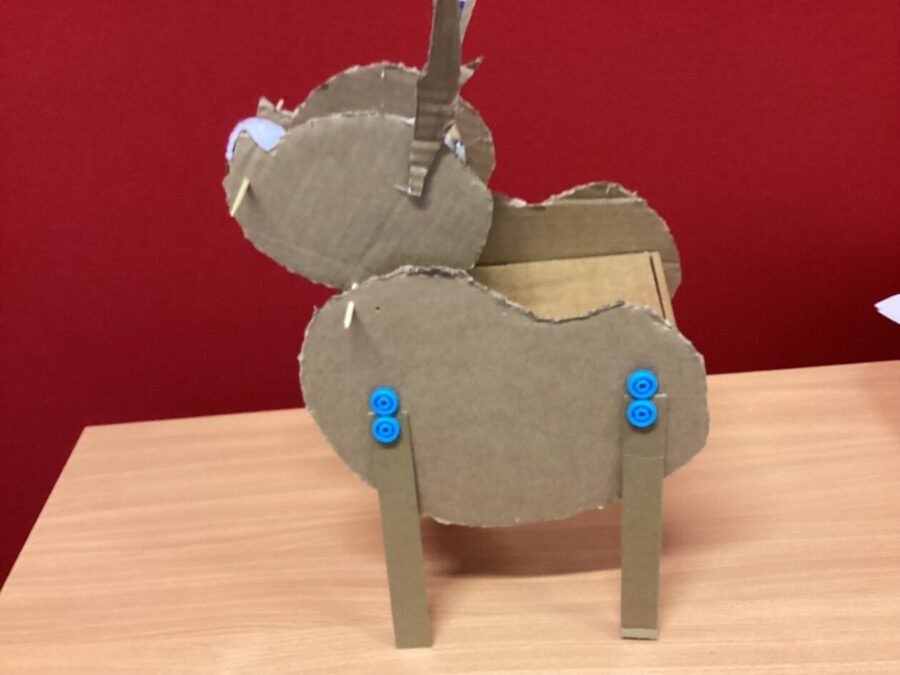
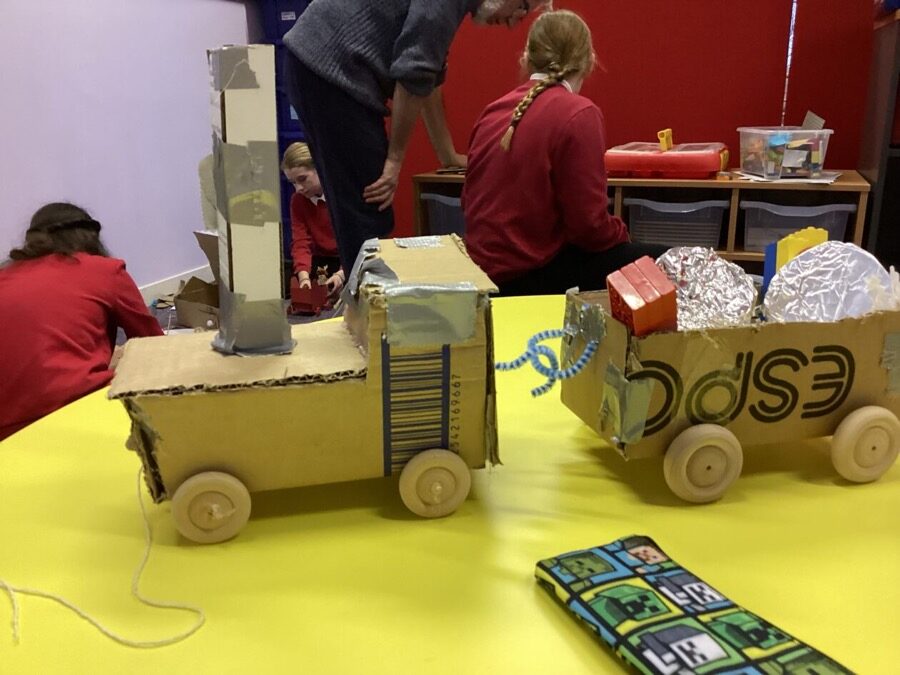
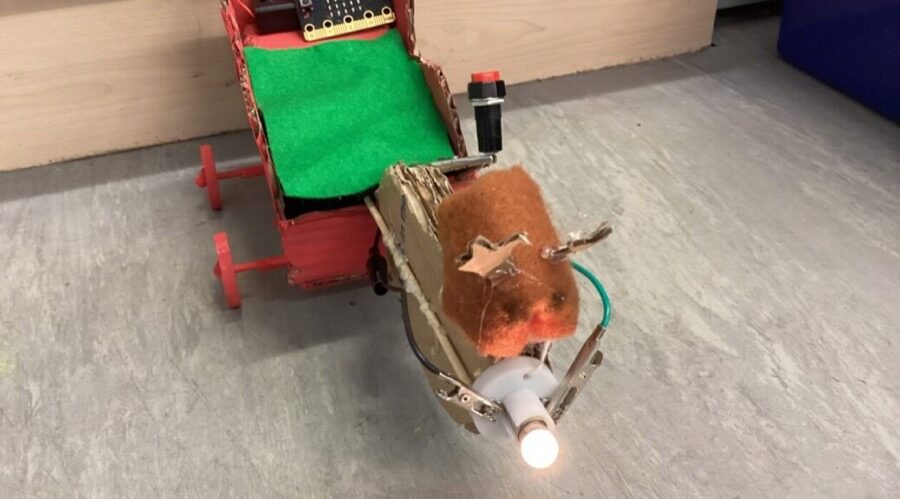
For the last few weeks we made some Christmas models in the Makerspace. We could make anything we wanted, as long as it is Christmas themed. I decided to make a Christmas tree! I was the only one who made a Christmas tree.
There was a lot of problems we had. Here are some of the problems I had:
- The motor didn’t work
- The tree was moving when the motor was on
- The motor was falling of a bit
Here are the solutions I had for the problems
Robert
- Check and re-wire the electronics
- Add some weights to the tree
- Tape it on a bit
I made a train with a carriage carrying presents. I thinked about connecting both the locomotive and the carriage together. So I used pipe cleaners to hook them together. The final product was a success. I liked how I added presents to the carriage.
Problems & Solutions
I used wood to make the presents but they were too tiny so I used Lego to make the presents. I wrapped some wooden circles in tin foil to make some presents.
Xander
I used lots of my skills but I used five main skills. 1. I used planning and organising because I had a plan on what to do. 2. I used ICT for my micro:bit. 3. Numeracy for measuring things. 4. Problem solving for my short and tall stuff. 5. Creative thinking to add details.
Tony
For the maker space Christmas challenge I made a sleigh pulled by a rain deer. It had a light collar and a micro bit in the sleigh. It also moved. We had to make it max 30cm wide, long and tall.
A few problems I had were I didn’t have enough space to make two reindeer like on my plan so I had to move the micro bit to my sleigh. Another problem I had was that my reindeer was to heavy causing my sleigh to tip forwards so I had to pup my rubber in the back until I got the wires and batteries in which held it down.
Some skills I used were planning and organising, ICT, creative thinking and practical skills.
Juliet
First I made a net. Then I hot glued the net together to make a square then I made a roll for the front. Then I added 2 light bulbs and with then I wrote Santas express on it. Lastly I added an spoiler and an antenna and that was me finished
I used my practical skills and my ICT. My problem was the clips would not connect to the light bulb. My idea totally changed at one point because my original plan was a slay that you pull Back against an elastic band.
Noah