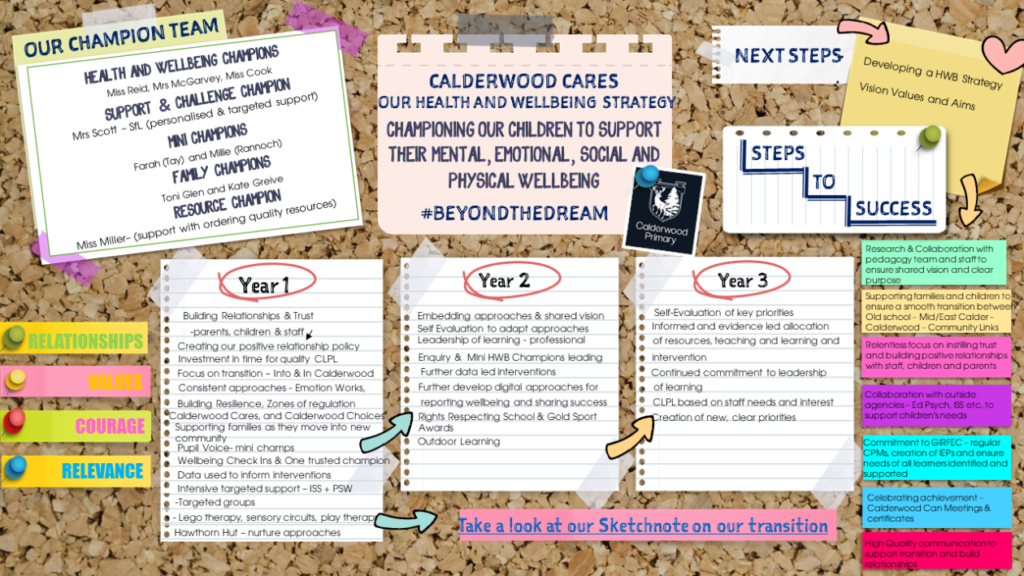
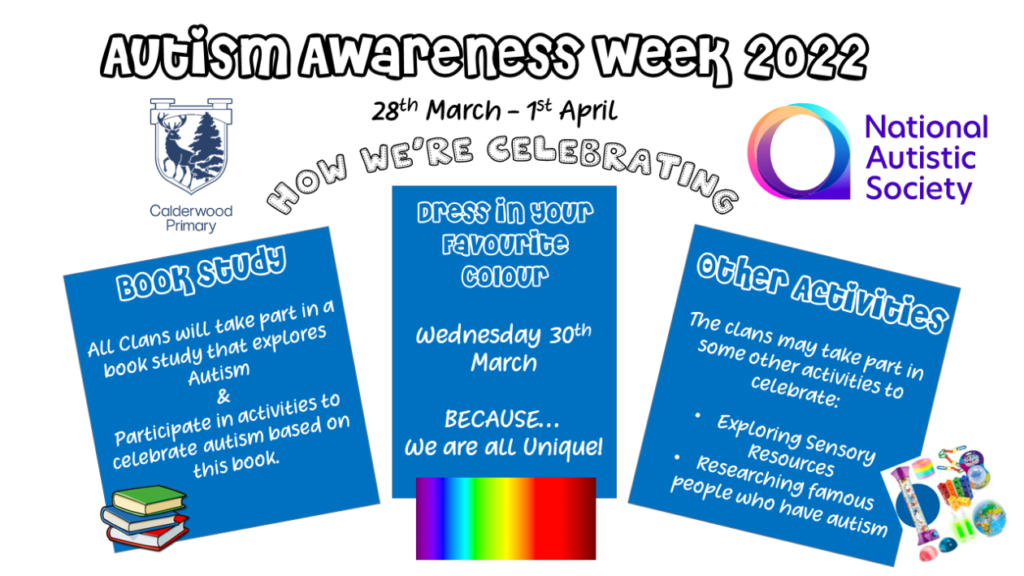
This week our clans are celebrating Autism Acceptance. Look out for updates on our clan’s learning this week.
Below are some useful links to find out more:
WLC Understanding Autism Assembly 2022 Primary
This week our clans are celebrating Autism Acceptance. Look out for updates on our clan’s learning this week.
Below are some useful links to find out more:
WLC Understanding Autism Assembly 2022 Primary
This morning we gathered together in clan clusters to begin preparations for our first in person Calderwood Connects next Friday. Our children recognised how lucky we are to have a spacious and comfortable Arena to gather in.

Our clans all demonstrated good listening skills and were very respectful of everyone in the Arena. Congratulations to Shetland, Bluebell and Rannoch received clan certificates for being ready, respectful and safe at Calderwood Connects.
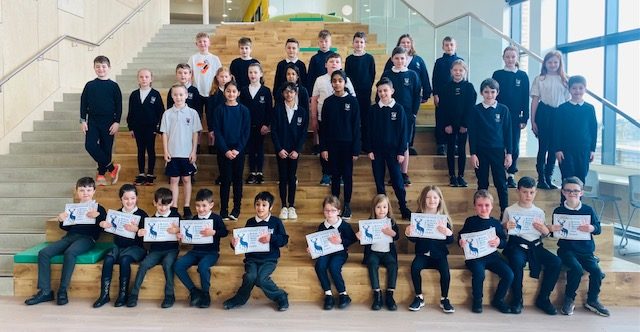
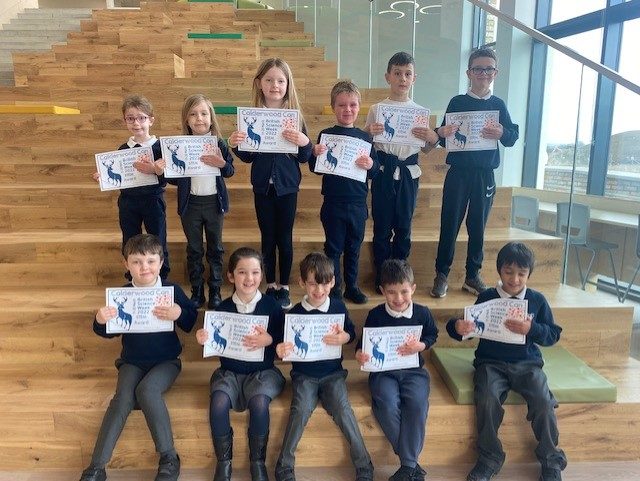
Our Ben Lawers and Lomond Clans started British Science Week by organising and teaching a Science Friday Takeover with all our clans.
They nominated children from each clan for a certificate for their contribution and participation in the science tasks!
Congratulations everyone and thank you to our Ben Clans for organising such a successful event.
Dear Parent/Carer,
Please see below information about the Big Walk and Wheel Event Calderwood Primary and Nursery will take part in from 21st March – 1st April.

Huge good luck to all our amazing Calderwood Primary School Children, they have now been entered into the West Lothian Sumdog Maths Contest! The contest will run between Friday 11th March and Thursday 17th March. Your child can access the competition by logging in via the following link and using their unique username and password along with the school code Calderwood2:
https://www.sumdog.com/user/sign_in
This competition is a fantastic way to compete against lots of other Primary students, have fun and develop numeracy/maths skills at the very same time. If your child has forgotten their details, please do get in touch with the school office as we’d be more than happy to assist.
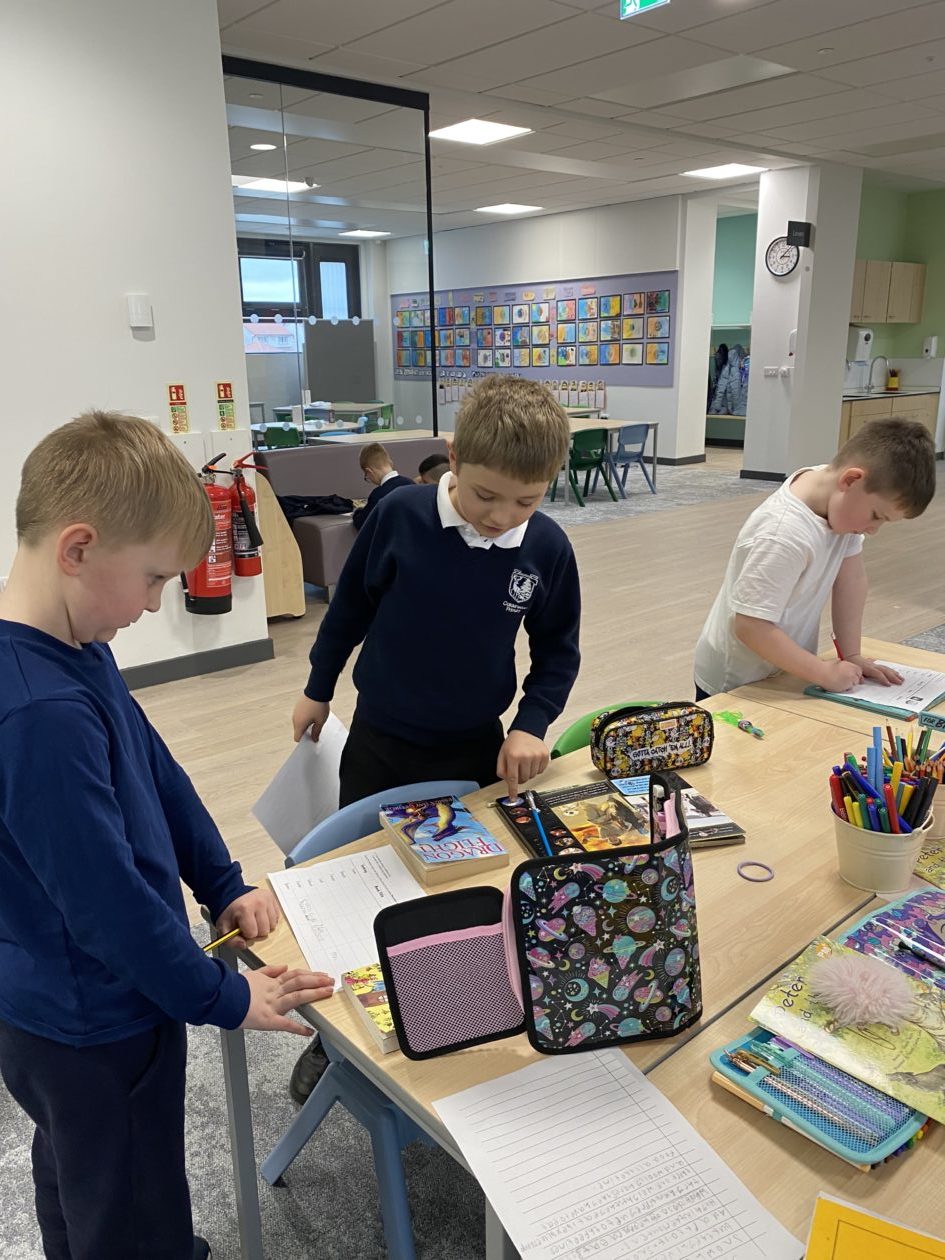
Today we had great fun in Calderwood Primary School celebrating World Book Day. To spread the love of reading even further your child will have a £1 book token which you can find out more about by clicking here.
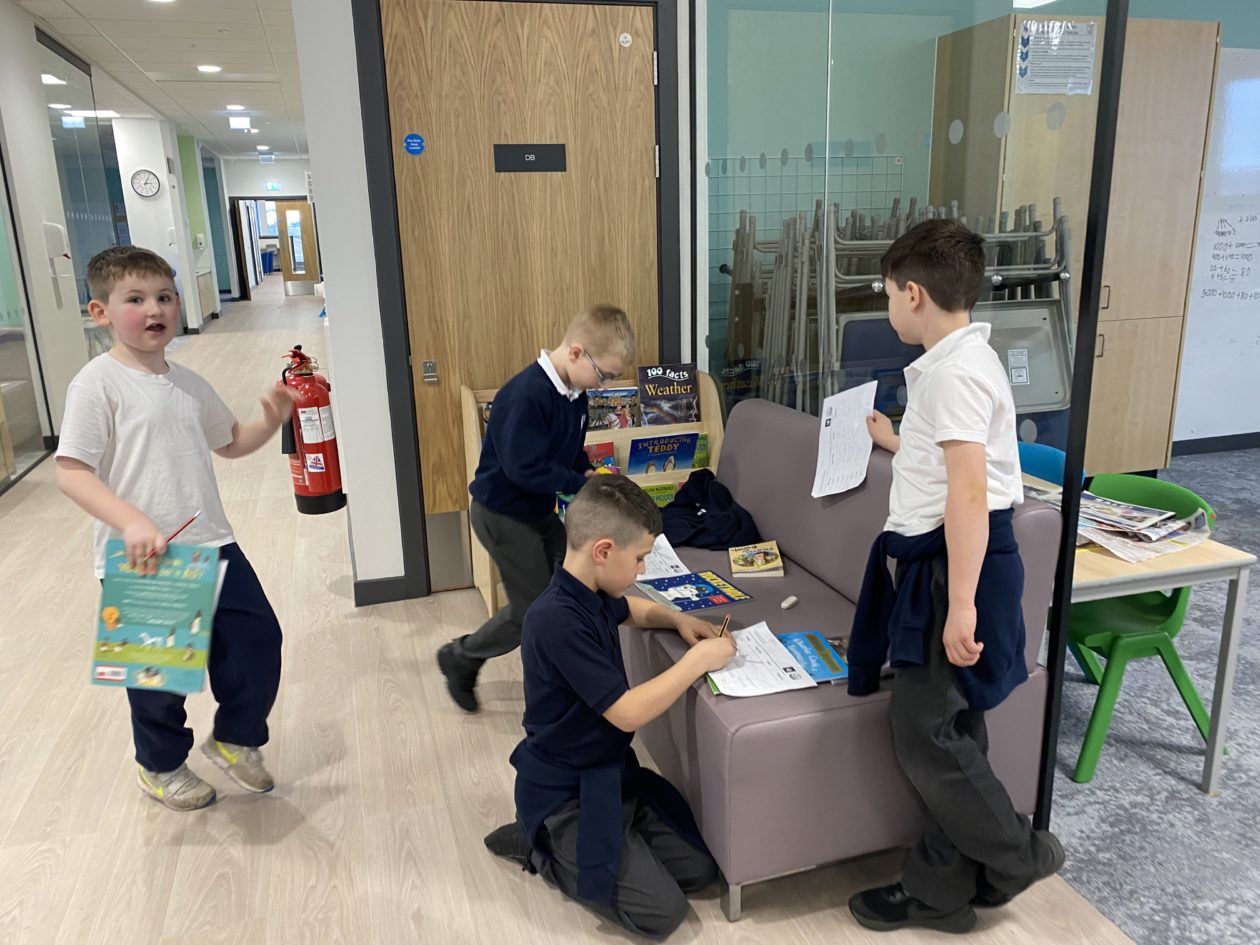
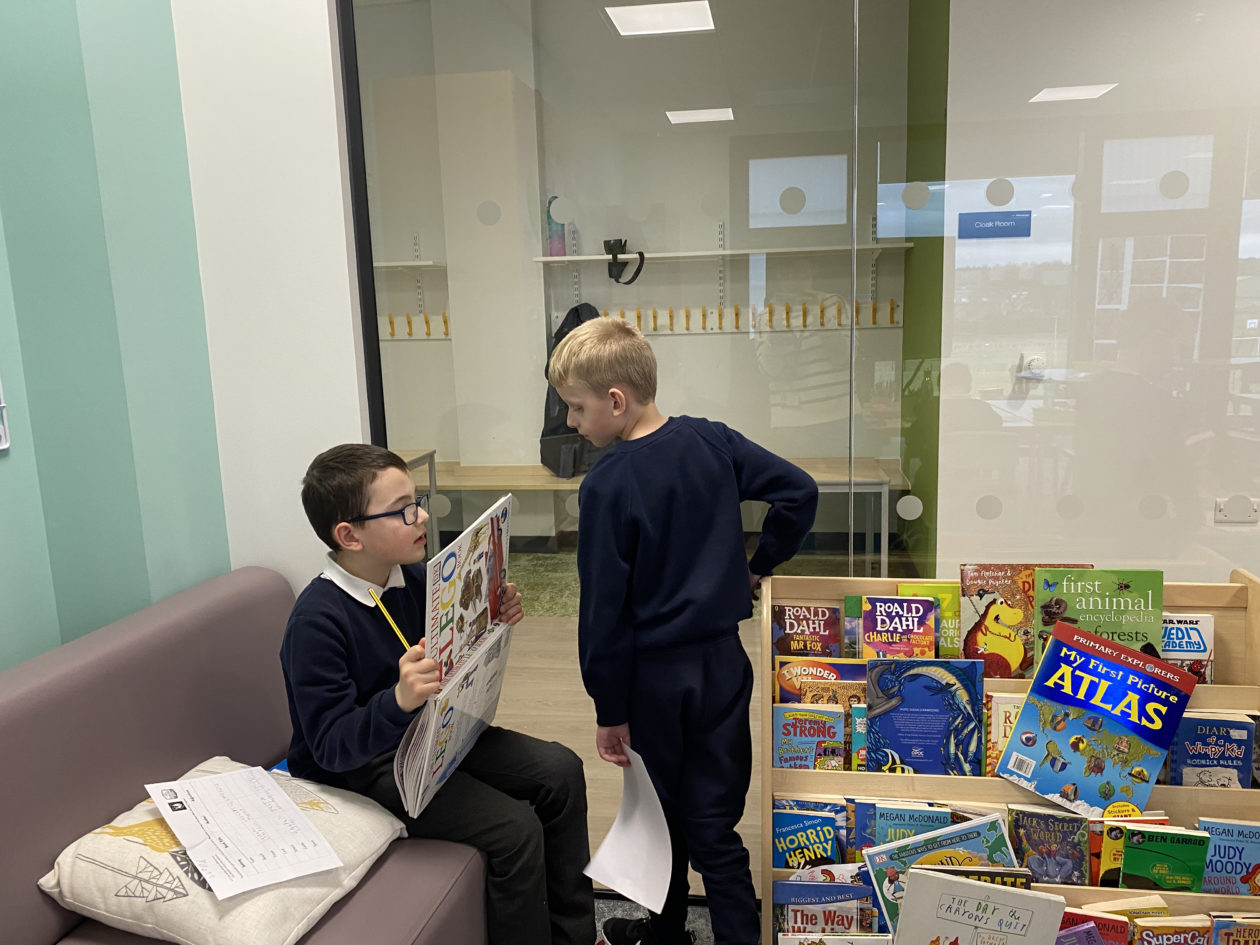
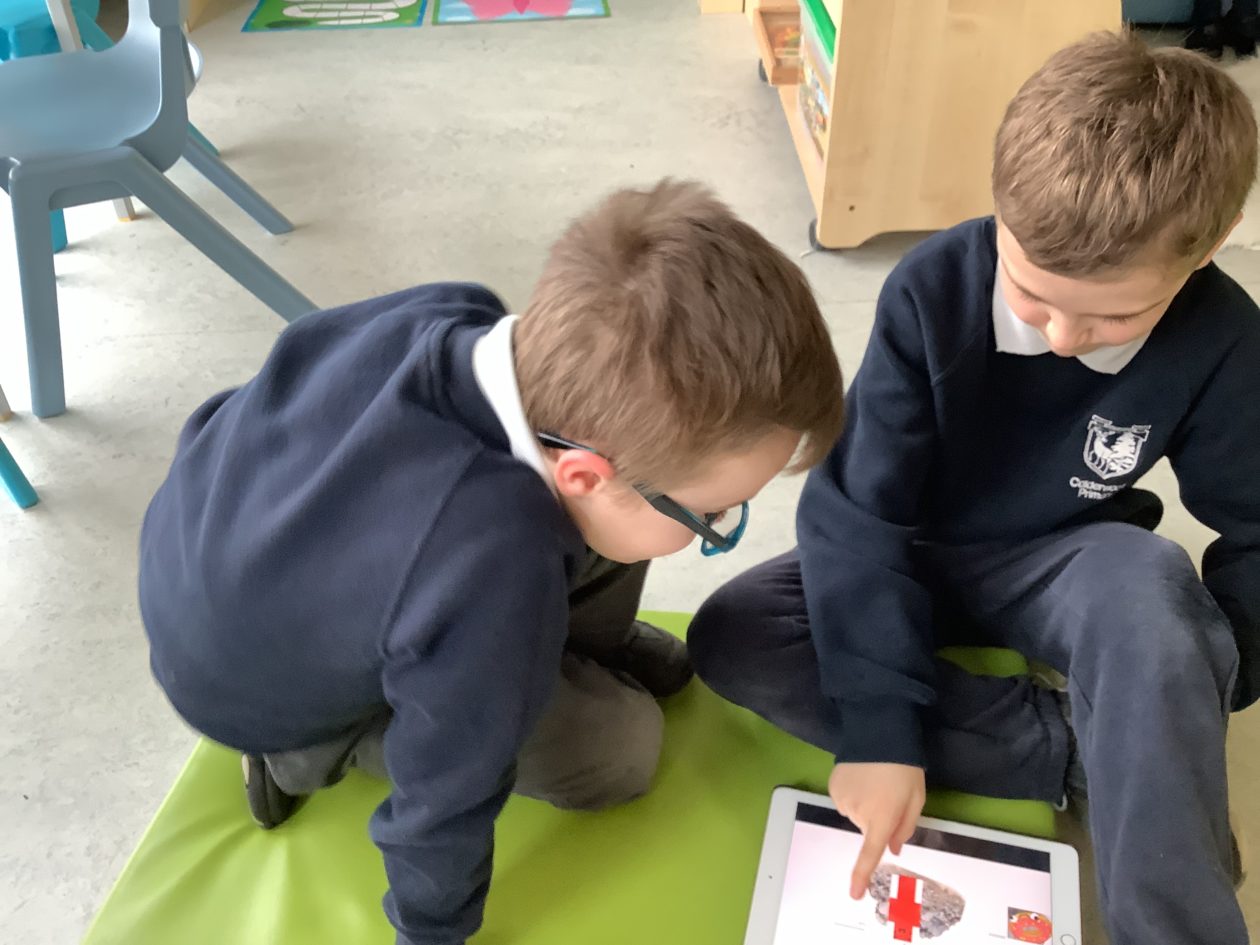
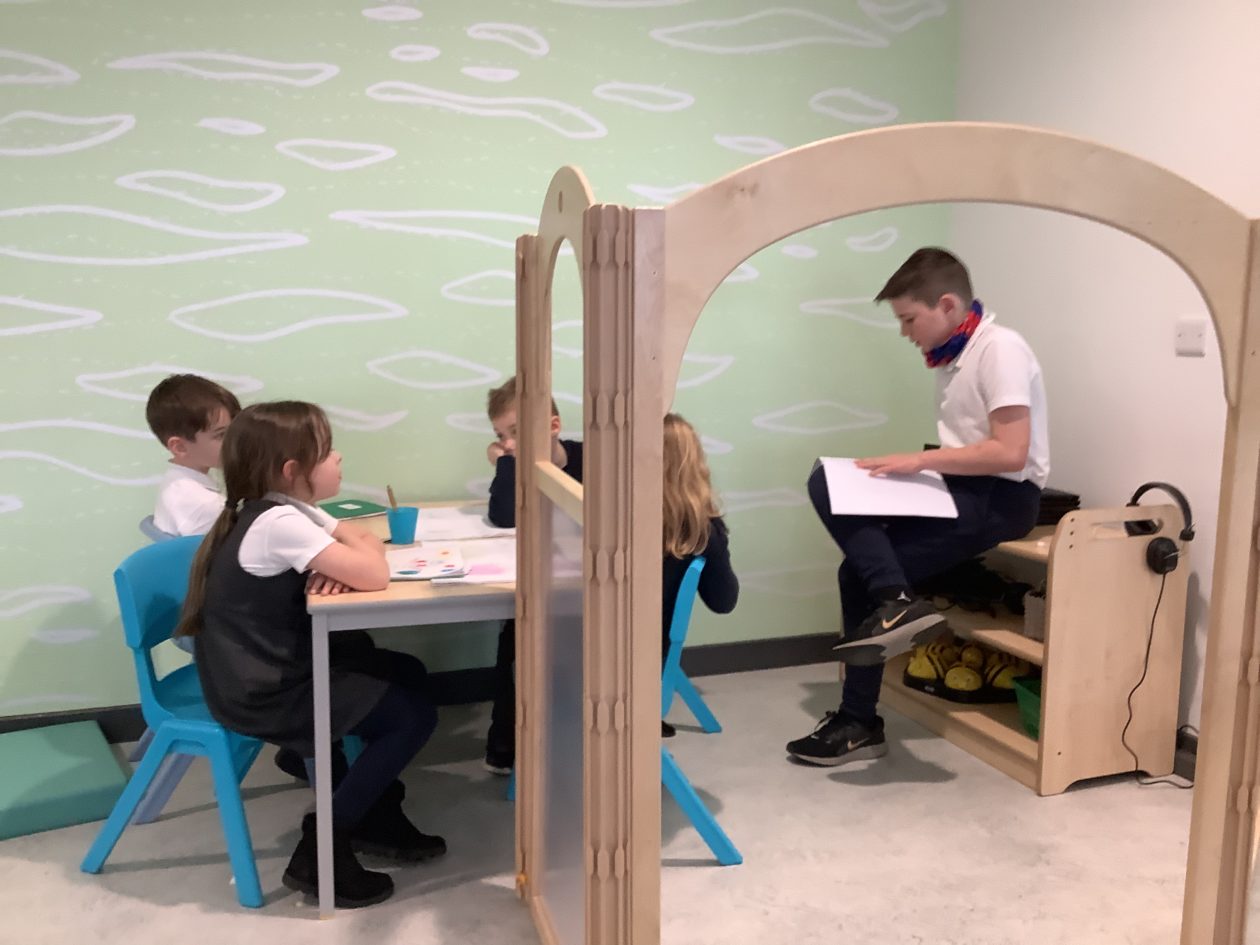
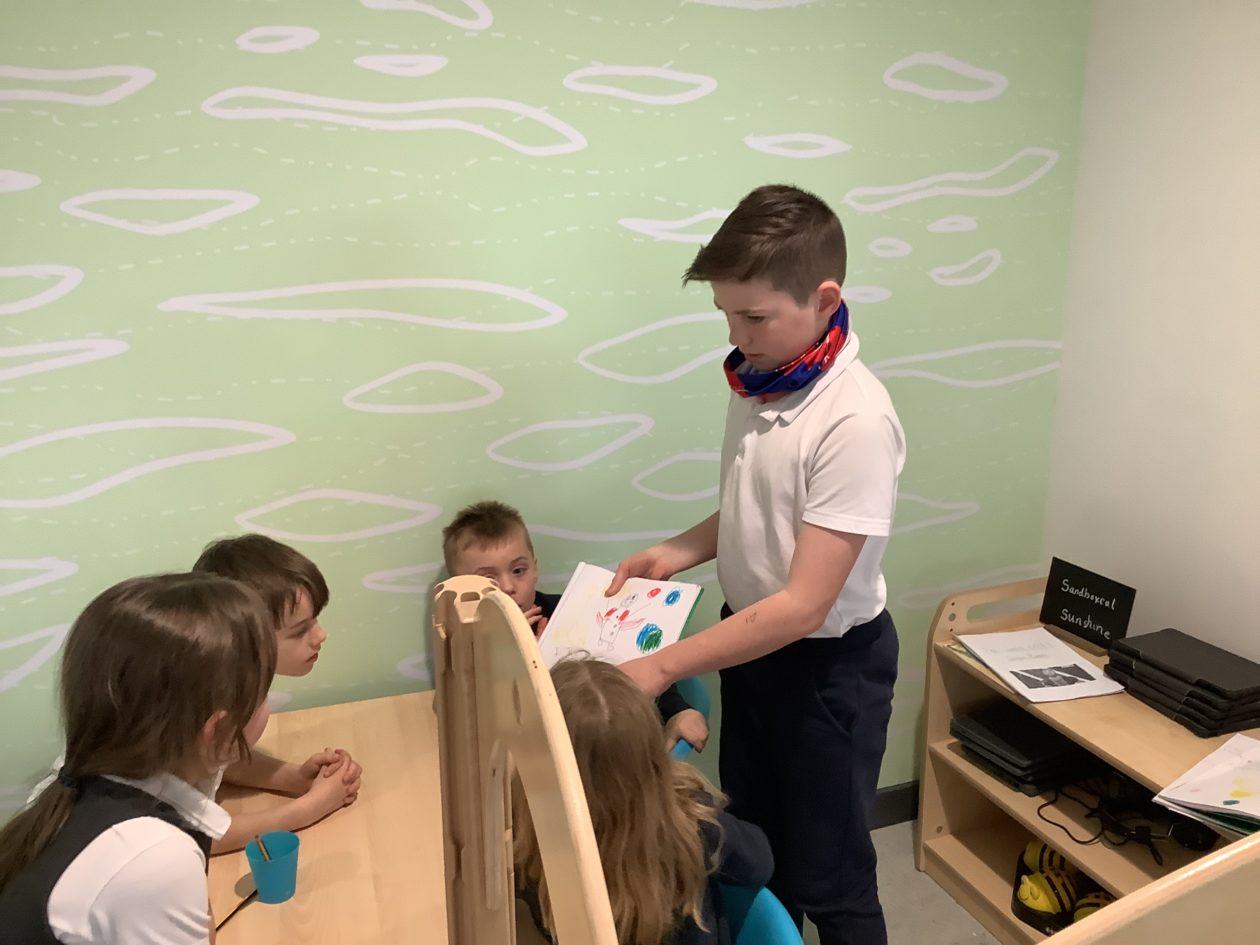
To celebrate World Book Day, the Ben Clans were able to be reading buddies with Mull, Orkney and Shetland Clans. The younger children became authors this morning as they wrote all about space. This fun was shared by the older children too, they were given time to free-write and could share this with their buddies later in the day.
Mull Clan, Bens Lawers and Ben Lomond:


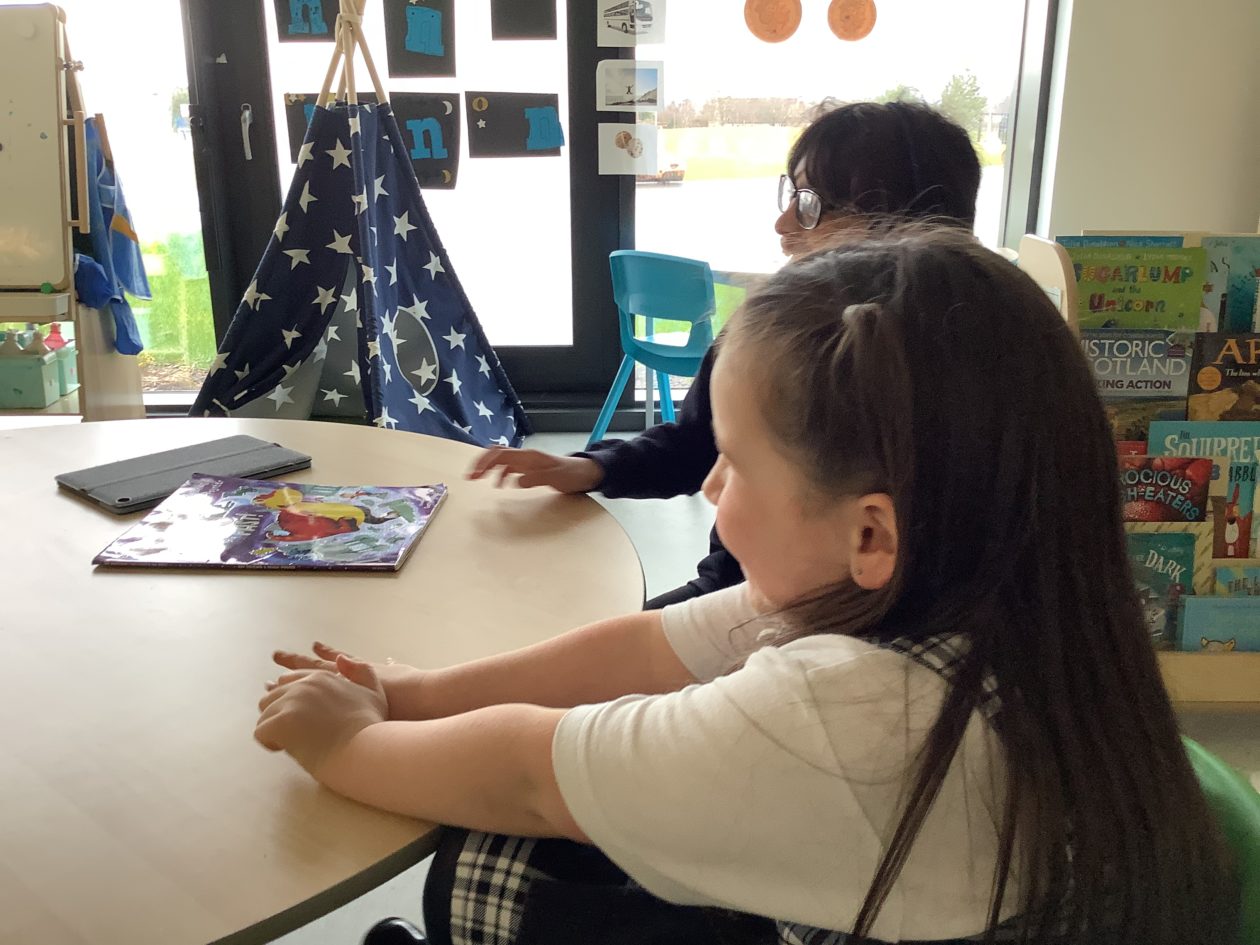




Orkney, Bens Lawers and Ben Lomond




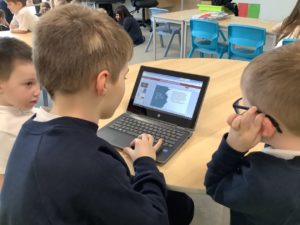



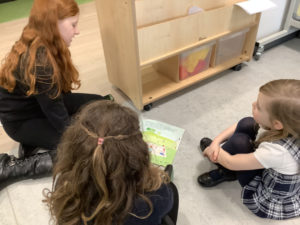
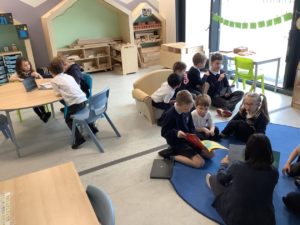
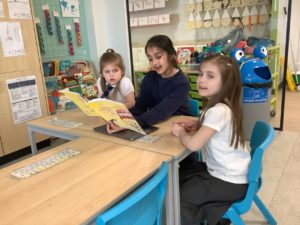


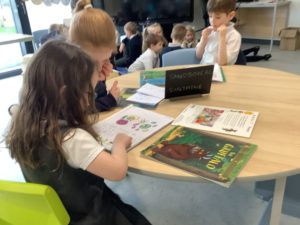

Shetland, Bens Lawers and Ben Lomond


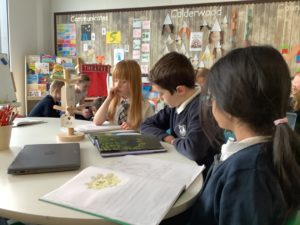
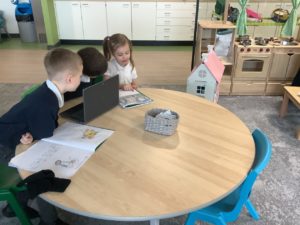

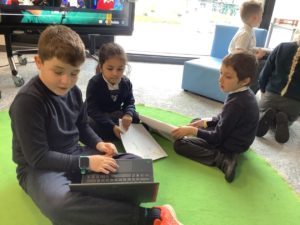


In Ness and Rannoch Clan the children have been learning about different setting in books. To celebrate World Book Day they searched the libraries to find books with different setting and then used new and exciting adjectives to describe the settings they found.