Please see below P.E. days for Term 3. Due to timetable changes Rannoch and Shetland have the changes highlighted below.
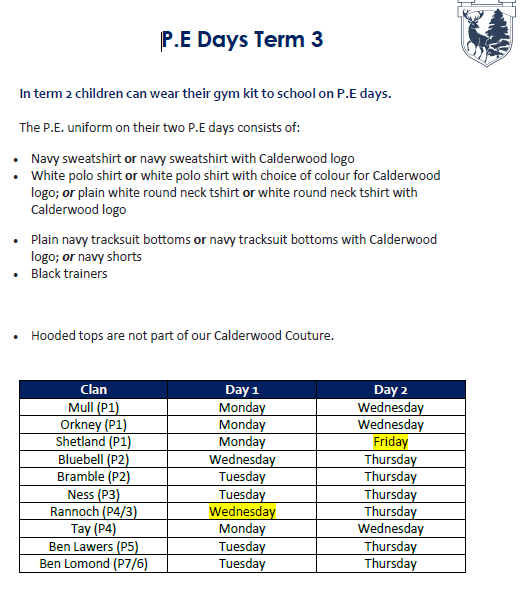
Please see below P.E. days for Term 3. Due to timetable changes Rannoch and Shetland have the changes highlighted below.
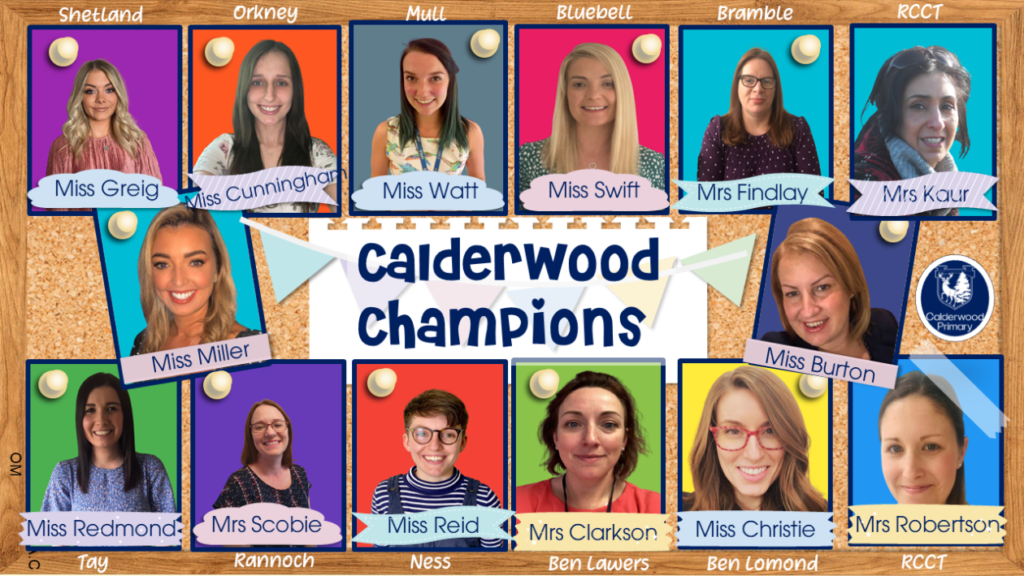
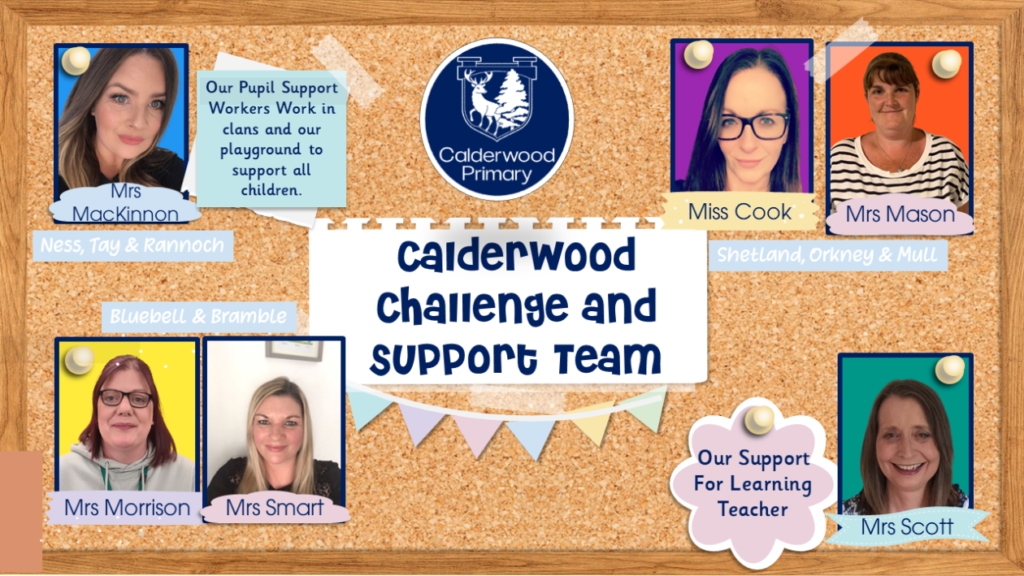
Please see below our updated structure for our Calderwood Champions!
LI: I am learning how to keep myself and others safe online.
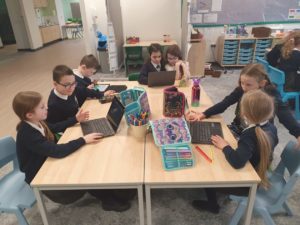
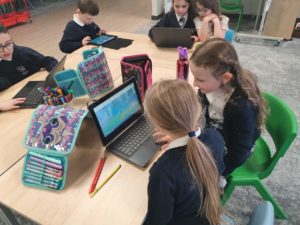
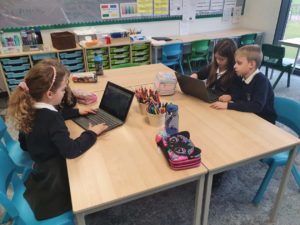
This week Tay Clan have been learning how to be respectful to others when being online. Firstly, we watched a video which showed us how Smartie helped his friend who was receiving unkind messages from others when playing games. We learned that it is important to stop and think before we click. Tay discussed what respect feels like, looks like and sounds like online. We described how we should be calm, positive, using kind words, excited and nurturing towards our friends.
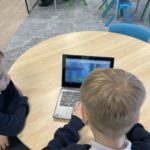
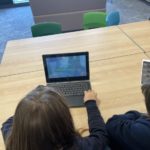
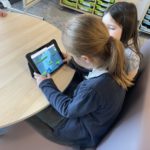
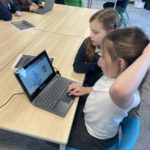
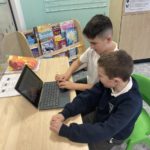
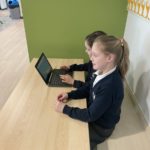
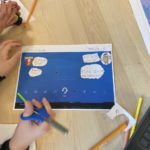
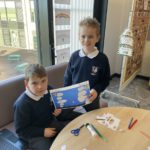
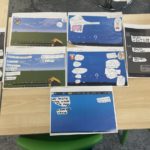
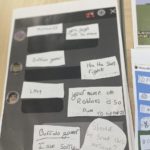
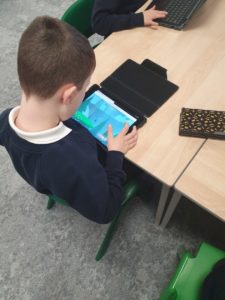
Next, we worked in partners to explore the Interland game. We had the job of blocking and reporting any gamers who were using unkind words online. Tay also created examples of what a respectful chat online would look like. We selected which chat room we wanted to create- Minecraft, Xbox, PlayStation, Roblox and Fornite- and made our own examples of kind messages. We shared the chats we created in our clan and we described what made them respectful.
At home, Tay can continue exploring the Interland game to find out more about internet safety. They should make sure they follow the steps if they feel someone has been unkind to them online.
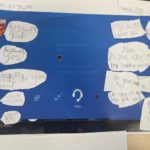
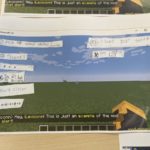
L.I I am learning how to develop healthy and respectful relationships online.
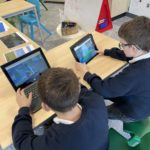
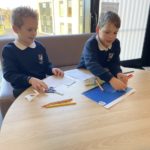
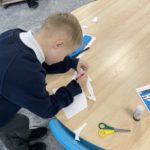
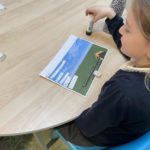
As it was internet safety week, Rannoch clan learned about how to develop healthy and respectful relationships online. We discussed in groups, what kindness looks like, feels like and sounds like online, why it matters and what we can do if someone is being hurtful online.
We made a looks like, feels like and sounds like grid to put up in our clan room which included all our ideas. We can refer back to this when needed. We then looked at unkind comments and tried to find a way to change these so that they are acceptable to share online. Finally, we played a game on google called ‘interland’ and explored the kind kingdom level. This game aims to help children to stay safe and be kind online. We picked up some helpful hints on how to be kind online.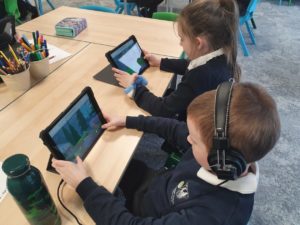
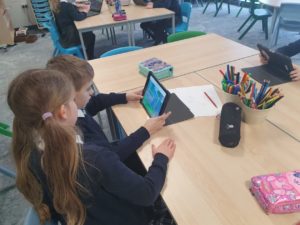

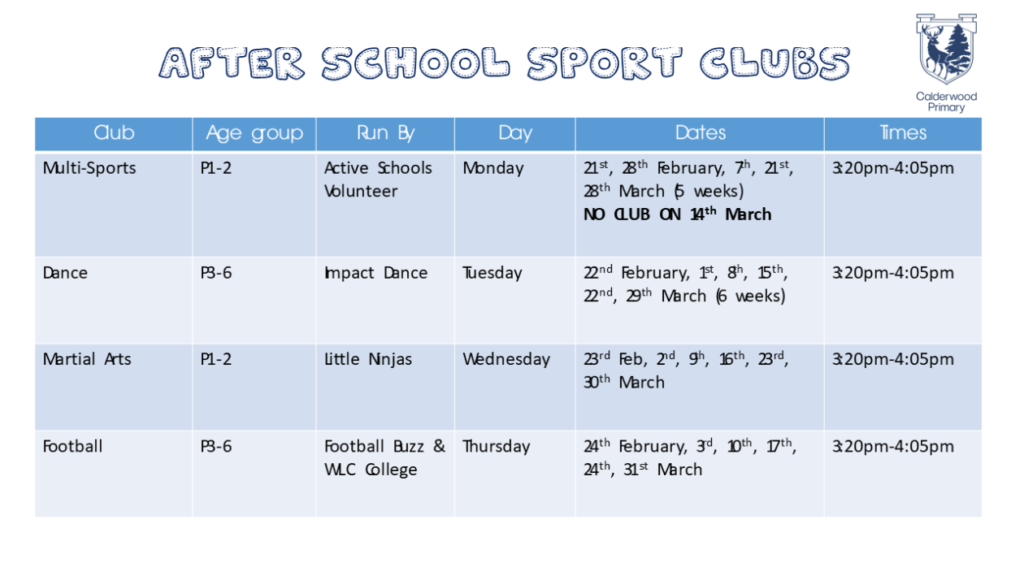
Now that COVID-19 guidance for schools has changed, we are excited that after school sport clubs run by Active Schools and Local Clubs will commence on week beginning 21st February and run for 6 weeks.
The clubs were allocated on a first come first saved basis. If your child has received/not received a place in an after school club they will receive a letter today (9.2.22) with further information.
P1-3 children can wear their P.E. kit to school and P4-6 children should bring their P.E. kit to change into.
Parents should collect their child at 4:05pm outside the main school entrance & office. If possible, they should also wear a mask.