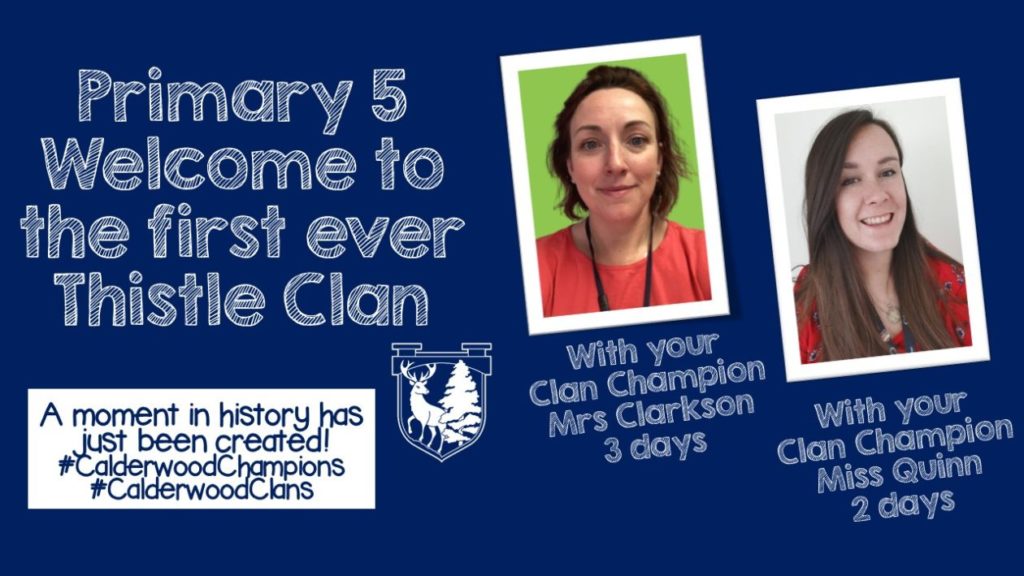
Thistle Clan 9.9.22

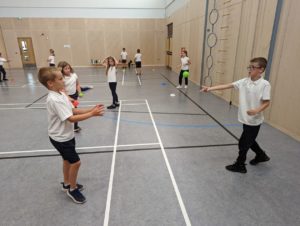
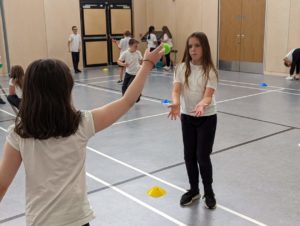
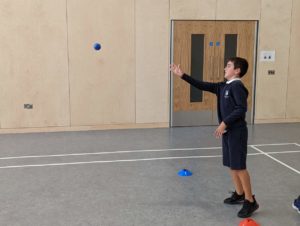
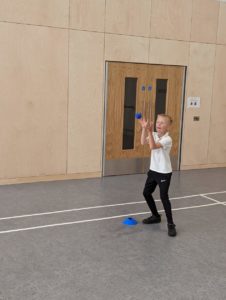
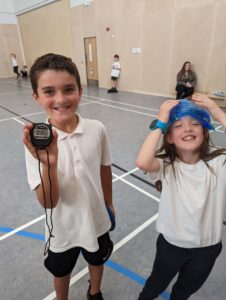
This week in Thistle we have enjoyed moving our bodies and practicing our skills in balance and stamina. We have been using a variety of equipment to help us with static and dynamic balance.

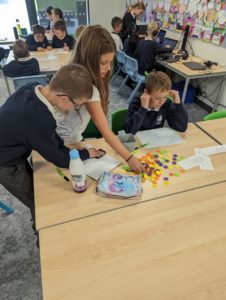
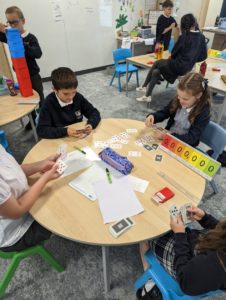
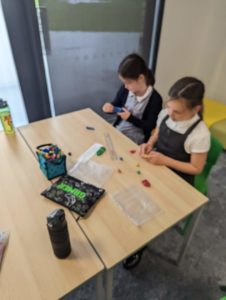
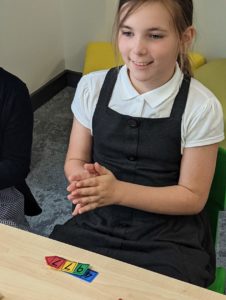
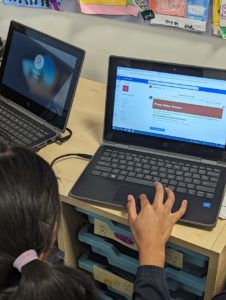
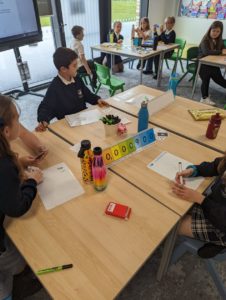
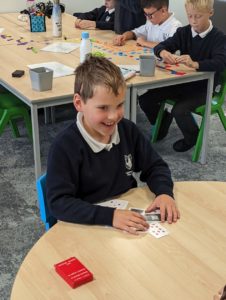
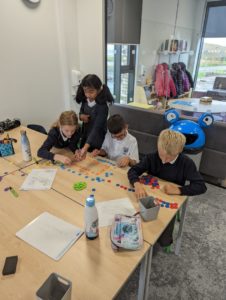
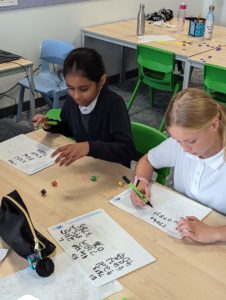
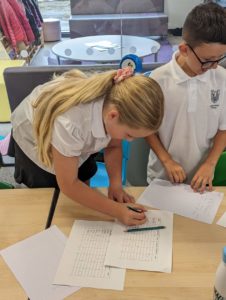
We have also been investigating whole number and have enjoyed using a variety of different materials and resources to help us with numeracy activities and challenges this week.

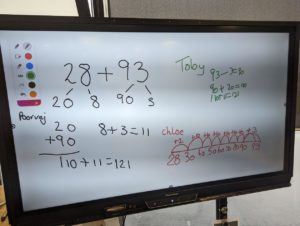
We also have been continuing to look at different addition strategies in our Number talks. We have been talking about partitioning, friendly numbers and using a number line.

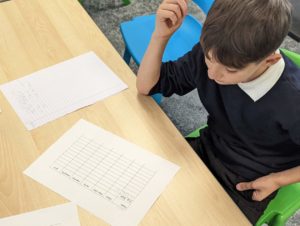
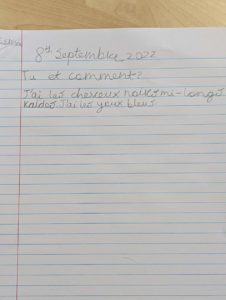
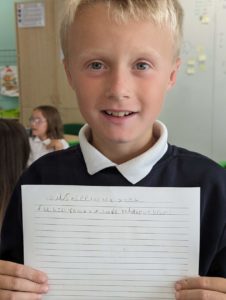
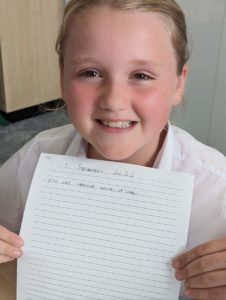
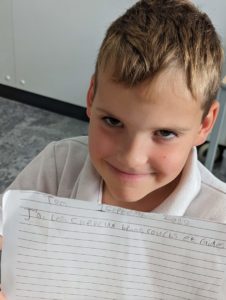
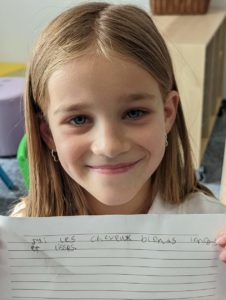
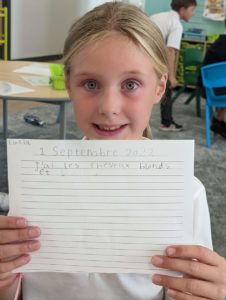
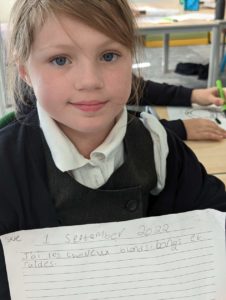
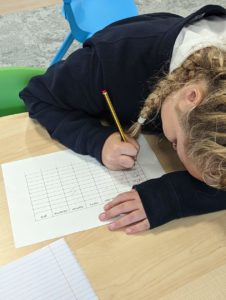
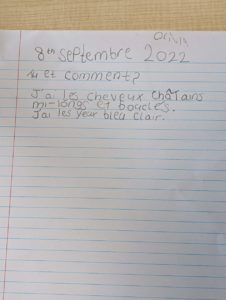
In French this week we consolidated our vocabulary from last week around hair colour and moved on to looking at eye colour. Children took time to ask “Tu et comment?” (What are you like?”) and had a go at answering both verbally and written. We then took a class survey of eye colour using our key vocabulary.

In writing we have been focused on the key features of description genre. We started off by writing a piece without any input to see what we could remember from last year. We have then been exploring a passage called “The Moon” and investigating the key features and vocabulary of a descriptive piece. This week we wrote a model together of what a good description looks like called “The Sun.” We will now use this piece to support us next week as we begin to write independently about the brain – related to our focus of Calderwood Cranium Consultants.

Here is the document we use to support us and help us self and peer assess a descriptive piece of writing. 1st & 2nd Level Narrative_self_peer_assessment_placemat


Published
Categorized as Thistle

This Week in Thistle!

This week in Thistle clan we have been exploring our skills in balance during PE. We have been making balancing activities more challenging and then timing ourselves using stopwatches to see how long we can do them for.

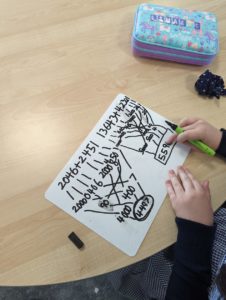
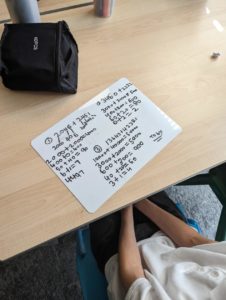
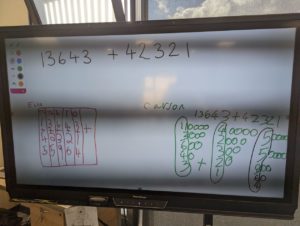
We have also been looking at the strategy of partitioning during our number talks. We have been using progressively bigger numbers and have been practicing applying our strategy.

Here are some examples of how we have been laying out our partitioning answers;

In French we have begun to investigate hair descriptions, we have been taking our time to listen and repeat the key phrase “J’ai les cheveux…” and then we have begun building our vocabulary to describe hair colour, length and texture.

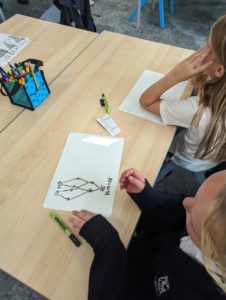
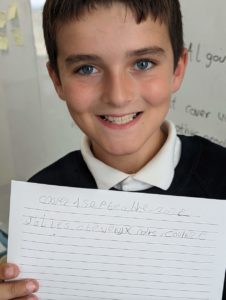
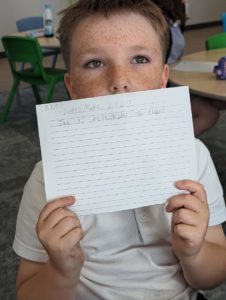
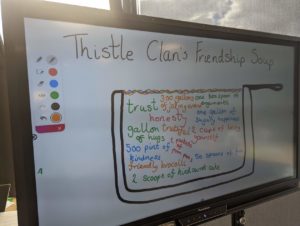
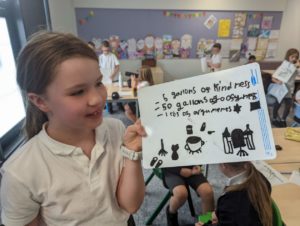
Finally we would like to share our health and wellbeing focus of Friendship. This week we have explored how to make and keep friends. We have enjoyed discussing personal experiences and giving advice to others. We created a friendship soup and added the ingredients we think make up a perfect friendship;

Published
Categorized as Thistle

NSPCC Online Safety Workshops for P5-7 Families

Primary session 1 – Social Media, Parental Controls, Modelling Good Behaviour, Screen Time vs Screen Use

Tuesday 11th October @ 7pm

Microsoft Teams meeting

Join on your computer or mobile app

Click here to join the meeting

Meeting ID: 360 183 895 563Passcode: nLTnf4

Primary session 2 – Grooming, Online bullying, Online friendships

Monday 7th November @ 7pm

Microsoft Teams meeting

Join on your computer or mobile app

Click here to join the meeting

Meeting ID: 358 089 273 611Passcode: FDU7tm

Advice for P4-7 on How to Access Microsoft Glow Apps

We would request that if children have access to a phone or tablet they download the following free apps to support with learning through glow:

  • Microsoft Teams – This is their online classroom.
  • Microsoft One Drive – This enables the children to save work to upload to their team. It also allows them to access their documents at home and school.
  • Microsoft Word
  • Microsoft One Note
  • Microsoft Powerpoint

Downloading Microsoft Apps and Logging in for the First Time

The instructions on the link below will show you how to log into the apps.

To download Microsoft Office 2016 from the Glow Application Library, search for the ‘Office 365’ tile, shown here. It can be found on the National (Scotland) Launch Pad or you can add it to your own Launch Pad. Further help on the App Library is available here.

To download the software to a PC or Mac, click on the Office 365 tile and follow the instructions. More information from Microsoft is available here.

If you are downloading to an iPad or iPhone, you will need to download the apps from the App Store then log in using your Glow username. More information from Microsoft is available here.

It is also possible to download the apps from within Microsoft O365. To do so, click on the Office 365 link in the top left of your screen. This will take you to the O365 home page. Click on ‘Install Office 2016’ and follow the instructions.

Entering your username

When logging in, you will be asked to enter your username – this is your Glow username plus the domain e.g. gw15examplejames@glow.sch.uk. You will then be transferred to the Glow login screen.

Once you have entered your login details here, your registration will be complete. The Glow username will only activate the software for as long as that account is active in Glow.

Saving their work using an app

When using an app such as word or powerpoint, children should save their work to one drive.

When uploading their work to a team:

  • Within a post
  • Click the paperclip icon
  • Search in their one drive folder
  • Click on the document
  • You will see it upload
Saving their work using a netbook/ laptop

When using an app such as word or powerpoint, children can save their work to one drive/ or the computer.

When uploading their work to a team:

  • Click on files
  • Click on a folder
  • Click on upload
  • Search in their one drive folder/ or the computer
  • Click on the document
  • You will see it upload
Report a Glow concern
Cookie policy  Privacy policy