







Calderwood Calendar:
Calderwood Communication:
Calderwood Construction:
Calderwood Compliments:
Leadership Team

Red House

Sika House

Fallow House

Roe House

Calderwood Chiefs

Calderwood Primary Chronicle: 06/10/23
Calderwood Commitments (Actions):
Calderwood Calendar:
Calderwood Communication:
Calderwood Construction:
Calderwood Compliments:
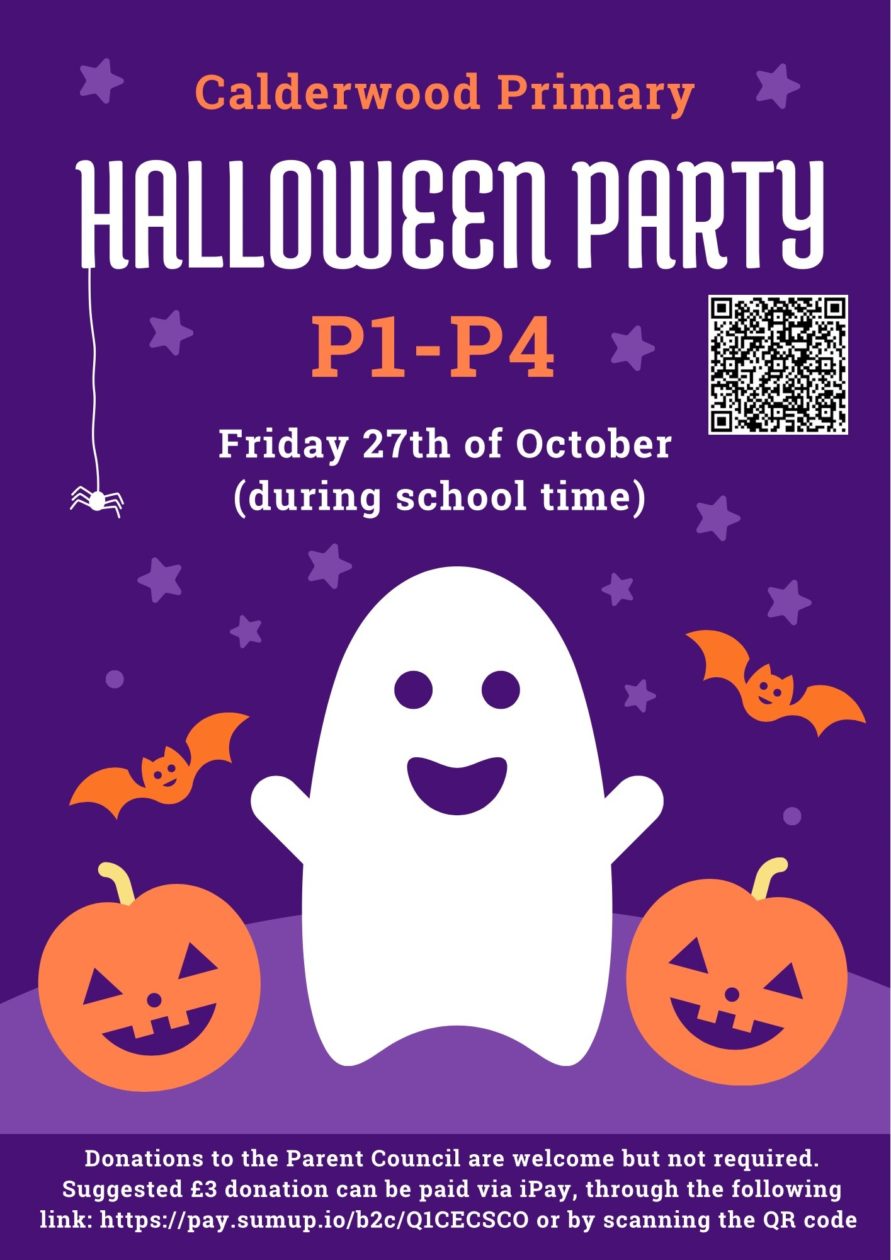
Please see attached flyers with more information about this year’s P5-7 Halloween Disco and P1-4 Halloween Party 🎃🪩As the P5-7 disco is outwith school hours, parents and carers must complete a form giving your permission to attend and also provide emergency contact details. The form can be accessed through this link: https://forms.gle/LRkceNFNmKoUaffY6We would appreciate if forms could be filled in online where possible but if you have any issues accessing it paper copies will be available on the night.Please note that your child will not be able to attend unless they have a completed permission form.Donations to the Parent Council are welcome but not required. A suggested £3 donation can be made via the following payment link: https://pay.sumup.io/b2c/Q1CECSCO or by scanning the QR code on the flyers.Donations are also now available through iPay. You can amend the donation amount on iPay.If you have any questions or issues accessing the form please email us at calderwoodpspc@gmail.com