Noteable – DPIA Information udpate

The Noteable service providing access to cloud based computational notebooks is now available via the App Library in Glow. Noteable provides a cloud based environment for coding activities using Python and R/R Studio.  This can be used to support the delivery of Computing Science and Data Science based courses as well as Higher Applications of …

Read more

welcome to teams header

What is Microsoft Teams?

Microsoft Teams is a Digital Hub for Collaboration. Teams can be used for classroom content, to host a Professional Learning Community or simply to pull together information for members of a group. Find out how you can make the most out of Microsoft Teams within Glow by watching the videos below. back to View all …

Read more

What is Microsoft Stream?

Microsoft Stream in Glow is a video sharing platform for learning and teaching. Create your own content, share, collaborate and distribute work to your learners or colleagues. Stream can be added to your Team or an existing O365 group. Find out how you can make the most out of Microsoft Stream within Glow by watching …

Read more

welcome to one note header

What is Microsoft OneNote?

Microsoft OneNote is a Digital Folder for all your notes and resources. Use OneNote for your own work content, collaborate as a team or distribute work to your learners. Find out how you can make the most out of Microsoft OneNote within Glow by watching the videos below. back to View all previous webinars Getting …

Read more

welcome to sway header

What is Microsoft Sway?

Sway can be used to create multimedia, interactive presentations Sway allows you to create Digital Stories that flow beautifully, displaying interactive multimedia content. The built in click and drag feature makes it easy to upload content from various sources. Sway is intuitive and easy to navigate with simple menus. You can unleash your creativity by …

Read more

welcome to forms header

What is Microsoft Forms?

What is Microsoft Forms? Microsoft Forms is a tool for creating surveys and quizzes Microsoft Forms allows users the ability to create surveys and self marking quizzes. Forms can be shared with Glow users and externally with parents and the community. Forms automatically collates data which is displayed in interactive graphs. All this data can …

Read more

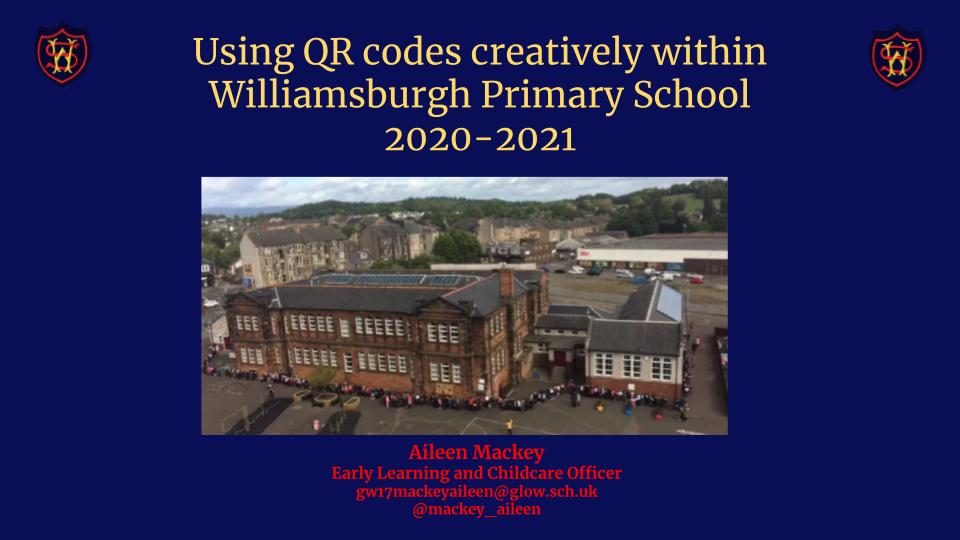
Using QR codes creatively within Williamsburgh Primary School

The following link showcases how QR codes have been creatively used within our school in order to enhance children’s engagement in learning and play, improve digital literacy across the curriculum, overcome written communication and interpretation barriers, provide opportunities for vertical learning through interactive displays, and deliver a sustainable and efficient method for staff training, to …

Read more

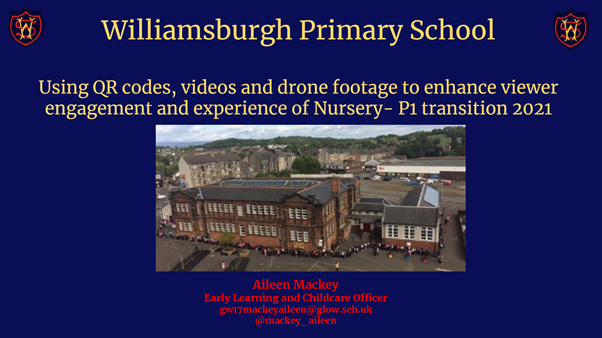
Using QR codes, videos and drone footage to enhance viewer engagement and experience of Nursery- P1 transition 2021, Aileen Mackey

At Williamsburgh Primary School we have used QR codes, videos and drone footage to enhance viewer engagement and experience of Nursery – P1 transition. By doing so we have  maintained our pedagogical approach, tailored our service delivery to the needs, interests and queries of children and families, encouraged children’s independence and digital literacy by accessing …

Read more

Celebrating and Sharing Learning Digitally

Making home learning content accessible: Padlet/Thinglink/Sway  In the following three session recordings, we explore how ELC practitioners can use a range of digital tools to help make home learning content more accessible, in an engaging early level friendly way.  *Please check with your local authority before using any digital tools/apps that are not part of the Glow core apps to …

Read more