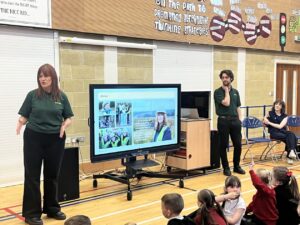
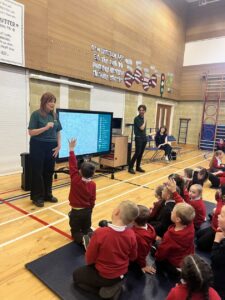
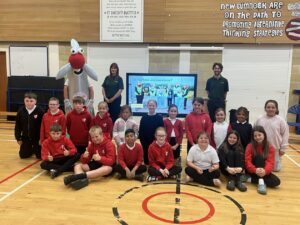
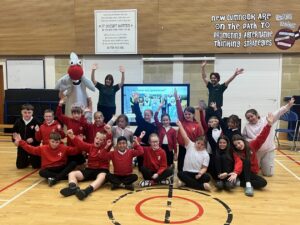
We are pleased to announce that, following the successful badminton sessions held during activity weeks and/or at after-school clubs, we are offering weekly beginner sessions for children who are interested in further developing their skills. The current sessions available are as follows:
· Barony Campus, Cumnock: Thursdays 6.00 – 7.00pm
· Grange Academy, Kilmarnock: Mondays 6.00 – 7.00pm
Additionally, we are exploring the possibility of introducing Friday evening sessions in Cumnock, as several children have indicated they are unavailable on Thursdays. We are also considering running sessions during the school summer holidays to provide further opportunities for participation.
If you would like more information about these sessions or others that we may introduce in the future, please contact Tommy Milgrew:
Tel: 07718 768127 · Email: tmilgrew1@gmail.com