A huge thank you to our parent council for donating out P7 Leaver’s Hoodies!
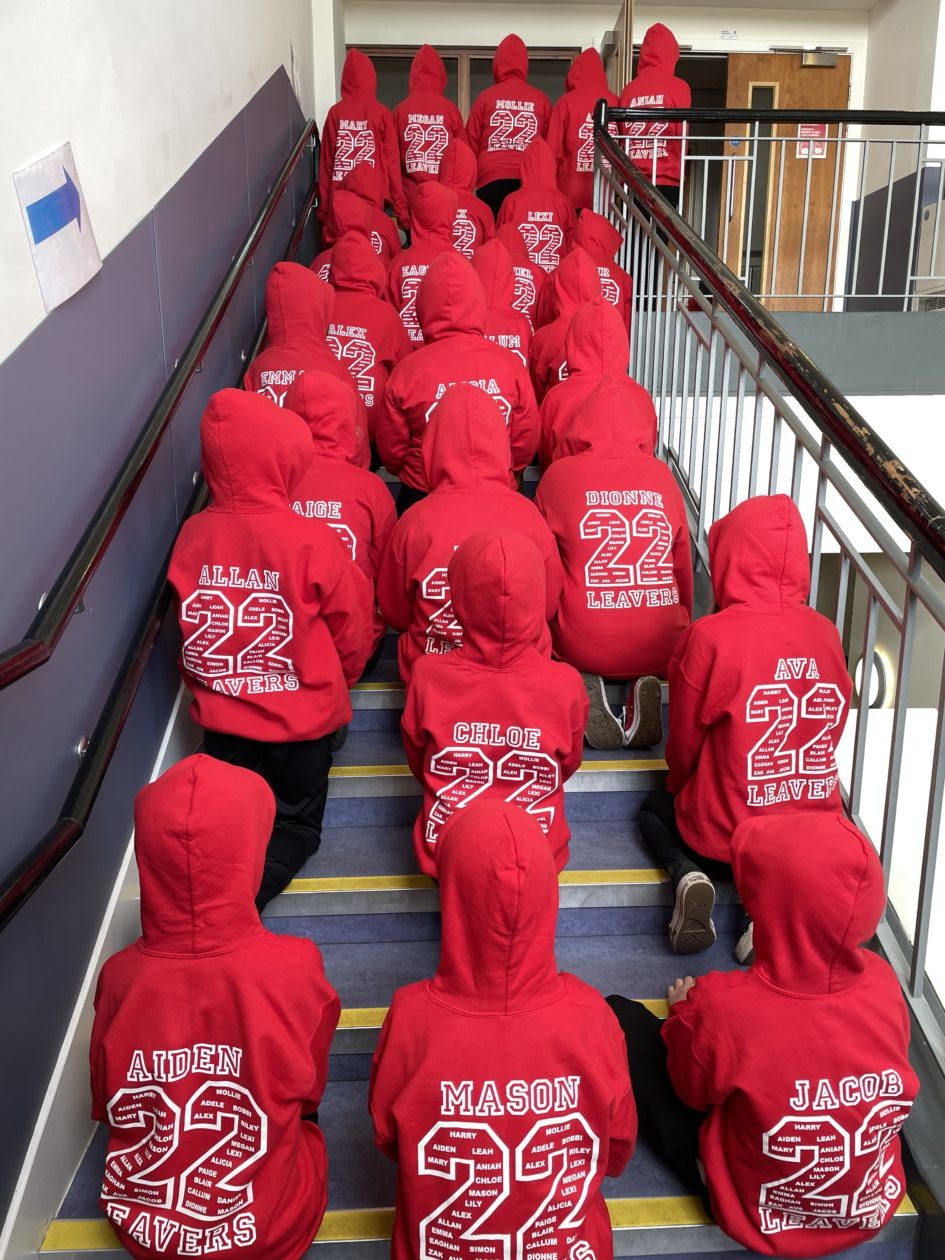
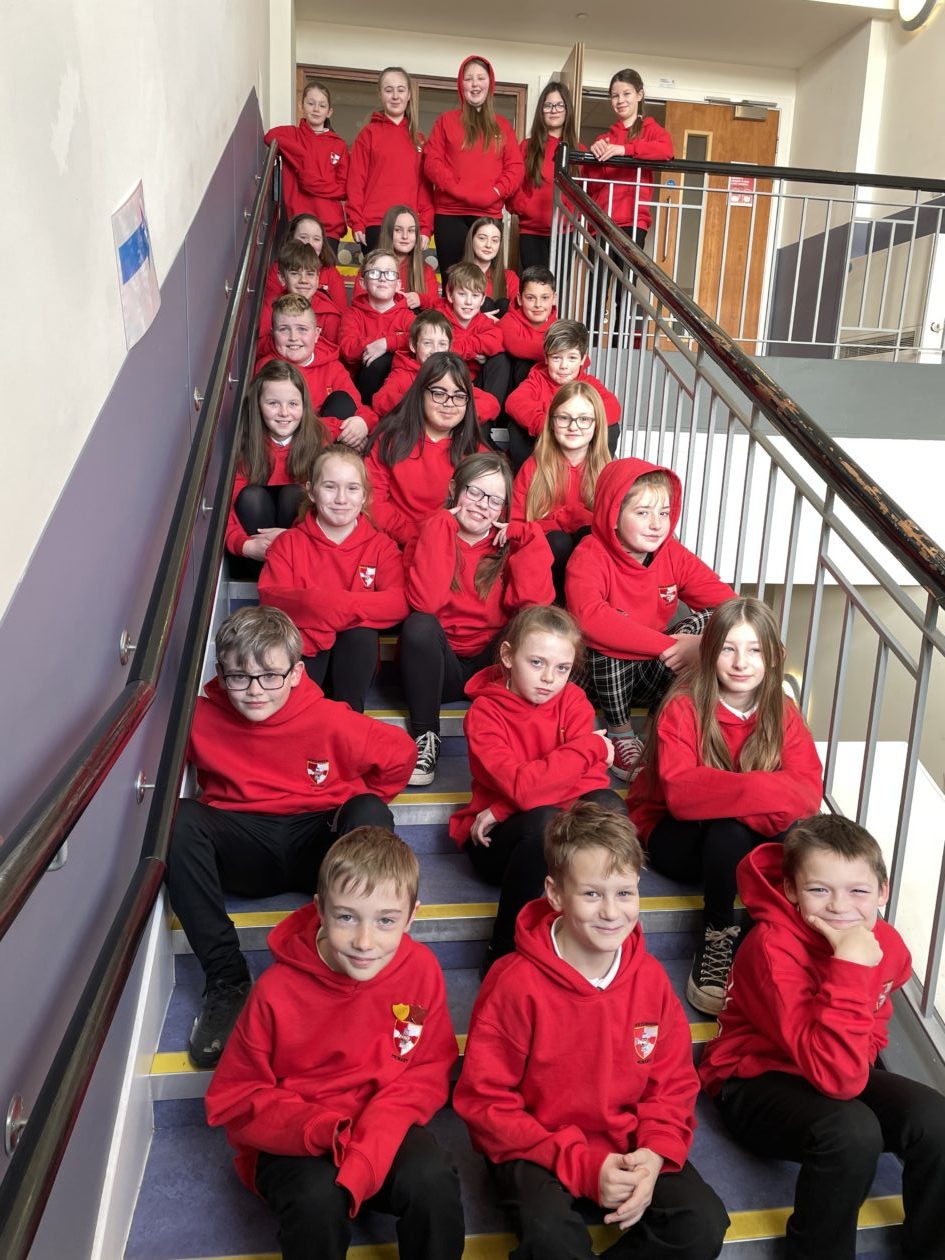
We are so excited to wear them around our school and to our transition events at Robert Burns Academy!
Thank you for your generosity!
A huge thank you to our parent council for donating out P7 Leaver’s Hoodies!
We are so excited to wear them around our school and to our transition events at Robert Burns Academy!
Thank you for your generosity!
We would like to take this opportunity to remind all parents and carers how to access class blogs and Microsoft TEAMS Groups (P3-7).
Firstly, can we direct all parents and carers to our Remote Learning Policy through the link below:
Links to all class blogs can be found below. Alternatively, you can navigate through the school website as shown in the clips below.
Primary 1A Mrs Johnstone: https://blogs.glowscotland.org.uk/ea/newcumnockprimary1a2021/
Primary 1B Mrs Armour: https://blogs.glowscotland.org.uk/ea/newcumnockprimary1b202122/
Primary 2 Miss McQueen: https://blogs.glowscotland.org.uk/ea/newcumnockprimary2202122/
Primary 2/3 Mrs Elliott: https://blogs.glowscotland.org.uk/ea/newcumnockprimary23202122/
Primary 3 Mrs Frew: https://blogs.glowscotland.org.uk/ea/newcumnockprimary3202122/
Primary 4 Mrs Petrie: https://blogs.glowscotland.org.uk/ea/newcumnockprimary4202122/
Primary 5 Mrs Agnew: https://blogs.glowscotland.org.uk/ea/newcumnockprimary5202122/
Primary 6 Mrs Mair: https://blogs.glowscotland.org.uk/ea/newcumnockprimary6202122/
Primary 7 Mrs Clarke: https://blogs.glowscotland.org.uk/ea/2021newcumnockprimary7/
The Den Mrs Ramsey/ Miss Mason: https://blogs.glowscotland.org.uk/ea/newcumnocknurture202122/
On the main school blog, under ‘Classes and Staff’, select your child’s class.
 Once you have selected their class, click on the link highlighted which will take you to the class blog.

Please note that these blog posts are public and do not require a child to log into Glow to access them.
In the event of remote teaching, teachers will be sharing a variety of learning activities across the curriculum on the class blogs. Some of these may take the style of written tasks, recorded PowerPoints, live video links as well as time slots that teaching staff will be available for communication via email/Teams.

As well as work being posted on the class blogs, P3-7 will have the opportunity to access Microsoft Teams in the event of whole class isolation or remote teaching. This will enable them to directly speak with and message their class teacher, share work and ask questions. To access Microsoft Teams, your child must know their Glow username and password. If they do not know their GLOW username and password, there is a contact form below to follow which will enable you to contact the school to rectify this. (P3-7 ONLY)
To access Microsoft Teams, go to your Glow login page and log in using your username and password.

On your launch pad, click on the Microsoft Teams icon.
Each child should have this icon on their launch pad, however, if it is not there you can go to ‘add’ and search for Microsoft Teams in the app library and select ‘add to my launch pad’.
 Once you selected the Microsoft Teams app on your launch pad, if you are not using a Google Chrome or Microsoft Edge browser, you may be greeted with this message…
 This will prompt you to download the Teams app from you app/play store.

It will ask you to log in using an email address which is the child’s Glow username followed by @glow.sch.uk
For example: eap.joebloggs@glow.sch.uk
It will then take you back to your Glow log in page where you will re-enter your Glow username and password.
If doing this on a tablet or mobile device, the good news is that once you are logged in, that will you set up for the future!
The attached document below provides advice on how to setup for learning, to be part of online meetings and access learning in Microsoft Teams. Click on the link to view.
PARENT AND PUPIL GUIDANCE – Microsoft Teams
Electronic Device Access:
If your child does not have access to a suitable device to take part in remote learning, please contact the school using the FORM below. Please complete this by WEDNESDAY 15th DECEMBER.
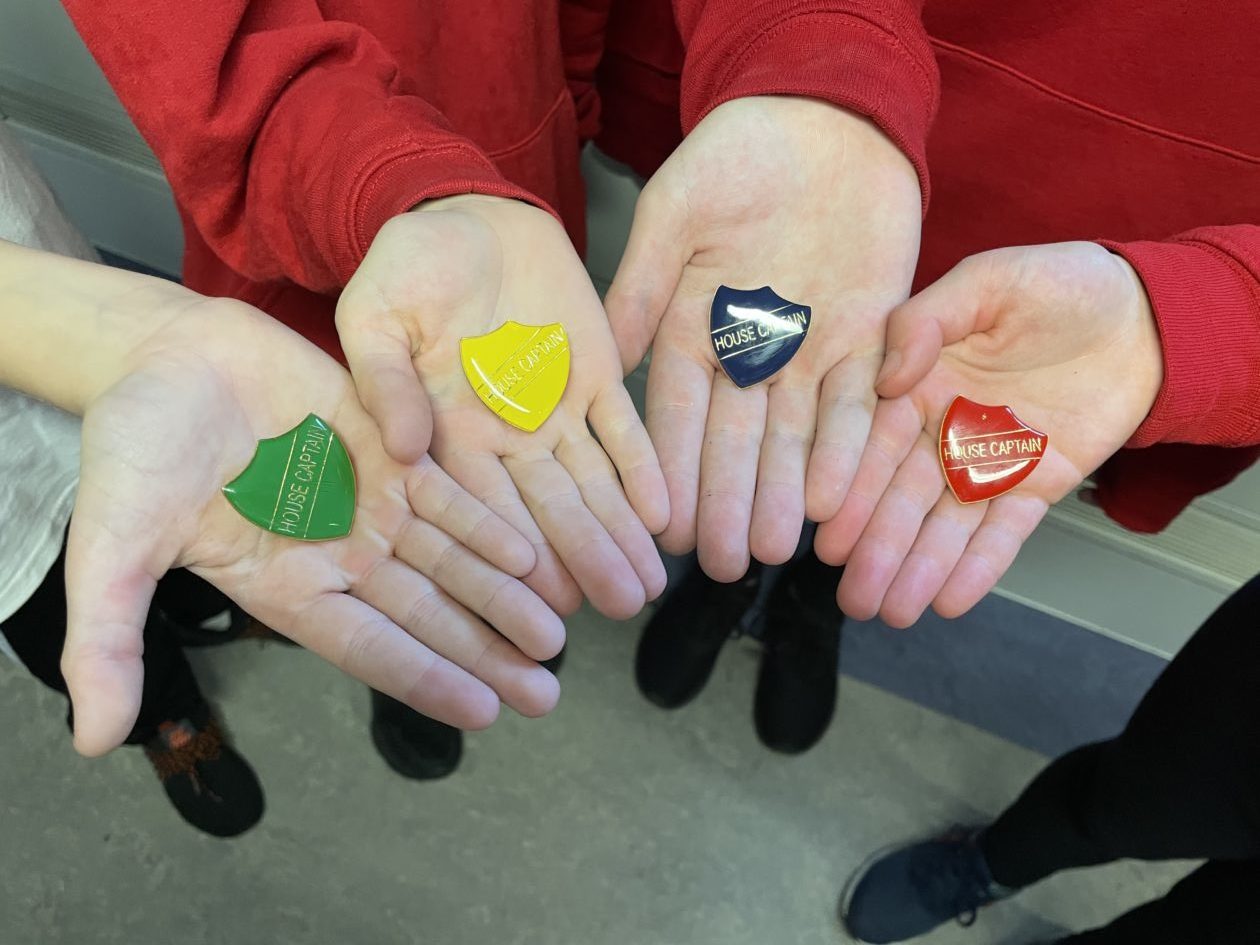
Our House Captains are so happy to finally have their badges!
They have been wonderful ambassadors for our school so far!


We are so excited to announce that we are hosting a Halloween Fun day on Friday 29th October, supported by our Parent Council!
Pupils are encouraged to come to school dressed up in their Halloween costumes and enjoy games, competitions and treats in class.
Each class will be awarding a “best costume” prize, voted for by the pupils. Prizes are being donated by the Parent Council.
There will also be a “Design a Pumpkin” competition with the winner from each class being gifted their VERY OWN PUMPKIN!
It’s going to be SPOOKTACULAR!
Congratulations to all P7’s who applied to be prefects. Your efforts have not gone unnoticed and I am pleased to announce that all who applied have secured prefect positions.
However, we will operate prefects this year on a termly basis; 8 prefects will serve the remainder of term 1 and term 2, 8 in term 3 and 8 in term 4, with all prefects being given 12 weeks of duties.
Our House Captains will serve as prefects for the whole year.
This term our prefects are:
Mason

Blair

Leah

Lexi

Riley

Alex

Mollie

Jacob


Tomorrow our Primary 7s will be visiting Treetop Trials near Kilmarnock.
We will be leaving at 9.10am and returning to school at 3.50pm.
There won’t be school transport available so please make arrangements to have your child collected from school on return.
Pupils will be doing archery, tree top trials and crate stacking.
Pupils should wear suitable casual clothing covering their arms and legs.
Appropriate footwear is required for forest activities.
Pupils will be required to wear a face covering for the bus. If they do not have their own, one will be provided for them.
No mobile devices allowed.
Children are required to bring a packed lunch.
We are looking forward to a fun filled day. ❤️
Robert Burns Academy – Primary Transition Meeting
Wednesday 12th May 2021 – 6pm
To all P7 parents and carers
The Robert Burns Academy will be hosting information evenings to discuss the transition process for your child into secondary school. This information evening will be held virtually via V-Scene. Details of how to join using your computer or phone are attached to this message. The meeting will be hosted by Mr McGurn (Depute Head Teacher), supported by members of the Pupil Support Team who are leading the transition activities.
The purpose of this meeting is to go over the arrangements for this year’s transition programme, including school visits in June, as well as answering the frequently asked questions about the school day at The Robert Burns Academy.
We look forward to seeing you.
Click on the document below to access Vscene instructions.