Category: School Information
Be an Author Competition
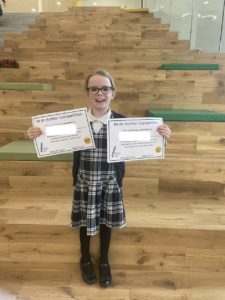
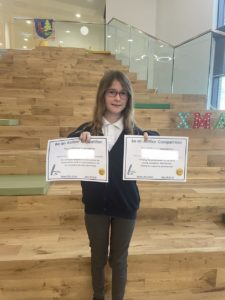
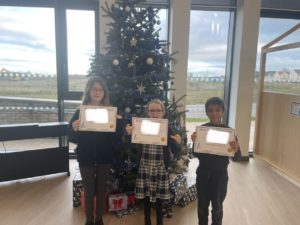
As part of our Book Week Scotland Celebrations, Calderwood took part in a ‘Be an Author Competition.’ This involved all pupils writing a narrative story about a quest or adventure. Each clan nominated a winner for their clan that would go through the final. All entries for the final were judged by an author called Linda Erskine. Well done to all of our clan finalists!
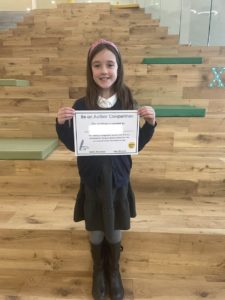
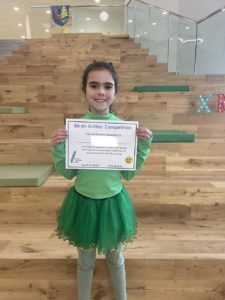

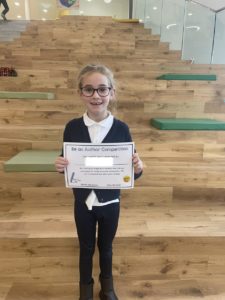
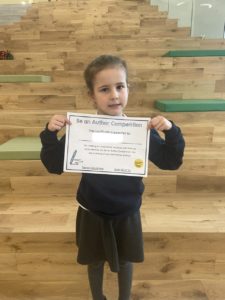
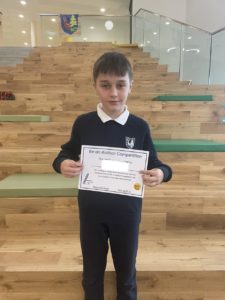
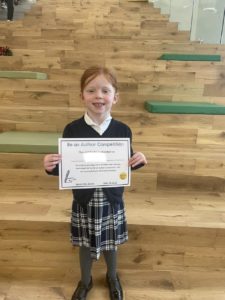
A massive congratulations to our P1-3 winner, P4-5 winner and P6-7 winner. All pupils have received a voucher to spend at Waterstones. Enjoy your celebrations! We are all so proud of your achievement!
P7 Transition Information for Children with ASN
Calderwood Cares – Our draft approaches
We are currently developing our approaches to health and wellbeing. We would like our families to give some feedback so we can improve and implement on these approaches at Calderwood.
Positive Relationships Toolkit
Calderwood-Cares_Anti-Bullying-Policy (1)


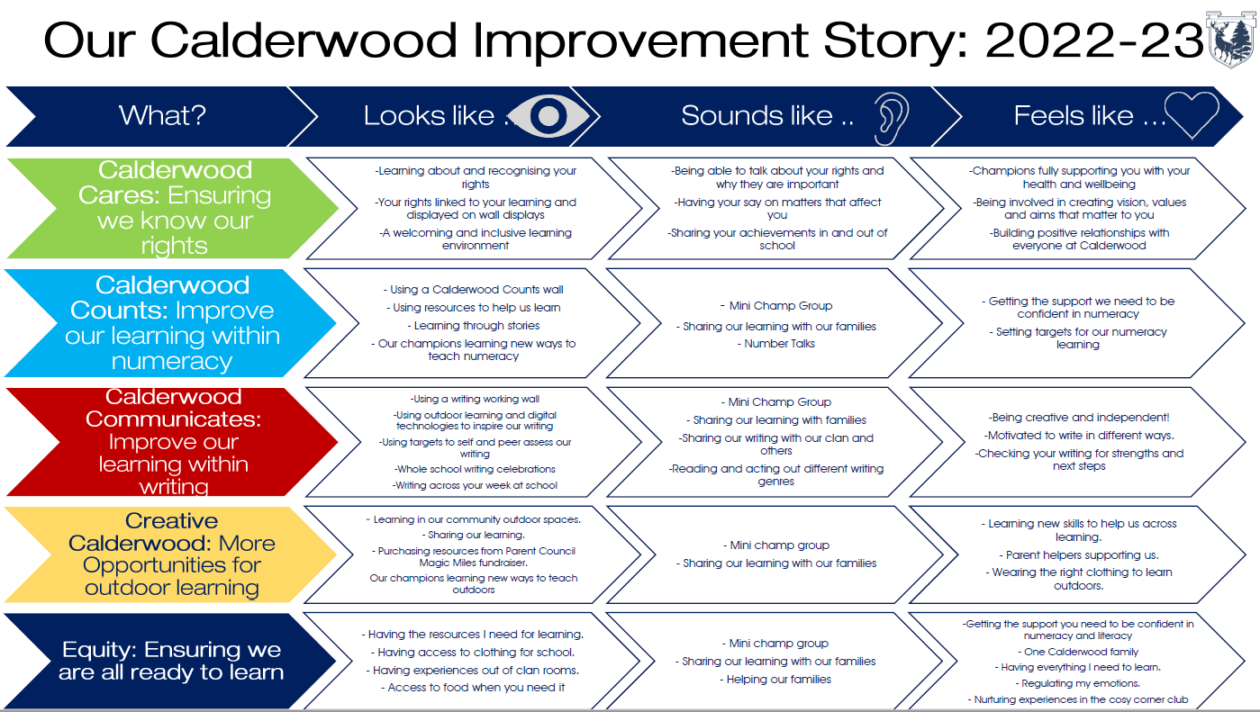
Our Calderwood Improvement Journey: 2022-23
SUMDOG – Calderwood Counts

Maths Week Scotland is just around the corner which means – Sumdog Competition time!
The contest will begin at 8 am on Friday 23rd September and end on Thursday 29th September. Your child can access the competition by clicking here or logging in via the following link and using their unique username, password, and school code Calderwood2:
https://www.sumdog.com/user/sign_in
This competition is a fantastic way to compete against lots of other Primary students, have fun and develop numeracy/maths skills at the very same time. Your child has received a card which includes their unique username and password to keep safe at home. If you have any issues with accessing Sumdog or using the details on the card please do get in touch with the school office as we’d be more than happy to assist.
Your child may be set some questions which they whizz through at the start. Completing these will support them to answer appropriate questions during the Competition so please do hang in there and complete them!
Xcite October Holiday Clubs
2022/23 DSM Manuals for ELC and Primary Schools
Nursery Champions 2022/2023