Primary 2/1 Homework tasks for the week. A phonics task has been set on Seesaw too. Please complete all tasks troughout the week.
Here is the Primary 2 Homework for week beginning 7th December. Please complete the maths task in the jotter provided. Remember there is no need to return jotter to school when completed.
This weeks phonics activity is on Seesaw. Please use the login details you received last week to access and complete this.
Mr Benyon
Good Morning!
I hope you all had a wonderful weekend! Please find below P1 homework for this week.
Primary 1 Homework – 7th December 2020
One task is required to be completed on Seesaw this week and all other tasks can be completed in the jotter which was previously provided. The tasks can be completed in any order and spread out over the course of the week.
There is no requirement to return the jotter to school due to current restrictions.
Thank you
Miss McCullagh
We have been learning:
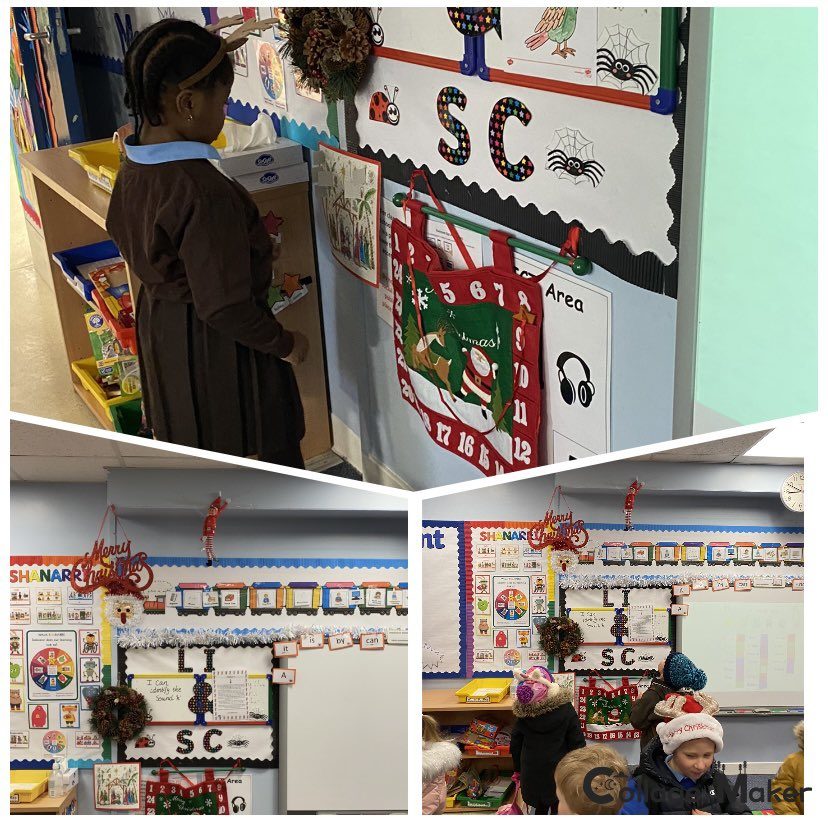
Also we have been getting into the Christmas spirit! As you will see from some of our photos!
Well done P1 for another week of super learning!
Have a great weekend!
Miss McCullagh
Our Star Writer this week in P1 is this SuperStar! This week our star wrote all about Kipper’s Snowy Day and that Kipper threw a snowball at Tiger! Great work!
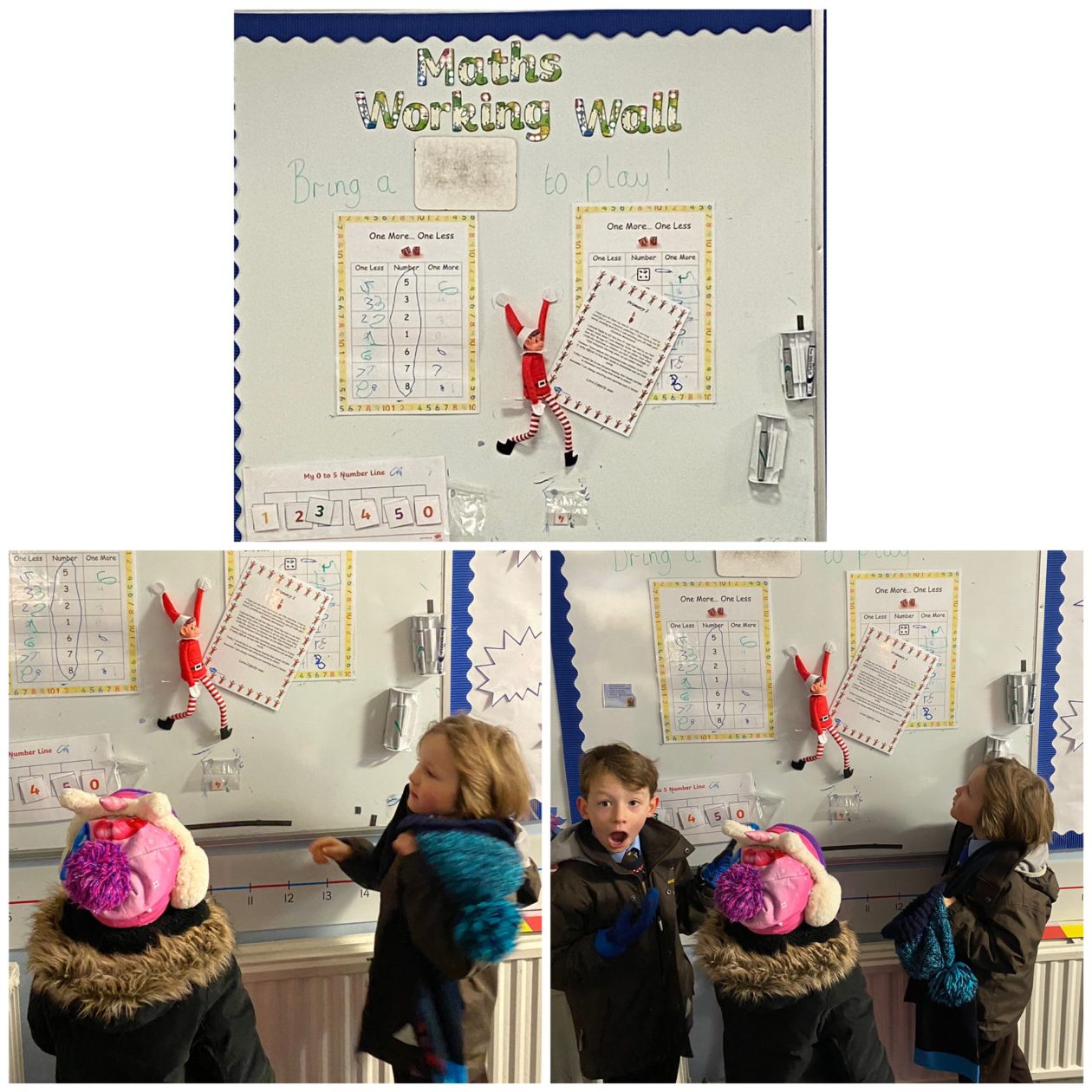
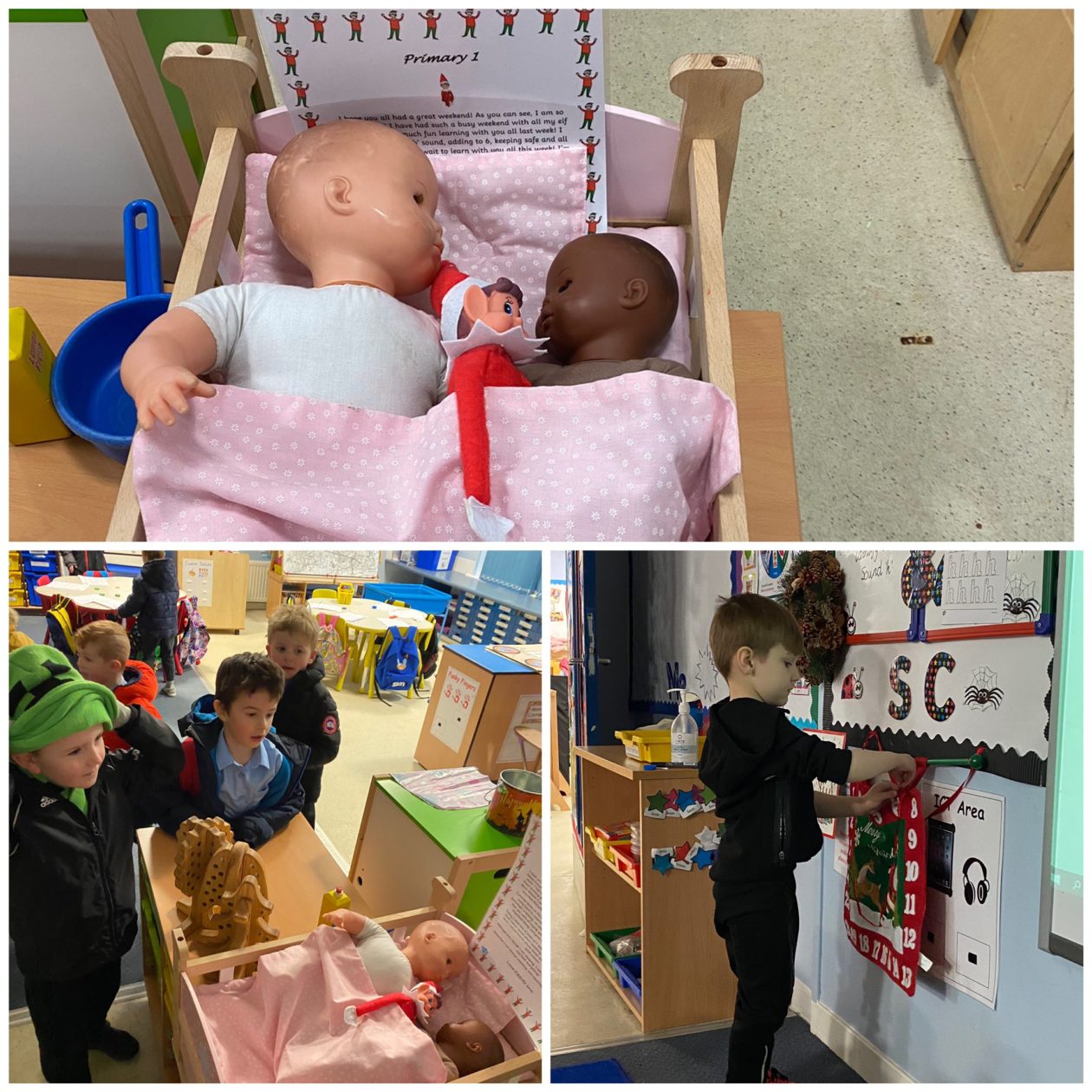
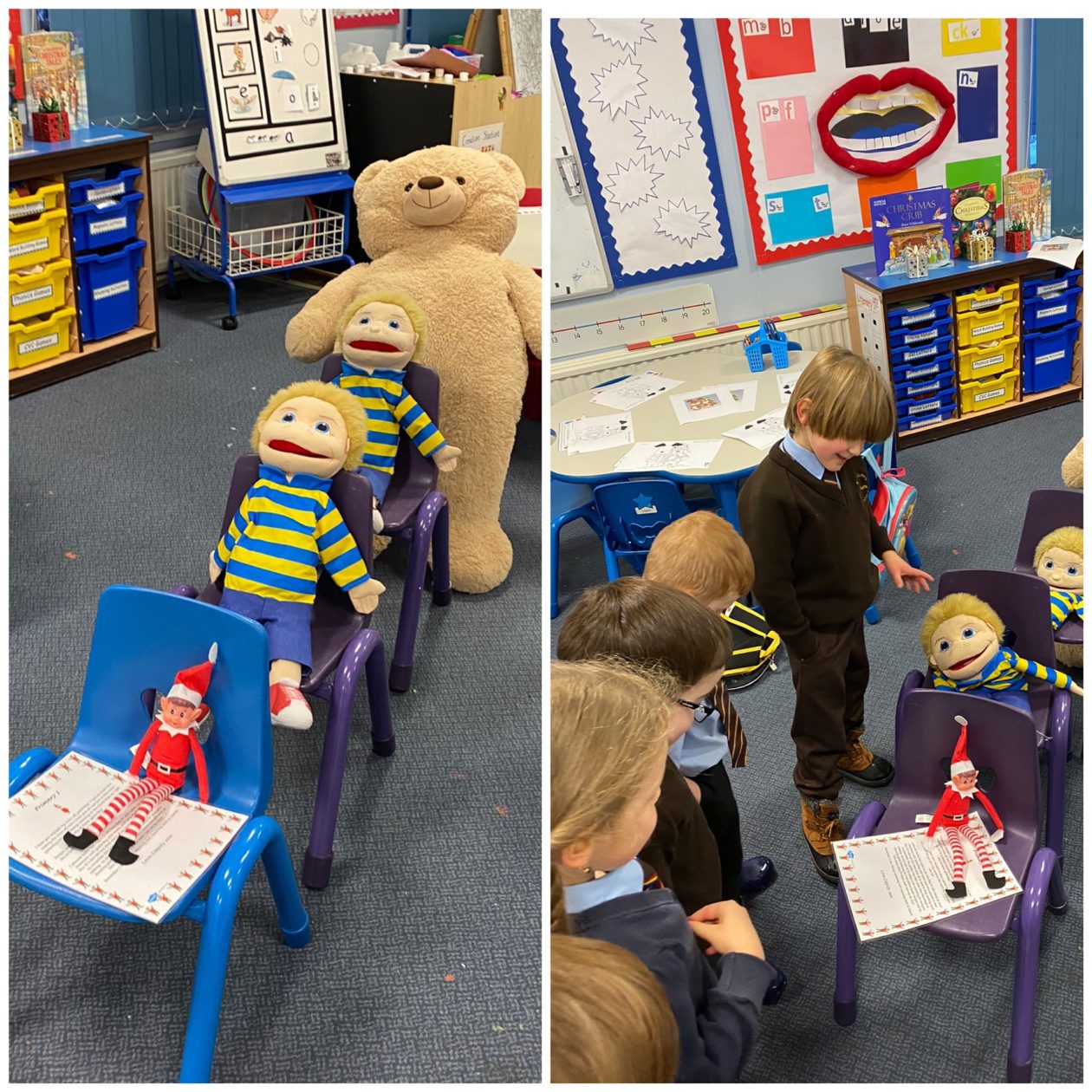
The Elf Magic happened again in P1 today!
We found Zippity this morning reading a book and he had a present & another letter for us! In his letter, Zippity told us how much he had enjoyed learning with us the day before and that he couldn’t wait to learn more with us today!
Miss McCullagh used the magic wands to pick the lucky person to open the gift! It was a book which we enjoyed at story time, all about an Elf! We think Zippity is telling us about his life with Santa in the story!
GLOW is as safe and secure an environment as we can make it. In order to keep it safe, it is vitally important that pupils always log in to their own account and keep their login details secure. This means that they should not disclose their password to anyone, including friends or family members.
The school does not keep a record of pupil passwords. If a pupil forgets or gets locked out of their account our only course of action is to reset their password. This will impact any devices that have passwords saved on them at home.
If pupils have an additional email account e.g. Gmail, Yahoo, MSN etc – they can set this as their password recovery email. In Glow go to Profile Settings and choose My Profile.
GLOW username
Our Glow usernames all have wl in front of them, some have numbers and they are case sensitive. e.g. wljoe.blogs5
GLOW email
Our Glow email is similar e.g wljoe.blogs5@glow.sch.uk
When logging into glow we should use our username or email and password:
A common log in error is to type their username and @glow. This will return an error.
Logging in to Microsoft 365 Apps on devices. (Teams, Sway, Powerpoint etc)
When logging in to Apps we normally only have to do this once but if the password is changed it will need to be changed on the device as well.
When asked to log in to App it normally requires your GLOW EMAIL i.e. wljoe.blogs5@glow.sch.uk this will then take you to “your organisations sign-in page” where your username and password needs to be entered.
Remember
While parents are encouraged to view and discuss learning content at the shoulder of their child, pupils should never share passwords with parents or anyone else.
Cyber security best practice suggests all Glow users should do the following:
Pupils should report any concerns related to access to their login details and should understand how to change their password. As with all aspects of Glow use pupils should report concerns to a trusted adult or use, Report a Concern available across all Glow services.
Parents must not use a pupils’ Glow account to contact the school or your child’s teacher.
All communications should be through the school email:
wlstjosephwhit-ps@westlothian.org.uk
Further information on how to use Glow/Microsoft 365 and Teams can be found at bit.ly/wlglowguide
I hope that you find this useful.