Active Schools Free Easter Activities

 Reminder that there is a change to tomorrow’s lunch-
It is our Easter Burger Bash!-
Beef burger, chips and salad/Cheese pizza, chips and salad/Chicken Burger, chips and salad
Chocolate Easter cupcake/Easter Caramel tarts
 Today is the last day to purchase tickets on ParentPay for our class Easter Raffle !
The draw for each class will take place tomorrow…..Good luck everyone!

Reminder that the school closes tomorrow at 2.30pm for the Easter Break. Children who are collected by taxi will be picked up at 2pm.

 Tomorrow is pyjama and movie day! Children are invited to come to school in their pyjamas . Infants can bring a teddy /soft toy and a blanket to snuggle while watching the movie, but remember NO SHARING !.


Tickets are now on sale on ParentPay for our Class Easter Raffle !
The cost is £1 per strip of 5 tickets. The raffle for each class will be drawn on Thursday 1st April and the prize for each class is an assortment of Easter treats!
The last day for purchasing tickets is Wednesday 31st March.


| Lunch For Thursday 1st April | ||
| Beef Burger, chips and salad | Cheese Pizza, chips and salad | Chicken Burger, chips and salad |
Easter Cupcake
or
Caramel Tart
For pudding

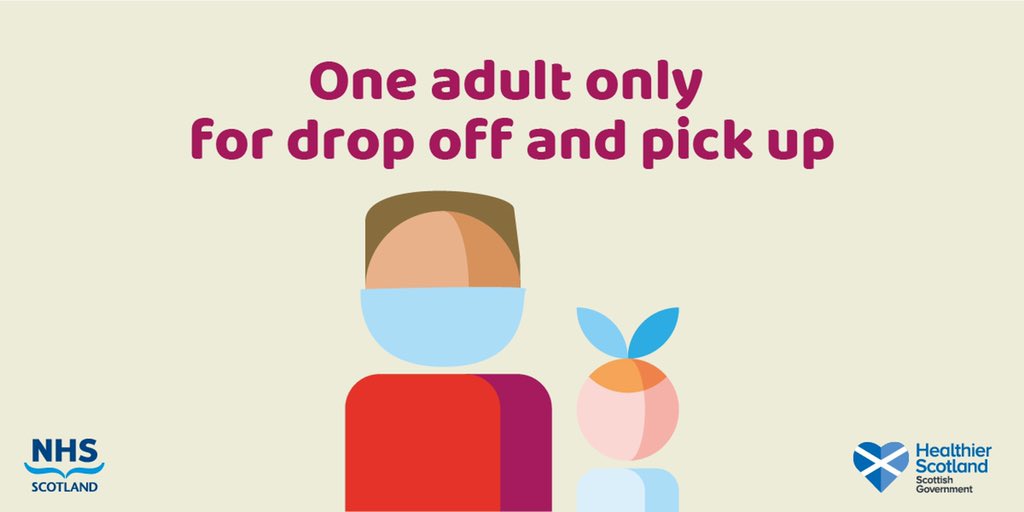
Please can we again ask that Parents/Carers refrain from using the school car park to pick up or drop off children.
The car park can be very busy, especially in the morning with staff arriving and taxis . Thank you for your co-operation.
Primary 4 and Primary 6/ 7 children will now exit the school through the smaller gate by the car park.
Arrangements to enter the school for Primary 3 – Primary 7 remains unchanged. Children should enter the main gate between 8.45am and 9am where they will be welcomed by a member of staff.
Thank you for you co-operation.
Dear Parents/Carers,
I am delighted to say all of our children are now settling into Mount Carmel after such a long time at home. They have so enjoyed seeing their friends and teachers and it has been a joy to see them.
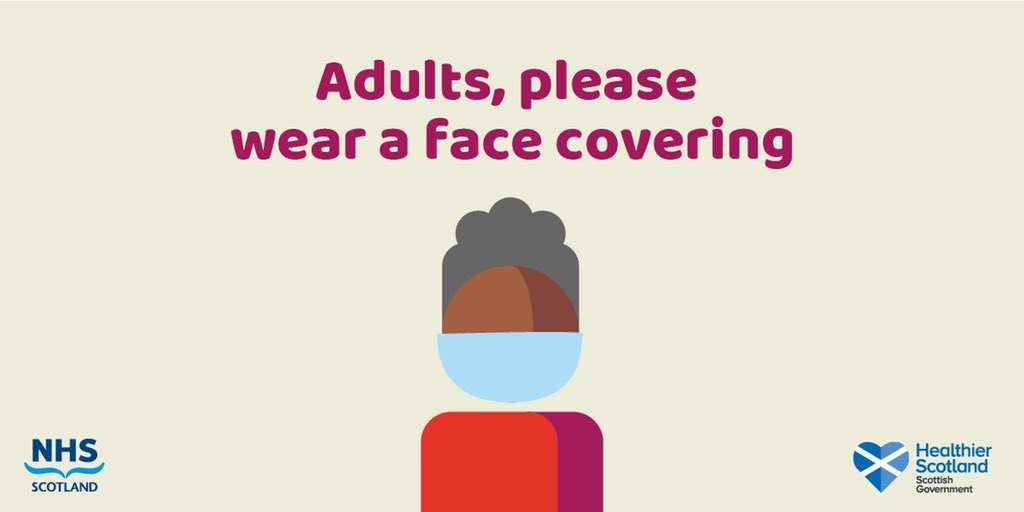
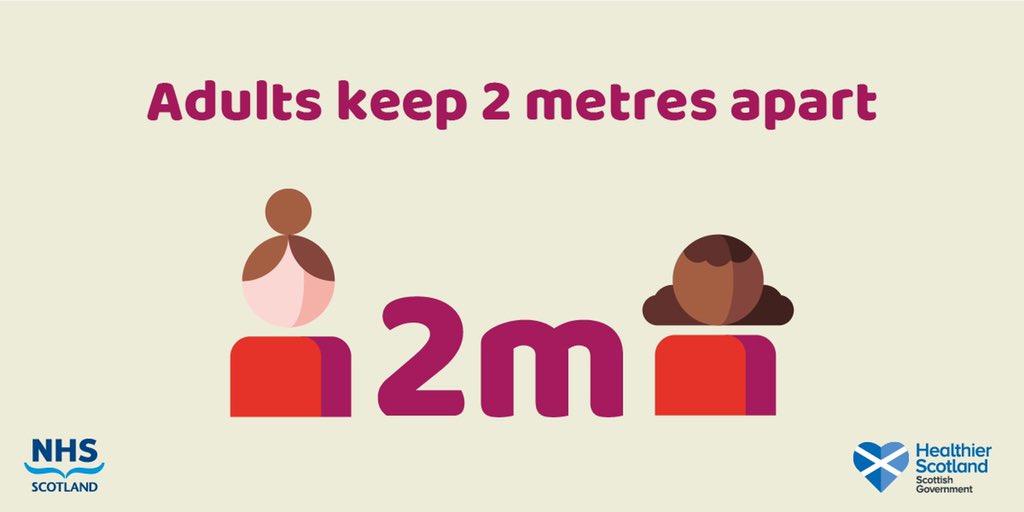
As there is still instances of Covid 19 in our community we continue to be vigilant and observe all the mitigating factors such as hand washing, social distancing and wearing face coverings. I would ask that you continue to social distance from other adults when dropping of or picking up your children.
We have adapted our playground zones to ensure children are remaining in their social bubbles as much as possible. We have adapted our routines at lunchtime meaning children no longer need to eat in their classrooms. We will continue to adapt any arrangements or routines as circumstances change and develop. Indeed, after yesterday we have changed the exit gate for P4 and P6/7 and we will always look to make things the best we can for our school community.
It has been a very long year. When Mrs Fergusson and I closed the school In March 2020 we didn’t think we would still be having to manage Covid 19 as a factor of our daily school life in March 2021. Hopefully things are beginning to change for the better.
As always, if you have any concerns or suggestions please do not hesitate to contact us.
Kindest regards


 We are so delighted to have all our Primary 4-7 pupils back today, making our Mount Carmel family complete again!
It was lovely to see all the children meeting up in the playground this morning and hearing them chatting and laughing
 .
.
 Tomorrow after lunch, our P1-3 classes will be having “Rainbow Reward ” time. The boys and girls will be watching a movie and having a cosy afternoon as a special reward for being such superstars since coming back to school full time in February. The children can bring a teddy to school with them to cuddle while watching the movie.

 It’s that time of year already!…..
We will soon be ordering our “Leaver’s Hoodies” for our Primary 7 pupils. These will be at a cost of £10 to parents/carers and will be available as of today to order via Parent Pay.

Primary 1-3 At the moment, there are no set days for P.E for our Infant classes. Children are welcome to wear suitable trousers/joggers so they are comfortable when doing outdoor activities etc.
 We are delighted by the news from the Scottish Government that Primaries 4-7 will return to school on Monday 15th March !
We will provide details next week for our pupil return plan.

 If your child/children would prefer not to wear a costume or they do not have a costume tomorrow for WBD, please do not go to the expense of buying one or the stress of making one as there is the option for them to simply “Dress Down” and bring their favourite book to school.


If you have children aged under 6 and are on benefits, you can apply now for a new Social Security Scotland benefit, the Scottish Child Payment.
This new payment will pay the equivalent of £10 per week for every child under the age of 6 living in a low income household and receiving a qualifying benefit such as Universal Credit, Pension Credit or one of the legacy benefits.
The 4 weekly payments are easy to apply for. Simply visit the Scottish Child Payment webpage or call 0800 182 222.
|
For further help and advice go to our Financial Help page on our Wellbeing Website.
|
Why not try this at home?
https://twitter.com/MorrisonsKilma1/status/1363932093395386372?s=20
Can we ask that when P1, P2 and P3 Parents/Carers are collecting their children at 3pm they come into the respective playground to collect them.
Please remember social distancing .
Thank you
 Can we remind Primary 1 and Primary 1/2 Parents/Carers that when bringing children to school in the morning they should drop them off and leave straight away.
Please do not enter the school playground or congregate in the vicinity of the school gates or area surrounding the school.
Thank you for your continued co-operation.
 Welcome back to school boys and girls of our Infant Department- we all really missed you and are so happy to have you all back!
Please follow the link below for information on numeracy strategies for Parents/Carers:
FAO Parents/carers of primary pupils transitioning to secondary school in August 2021`
Please use the link below to fill out the online form for registration
https://www.east-ayrshire.gov.uk/EducationAndLearning/Schools/SchoolAdmissions/SchoolAdmissions.aspx