Artificial Intelligence (AI) tools can be powerful partners for learning, teaching and creativity, but the quality of the output often depends on the quality of the prompt.
Whether you’re creating learning resources, planning lessons, supporting differentiation, or helping learners develop their own AI literacy skills, knowing how to write an effective prompt can make all the difference.
To support staff, we’ve created a practical prompt guide to help you get the most out of your prompt.
Prompting for Teachers
AI can help reduce workload, generate ideas and support professional creativity when prompts are specific and purposeful.
Teachers might use AI to:
Draft lesson outlines
Differentiate activities / resources
Generate discussion questions
Produce model texts tailored to learner interests
Design quizzes and retrieval practice activities
Support planning and resource creation
Generate images to spark discussions for learning
Prompting for Pupils
Developing effective prompting skills is becoming an important part of digital literacy.
Encouraging learners to think carefully about what they ask AI can help them:
Ask clearer questions
Refine their ideas
Develop critical thinking skills
Evaluate AI-generated content
Become more independent learners
While many AI tools are not available to pupils for safeguarding reasons, there are still valuable opportunities to learn about and engage with AI. Teachers can create AI-generated content for pupils to evaluate and discuss, helping them develop critical thinking skills and explore the ethical considerations surrounding AI. Pupils can also experience AI in a safe and age-appropriate way through Adobe Express, using features such as image generation and text-to-design tools.
From Simple to Detailed Prompts
The images above demonstrates how increasing the level of detail within a prompt can significantly improve the quality and accuracy of AI-generated images.
A good prompt often includes:
Subject
Setting
Style
Colours
Mood
Perspective
Additional details
Remember: AI rarely gets it perfect first time. Prompting is an iterative process, and refining prompts is where the real learning happens.
Following the success of our recent Digital Xtra-funded coding clubs, we wanted to build on learners’ enthusiasm for technology by helping our young learners explore the wide range of careers available within STEM (Science, Technology, Engineering and Mathematics).
To support this, we organised an online session where learners across West Lothian were invited to hear directly from Doug Kinloch (Software Security at Applied) and Rab Campbell (Growth Director at Social Value), two industry professionals working in STEM-related fields. Our speakers shared their career journeys, discussed what their jobs involve, and answered questions from curious young learners.
There Is No Single Route into STEM
One of the strongest messages throughout the session was that there is no single pathway into a STEM career.
Both speakers highlighted that where you start is not necessarily where you end up. They encouraged learners not to worry if they don’t yet know exactly what they want to do in the future. In fact, many professionals change direction several times throughout their careers, developing new skills and interests along the way.
STEM and Creativity Go Hand in Hand
Another interesting discussion centred around the common misconception that pursuing a STEM career means leaving creativity behind.
Our speakers challenged this myth, explaining that some of the most creative people they work with are employed in STEM-related industries. Examples included game designers, graphic designers and audio engineers.
What Makes STEM Careers Rewarding?
Potential Matters More Than Knowledge
Perhaps the most reassuring message of the session was that employers are often more interested in a person’s potential than what they already know.
Our speakers explained that many organisations recruit individuals who demonstrate curiosity, enthusiasm, resilience and a willingness to learn. Technical knowledge can be taught, but qualities such as determination, problem-solving and a positive attitude are highly valued by employers.
This helped reinforce the importance of learners continuing to develop their skills, ask questions and embrace new challenges.
Looking Forward
The session was a fantastic opportunity for learners to gain first-hand insight into STEM careers and hear from professionals who have taken different routes into industry.
We would like to thank our guest speakers for giving up their time to inspire the next generation and for sharing such honest and encouraging advice. We hope the session has helped learners to see that STEM careers are diverse, creative, collaborative and accessible to anyone willing to learn and explore their interests.
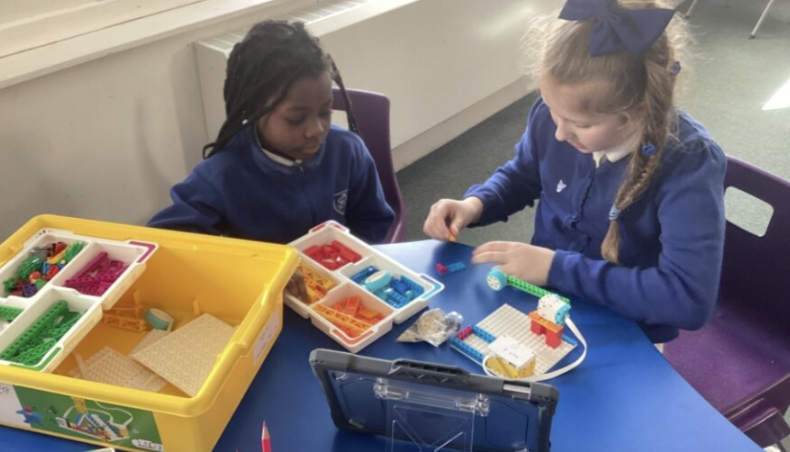
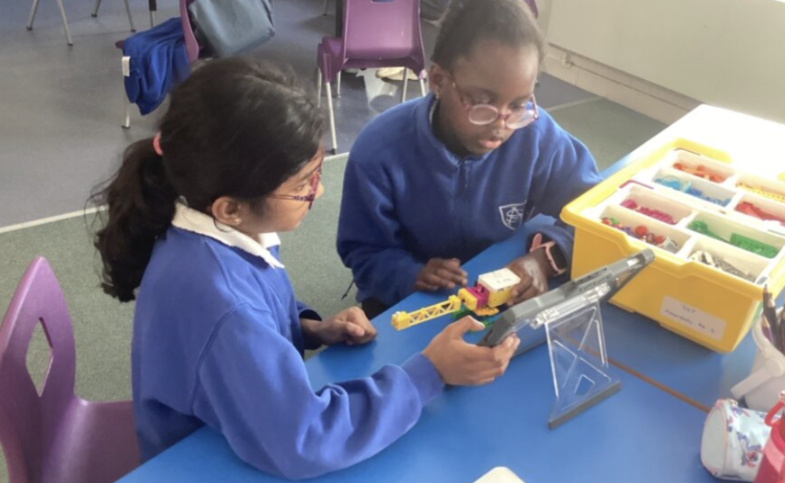
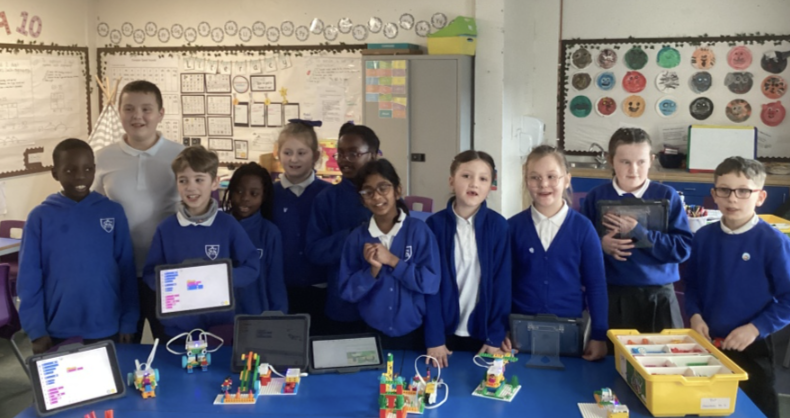
Pupils at Howden St Andrew’s recently explored the LEGO SPIKE Essential kits, using sensors, motors and block coding to design and create a range of carnival-themed games.
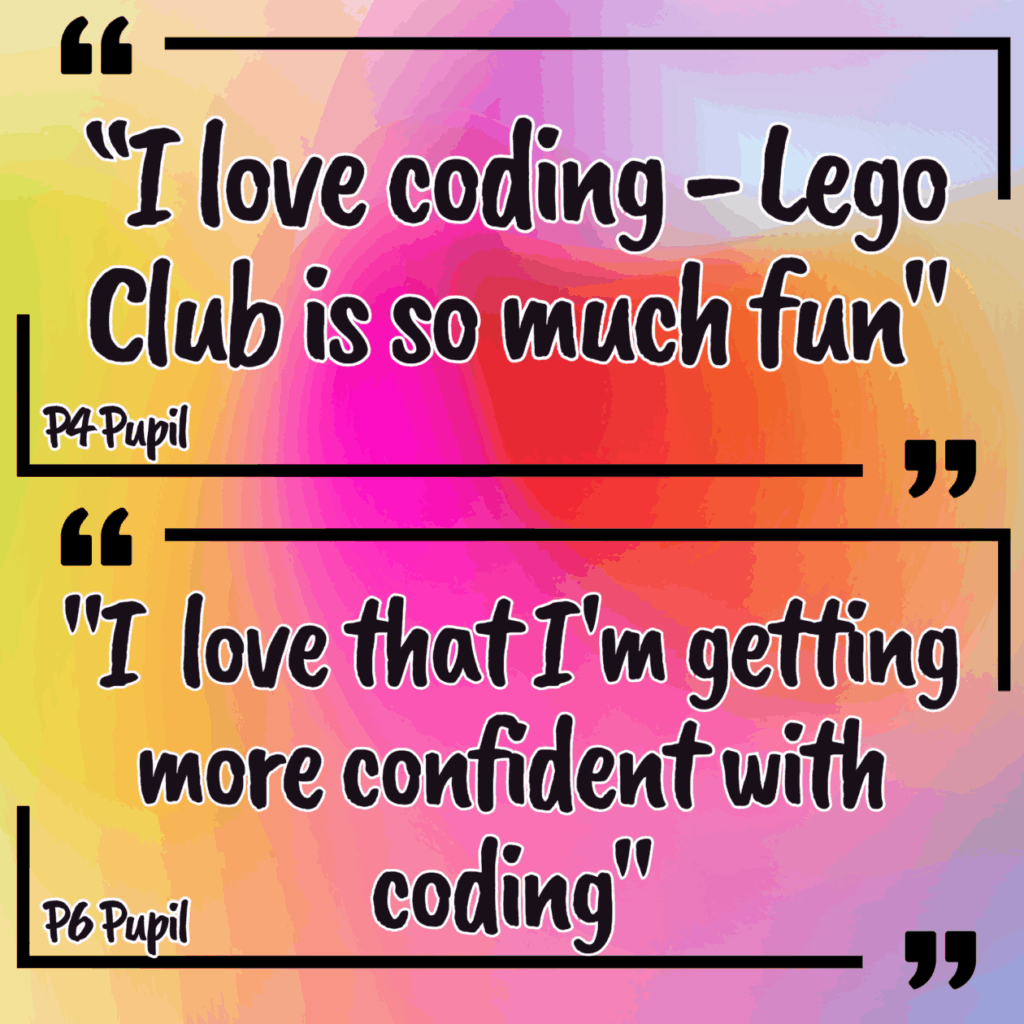
P4–6 pupils were excited to get started and quickly began exploring how the kits worked. Over the course of six weeks, they used the LEGO kits to design creations that could solve a problem, then used block coding to bring them to life.
They showed creativity and curiosity as they developed their ideas further, adapting and improving their projects to make them more interesting, unique and, in some cases, more complex.
As they became more confident, pupils started to experiment more with their code.
Instead of just following instructions, they have been taking ownership of their projects by:
adding their own triggers and movements
experimenting with sound effects
trying out more complex “if/then” style programming
🎡 Designing Their Own Carnival Games
This block’s big challenge has been building carnival‑themed games, and learners have risen to it with enthusiasm. Using what they’ve learned about:
motor rotations
sensors
speed control
angles
cause & effect in coding
…they’ve turned their LEGO kits into exciting, playable creations.
🏀 A Highlight: The LEGO Basketball Game
One standout project came from a pupil who designed a basketball‑throwing game entirely from scratch.
He coded the LEGO motor to throw the ball toward a hoop.
He used a sensor to detect when a goal was scored.
He added sound effects to celebrate successful shots.
He built his own reset mechanism so the motor rotated back into position.
He deepened his understanding of angles, discovering what a 90‑degree turn truly looks like in practice – how far the motor rotates, whether that angle generates enough force to throw the ball, and how to adjust it when it didn’t. This was maths‑in‑action at its best: experimenting, testing, refining, and making connections.
🔍 More Brilliant Thinking from the Groups
Other groups showed fantastic STEM thinking too:
One team explored motor rotations, discussing how far their mechanism needed to turn to make their game work smoothly.
Another group experimented with speed settings, predicting and testing how increasing speed affects the distance a ball would travel.
These moments captured the essence of the club: pupils thinking critically, applying real‑world STEM concepts, and discovering answers through hands‑on testing.
🌟 A Celebration of Skills, Curiosity & Teamwork
Across the block, learners have shown:
Resilience by trying again when things didn’t work
Collaboration by helping each other debug and improve
Leadership by taking ownership of their designs
Creativity by turning technical components into imaginative games
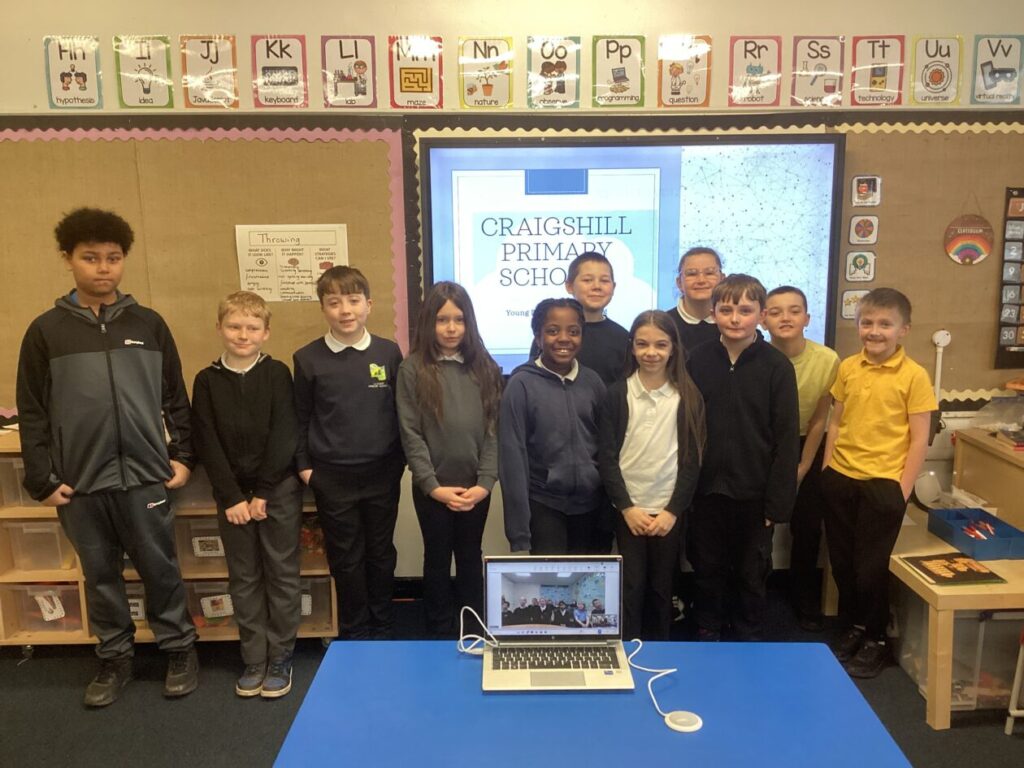
Over the last few weeks, a group of enthusiastic pupils from Letham and Riverside Primary Schools have taken on an exciting leadership project exploring how digital technology is currently used in their schools and how it could be improved as they prepare for their move to the new Craigshill building.
Pupils then delivered a hybrid presentation, sharing their findings both in person to staff from the WL Equity Team and the WL Digital Learning Team, whilst simultaneously sharing via video link with Digital Leaders at Bankton Primary.
What They Wanted to Find Out
They developed a series of questions to explore the real experiences of learners and staff:
What does “digital” mean to you?
What’s going well digitally in our school?
What would you like to change or improve, digitally in our school?
How does your learning connect to real life, and how does technology support the curriculum?
Do we currently have the right materials to help us learn effectively?
Do teachers meet the needs of individual pupils and help you learn in different ways?
Are there good opportunities to use digital technology to support learning and the curriculum?
These questions opened up honest conversations about access, confidence, creativity, and the role technology plays in everyday learning.
What They Discovered
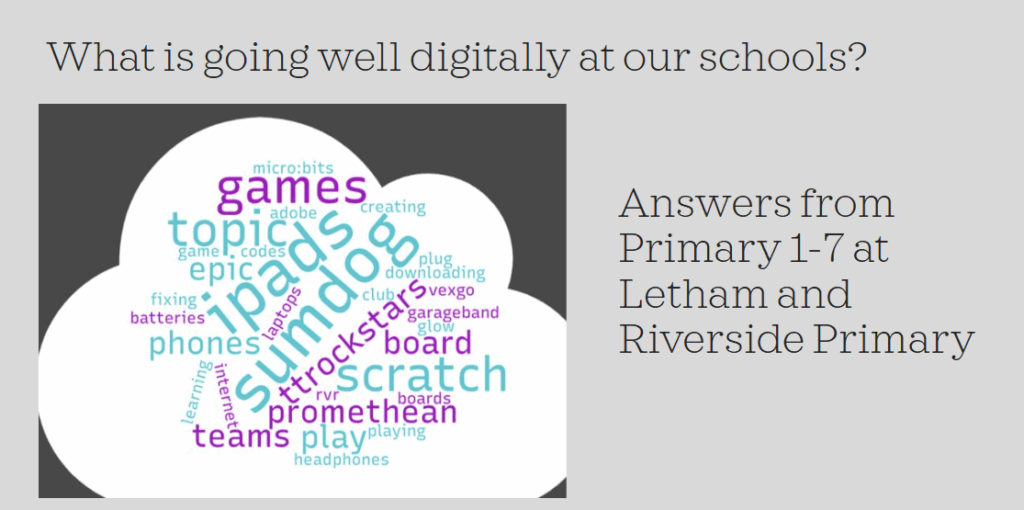
Across both schools, pupils found a strong appreciation for technology as a tool for research, learning, creativity, communication, and independence. They highlighted examples of digital tools being used well, such as for supporting writing with MS Accessibility tools, coding with Beebots and Scratch, boosting engagement with Kahoot, Blooket and Sumdog, and presenting ideas and learning with Adobe Express.
At the same time, pupils shared thoughtful ideas about how things could be even better. They talked about:
exploring more creativity tools to share learning
improving Wi-Fi access (which they will be pleased to hear, is in the process of being developed in all WL schools, and should be improved by the end of the year)
increased opportunities to explore new digital tools and apps to support learning
Their feedback showed how deeply young people understand the role technology plays in preparing them for life, further learning, and future careers.
This incredible opportunity has helped learners develop skills in communication, leadership, and teamwork, while also helping to help shape digital learning across the wider school community.
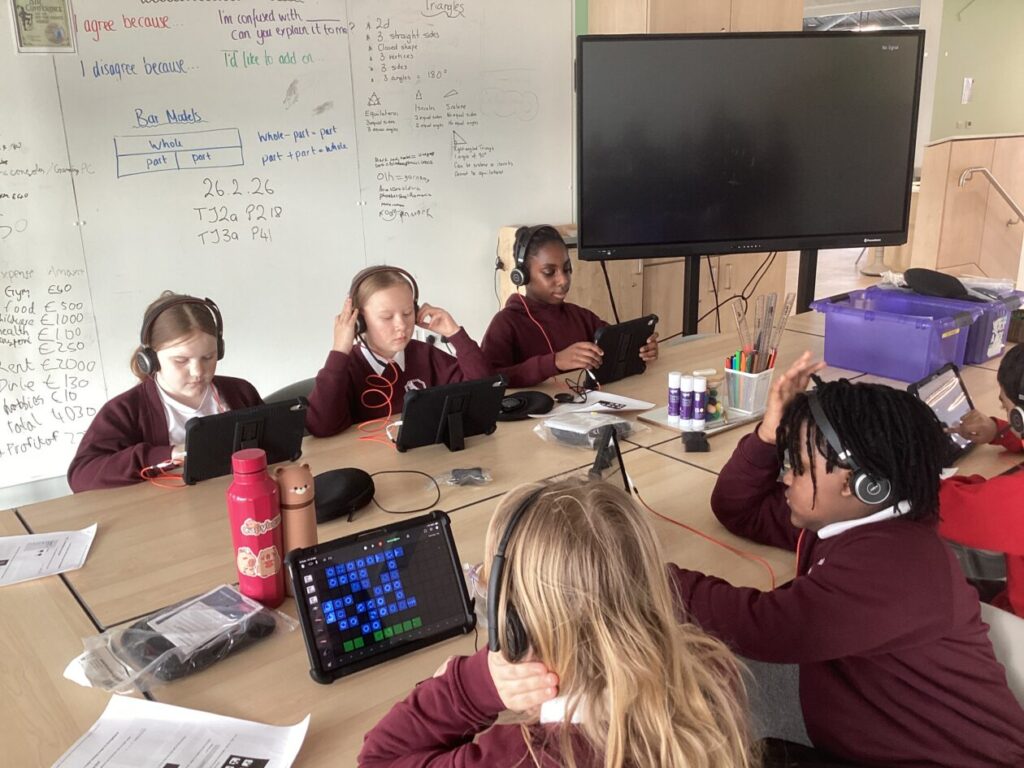
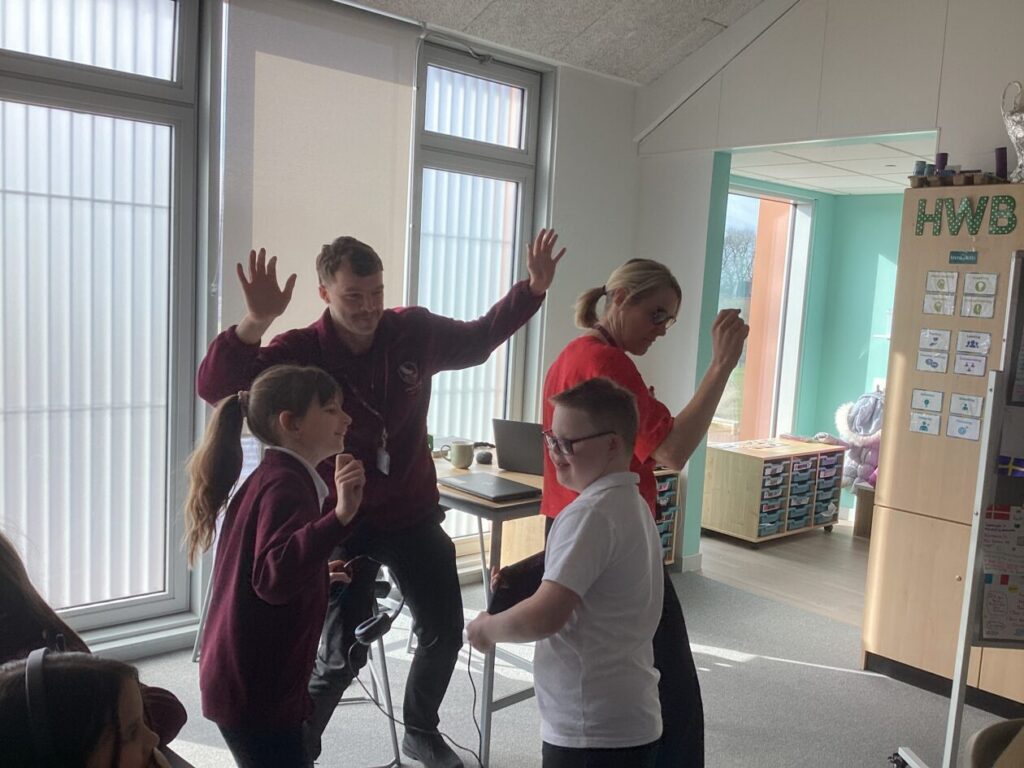
P5, 6 & 7 at Hawkhill Primary had a fantastically creative morning thanks to YMI (Youth Music Initiative) and Tinderbox Creative.
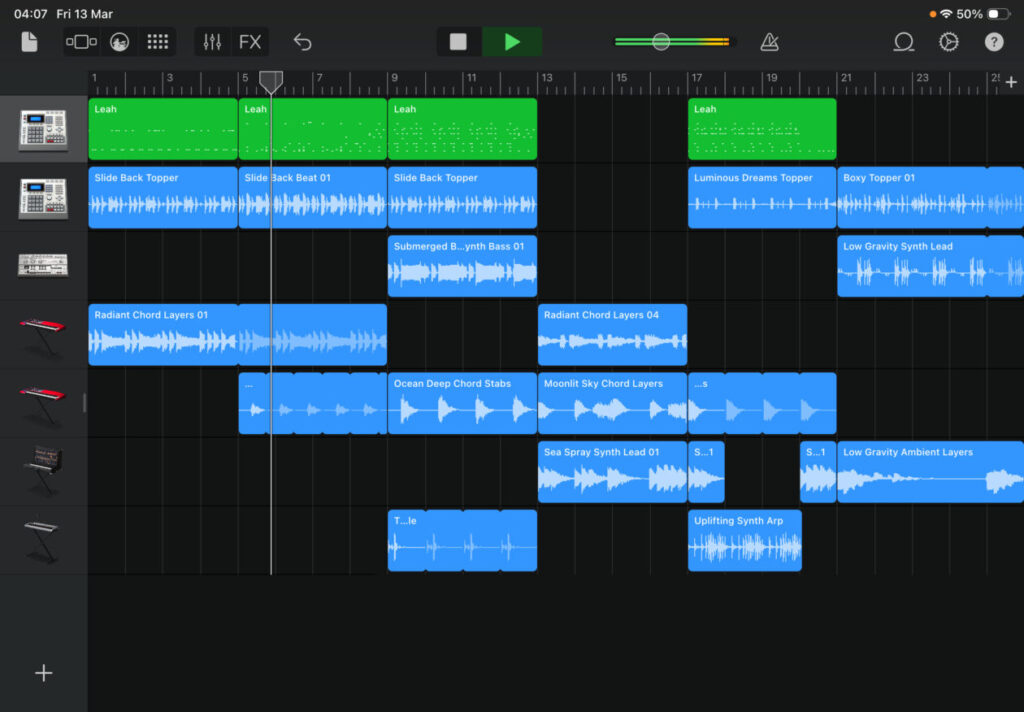
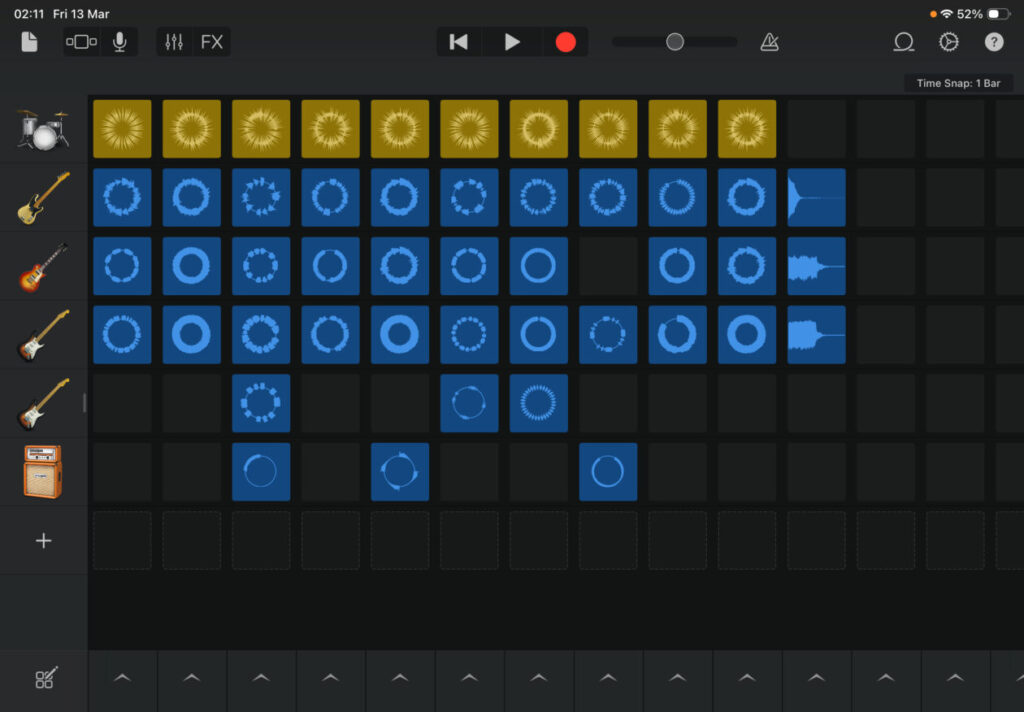
Pupils were introduced to a range of music genres and instruments through the Garageband app on iPads. They explored layering loops to create a song, which included drums, bass and a melody for musical interest. They learned how to duplicate, edit and add loops together to make their own songs, building their understanding of rhythm, pitch and dynamics.
Pupils were excited to share their creations with each other and could confidently explain their choices for their music, with their peers giving each other detailed and supportive feedback. Staff were impressed at the collaboration and communication skills being developed during this process too.
More feedback from staff included that they’d never heard the pupils so quiet and engaged. Classes are currently working on a STEM IDL focus so are excited to continue exploring how technology can support a range of industries.
Pupils used words such as ‘Amazing’, ‘Fantastic’ and ‘Inspiring’ to describe the session – they are excited to use their new skills again soon.
Thank you to Andra & Chris from Tinderbox for delivering such an engaging and fascinating session. We can’t wait to see how the pupils continue to develop these skills and hear their creations.
Sharing the Learning
Pupils from Hawkhill are also keen to develop their Young Leader skills and would love to support this learning at other primary schools. If anyone is interested in being involved in this, please reach out to the Digital Learning Team.
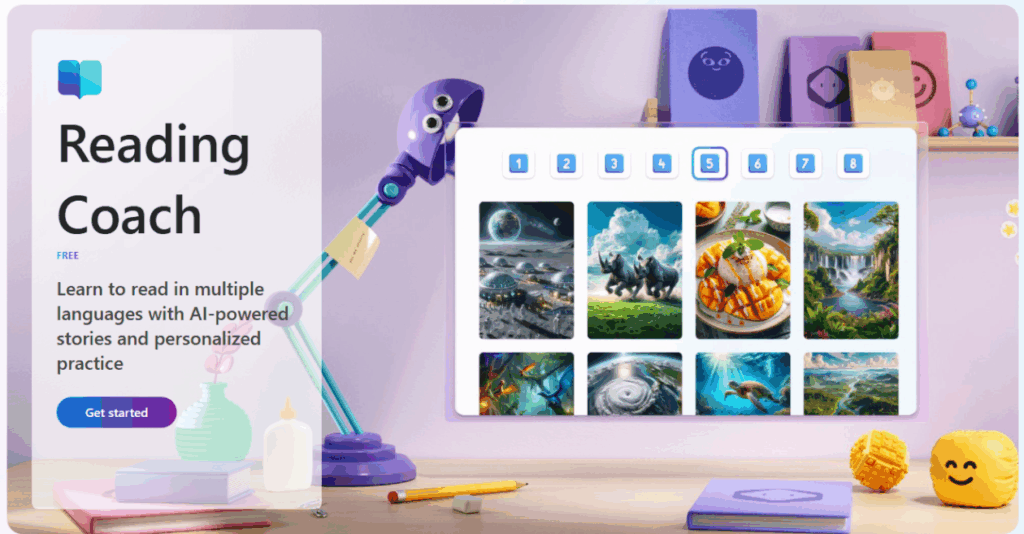
We’re excited to highlight Microsoft Reading Coach, a powerful web‑based tool that supports learners to develop confidence, fluency, and enjoyment in reading. Reading Coach is available to all learners through Glow, making it simple, safe, and accessible – in class and at home.
✨What is Reading Coach?
Reading Coach is a personalised reading tool where learners can independently choose or generate a text, read aloud, and receive immediate, targeted feedback. The platform adapts to each learner’s level and interests, making reading feel meaningful and motivating.
Because it’s fully web‑based, pupils can log in independently using their Glow account, with no additional setup required.
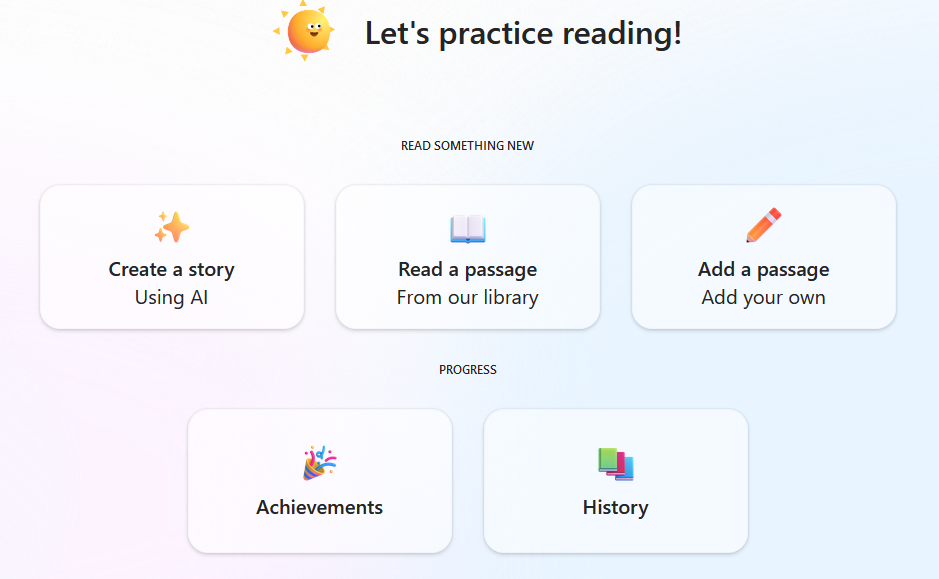
📚choose or create a story
Learners can choose how they want to read by selecting from two options:
Generate a story
Pupils can create their own story by selecting themes, settings, and what happens next. This gives them ownership over the narrative and encourages creative thinking.
Choose a reading passage
Alternatively, they can pick from a curated library of passages—perfect for quick reading practice or structured tasks.
For both options, pupils can choose their reading level, ensuring texts are accessible but still challenging.
🎙️Read Aloud, Record, Reflect
One of the most valuable features of Reading Coach is its read‑aloud and recording function.
Pupils read the passage aloud into their device.
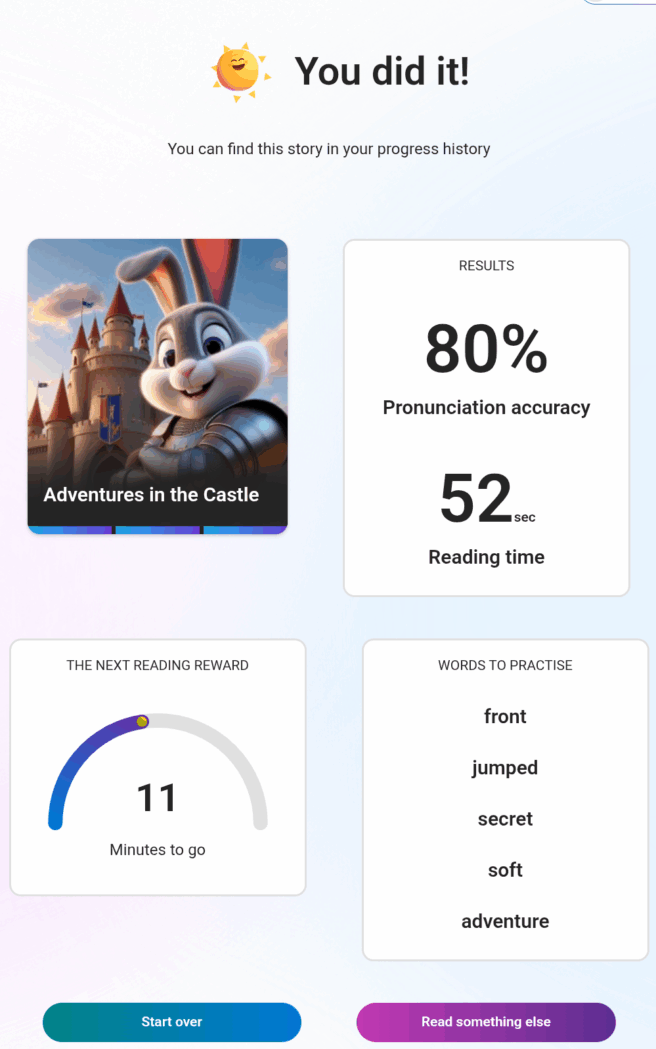
Reading Coach analyses the recording and provides instant feedback on accuracy, including:
An accuracy score
Highlighted words they struggled with
Opportunities to practise those words in isolation
This supports fluency development and reinforces positive reading habits.
🏆Rewards and Motivation
To keep learners engaged, Reading Coach includes simple but effective reward elements. As they continue reading they can unlock new characters and settings, to allow them to further personalise their experience.
👧👦What our pupils say
Learners who have used Reading Coach have shared some really positive reflections:
“I like choosing what happens next in the story.”
“I can create my own story and the chapters aren’t too long.”
“It’s really really good!”
“I can unlock new characters by reading more.”
Pupils appreciate the independence it offers and the sense of ownership over their reading journey.
If you’d like more information, or if you’ve used Microsoft Reading Coach with your learners, please get in touch with the Digital Learning Team – we’d love to hear from you.
At Williamston Primary, we’ve been working with pupils in Primary 4–7 to develop their skills in profiling and self-reflection using My World of Work.
Why Profiling Matters
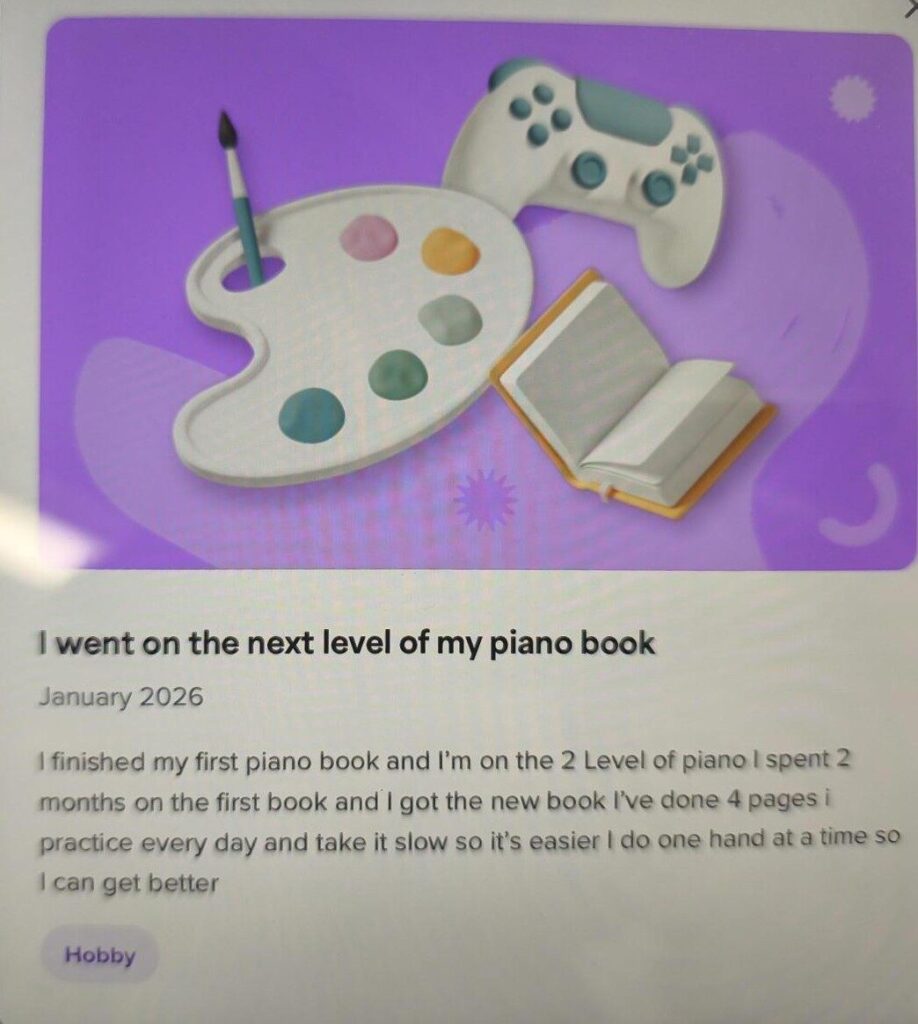
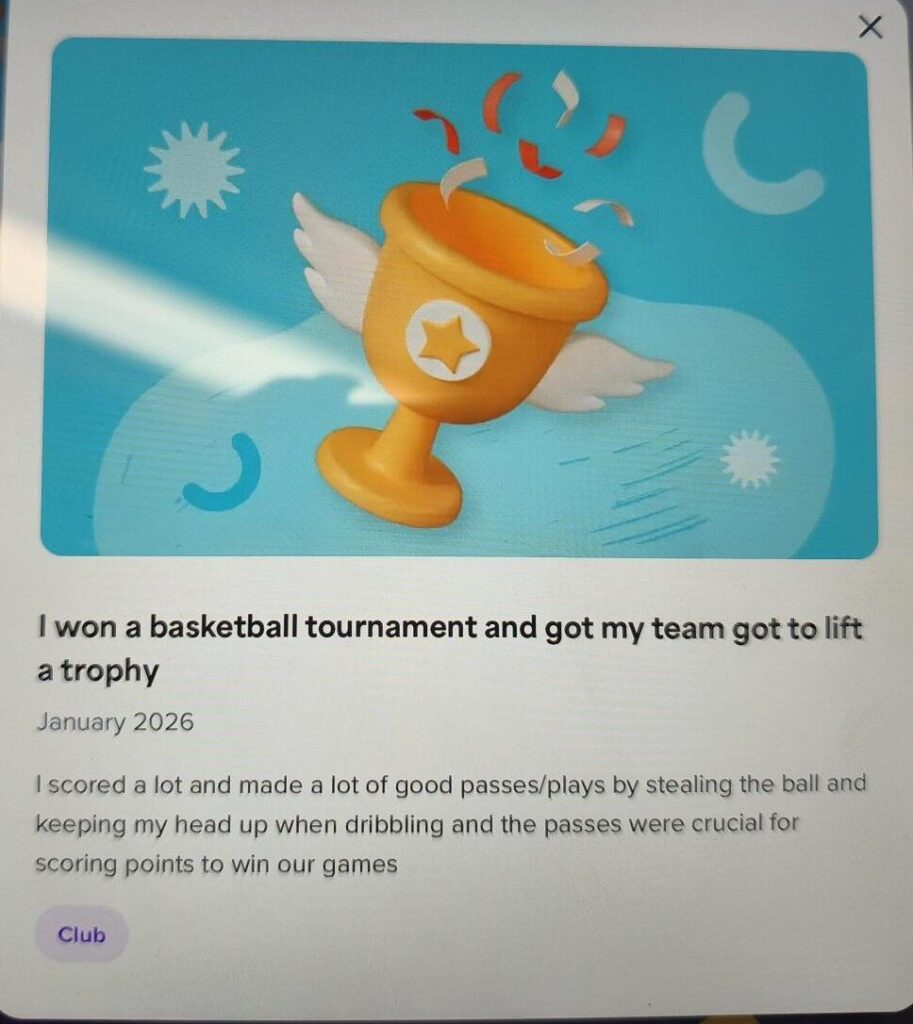
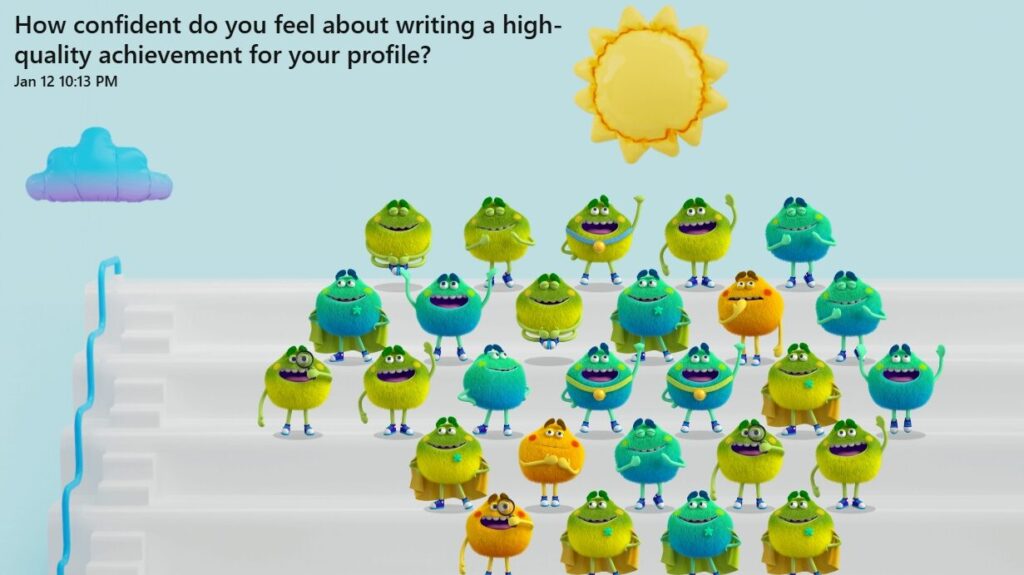
Profiling encourages pupils to take ownership of their learning journey. By recording achievements and setting achievable goals, they can begin to see the connection between effort, progress, and success. It’s a powerful tool for developing skills for learning, life, and work.
What is My World of Work?
My World of Work has been designed by Skills Development Scotland, to help learners understand their strengths, set meaningful goals, and celebrate achievements in a way that builds confidence and prepares them for future learning. On the platform, learners can:
Explore their interests and skills
Understand different careers and pathways
Build a personal profile that grows with them through school and beyond
It supports pupils to develop self-awareness and ownership of learning.
My World of Work in action
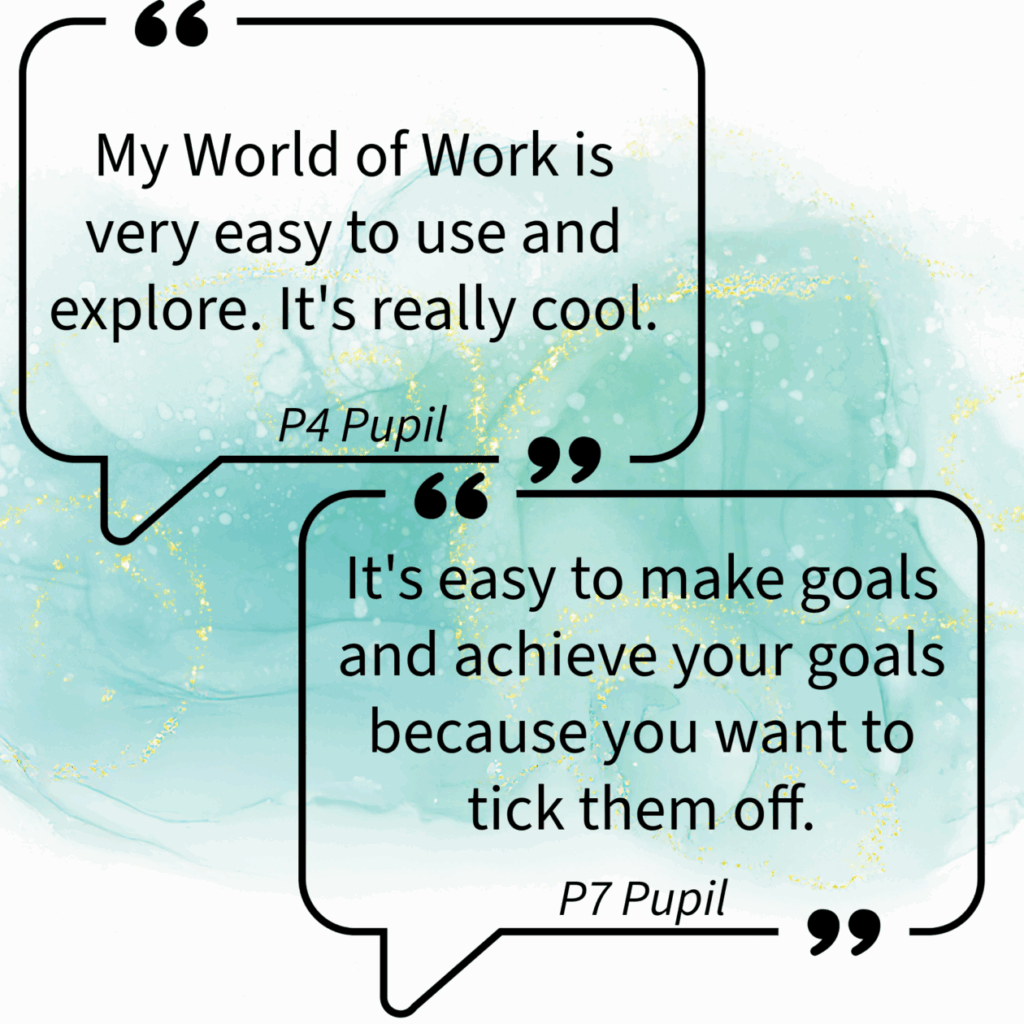
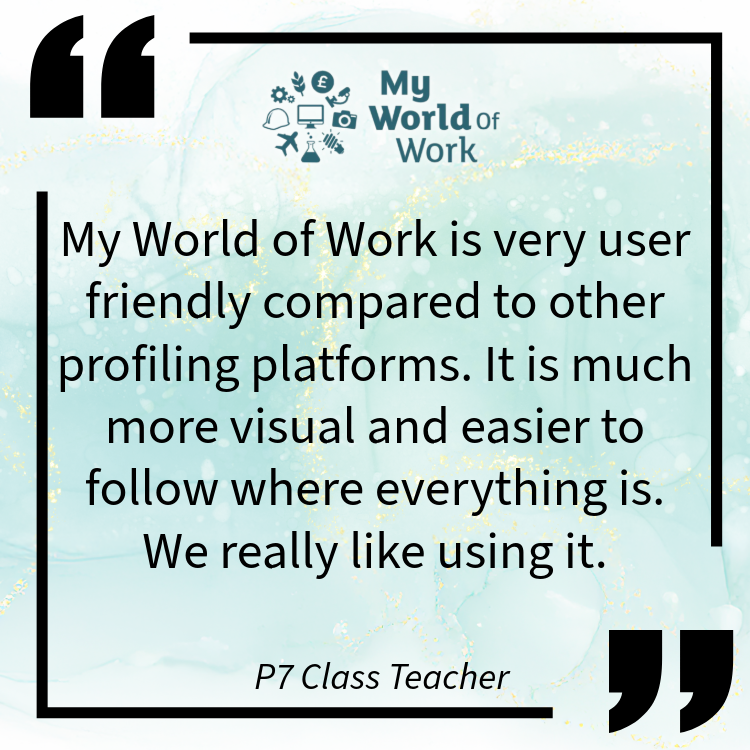
Pupils are becoming more confident in talking about their learning and proud of their progress. Teachers have noticed richer conversations during learning reviews, and parents appreciate seeing detailed profiles that showcase effort and growth.
If you’d like more information about using My World of Work with your learners, or if you’ve used it and would like to share your successes, please get in touch with the Digital Learning Team.
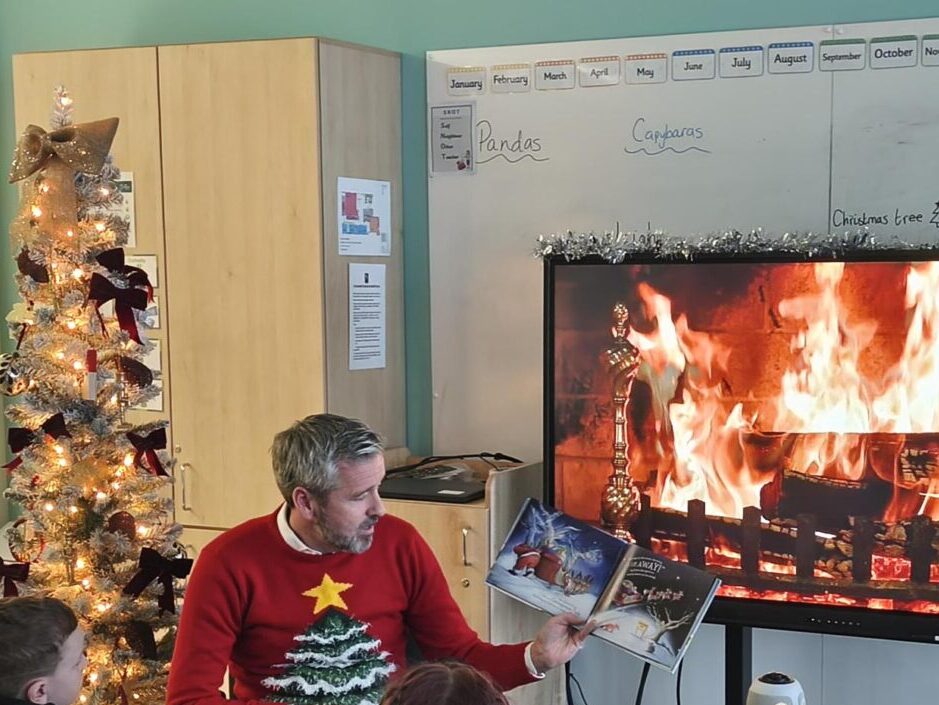
Christmas came early for pupils across West Lothian as our Interim Depute Chief Executive, Greg Welsh, brought festive cheer through a special live storytime event.
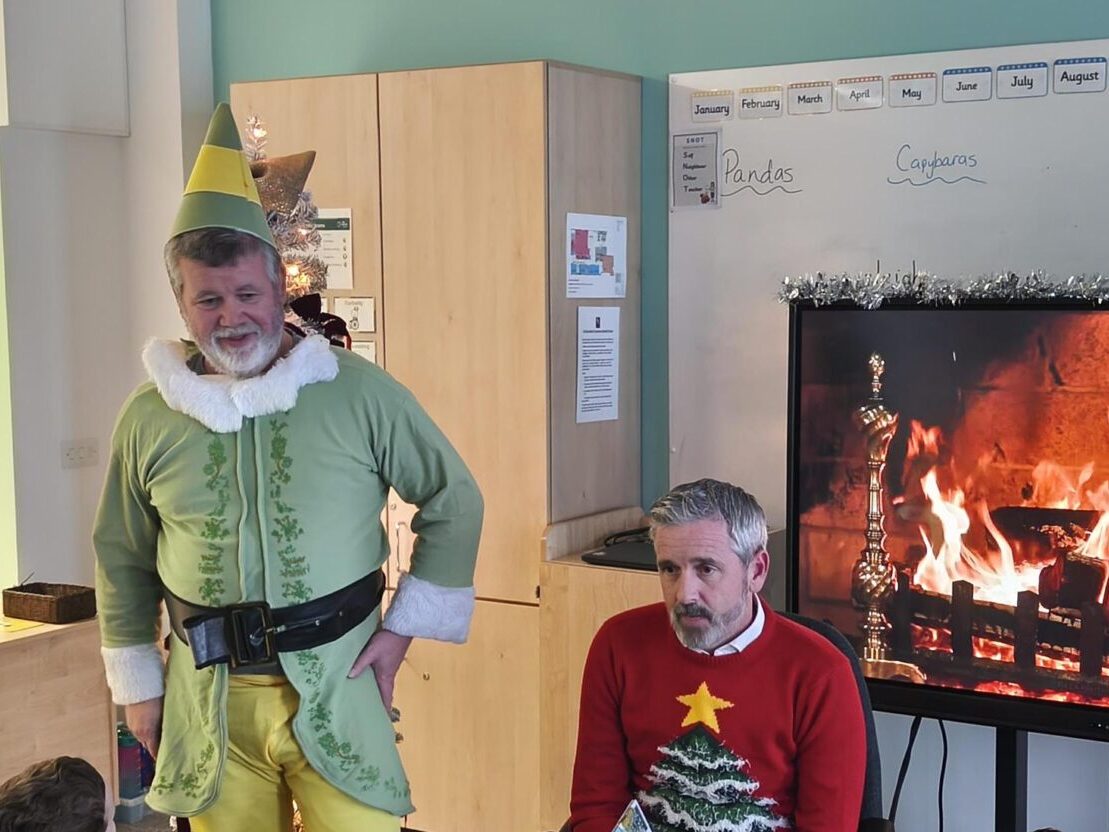
Primary 3 at Hawkhill Primary School were excited to welcome Greg, for a live reading of “Santa’s Sleigh is on it’s way to Scotland”.
The session was joined live by over 1 500 pupils from classrooms across West Lothian, on Microsoft Teams. The excitement continued in the chat, with a discussion of range of snacks left for Santa on Christmas Eve (all traditional treats of mince pies, cookies, milk and carrots for the reindeer).
The story even ended with an exciting visit from a ‘real life elf’!
The event was a wonderful way to celebrate the season, connect schools across West Lothian, and share the joy of storytelling.
Thank you to all the schools who joined us for this festive occasion – and to Hawkhill Primary for hosting such a memorable event!