Artificial Intelligence (AI) tools can be powerful partners for learning, teaching and creativity, but the quality of the output often depends on the quality of the prompt.
Whether you’re creating learning resources, planning lessons, supporting differentiation, or helping learners develop their own AI literacy skills, knowing how to write an effective prompt can make all the difference.
To support staff, we’ve created a practical prompt guide to help you get the most out of your prompt.
Prompting for Teachers
AI can help reduce workload, generate ideas and support professional creativity when prompts are specific and purposeful.
Teachers might use AI to:
Draft lesson outlines
Differentiate activities / resources
Generate discussion questions
Produce model texts tailored to learner interests
Design quizzes and retrieval practice activities
Support planning and resource creation
Generate images to spark discussions for learning
Prompting for Pupils
Developing effective prompting skills is becoming an important part of digital literacy.
Encouraging learners to think carefully about what they ask AI can help them:
Ask clearer questions
Refine their ideas
Develop critical thinking skills
Evaluate AI-generated content
Become more independent learners
While many AI tools are not available to pupils for safeguarding reasons, there are still valuable opportunities to learn about and engage with AI. Teachers can create AI-generated content for pupils to evaluate and discuss, helping them develop critical thinking skills and explore the ethical considerations surrounding AI. Pupils can also experience AI in a safe and age-appropriate way through Adobe Express, using features such as image generation and text-to-design tools.
From Simple to Detailed Prompts
The images above demonstrates how increasing the level of detail within a prompt can significantly improve the quality and accuracy of AI-generated images.
A good prompt often includes:
Subject
Setting
Style
Colours
Mood
Perspective
Additional details
Remember: AI rarely gets it perfect first time. Prompting is an iterative process, and refining prompts is where the real learning happens.
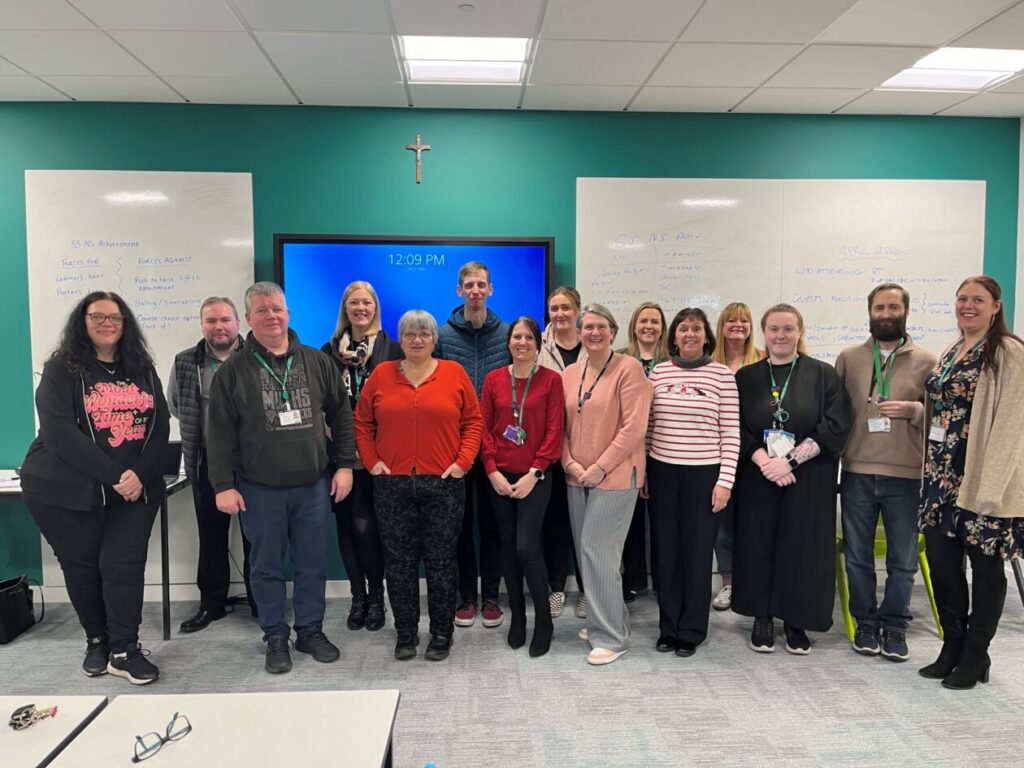
Our latest Staff Digital Network meeting was all about practitioners sharing real classroom examples of how digital tools are enhancing learning and teaching. It was an inspiring evening filled with creativity, collaboration, and practical ideas to take back to schools.
Live from Blackburn PS: Coding Club in Action
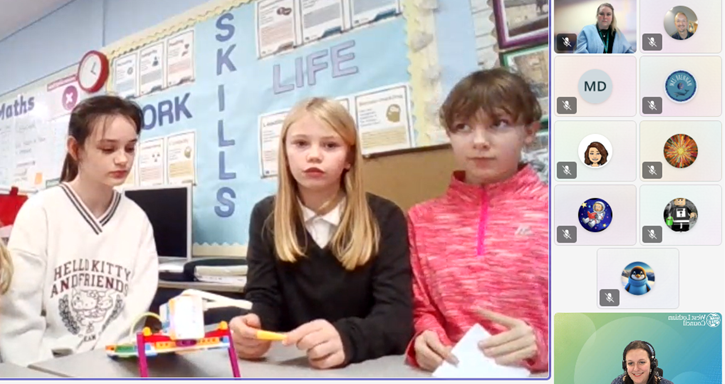
We kicked off by joining the Digital Xtra Coding Club live at Blackburn Primary, where pupils from Blackburn and Murrayfield Primary showcased their work with the LEGO SPIKE Essentials kit. The girls spoke confidently about the skills they’ve been developing – collaboration, communication, and problem-solving – and wowed us with their latest creation: a pinball machine complete with lights and a motor to release the ball.
Promethean ActivSuite in Practice
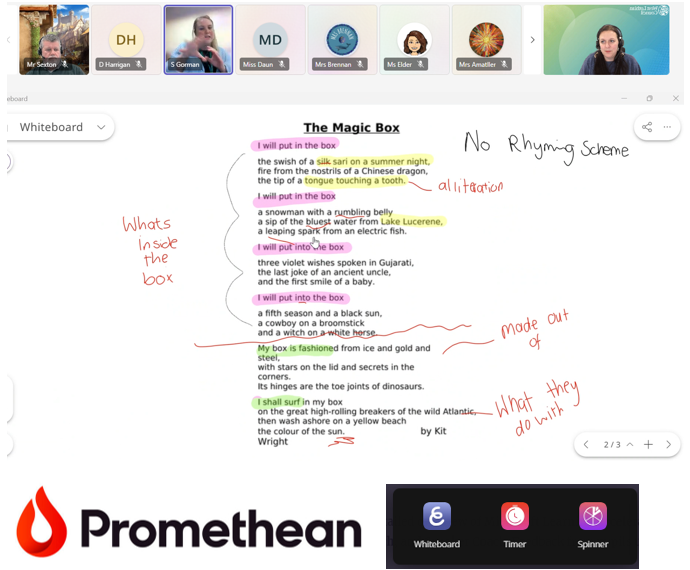
Next, Sam from Riverside PS shared her experience using the new Promethean ActivSuite software. She highlighted the Whiteboard feature, describing it as the perfect balance between the inbuilt panel whiteboard and ActivInspire – simpler than Inspire, and it saves directly to the laptop. Sam demonstrated how she annotates images, resizes content while keeping annotations, and uses the spinner tool on her laptop to create lists in advance – currently for her Advent Calendar pupil recipient. A fantastic example of making interactive teaching more efficient.
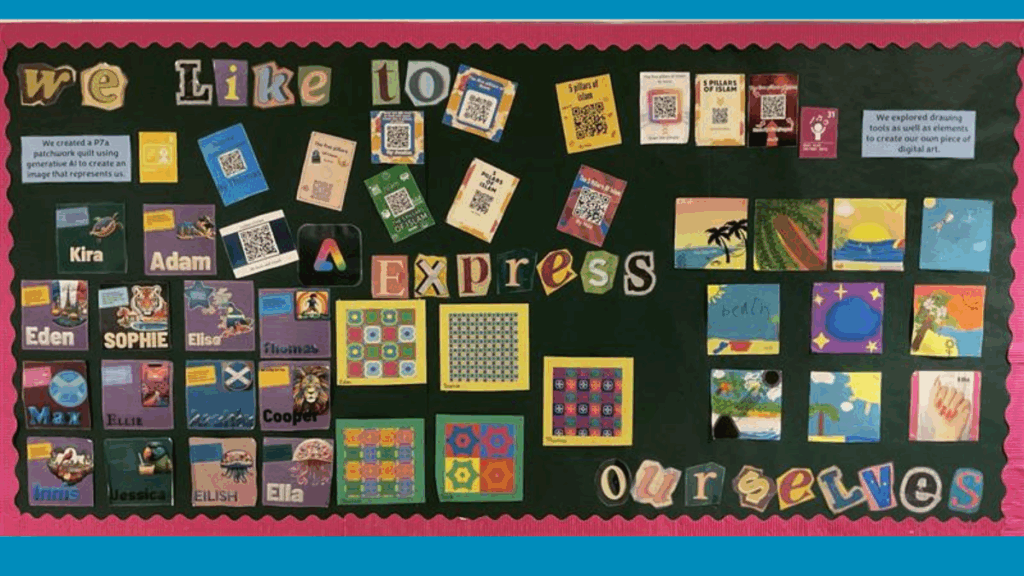
Stunning displays featuring posters, artwork, and QR codes linking to webpages and videos.
Creative projects like Blitz-themed artwork, WWII recipe books, and P7 webpages to share learning with parents.
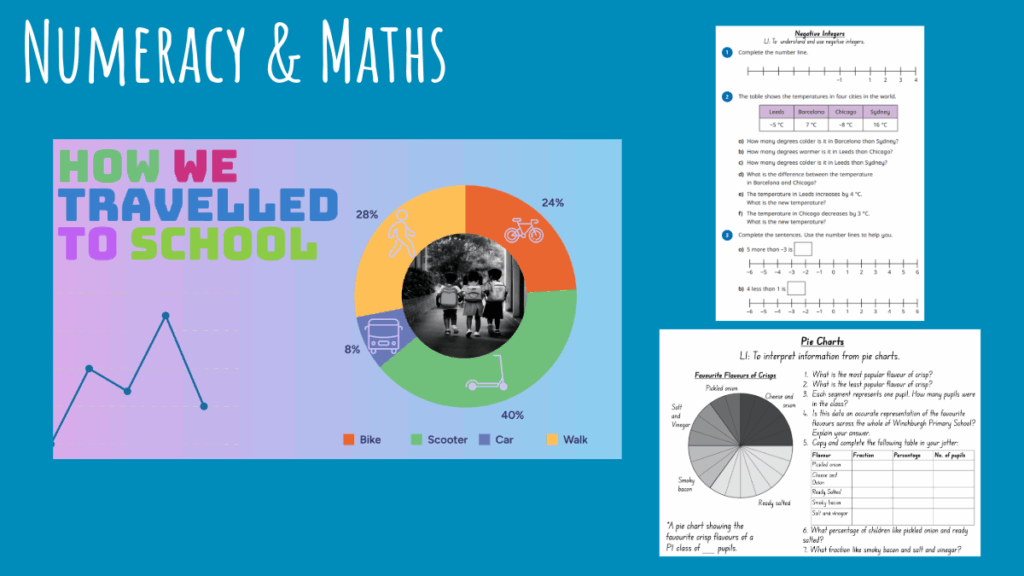
Use of Generative AI for mythical creature images, visually appealing posters on topics like Henry VIII and Spanish weather, and tools for data handling and worksheet creation. Pupils explored features such as QR code generation, layers, cropping, font editing, and image manipulation – building both technical and creative skills.
Microsoft Learning Accelerators
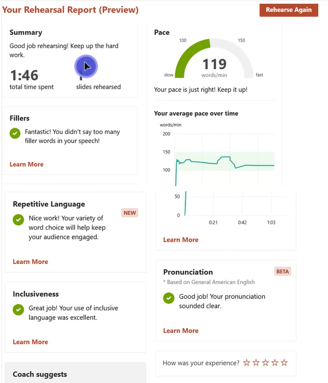
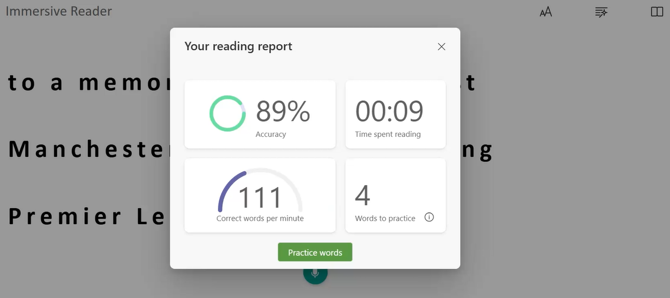
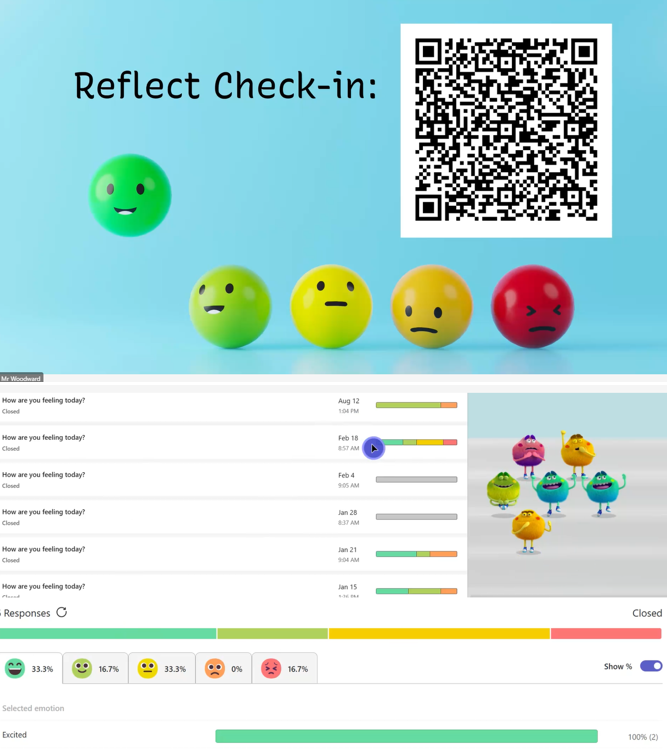
Phil from Carmondean PS gave a detailed overview of Microsoft Learning Accelerators, including Reflect, Reading Coach, Search Coach, and Speaker Coach. Feedback from pupils using Search Coach was particularly positive:
“It’s different from other search sites – it gives more relevant and reliable information and tips for online research.”
Promethean Panels in Early Learning
Finally, Dionne from St Mary’s Bathgate ELC shared how Promethean panels are supporting early learners through:
Staff modelling and collaborative drawing with split-screen.
Interactive activities using Top Marks, sharing home learning via Seesaw, and pupils presenting their work.
Practical tasks like Tesco online ordering for weekly snacks, making digital tools part of everyday learning.
Looking Ahead
This network meeting was a fantastic reminder of the creativity and innovation happening across our schools. Thank you again to everyone for coming along, and especially to those who shared.
If you’d like to share some of the ways you’ve been using digital to enhance learning and teaching in your class, please get in touch with the Digital Learning Team.
Primary 7 at Southdale Primary School were recently visited by the Sky Up team as they explored the latest teacher-led resource from Sky Up – The Edit.
In the Fiction lessons, learners gain an understanding of the design process behind film trailers and an insight into the skills required to work in the TV, film and media industries. They work collaboratively to produce their own 30-second film trailer, unleashing their creativity and digital skills, with the help of Adobe Express.
A special event to showcase the final trailers will take place soon and we can’t wait to see them!
Sign up to Sky Up and register for The Edit to receive your free lesson guides and resources. Booking are also open to attend the Sky Up Academy Studios with your class.
We would like to share the fantastic digital learning opportunities coming up over the next few weeks.
Live Lessons 4th & 6th February
We are excited to invite P5-S3 classes to join us online for an introduction to the Data Literacy Project with IoT in Schools. Learners will explore data and build digital literacy skills, collecting & analysing data from within their own school. This opportunity is open to all schools with the Internet of Things Data Sensors and is being delivered in collaboration with The University of Edinburgh.
Tuesday 4th February 11am or 1.30pm: Beginners Sessions
Thursday 6th February 9.30am or 1.30pm: Intermediate Sessions (for classes who have explored the sensors before)
If you’d like to be involved, please sign up using this link.
Our Digital Learning Pedagogy Officers will be running bitesize training sessions demonstrating how to use Seesaw effectively for Profiling.
There will be examples of Seesaw Profiles as well as demonstrations of how to use key features, such as the Highlight tool, automatic Translate with Google and how to tag Meta-Skills as Standards.
These sessions are primarily aimed for P1-3 staff, however ELC, SLT or other staff members are welcome to come along too.
No need to sign up, just join the meeting online, through the #Digiken Team.
Adobe Express are continuing to run a wide range of online Live Lessons for classes, as well as teacher training sessions.
ACE Level 1 – Intro to Adobe Express – this session will get you hands on with Adobe Express and talking about creativity in the classroom, how it works and how to foster a creative culture.
If you are interested in finding out more about the new national learner profile, launching soon on My World of Work, there are free webinars coming up on the following dates:
Education Scotland and Skills Development Scotland has been working in partnership with a National Co-design Group to shape approaches to profiling and digital profile, co-designing each step of the way with young people.
In 2024 the Cabinet Secretary indicated that the national approach for digital profile will be delivered through My World of Work.
The solution can help learners capture their achievements from all settings, reflect upon them and build a profile to showcase who they are and their evolving strengths.
The digital profile will go live at the end of January.
What the webinar will cover
You’ll find out about future development plans, approaches for implementation within the curriculum and future ambitions to strengthen connections across the education and skills landscape.
We are thrilled to introduce our latest cohort of Promethean Certified Trainers, who are excited to share their knowledge and new expertise of the Promethean panels and the ActivInspire software with their schools and clusters.
This technology can significantly enhance learner engagement, ensuring that learners benefit from more interactive and dynamic educational experiences.
Key takeaways and most impactful learning experiences identified by the participants included:
Promethean tools available on the panels and online (such as spinner, annotate and timer)
ActivInspire tools, tips and hints (such as the use of templates, interactive manipulatives, reveal sliders and overlays)
Laptop and Online tools to boost engagement and collaboration (such as MS Whiteboard, floating keyboard, split screen functionality and MS Accessibility Tools)
Features to enhance productivity (such as importing and annotating PDF’s, exporting lessons as JPEGs or PDFs to share and ability to use the board separately from the laptop)
Congratulations all, we are excited to see how you take this new knowledge forward in your schools.
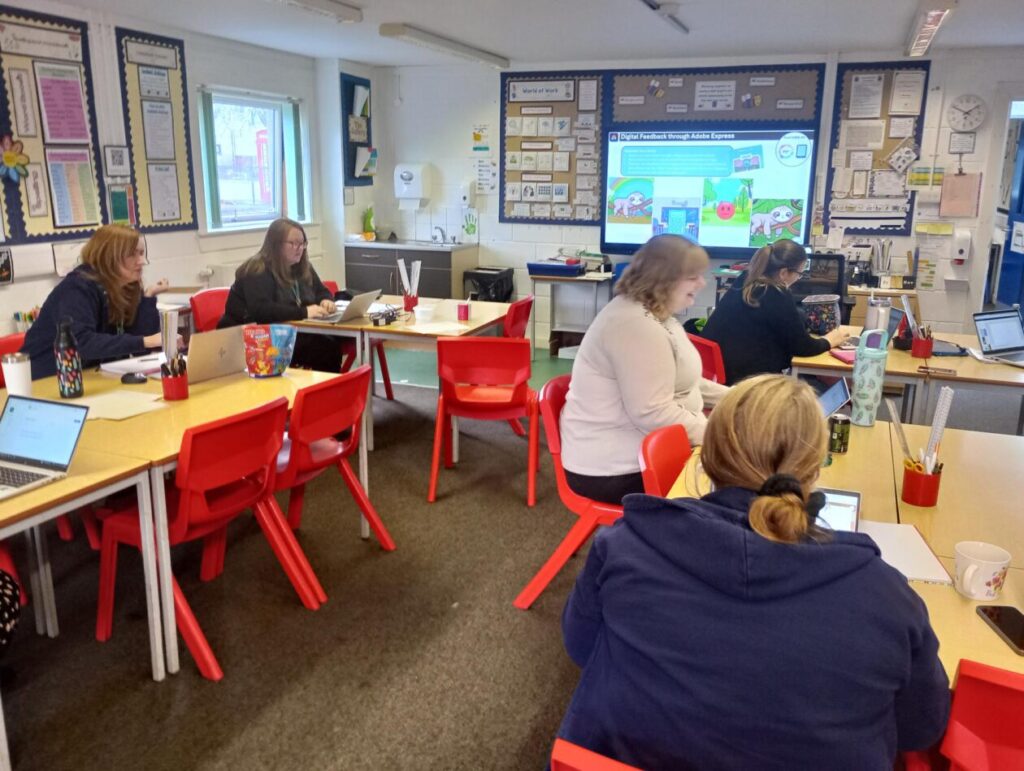
This afternoon, one of our Digital Pedagogy Officers held a training session with the staff at Seafield Primary, specifically focusing on the Microsoft Learning Accelerators, Microsoft Accessibility Tools, and Adobe Express, to build engagement and support all learners.
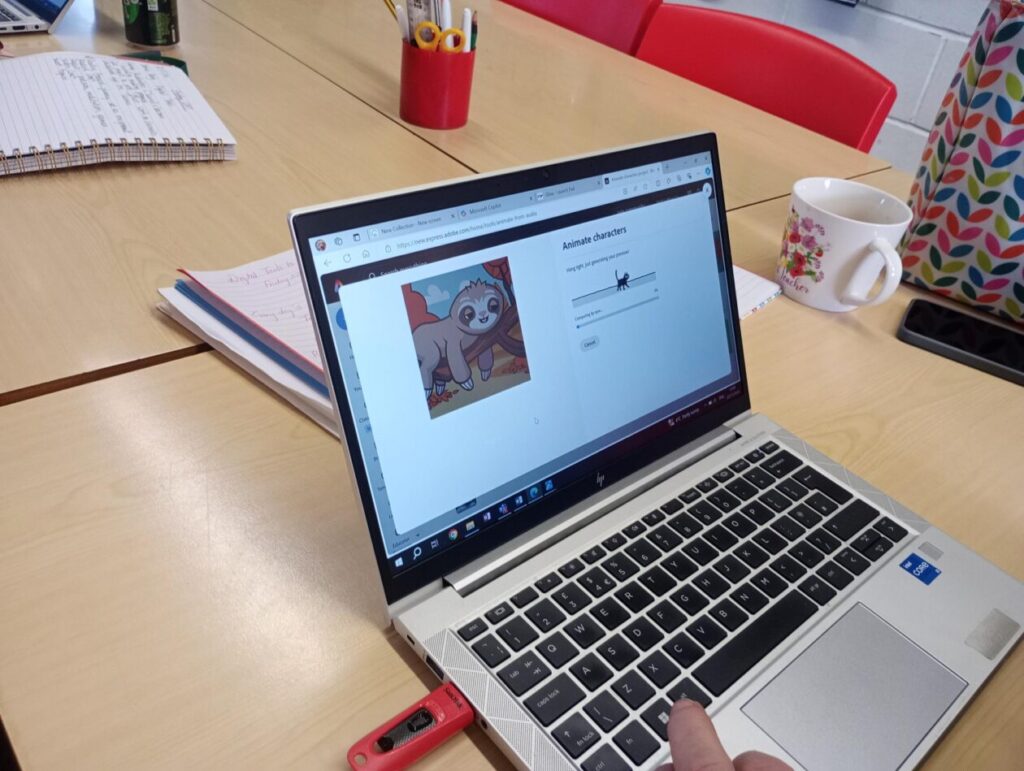
Adobe Express offers great opportunities for collaboration, feedback, engagement and creativity. Today, staff explored a number of features, but particularly enjoyed the ‘Animate Your Voice’ function, producing some cute results.
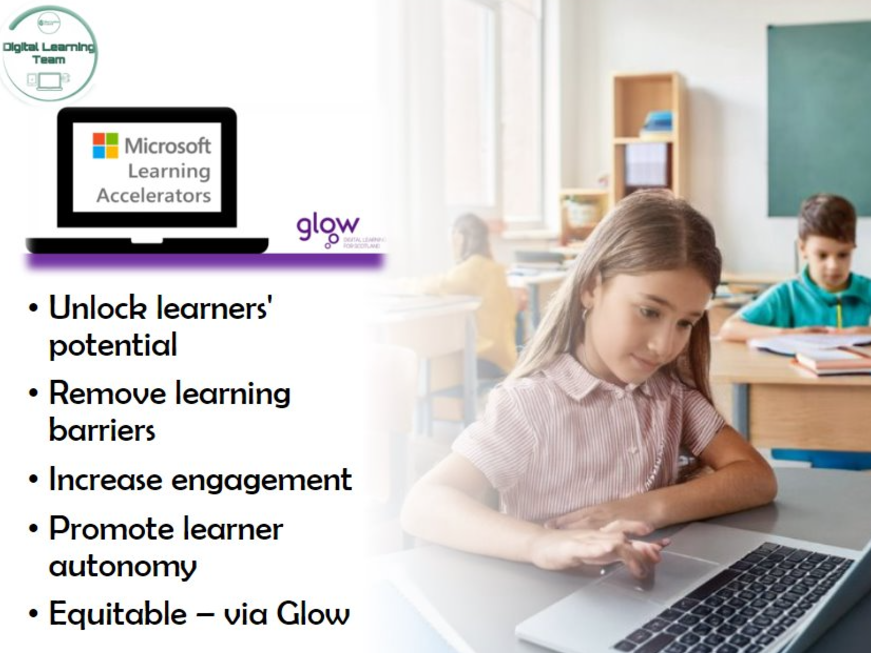
Staff explored how to use or further embed the use of the Microsoft Learning Accelerators and Accessibility tools, to support ALL learners.
The tools we looked at today included:
Reflect
Reading Progress & Reading Coach
Search Progress
Immersive Reader
Dictate
Accessibility within Microsoft Edge
It was great having an in person session. I really liked that it was informative but also informal so we could ask questions specifically relating to our own class or our own level of knowledge. Thanks! 😊Class Teacher
It was great to learn more about Adobe Express and I have now added all pupils in the class with lots of thoughts on how we can use this in the near future.
P6/7 Teacher
We are looking forward to seeing how these tools are used across the school in the near future. Good luck Seafield, and thanks for a great session today.