
Week Commencing 28th September
October is all about Artificial Intelligence!
AI in Glow
Walled Garden of Glow
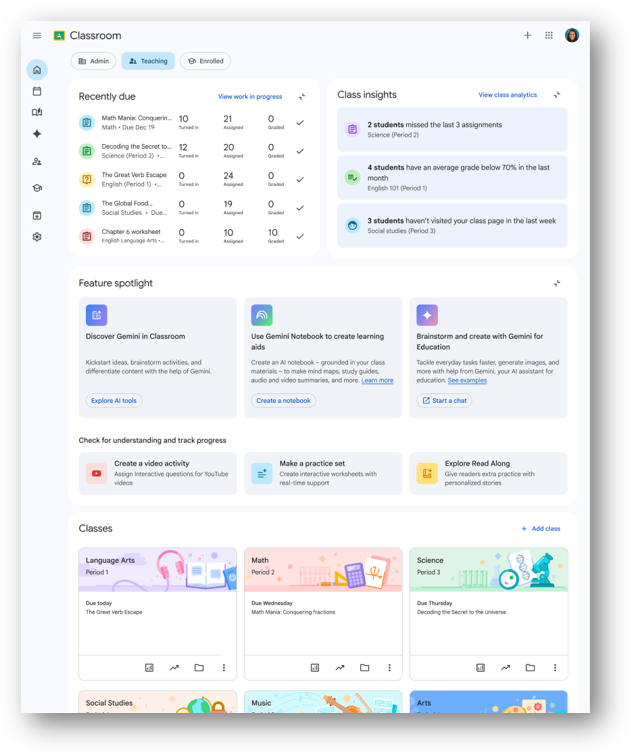
Check out our latest Professional Learning Watch Again videos on using the AI tools in Glow. Both have similar starts but there are some different examples to get you going.
https://youtu.be/cU41v0bR4_w
https://youtu.be/wCKgGPpfGwM
Google for Education

Check out this interesting article on using digital tools when putting pedagogy first.
Education in the AI Era: How pedagogically-driven use of technology helps support learning
Also, take a look at these AI mission quests: AI Quests
Scottish Government Funding
A quick update on available funding to support with staff training that QA have access to through the Scottish Government. It is worth you having a look and seeing if anything here could be valuable to you or anyone else across the team.
The following diplomas are delivered online and can be fully funded for staff of any age on a limited basis subject to standard funding checks.
- SCQF8 Data Analytics (with AI):
Perfect for anyone who works with data for reporting, analysis, or decision making. This programme is relevant to a wide range of roles from HR and Operations to Finance, Management and everything in between, offering the chance to develop practical data skills. Participants build skills in data modelling, analysis, and visualisation, while also learning how to use AI-driven features in Excel to clean data, generate insights, and communicate findings more effectively.
- SCQF8 IT Support:
Develop practical IT support and service management skills that are relevant for both those starting out and experienced IT professionals looking to reskill or update their expertise. The programme focuses on real-world application, so whether you’re formalising existing experience or adapting to new technologies, it’s designed to keep your skills current and your team productive.
- SCQF8 Cyber Security:
Learn to identify and defend against cyber threats, manage risk, and ensure business continuity. Perfect for IT staff looking to transition into Cyber or anyone responsible for protecting systems and data. With cyber risks on the rise, in-house expertise is essential for every organisation.
- SCQF8 Network Infrastructure:
For anyone looking to build, secure, and manage the digital backbone of modern organisations. This programme is a great fit for those starting out in IT or for existing staff ready to deepen their expertise in network infrastructure, security, and digital transformation. You’ll gain hands-on experience with enterprise networking, learn to defend against cyber threats, and develop the project management and professional skills needed to keep business-critical systems running smoothly.
- SCQF8 Software Developer:
Perfect for anyone who wants to create, improve, or maintain software that drives business success. This programme suits both aspiring developers and those already working with technology who want to formalise and expand their skills. You’ll learn to design, build, and test software solutions using industry-standard tools and methodologies, while also developing the digital and professional skills needed to innovate and collaborate in any sector
This following programme can be fully funded for those aged 16-19 with funding staggered for those aged 20+
- SCQF6 Digital and AI Support:
This qualification gives you hands-on experience using Microsoft 365 Copilot across Word, Excel, PowerPoint, Outlook, and Teams. Helping you use AI to work smarter, automate tasks, and communicate more effectively. You’ll learn to harness data for better decision-making, explore the latest in AI and emerging tech, and develop practical skills you can use straight away. It’s ideal for anyone wanting to boost productivity, adapt to new digital tools, and add real value in any modern workplace.
If you would like further information on anything here or would like to enquire about securing a funded position then let me know, alternatively if you do not find these funding updates useful then simply reply and I will not send another.
Kind regards
Safer Schools Scotland

If you missed our recent Safer Schools Webinar, you can check out the slides here:
Safer Schools Renfrewshire Sept 2026
Join Safer Schools Scotland on Wednesday 7th October for the ‘Artificial Intelligence in Education: Understanding Risks and Opportunities’ webinar, where attendees will:
- Understand what Artificial Intelligence is and how it is used within education and wider society
- Recognise how children and young people are engaging with AI and the potential impact on learning
- Identify practical ways AI can support teaching, assessment, planning, and time efficiency
- Understand the safeguarding, ethical, and data protection considerations linked to AI use in schools
- Apply key principles for the safe, responsible, and effective use of AI in line with policy and guidance
Register here: Artificial Intelligence in Education: Understanding the Risks and Opportunities
CyberBytes
This is a resource produced by Europol which focuses on supporting the resilience of children and young people whilst online.
The free resource called Cyber Defenders, centred around the popular Roblox platform, is an award-winning programme designed to teach children and young people essential online skills in a fun and safe online environment.
Cyber Defenders has been designed for use by parents and carers and for use within a classroom environment with an array of ready to use resources for teachers to use.
As mentioned, it is free to sign up to and use and once logged in you will see numerous tasks to complete, all which have a cyber learning gain.
In the development of the game key safety measures were implemented but this does not eliminate the need for adult supervision, that said it is a fun and easy to use resource.
Cyberbyte Sep 26




















 Glow Password Reset