Sit back, relax and enjoy our infant nativity, now ready to watch on our You Tube channel ……
Enrolment
Please follow this link for information about Primary 1 enrolment of children due to start school in August 2022. Please note that children should be registered by 24 January 2022 for starting Primary 1 in August 2022.
P7 November update
November has been a very exciting month for primary 7. We have had a few visits from CNHS to our class to prepare us for our move there next year. We also enjoy weekly PE lessons with some of the students from CNHS, which are really fun.
Literacy
In literacy we have been continuing with our weekly spelling words and work hard to learn them. It is important that we practise these at home as well as in school for our weekly tests. We are all working on our group novels, Mosi’s War, Kensuke’s Kingdom and Dragon Ride. We have weekly reading to be completed at home and it is important that we do this reading so we can complete tasks in the class. We have also been learning how to correctly use the apostrophe. This has been a little tricky but we are getting there now.
Numeracy
This month we have been focusing on multiplication. We need to make a real effort to learn these off by heart. We started by learning to multiply by 10, 100 and 100. This was easy but became tricky when we looked at multiples of 10, 100 and 1000. We have also been working on long multiplication and so far seem to be doing very well with this. We just need to remember to add our zeros (smiley faces).
Health and Wellbeing
This month we have been looking at peer pressure and how to tackle situations if we ever feel pressured into situations we don’t feel comfortable with. We have spoken about friendship and what makes a good friend.
Science
We have continued to look at inheritance and DNA this month. We have a good idea about what DNA is and made the basic structures. We also have learned about inherited and non inherited traits. We are able to describe where some of our traits have came from.
Expressive arts
Following on from the visit from the firefighters at the start of November learning all about being safe on bonfire night, we create our own firework images using oil pastels and scratch art. These were very effective. We also used pointillism to create some autumn tree images.
We have had such an exciting November and cannot wait for our Christmas activities in the month of December.
Thank you for reading.
Mrs Anderson and Primary 7
Primary 6 November Update
Welcome to our Primary 6 November update. We have had a very busy month in our class. We would like to share what we have been doing with you all.
Maths – We have now been looking at multiplication and division. We all need to keep practicing our times tables but we are slowly starting to understand the process. We are really good with our multiplication and division of 10, 100 and 1000. After working hard on our maths strategies we have now developed a link between them both. We have been doing a range of active maths activities to deepen our understanding of problem solving.
Literacy – We have now started our new novels and both groups are really enjoying them. The Dark Isle is a terrifying, touching and funny novel. It is fast paced that takes you on an exciting magical journey into a new world. Saving Finnegan is about an island in Scotland, and how a small island community is divided over what course of action to take about a stranded whale. This is a powerful and hugely enjoyable novel. We have all been working hard on our weekly spelling words and this is shown in our Friday spelling test results.
RE – We have now completed Primary 6 God’s Loving Plan. All children acted in a mature responsible way and are now aware of the physical and emotional changes that will take place. We learned about St Margaret of Scotland on her feast day. We are now concentrating on St Andrew. We have learned all about his life and why he is the patron saint of Scotland. We enjoy celebrating St Andrew’s Day by drinking sugar free Iron – Brew and eating short bread, we also learned how to do the Scottish Fling dance.
Science/ Topic – We have been successful learners by making our own flying helicopters and investing how air resistance has an effect on how they fly. We had lots of fun throwing them off the top floor and timing each one we made. Interestingly, our investigation showed the smaller helicopter was faster than the larger one. In December we are going to be making our own parachutes so look out for the pictures on twitter. We have been exploring capital cities and what makes them capital cities. A few we already knew about but others have really surprised us.
H&W/ Emotion Works – We have been working hard in PE with Dodge ball and team games. Fitness has kept us warm outside with the weather. We have been practising our passing skills and learning the importance of a team. During Anti- Bullying week, we explored how to be a good friend and acted out different bulling scenarios.
Expressive Arts – We created a lovely poppy day display and learned the importance of 11th November and why it is called Remembrance Day. We know how to be safe in Primary 6 after having a visit from the Strathclyde Fire department. We learned all about fireworks and bonfire safety when it was Guy Fawkes. We learned the story of Guy Fawkes and created our own firework pictures using oil pastels and black card. We have started to make Christmas stocking to display in the school for Christmas.
Thank you for reading what we have been up to. We cannot wait till next month when we can update you all with our Christmas activities and show you all pictures of our decorated class this year. Pictures are always on Twitter so please have a look.
God Bless From Primary 6 and Mrs Speirs
Primary 2/3 November Update
Welcome to our P2/3 November learning update.
As always, we have been busy learning new concepts in numeracy and literacy and have been busy focussing on COP 26, Book Week Scotland and Anti-Bullying Week.
We researched the issues being discussed during COP 26 and watched Newsround each day to explore the important issues in a way that we could understand. We created posters during writing time trying to encourage others to take care of our planet.
We were very lucky to each be given a special bag with books and games to celebrate Book Week Scotland. We had a very special visit from the children from Primary 6 who came to help us read and play the games in the bag, we loved our visit, thank you Primary 6!
In literacy we have been focussing on improving out writing through our core writing targets. These include using the correct pencil grip, using capital letters, full stops and question marks. We have been self assessing our own work so that we can learn from our mistakes and improve our writing.
In maths, we took advantage of learning all about money to tie in with Money Week. We looked at what we can do with money, what coins and notes we use in the United Kingdom and we spent lots of time making amounts using different coins. We found working out change from 10p, 20p and 50p quite challenging and we have been asked to try and play at shops at home to help us learn more about money.
One of the main highlights this month has been that many of us have learned how to tie our shoelaces! The teacher gave us lacing cards and taught us 2 different ways that we could learn this important skill.
We can’t wait for all of the fun that December brings and are practising for our eagerly anticipated Nativity Play, Wriggly Nativity. Stay tuned for the very special showing!
Primary 3/4 November Update
Primary 2 November 2021
November has been a very busy time for us in Primary 2. We have been learning lots and having so much fun.
Within Literacy, we have continued to work on new sounds and common words using a variety of tasks. We enjoy listening to stories which contain words with our phoneme, then trying to work out which words contain the sound. We also love using our magnetic boards and building our own words. Mrs Simpson tells us that we are super spellers!
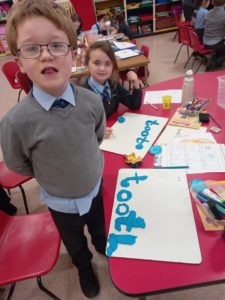
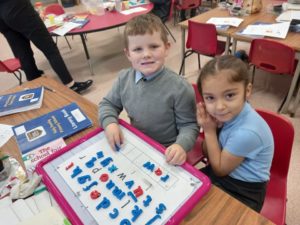
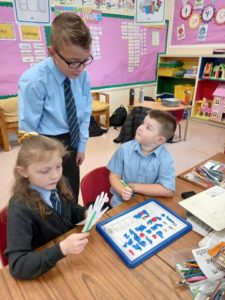
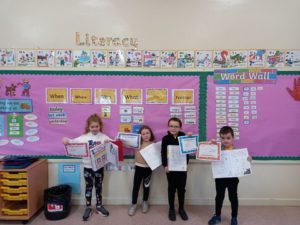
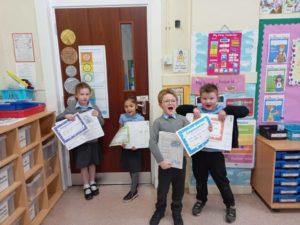
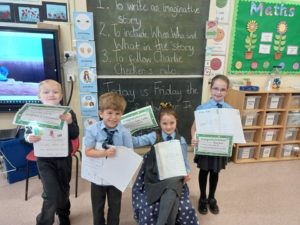
In Writing, we are learning to be very independent. We plan our own stories (making sure they contain the important parts like who, what, where, when and why). We then try to use our ideas, plus the common words we have learned, to help us build our stories. Here are some of our Star Writers in November. Mrs Simpson is so proud of them all!
In Maths we have all been working together on Measure. We enjoyed learning about length and had great fun comparing the lengths of different flowers then putting them into the correct order from shortest to longest. Our Cubes group have worked so well on numbers to 20 and have revised addition to 10. The Counters group have been busy working on numbers to 100. Our next job is to start adding to 20. We are very excited!
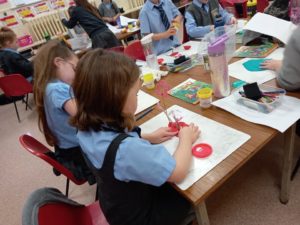
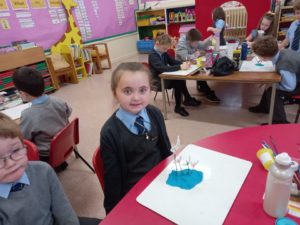
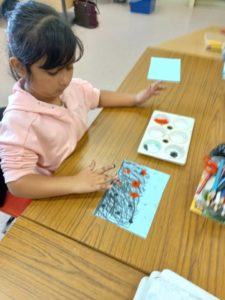
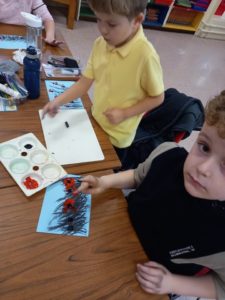
This is a very special month when we remember all the people who have died. It is called the Month of the Holy Souls. In class we have been learning the ‘Eternal Rest’ prayer and saying it for all our loved ones. We have been praying that they are with God in heaven. On Remembrance Day we also paid tribute to the brave men and women who lost their lives during war. We made amazing pictures of poppy fields to mark the day. Mrs Simpson said we are little artists!
We have also started working on our school Nativity show alongside p1 and p3. We have learned our lines very well and we are amazing at singing our Nativity songs. We have been practising in the hall almost every day. We must remember to keep practising at home too, and hand in our outfits if we haven’t already done so.
This month we celebrated Bonfire Night. We learned how to keep safe when using fireworks. We also went on a bonfire word hunt in the classroom. Our favourite part of the day was making Rocket Fruit Kebabs. They were healthy and delicious.
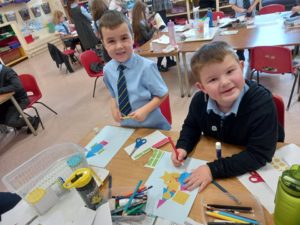
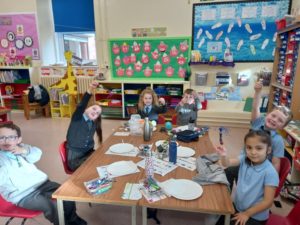
This month we also celebrated Book Week Scotland. During the week, we had fantastic helpers from p7 come and read some stories with us. We also all received a special gift; a bag full of exciting books to read at home. We are so lucky!
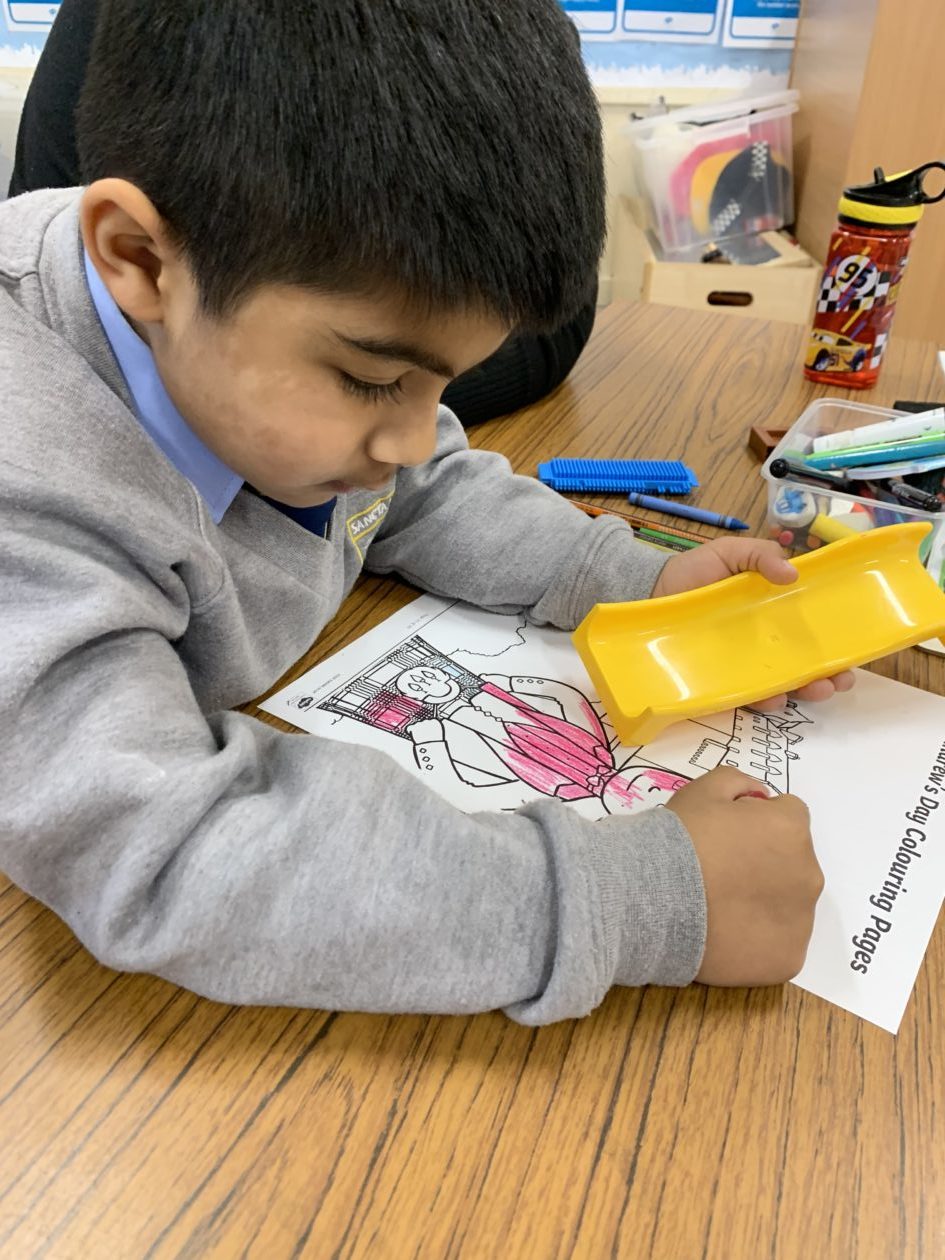
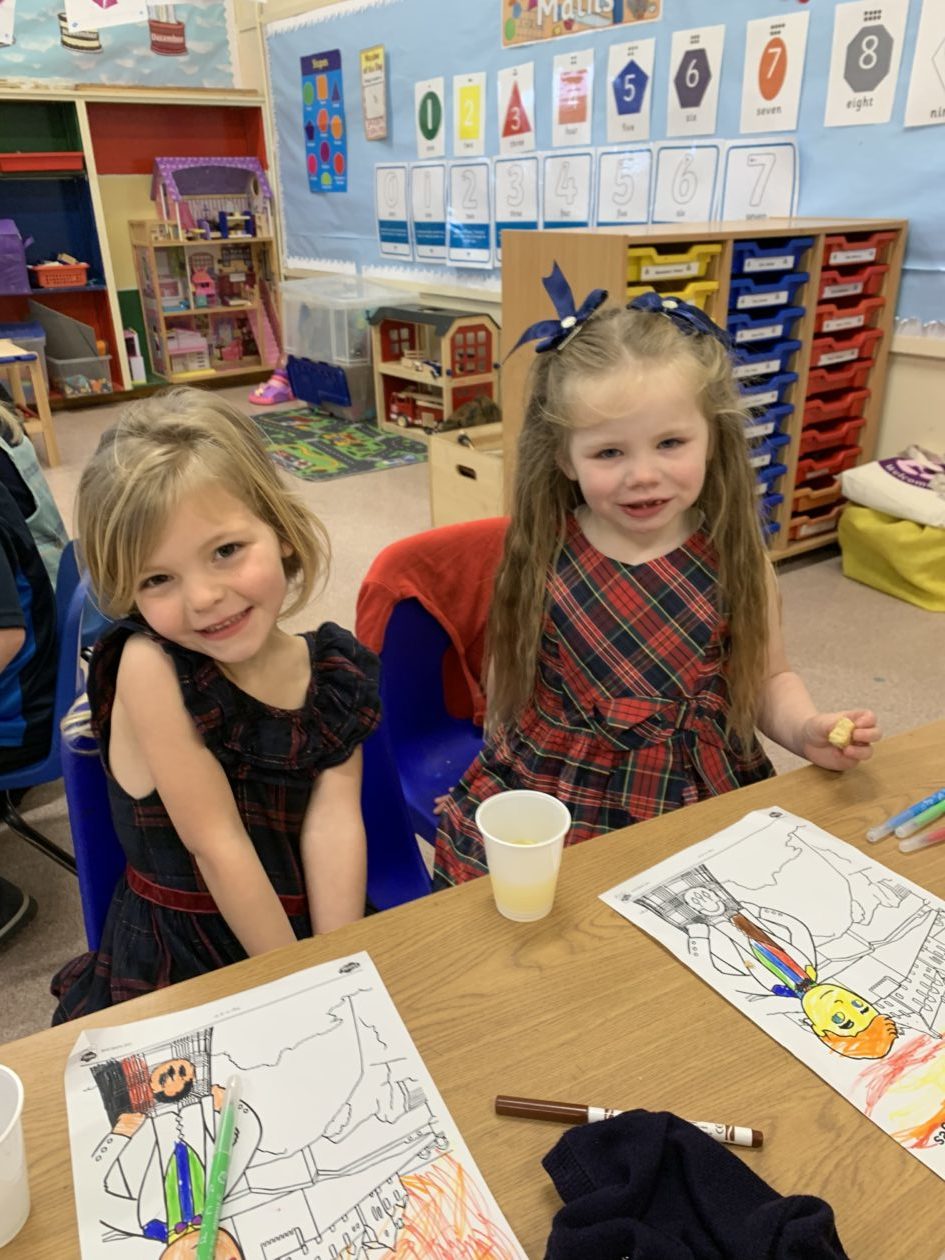
On the last day of November we learned all about St. Andrew. We made stained glass window pictures in class. Later in the day we had a Scottish celebration with shortbread, Singing Kettle and stories about the Loch Ness Monster. We wore tartan too. We all looked so fancy!
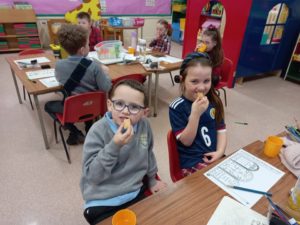
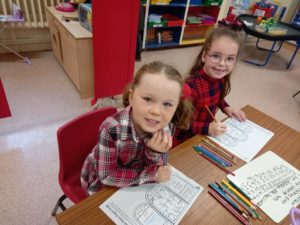
We are looking forward to the fun month ahead in Primary 2. Don’t forget to check Twitter to keep up with what’s happening in our class.
Primary 1 November Update
The boys and girls in Primary 1 have been very busy learners in the month of November. Here are some of our highlights.
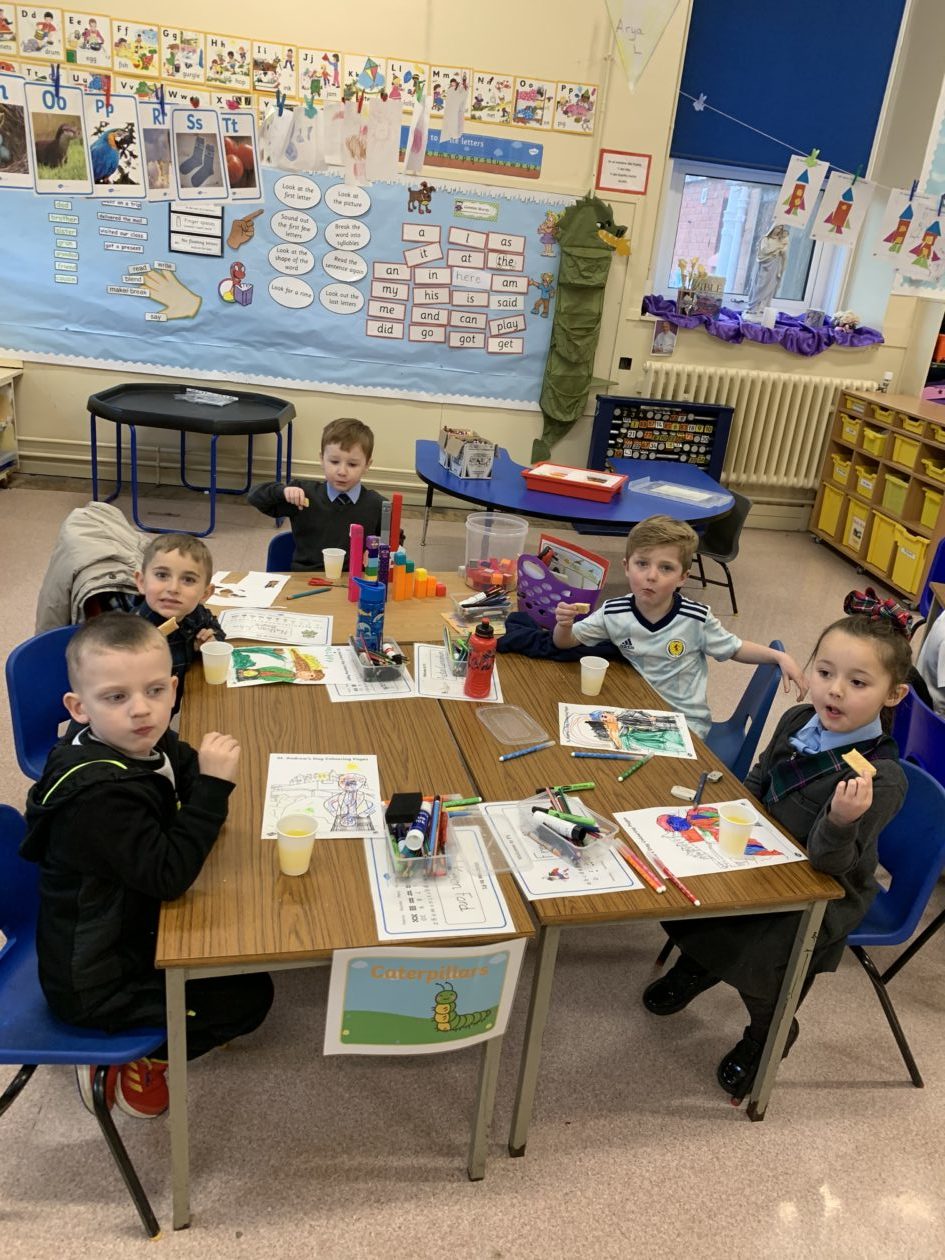
In Literacy we have been learning more alphabet sounds and we now know an amazing 15 sounds! We are using our magnetic boards and letters to help us to build our words. Using the 5 finger approach, we say/make/break/read and write our words. Here we are being independent learnings during our literacy tasks.
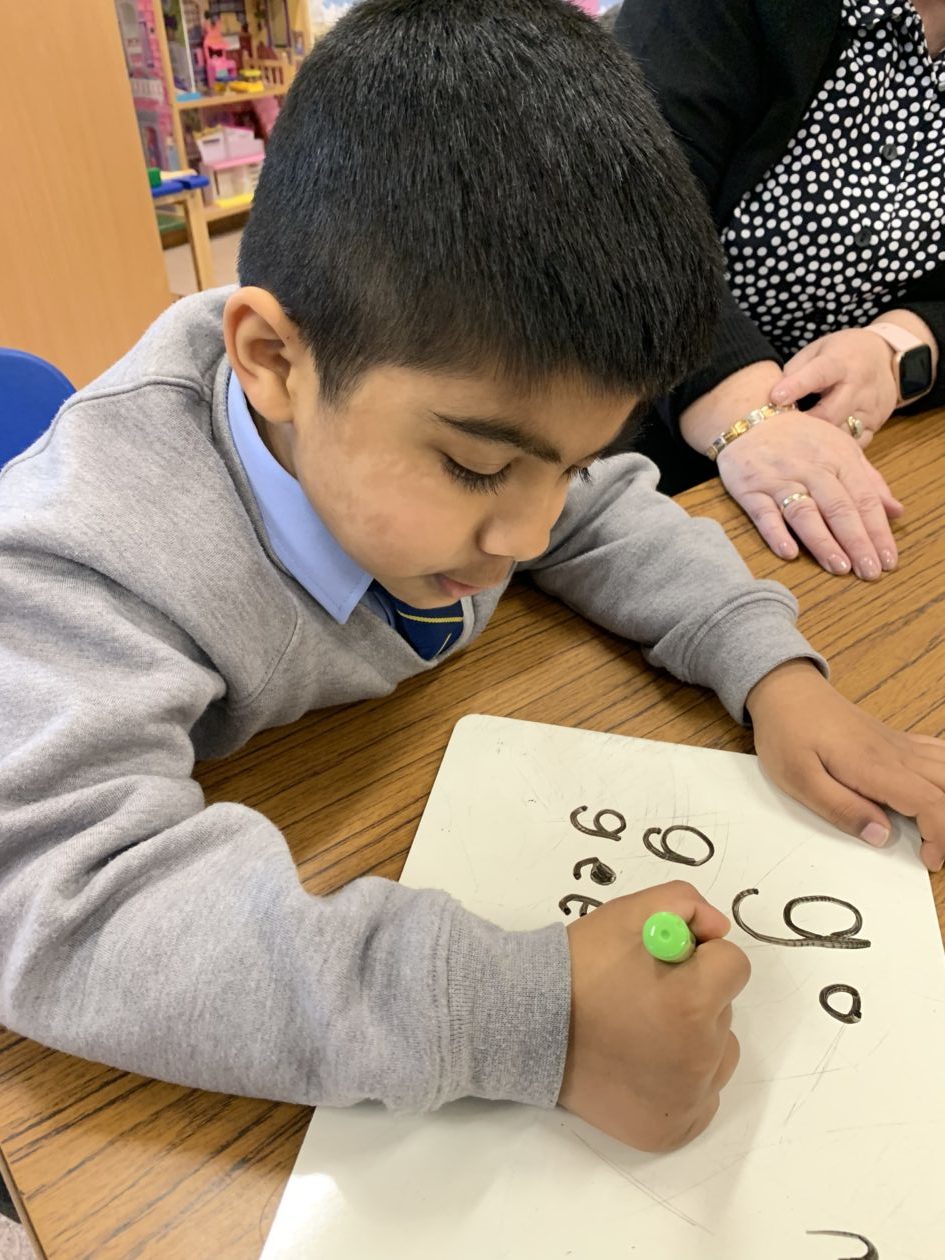
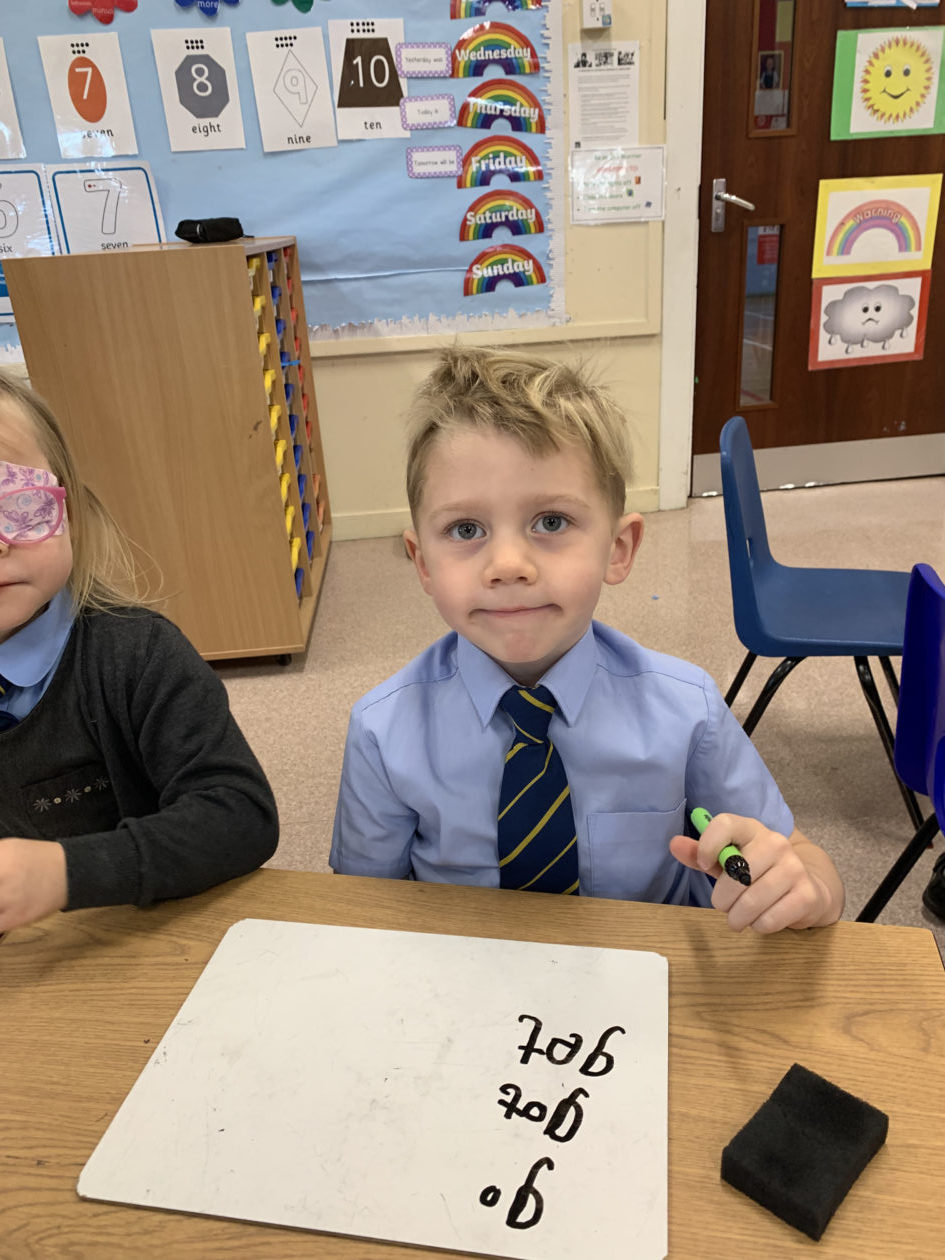
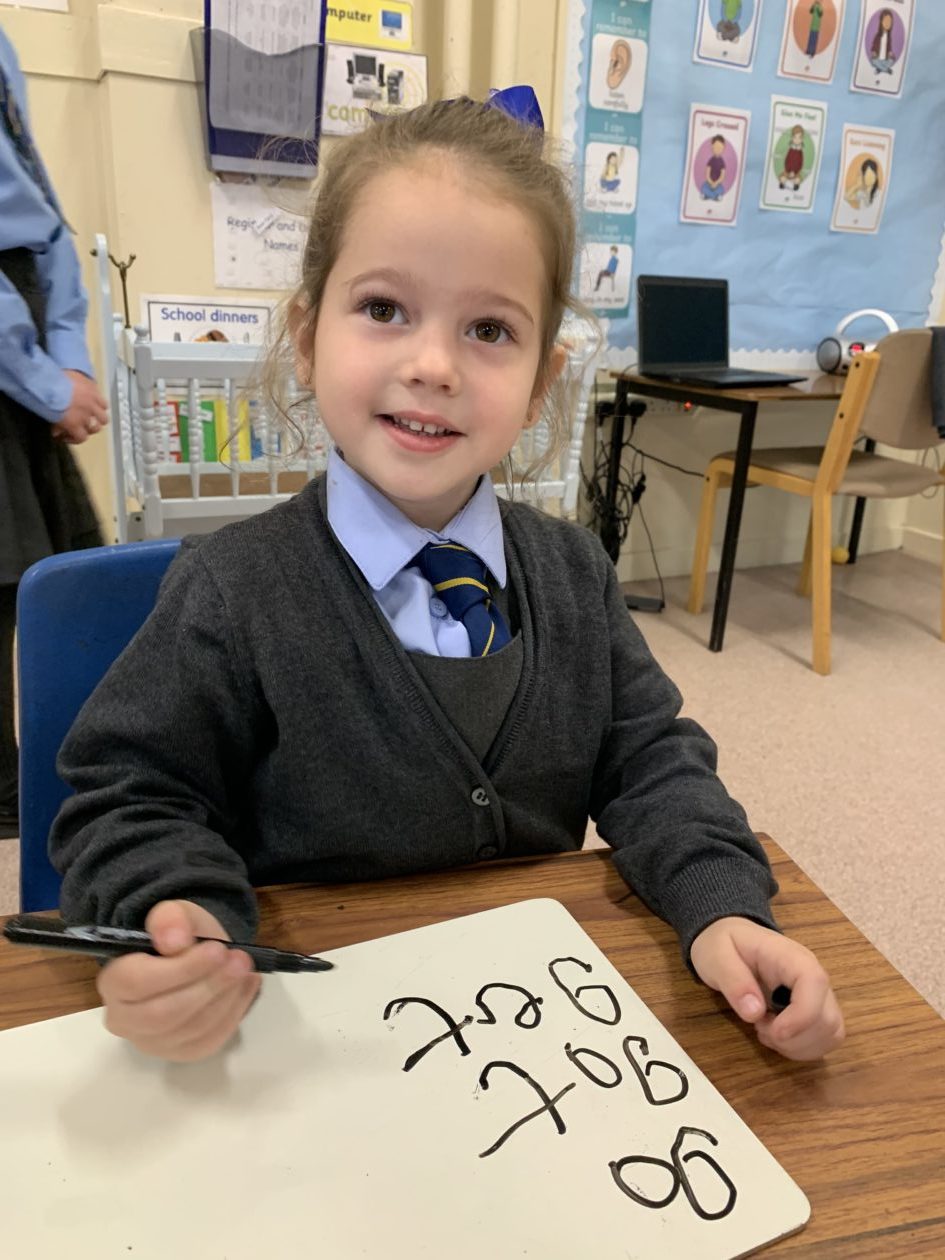
Primary 1 children love to read! We were really excited to bring back our classroom library and have had so much fun exploring the different genres and authors. Some of our children have learned to read independently and can blend the sounds to read words. What successful learners! We are using our stepping stones to help us to look at the first letter in a word and other special tricks to make reading easier.
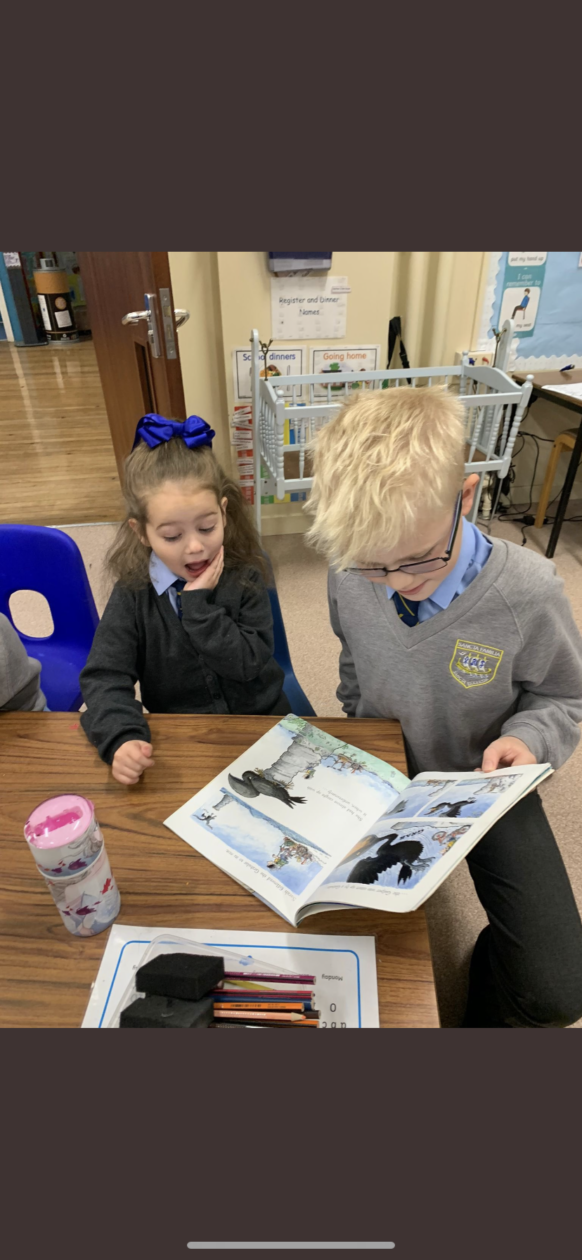
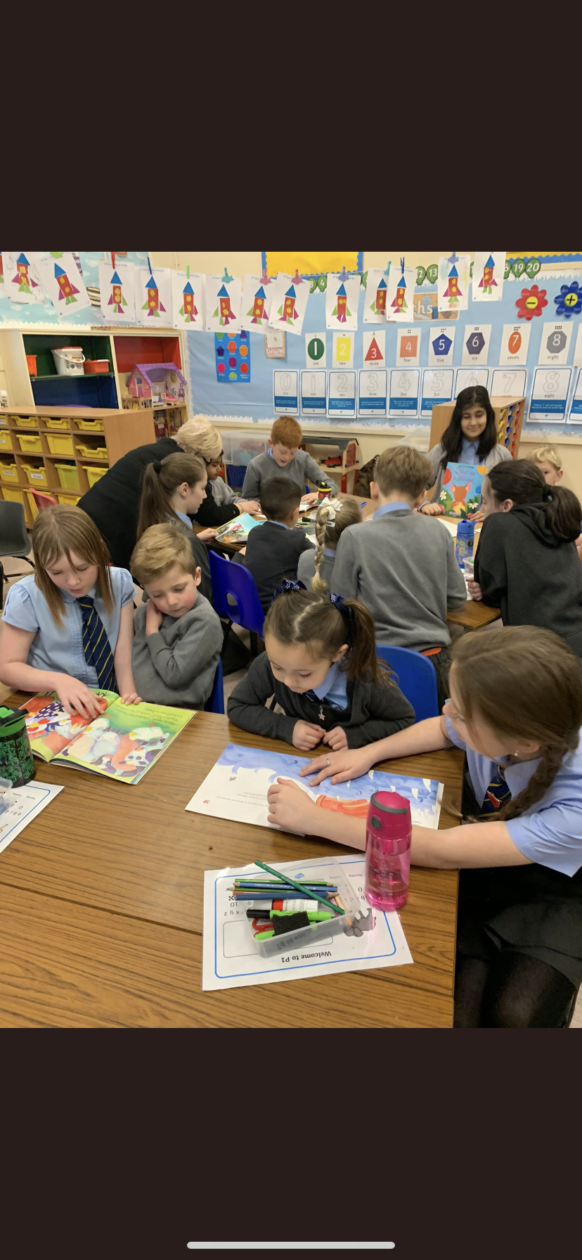
For Book Week Scotland our buddies came to read to us. We really enjoyed listening to different stories and having fun with our friends from upstairs.
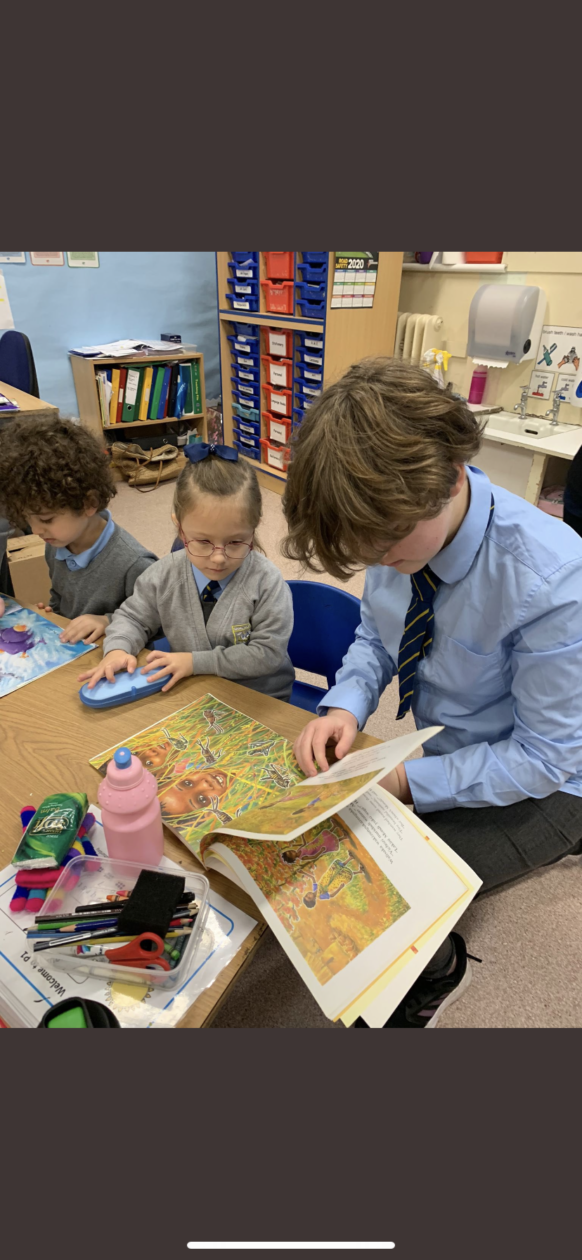
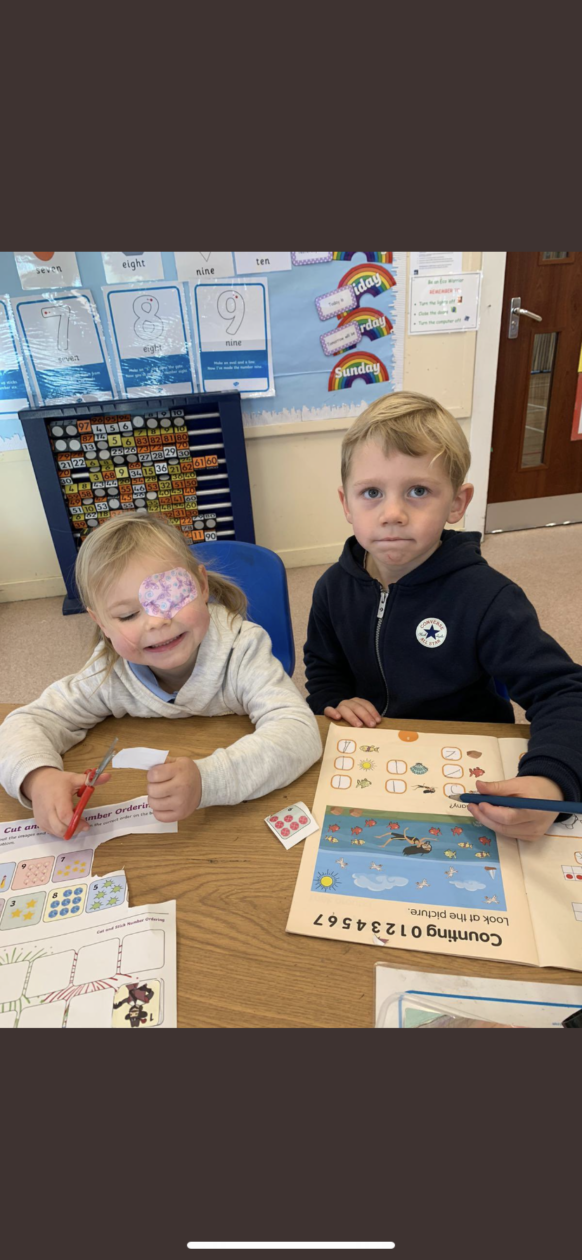
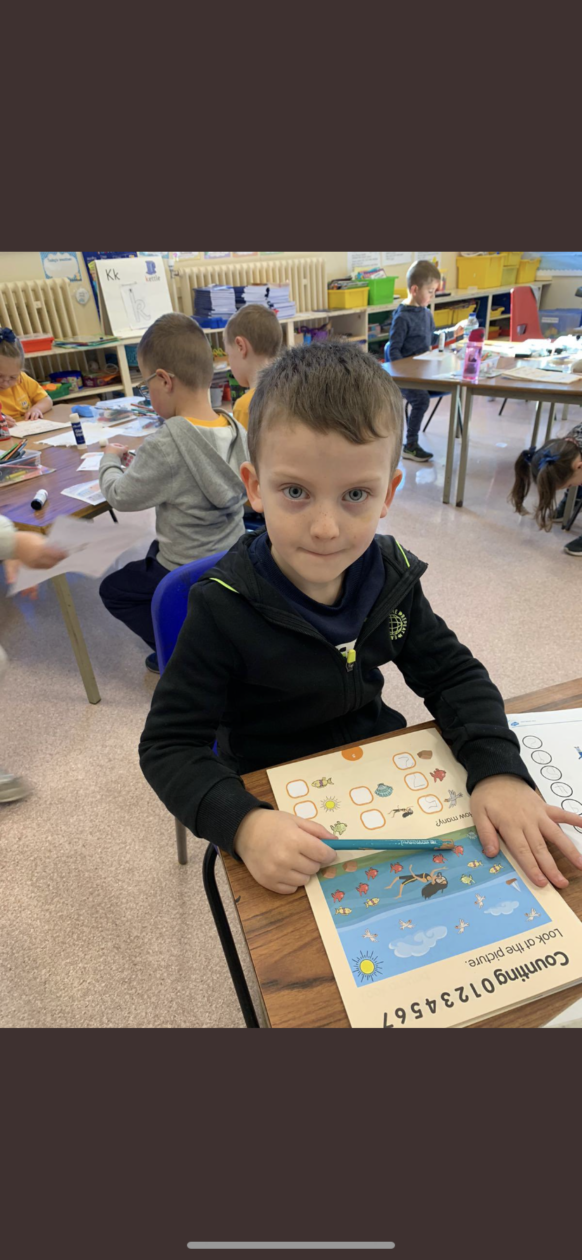
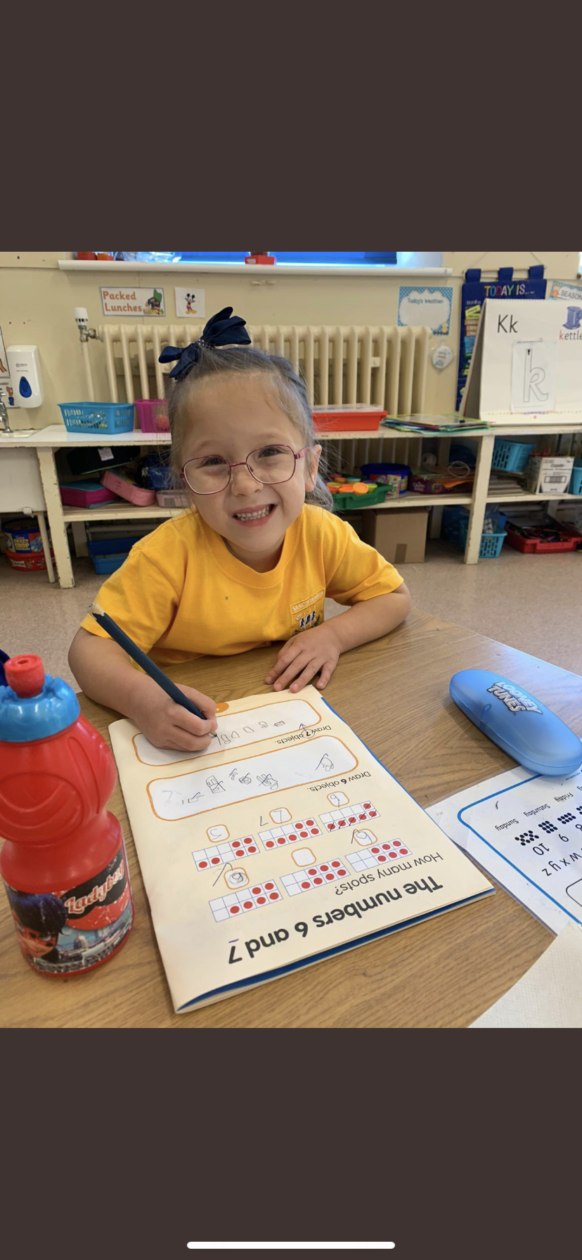
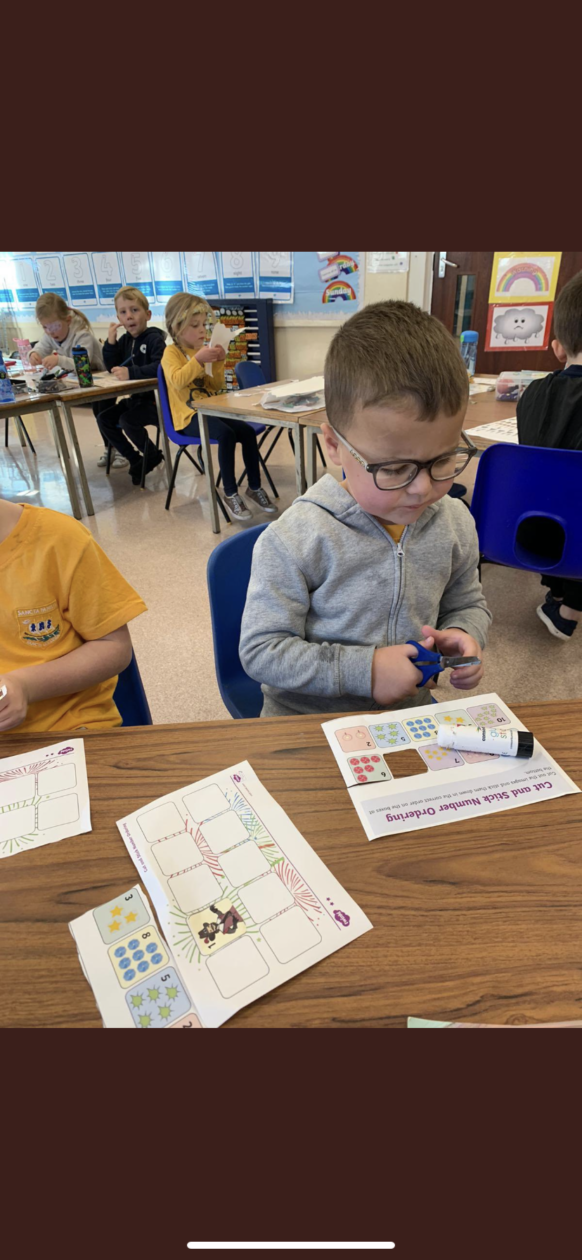
In Primary 1 we can now read, write and count the numbers to 10. We have been learning lots of new strategies during our numeracy time that help us to add our numbers and we love to use all of our concrete materials to help us with this. Adding is so much fun! We like to play number games and beat the teacher. We have been learning more about shapes and measuring too.
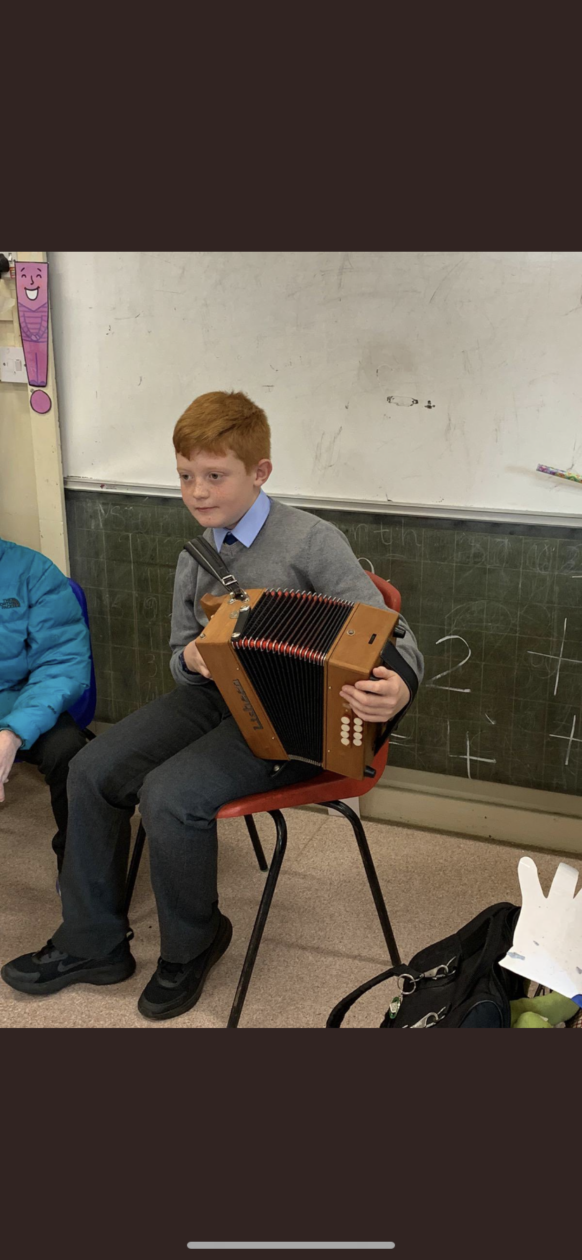
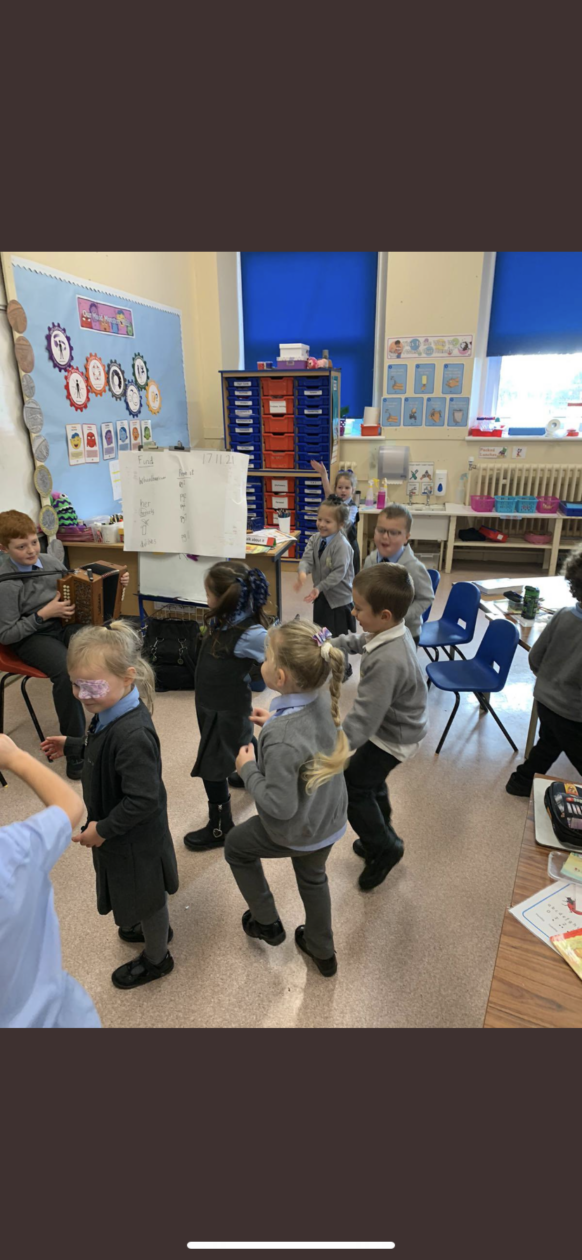
We love music and dancing in Primary 1. Our friend from Primary 7 came to play his instrument and we had a concert. We were so delighted to learn more about the accordion and listen to the wonderful music. Thank you!

On Remembrance Day we took part in lots of activities that helped us to learn more about Poppy Scotland. We made poppy crafts and prayed for the people that fought in war. We also prayed for the holy souls and our loved ones who are no longer with us.
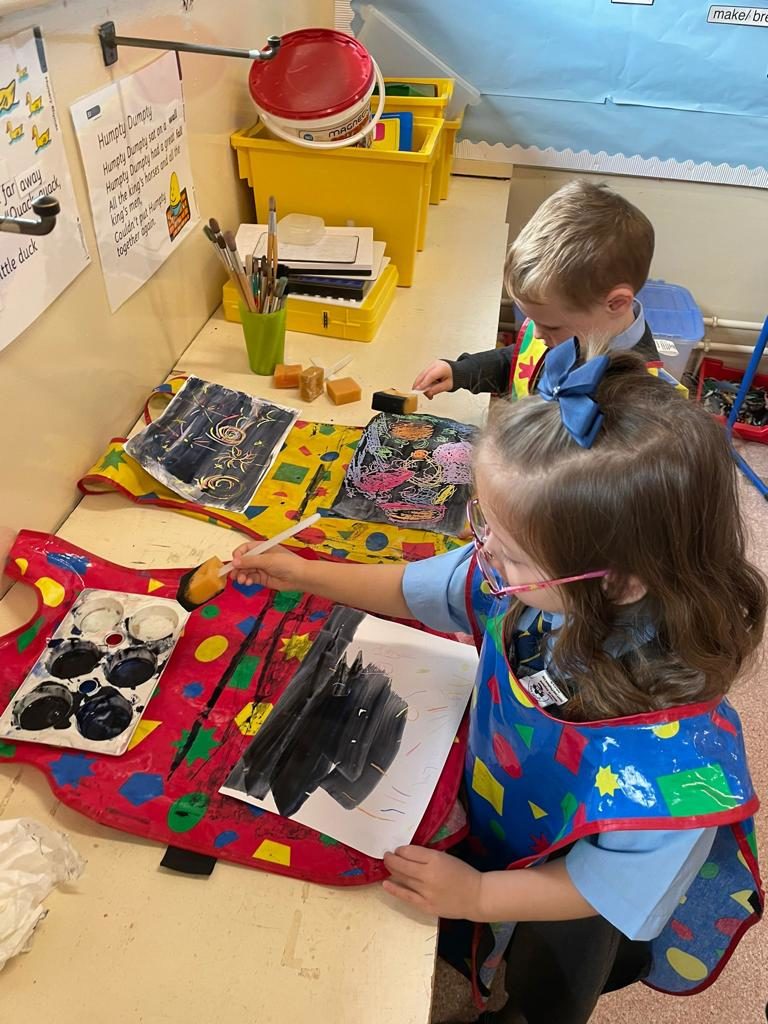
We know how to be safe in Primary 1. We learned all about firework and bonfire safety when it was Guy Fawkes. We learned the story of Guy Fawkes and created our own firework pictures.
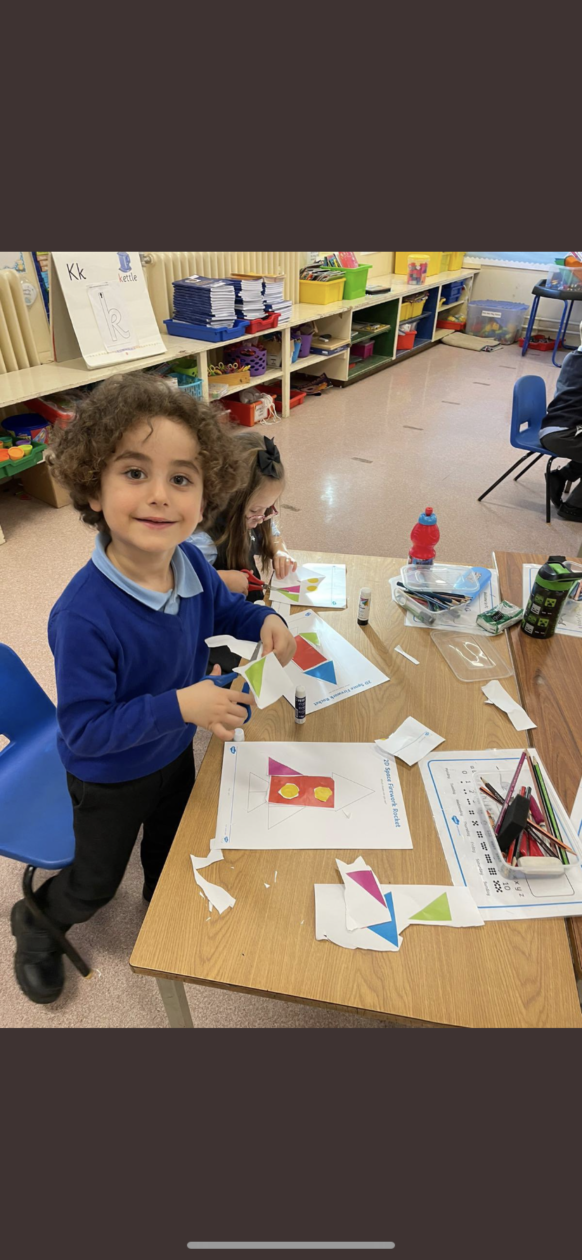
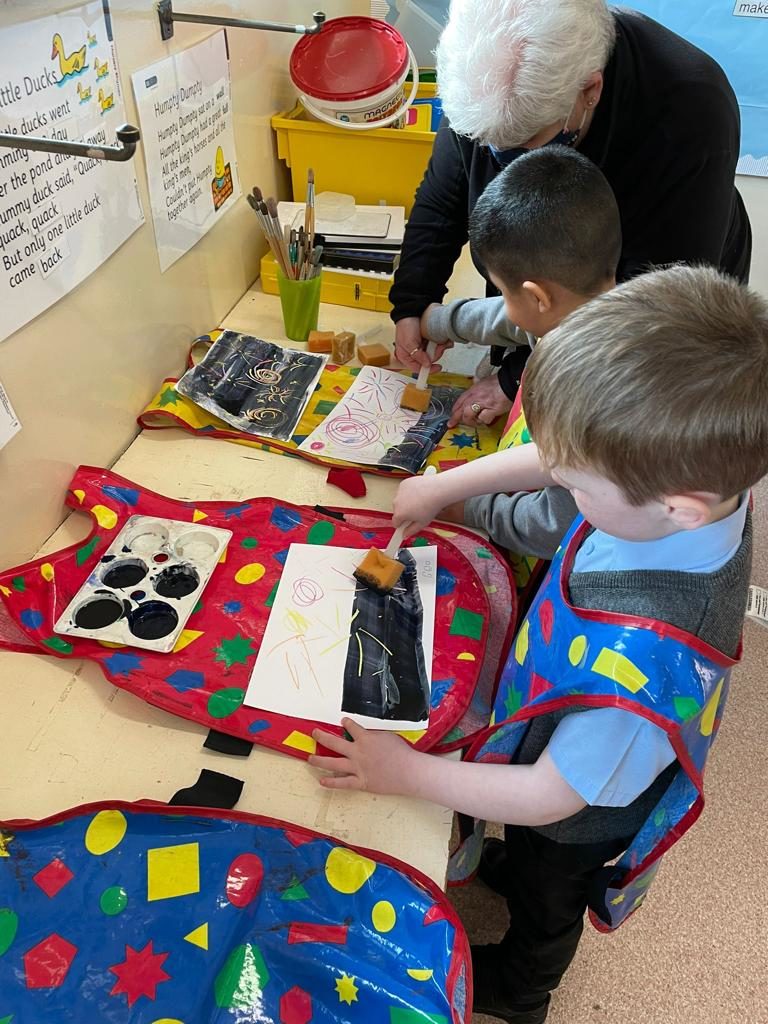
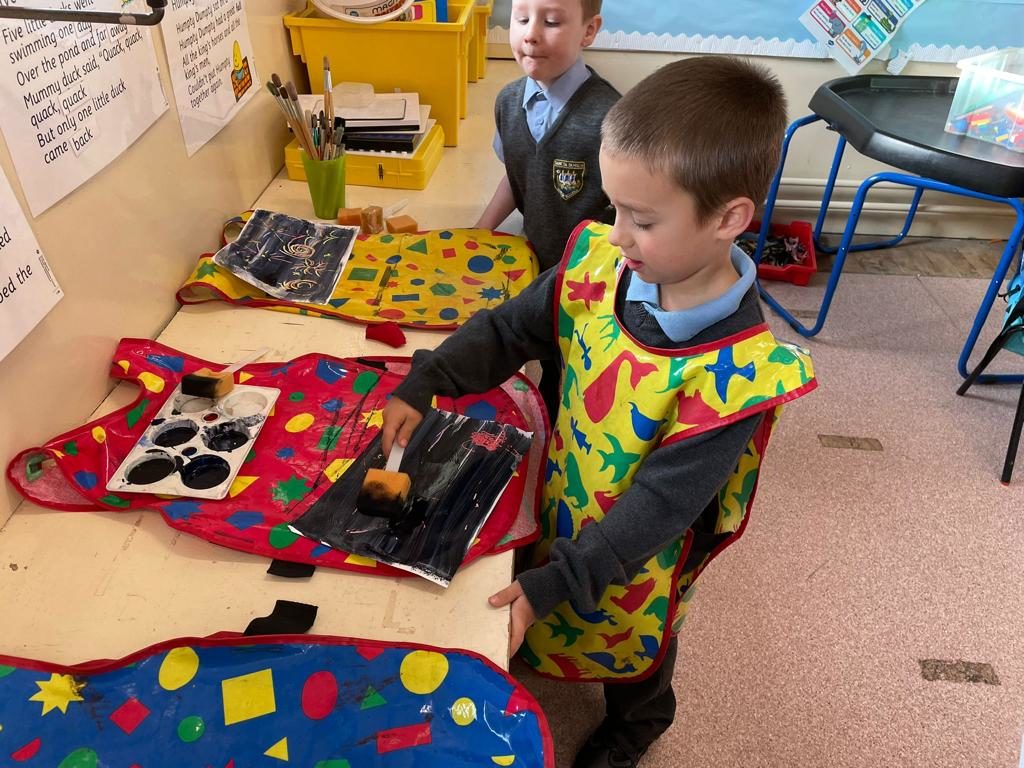
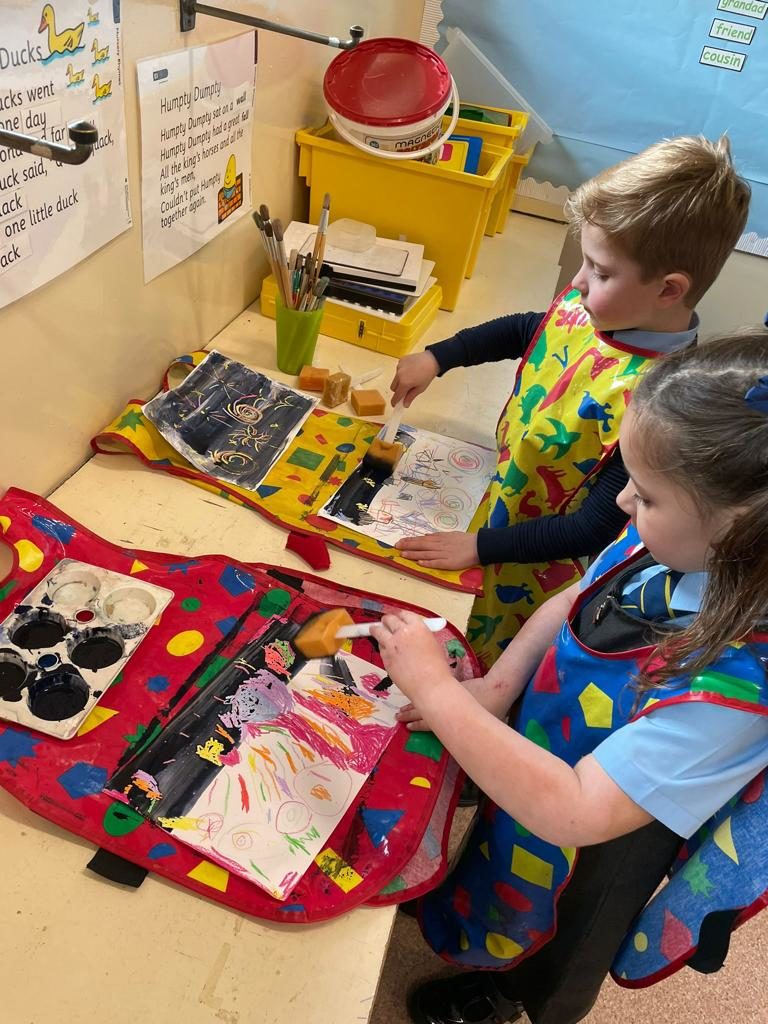
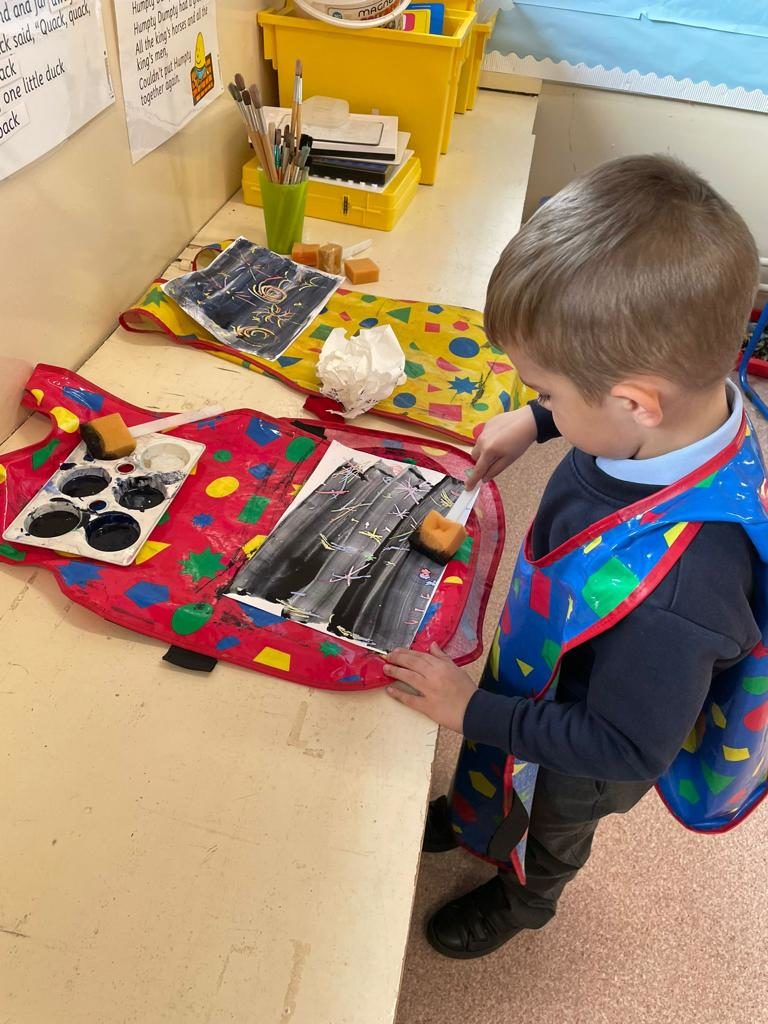
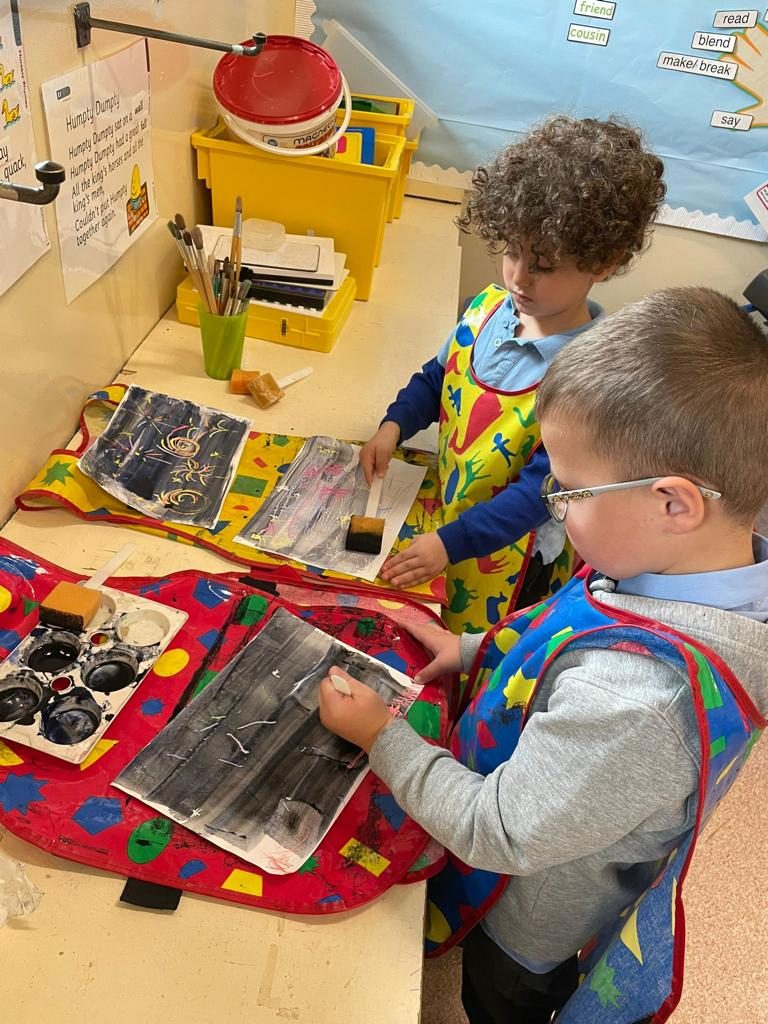
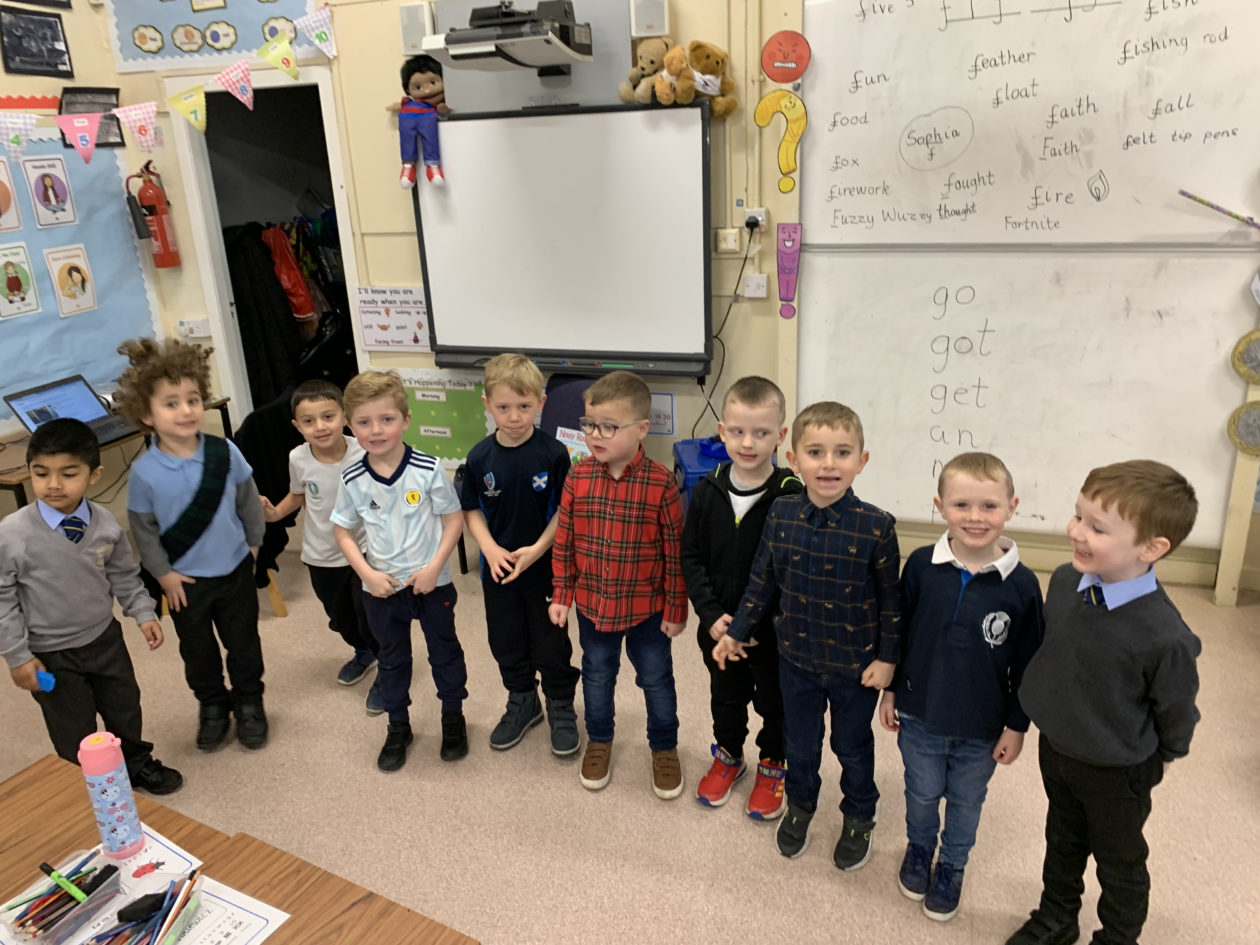
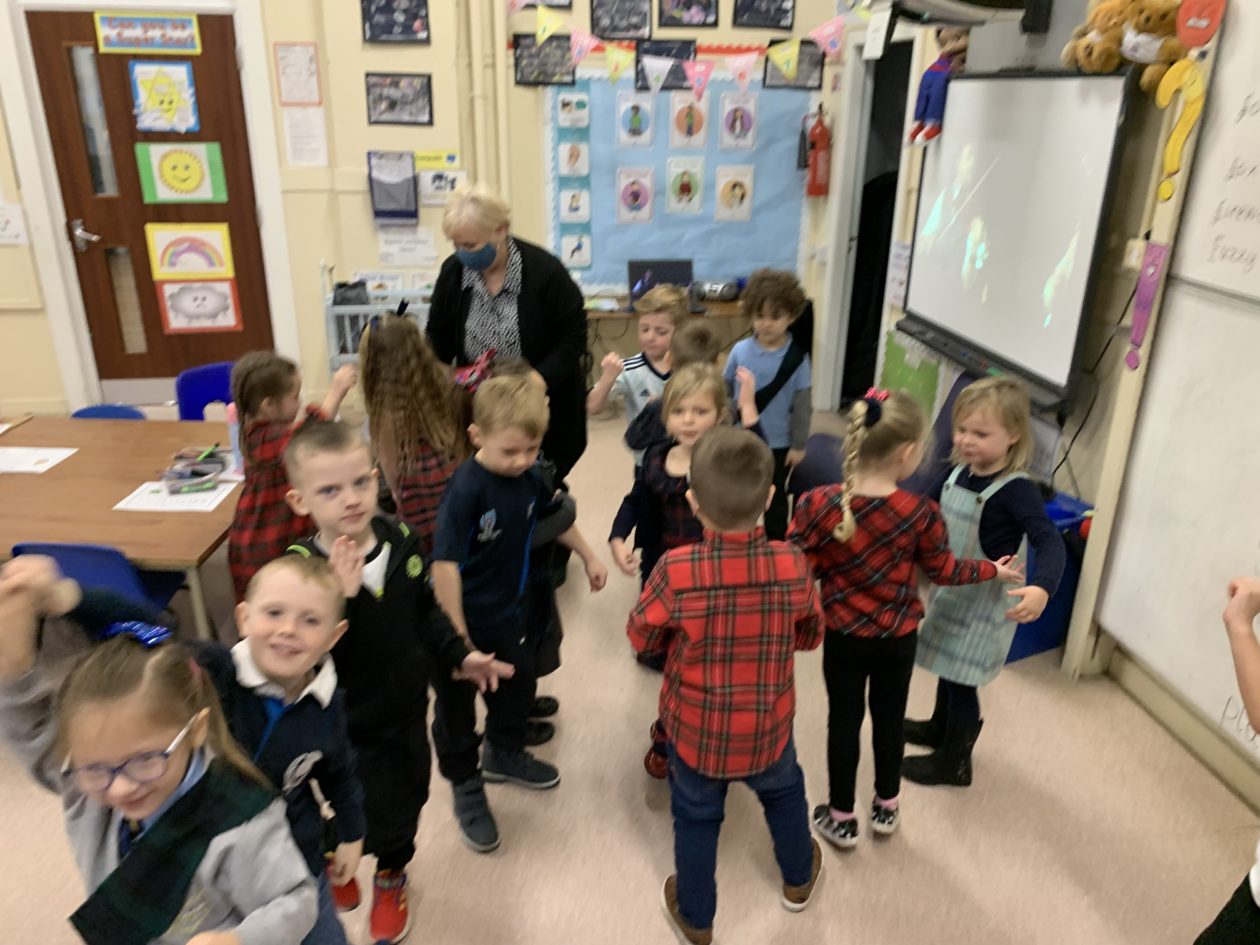
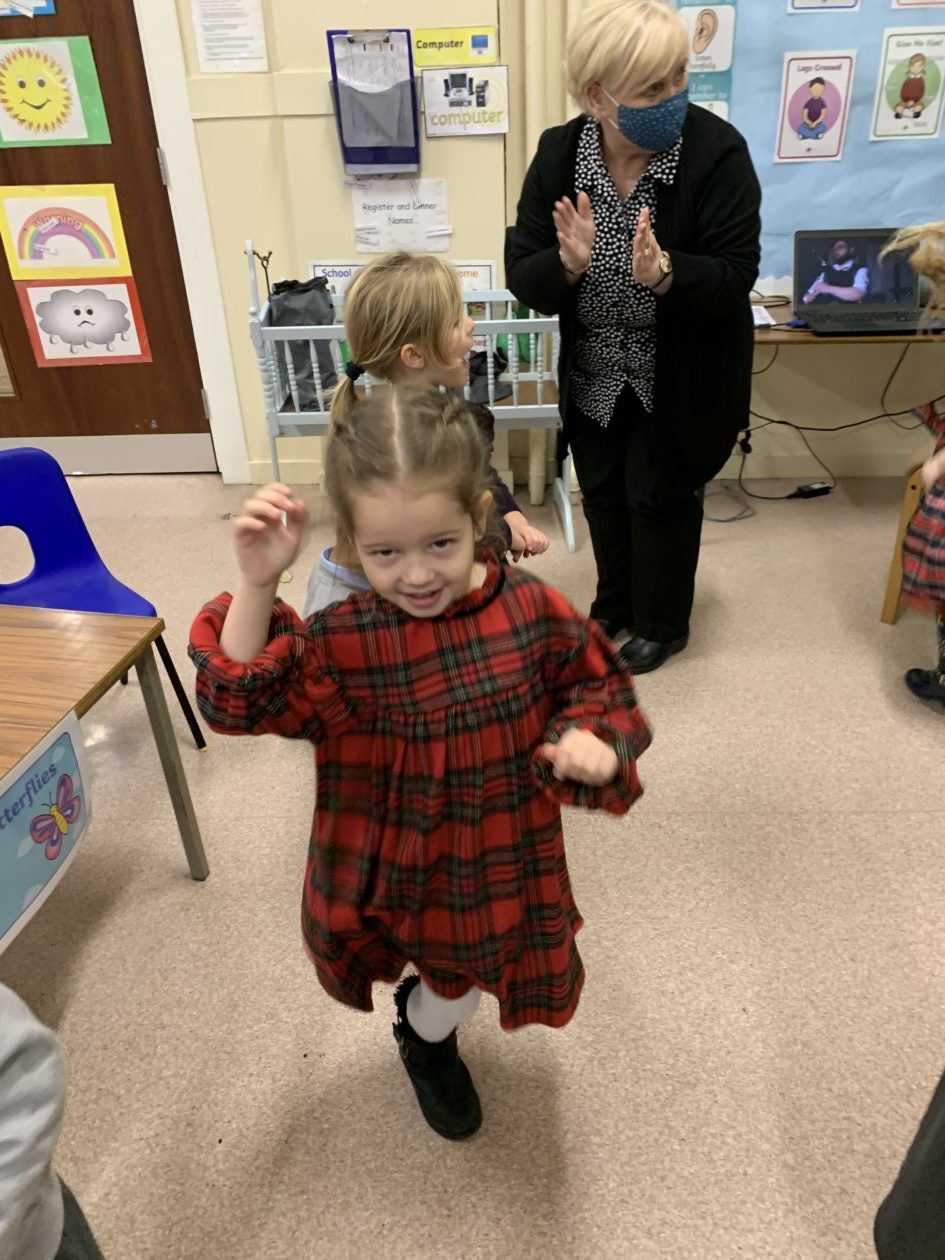
Here we are celebrating the feast of St Andrew. We wore tartan and Scottish clothing to school. We learned all about our Patron Saint and had lots of fun eating shortbread and dancing to ceilidh music.
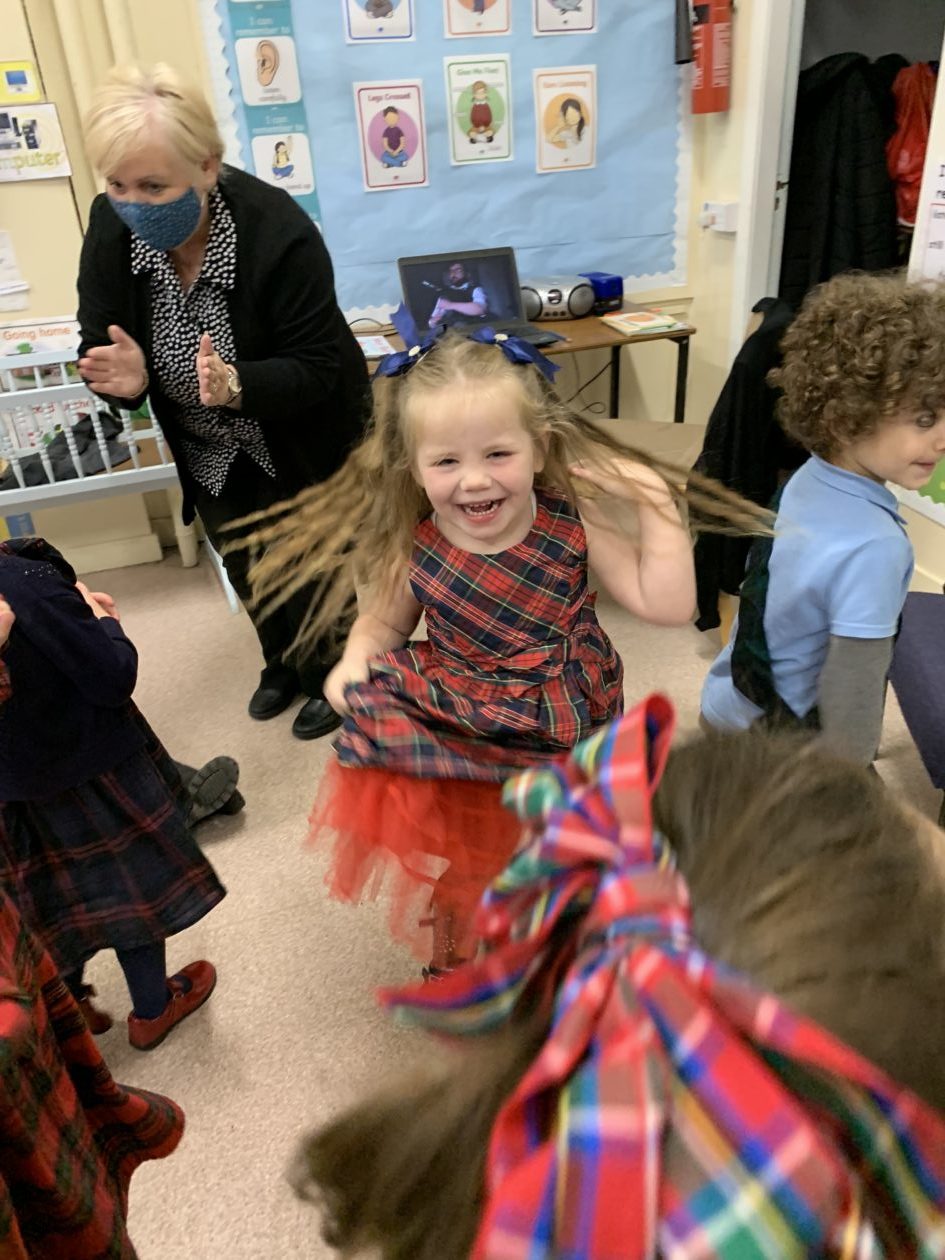
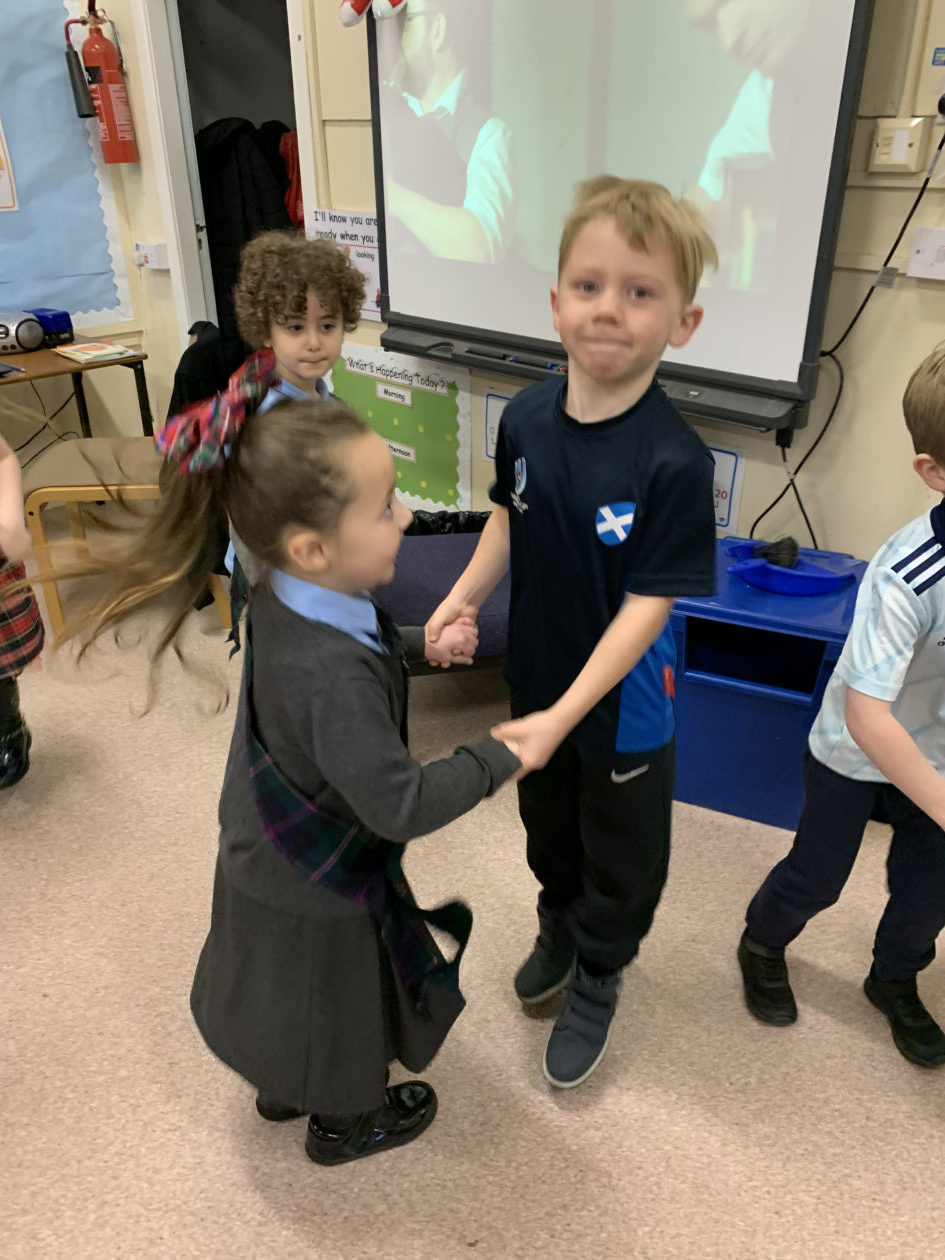
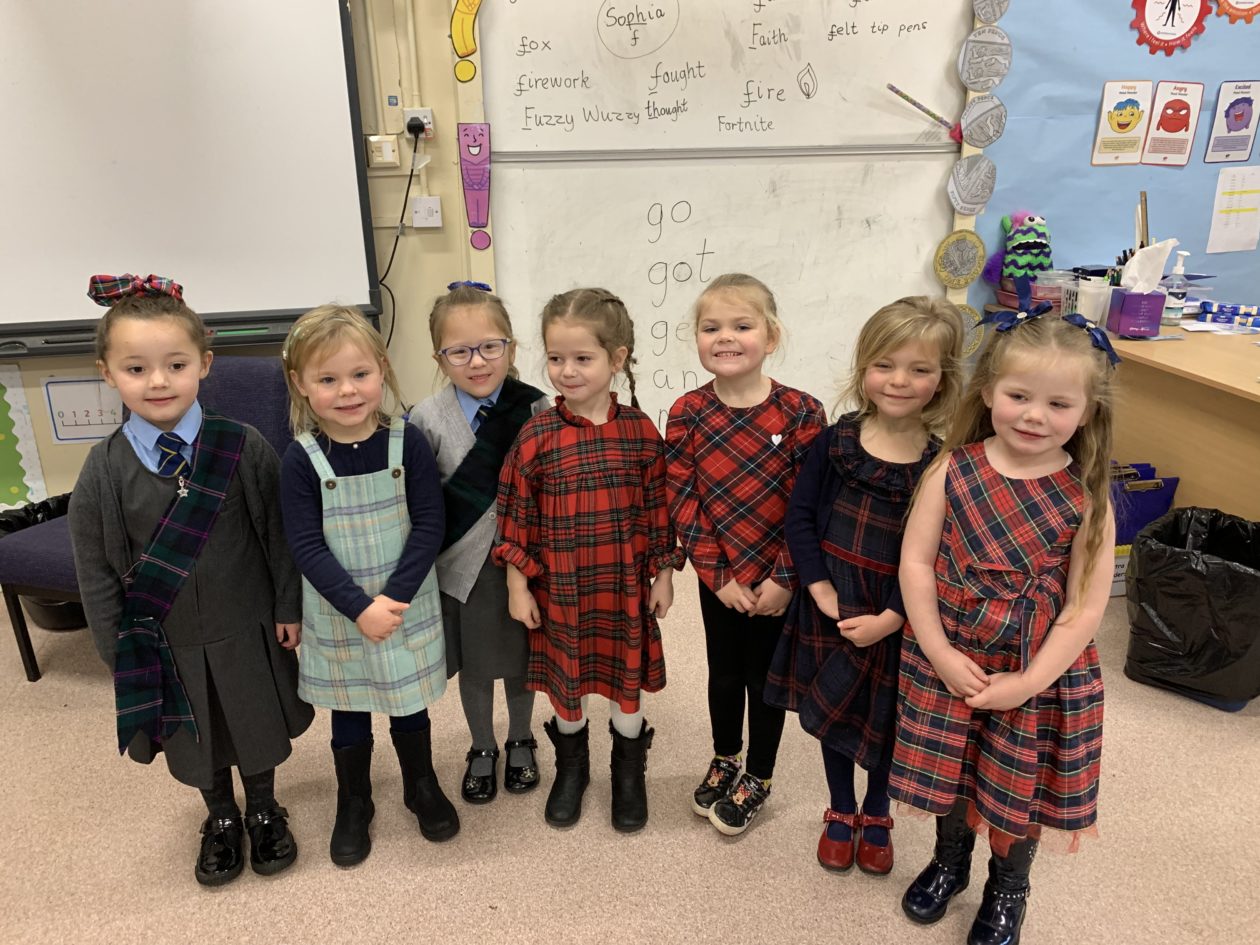
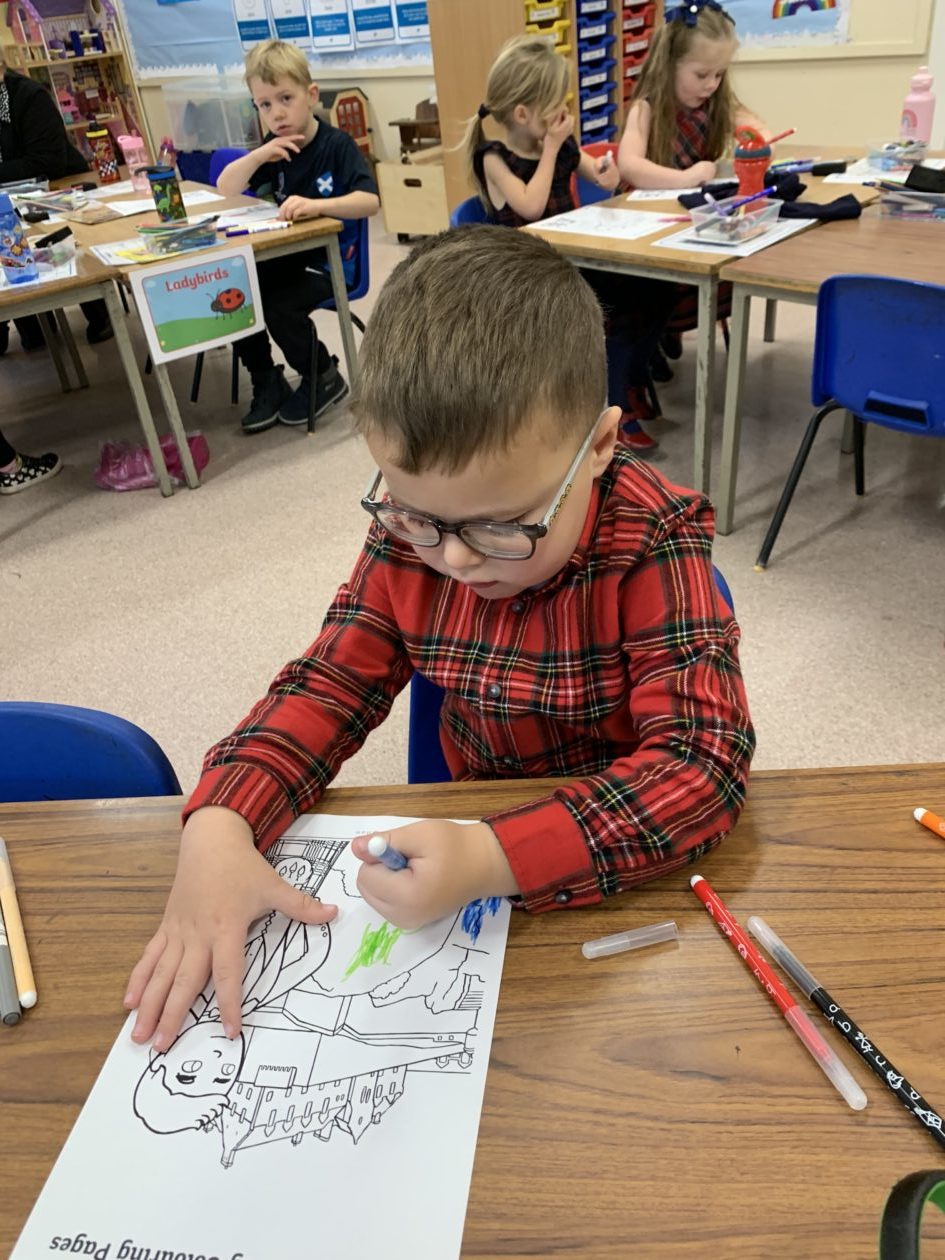


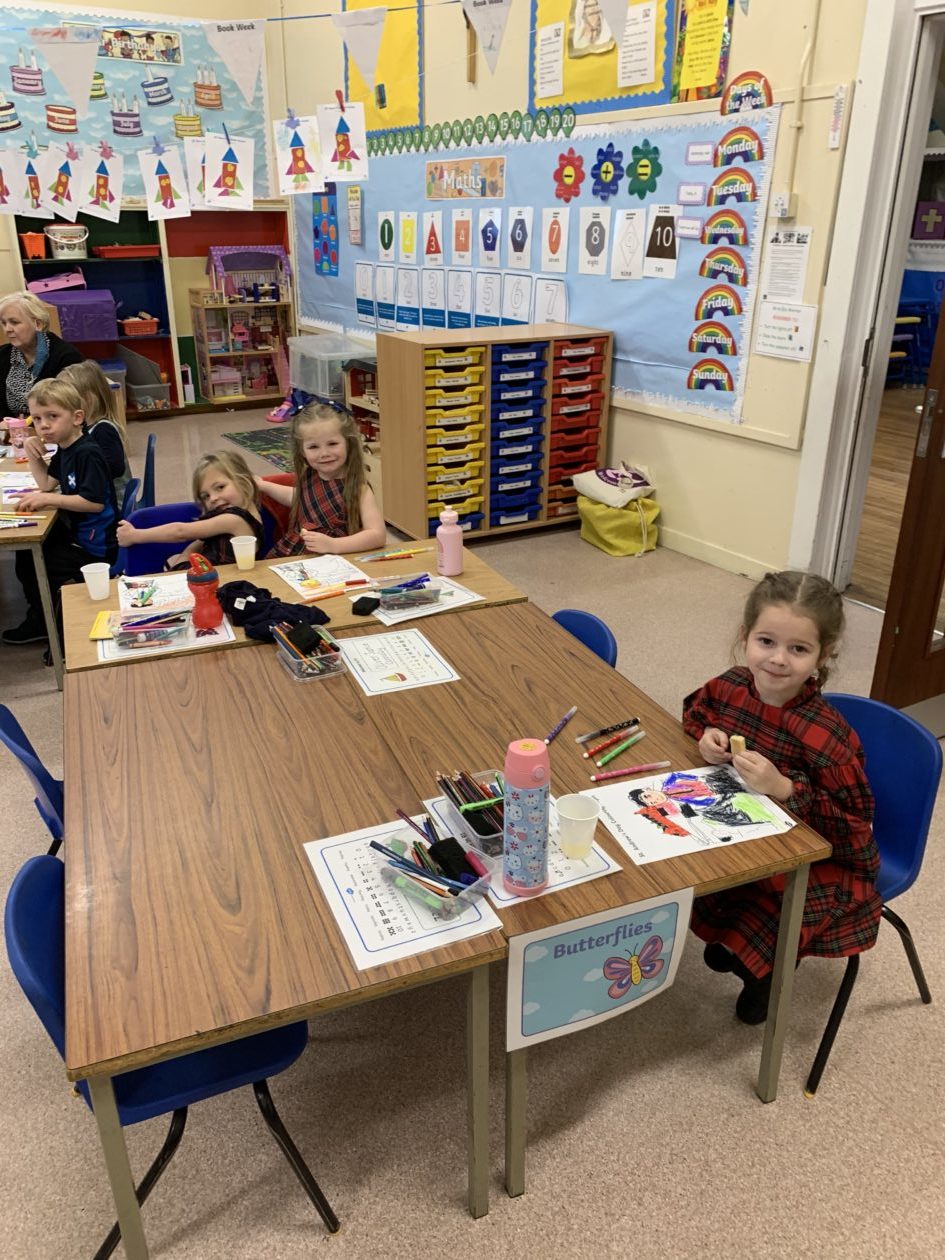
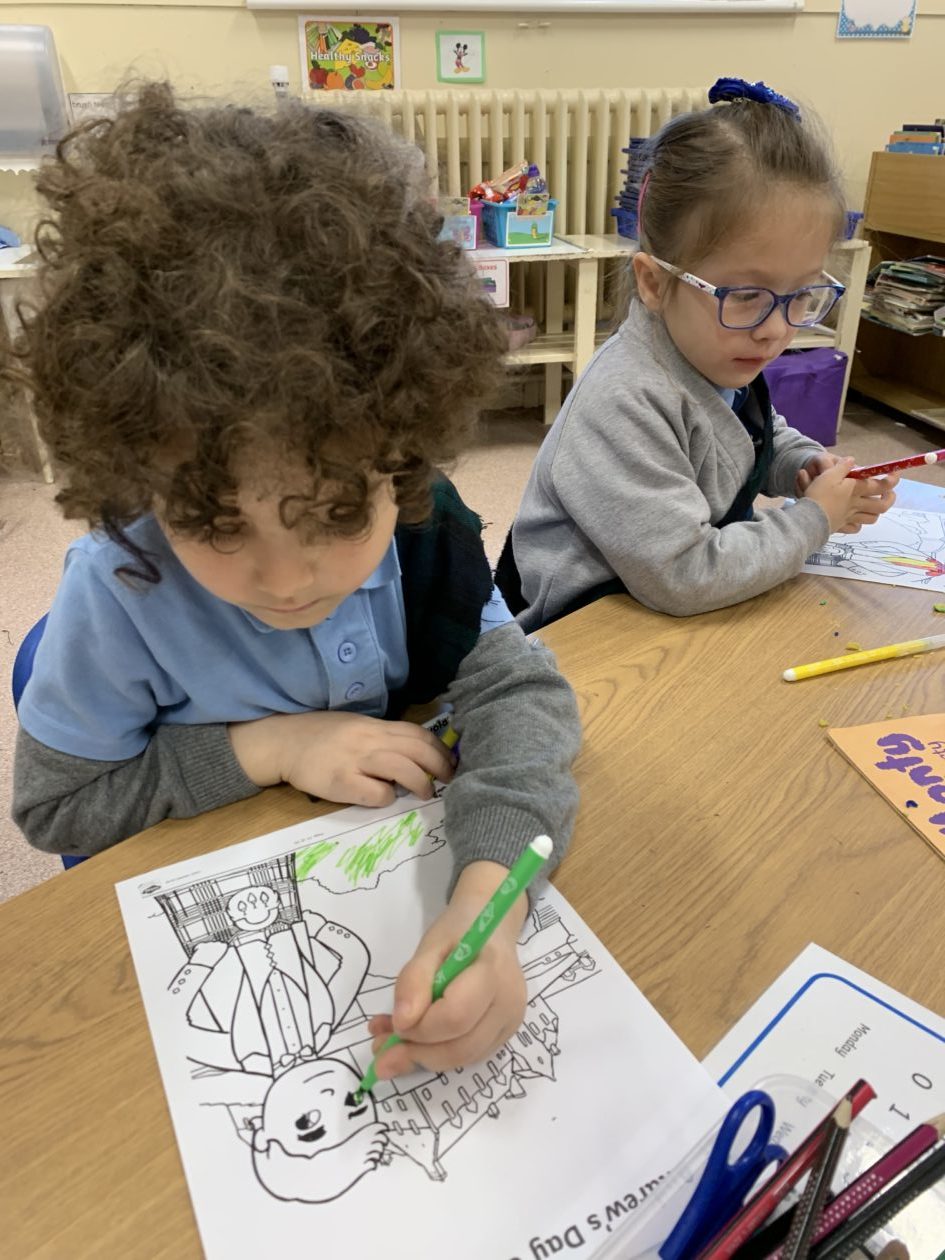
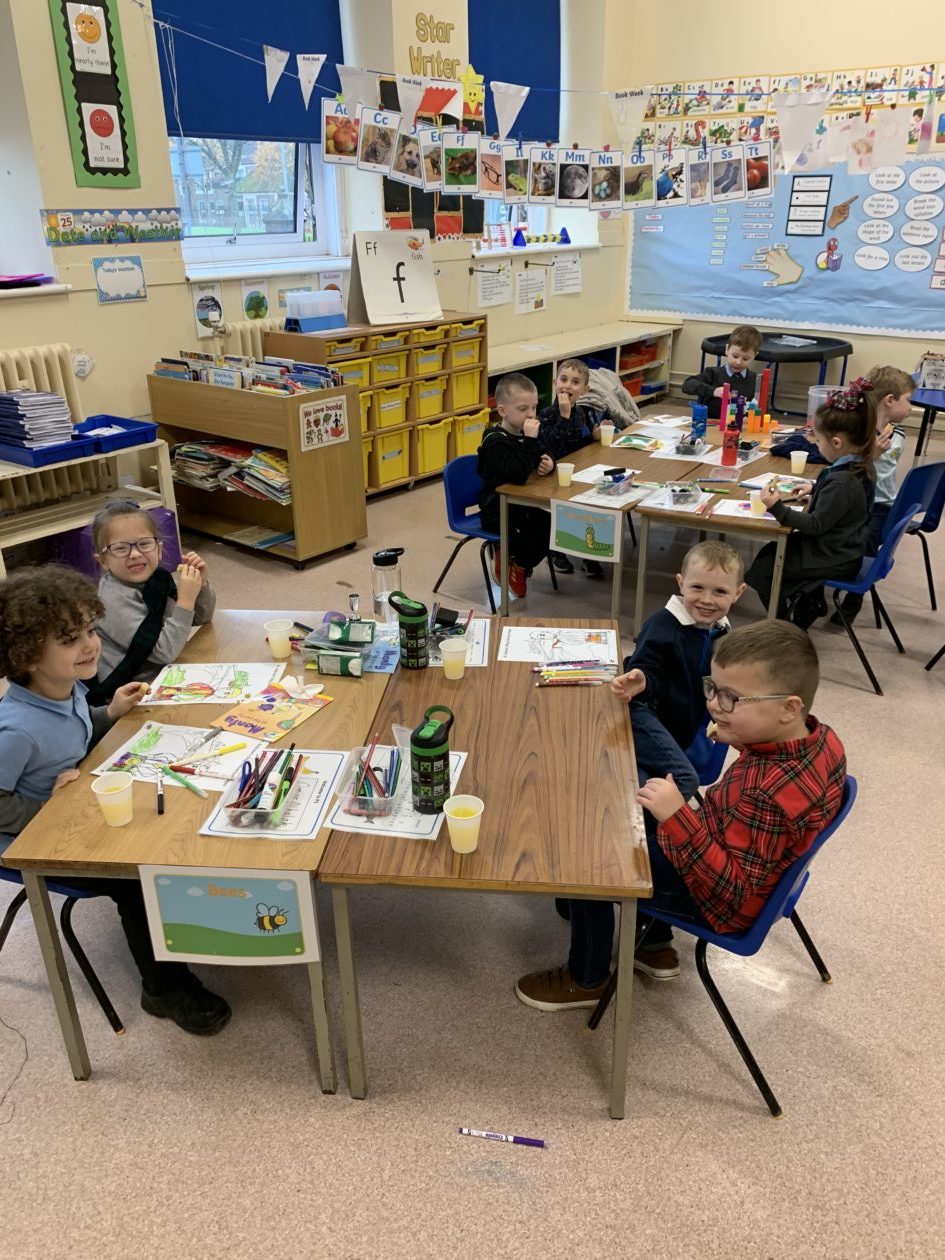

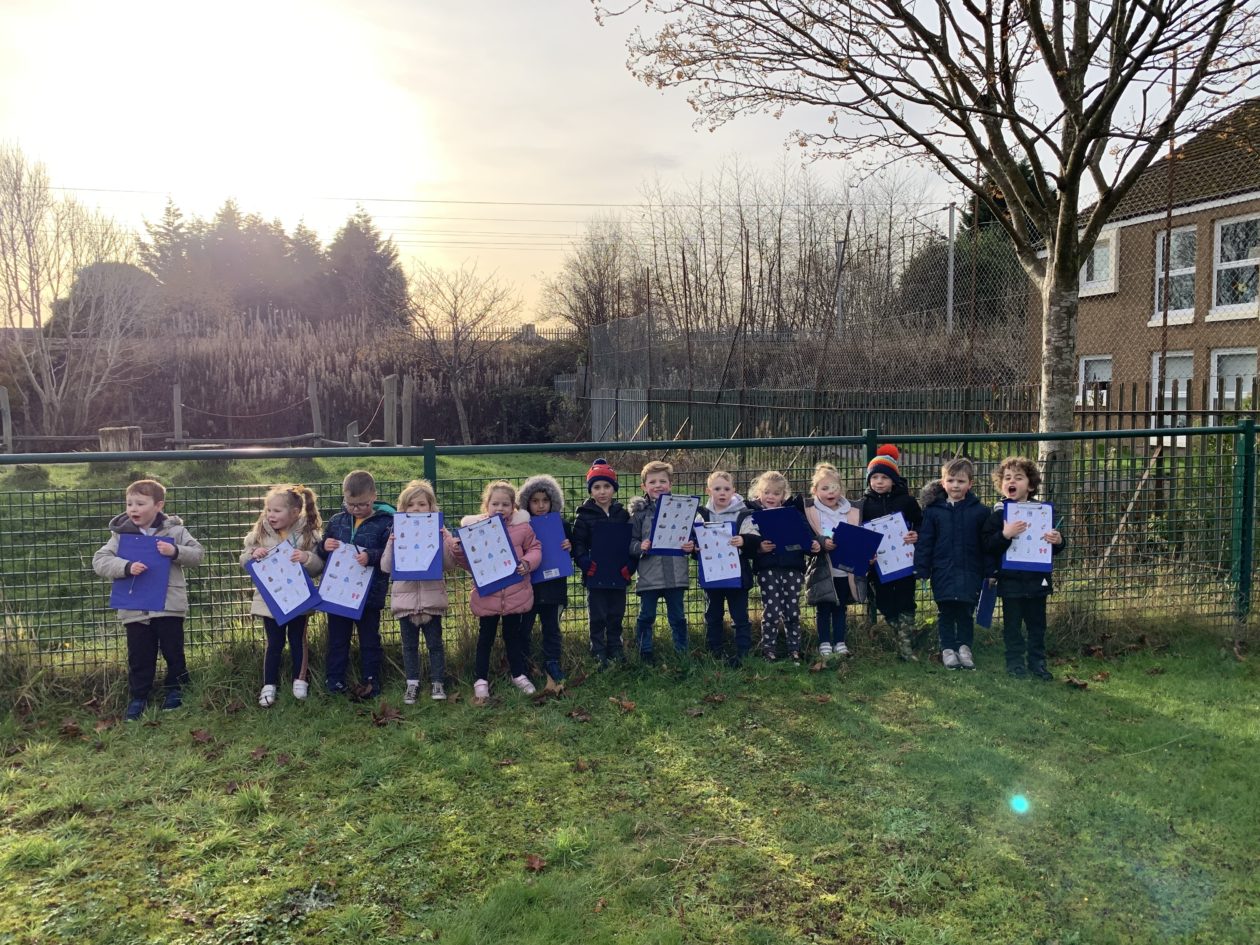
As it is now Winter we have been investigating the changes that happen to our environment during this season. We went on a Winter walk with our friends and spotted lots of signs of Winter.


We have been working really hard to prepare for our Nativity show ‘Wriggly Nativity’ with our friends in Primary 2 and 3. Primary 1 have all been given a role to play and we are really looking forward to our show being posted on the Holy Family Youtube channel. Our singing and dancing is amazing!
December is going to be a very exciting month for us and we can’t wait for all of the festivities. Look out for our photographs on Twitter!
Primary 5/6 November Update
Primary 5/6 have had another successful month during November.
We have been working extremely hard in maths developing our multiplication and division skills. We have been learning new strategies and problem-solving skills to solve our sums. Through our consistent hard work during maths, we are now recognising the correlation between multiplication and division which aids our understanding of these numeracy topics even deeper, and as such, strengthens our skills.
We do a range of active maths exercises to supplement our learning such as Daily 10, multiplication and division bingo, Number Talks, and some others.
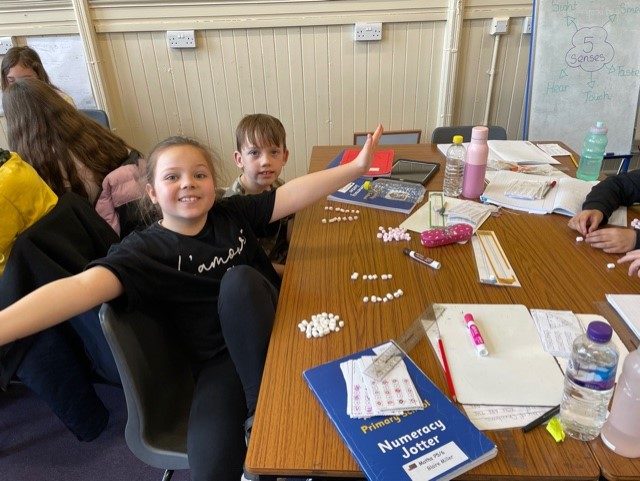
We have been showing great progress in literacy. We have been reading our literacy novels, ‘Holes’ by Louis Sachar and ‘Charlie and the Chocolate Factory’ by Roald Dahl. We have been applying our reading strategies throughout our novels, enabling us to gain a greater understanding of the texts. We have also been practising our oral skills by reading to our groups, in pairs, or to our self. We have also been enjoying watching chunks of both movie adaptions once we successfully complete our tasks.
Furthermore, we are enjoying learning our new spelling words each week. We work hard at learning our new phoneme of the week, spelling rule or common words.
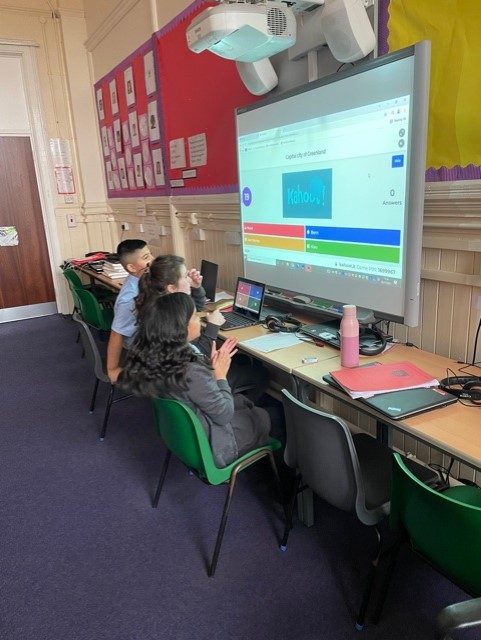
We have been successful learners during our topic time. This month we explored interesting facts about capital cities. We played a Kahoot quiz during ICT time to assess our knowledge and later in the week, had another quiz where we had to press the buzzer to answer the capital city question. We then moved onto investigating foods from around the world and enjoyed tasting French cuisine by munching on crepes, macaroons, and croissants, whilst making our own menus.
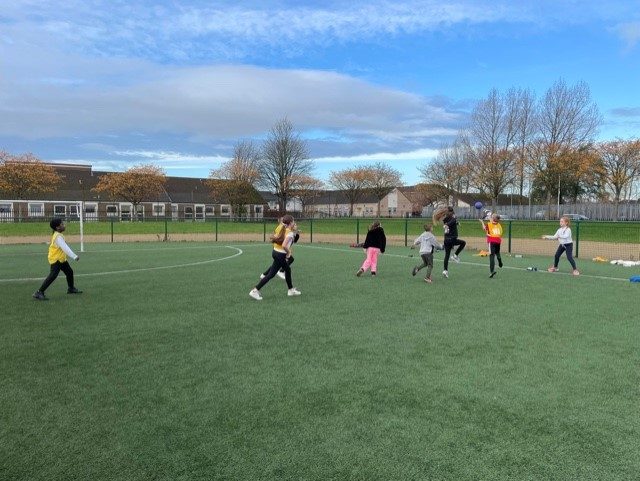
We have been confident individuals during PE. We have been practising our striking and fielding skills on a Wednesday when we play Handball.
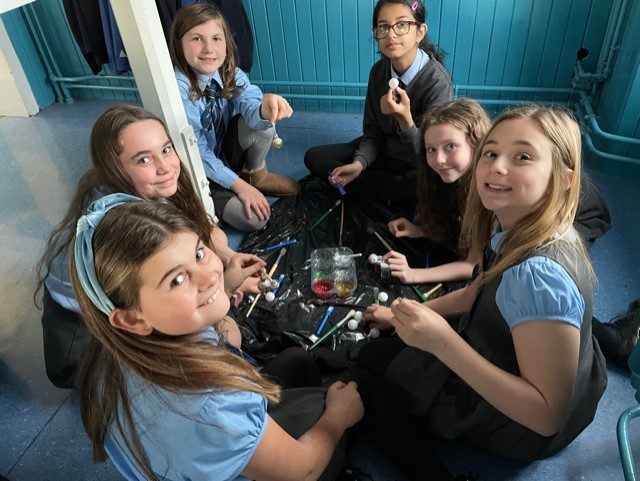
We have also been responsible citizens by making Christmas crafts to sell to the school on Wednesday, December 1st to raise money for Mary’s Meals.
P4 , November
We have been very busy in Primary 4. We are pleased to be back sitting in groups, where it is easier for us to work with partners. We have enjoyed taking part in upper school assemblies for the first time since Covid.
Literacy
We have 2 Spelling groups who have been working hard on Phonemes and Common Words. One group has also been working on Spelling Rules , which can be tricky. We get our new words on a Monday and then spend the week doing activities including Dictation ( with a partner or a teacher), Phoneme or Common Word Stories and whiteboard work. Ask us about Diacritical Marking- we are getting really good at it.
Sometimes , for fun, we play games like Spelling Tennis or Beat The Teacher. We are surprised when our teacher makes mistakes! Oops!
This month, we began some work on non-fiction. We have been learning about the features of a non-fiction book , such as Contents Page, Glossary or Index. We read Incredible Insects where we were shocked about what insects live in our homes. We started working on note-taking. We used bullet points so we didn’t need to write in full sentences.
During Anti- Bullying week, we explored how to be a good friend and wrote information reports about this. We’ve been trying to fit more conjunctions into our writing pieces.
We’ve also been working on letter to tell our families about some ways that we can be more eco-conscious at home and at school. Some of these changes may be too big to try ( such as getting an electric car) but even small changes make a big difference.
We tried blackout poetry on Remembrance Day, working with In Flanders Field, whilst remembering everyone we know who has been affected by war.
Numeracy
We have been working hard on Addition. We have been doing a variety of different activities to support our learning. We do Number Talks, Daily 10 and Textbook work swell as playing games, doing board work and worksheets.
Every day in class, we talk about time. Here are some examples of the types of questions we answer.
- How long is it till lunchtime?
- When will it be 3 o’clock?
- You have 10 minutes to finish, When will the be?
- How many seconds are left in a minute, if we have gone through 30 seconds?
This will all help us to be more confident using Time. We have started talking more about minutes to, which is a bit tricky. Please help us with this at home.
We keep up with out Tables by playing games. We know that the 4x Table is double the 2x Table. Some of us have realised that this can help us with the 8xTable. We will do the same with the 3x Table and the 6x Table.
RE
We have learned a lot about Saints during this month. We were very disappointed that our display on the Apostles was ruined by a leak from upstairs. We learned about St Margaret of Scotland on her feast day.We are now concentrating on St Andrew. We had a Remembrance Tree to remember everyone that we have loved and lost.
We often watch Being Catholic where we can see Sunday’s Gospel. We watch parts of the Mass to help us with our Mass responses. This is a big year for some of our children who will be making their First Communion. We want to be ready for that special day.
Social Studies
As part of our RE work on Remembrance Day, We read a novel called War Game. It had a very sad ending and was based on the author’s real family. We new able to do some lovely artwork for Remembrance Day.
Health and Well -Being
We have worked hard on anti bullying lessons and we will continue to talk about how to be a good friend.
We have continued to work on ball skills. We have followed warm ups on YouTube which help us to keep our bodies safe. We are working with partners and in groups.
We have lots of pictures over on Twitter so please go over to see what we are up to!