TRACS Homework

Use TRACS to work through the program code.

‘Test Data –

Dim Length as Integer

Dim Breadth as Integer

Dim Area as Integer

Length = 5

Breadth = 4

Area = Length * Breadth

MsgBox( “The Area is “ & Area )

For Loops

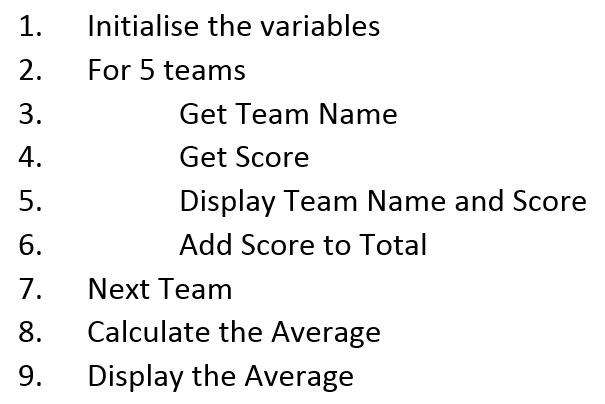
A for loop is used to repeat a section of programming code more than once. It is an unconditional loop, that is, it can not be stopped by the user.

Below we can see how this is written in pseudocode
Homework for 3rd Nov 2014

  1. What is the number system used by computers? (1)
  2. State two advantages of using binary numbers rather than decimal numbers in a computer system. (2)
  3. The reserve price of a vase is £42·50. State how a real number such as 42·50 would be represented in the computer. (1)
  4. A program calculates the average rainfall for one week as 18.6mm. Describe how floating point representation is used to represent real numbers. (2)
  5. Convert the decimal number 13 into a binary number. (1)
  6. Convert the following binary numbers in to decimal (2)
    1. 00001011
    2. 10011111
  7. Convert the following decimal numbers into binary  (2)
    1. 63
    2. 193
  8. Convert the binary number 11011 into a decimal number. (1)
  9. State one reason why computer systems use binary numbers rather than decimal numbers. (1)
  10. Convert the decimal number 27 into an 8 bit binary number. (2)

Total 15

Website Features and Functions

There is still a great deal of confusion over the features and functions of websites.

Website Features.

This is what makes up the website and how it looks. For example,  features of the Google website are a search box in the middle of the screen and a clean uncluttered look to the site. This is to help the website visitors to find what they want more quickly.

Website Functions.

This is the point of the website. For example, the function of the school’s website is to pass information directly to parents via the news on the front page.

Websites have many features and functions and when you go to explain remember to expand on your answers and say why that feature or function is used.

Work for Tuesday 25th March

Finish off Dreamweaver websites,
• guitatr
• own site
If finished complete
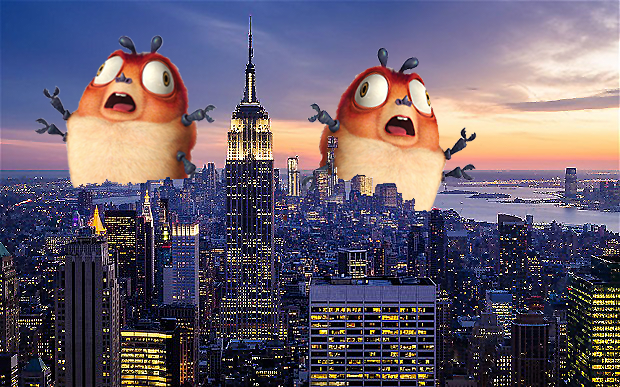
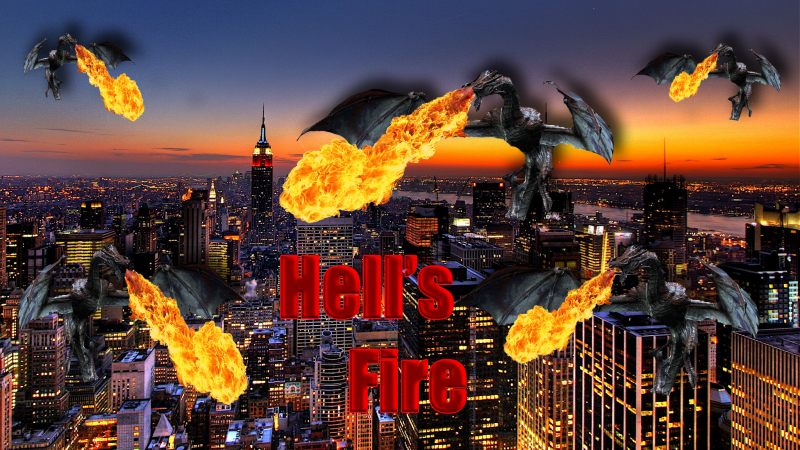
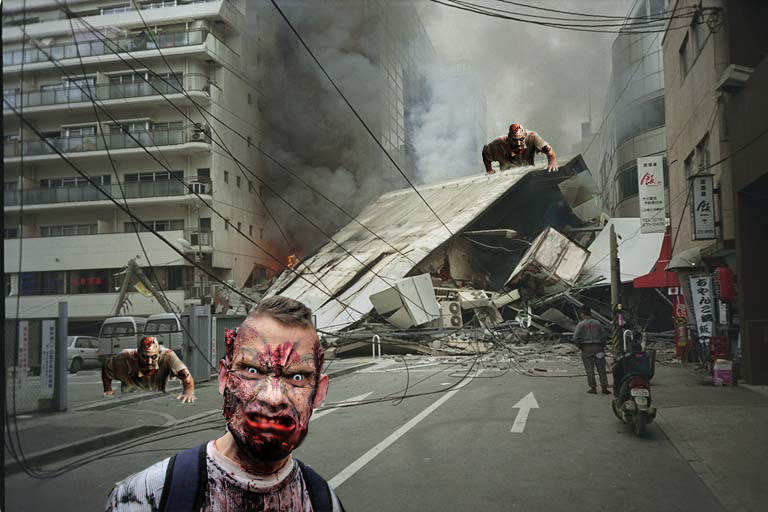
• adding monster to city background
• Using photoshop filters and tools to customise the image
• Add text to the image and turn it into a post for a new monster movie. You can use cooltext or photoshop’s own tools.

Creating a website from scratch.

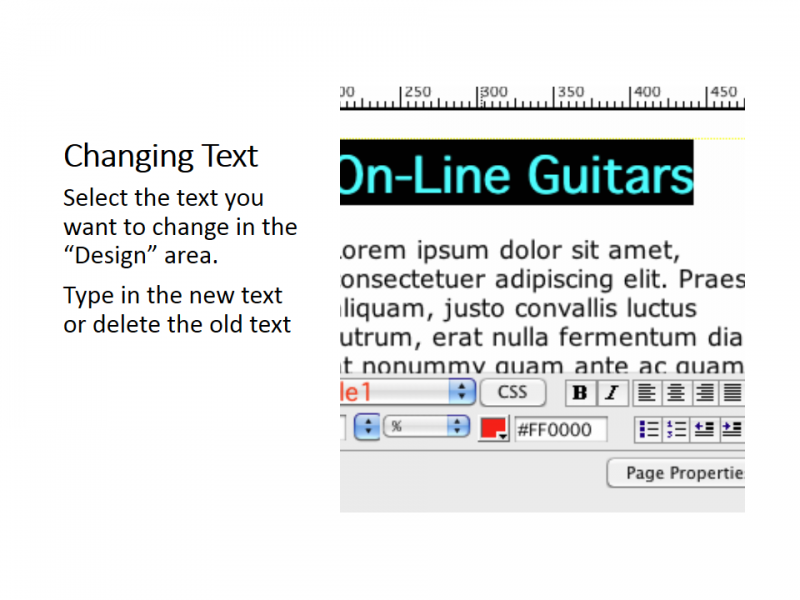
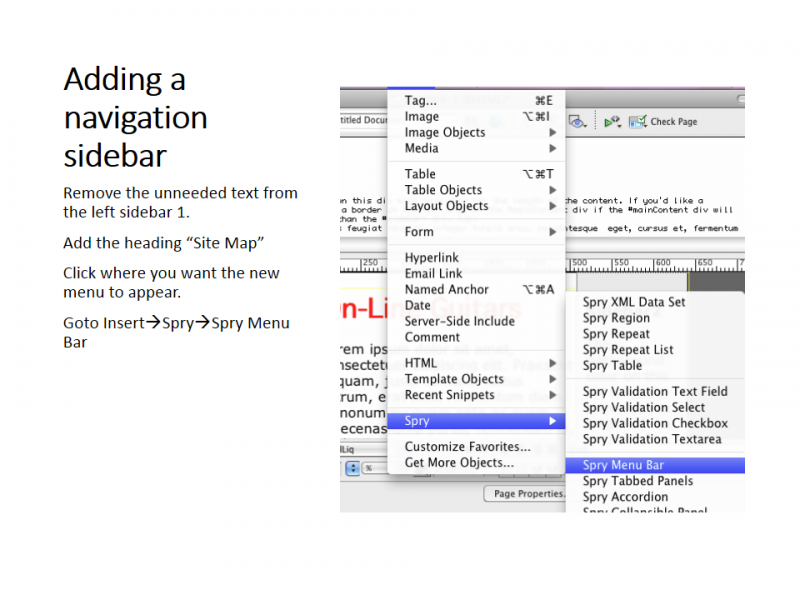
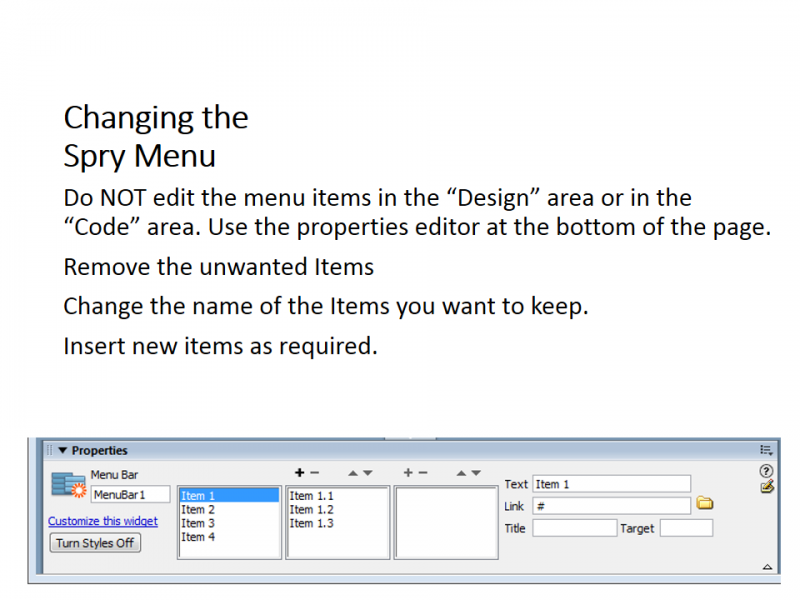
Today we started to use Dream weaver to create a website for a guitar company. We were given a brief and are following a set of note to achieve it.

The page we were working on today had a 3 column liquid layout, menu bar and will contain a graphic in the next lesson.
HTML Tags

The  main structural HTML tags are

  • <HTML> </HTML> – This tells the browser where the HTML pages starts amd stops.
  • <Head> </Head> – This is the header of the HTML page it is not displayed but contains information that is required for the page to be displayed properly.
  • <Title> </Title> – This is the title of the page, it is displayed in the tab at the top of the screen.
  • <Body> </Body> – The contents of the page are contained here/
  • <p> – Takes a new paragraph
  • <!– Comment –> – This is a comment for the designer and is not displayed in the browser.

The main formatting tags are

  • <Font color =”green”> green text </font> – This changes the colour of the text, note the American spelling. Colours can be described by name or by a hexadecimal reference.
  • <font face=”Tahoma”> Fancy fonts </font> – You can change the font the text is displayed in.
  • <b></b> – Embolden the text.
  • <i></i> – Italics the text
  • <u></u> – Underline the text
  • <H1>..<H7> – Set the text as a header and specify a type
  • <sup>2</sup> – Display as supertext (think squares)
  • &nbsp – Display a non blank space

Web Authoring Introduction

A web site is composed of many linked web pages. These web pages are written using HTML (Hyper Text Markup Language).

HTML Tags have an effect on the way your web pages appear. Tags appear within angular brackets <HTML> </HTML> to start and end the code. For example paragraphs are <p> and </p> to end. The main text
would be <body> </body> and headers could be <h1> </h1> or <h2> <h2>.

We will be using Dreamweaver this year to create websites.