Author: John
-

Stretchy Header
A New Block for Glow Blogs, The Stretchy Heading will fill the available width.
-
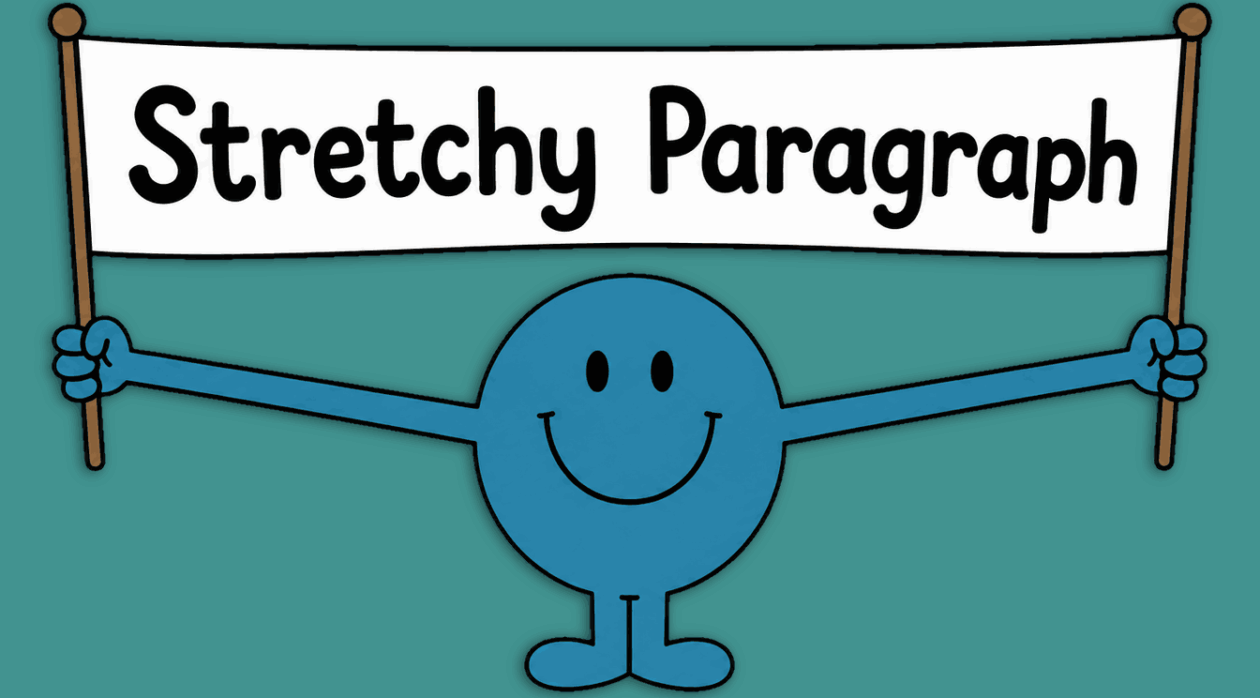
Stretchy Paragraph
A New Block for Glow Blogs, The Stretchy Paragraph will fill the available width.
-
Accordion
The Accordion block lets you show content in collapsible sections so visitors can expand just the parts they need. It’s commonly used for FAQs, schedules, or any long page you want to make easier to scan.
-
Tip Selecting Blocks
It can be tricky selecting blocks and knowing which one is selected. This very short video will help.
-
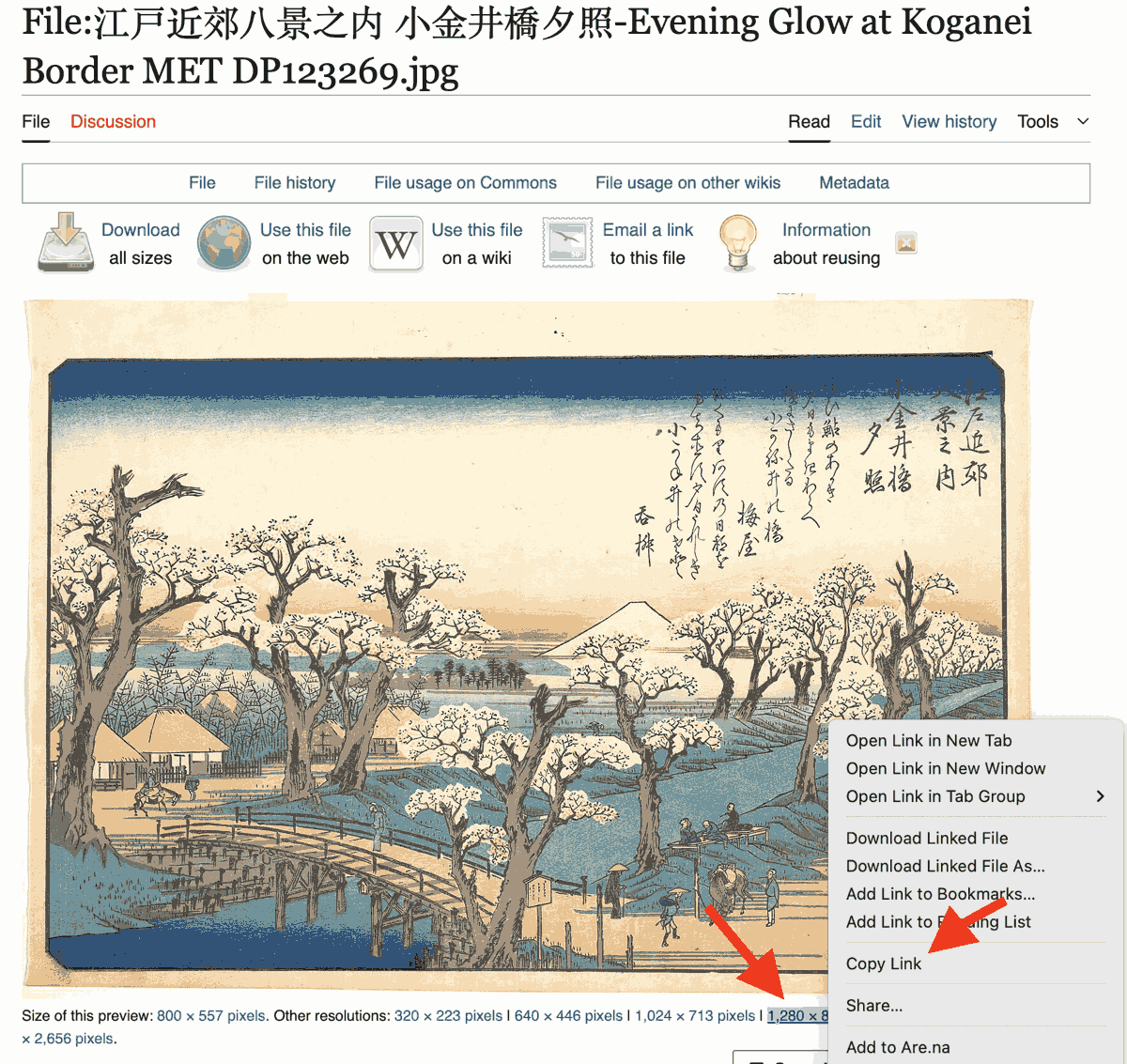
Using Images from Elsewhere
The Image block has a nice feature that lets you use and import images from other sites.
-
Contact Form
The Contact Form block is provided via a plugin. It adds a straightforward Form Block to the blocks you can use.
-
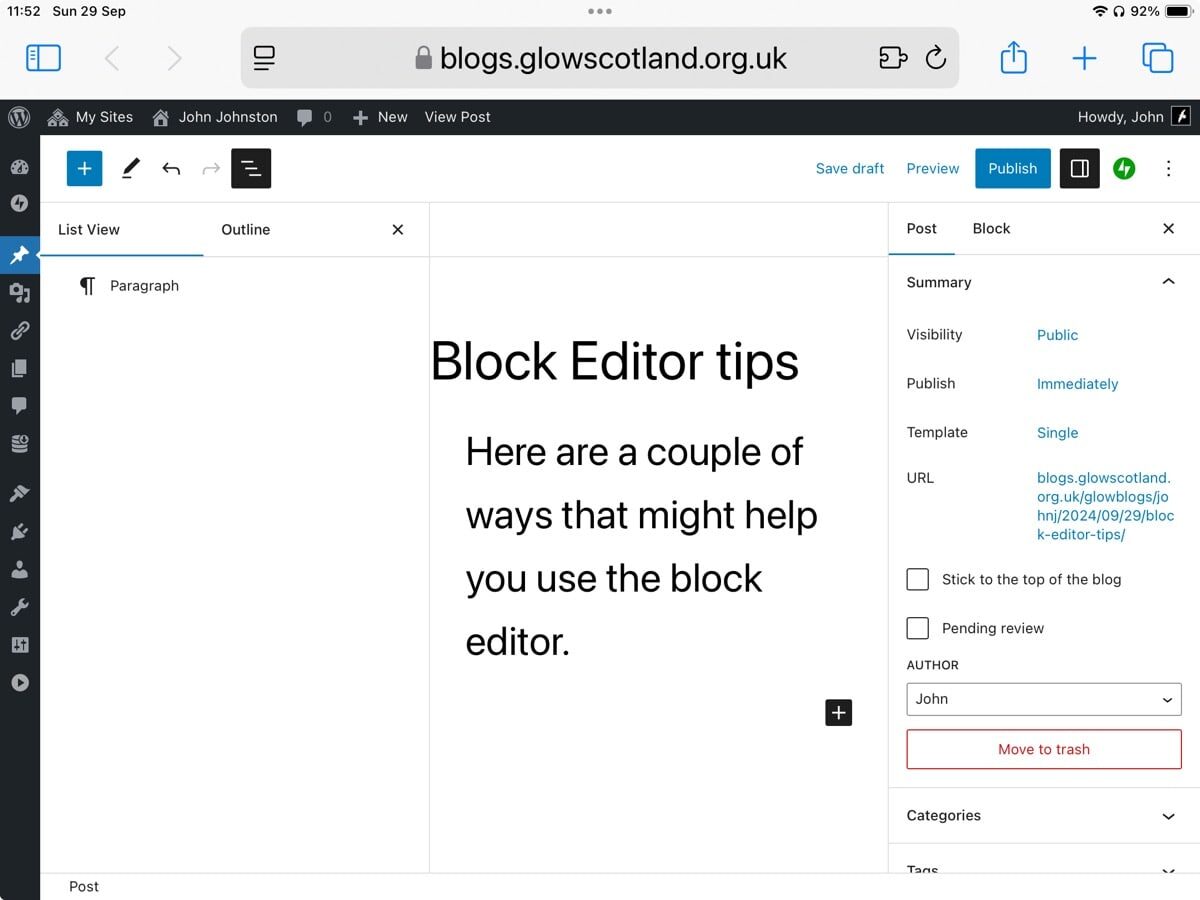
Tip – Block Editor Setup 1
A short screencast shows a couple of ways to change the way to use the block editor. To move the Block Editor Toolbar to the top of the screen. To get back the Admin and Sidebars.
-
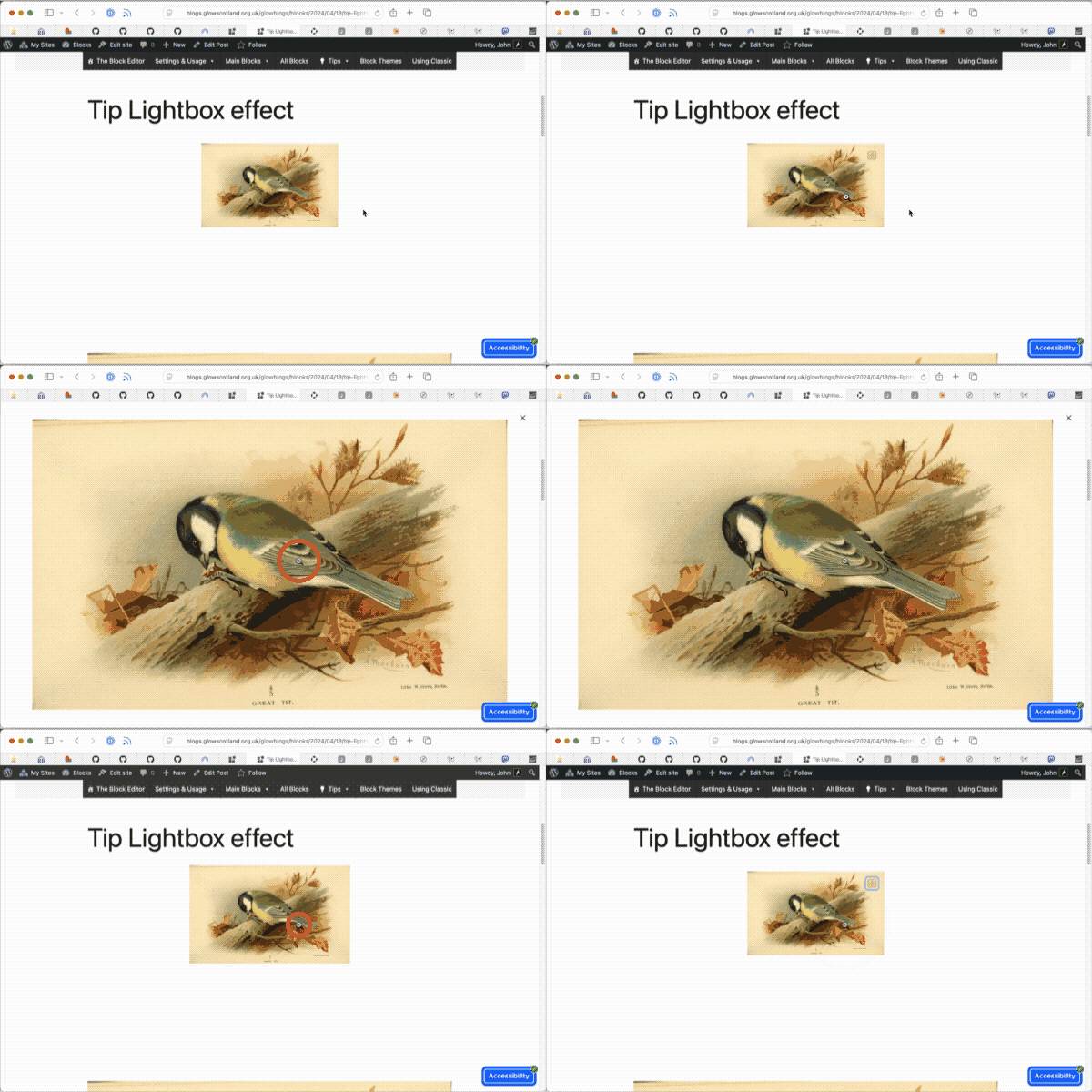
Tip Lightbox effect
You can have a lightbox effect on images by setting the link to “Expand on Click”
-
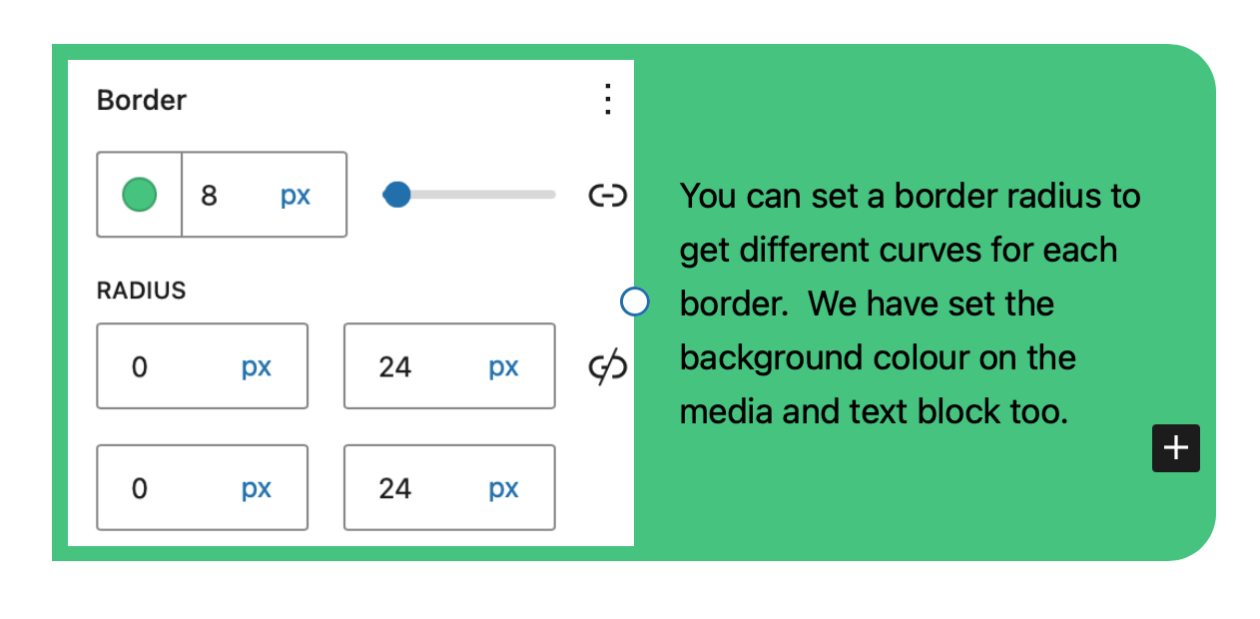
Tip Block Borders
Make sections of your posts and pages stand out by using borders with Block Themes in Glow Blogs.
-
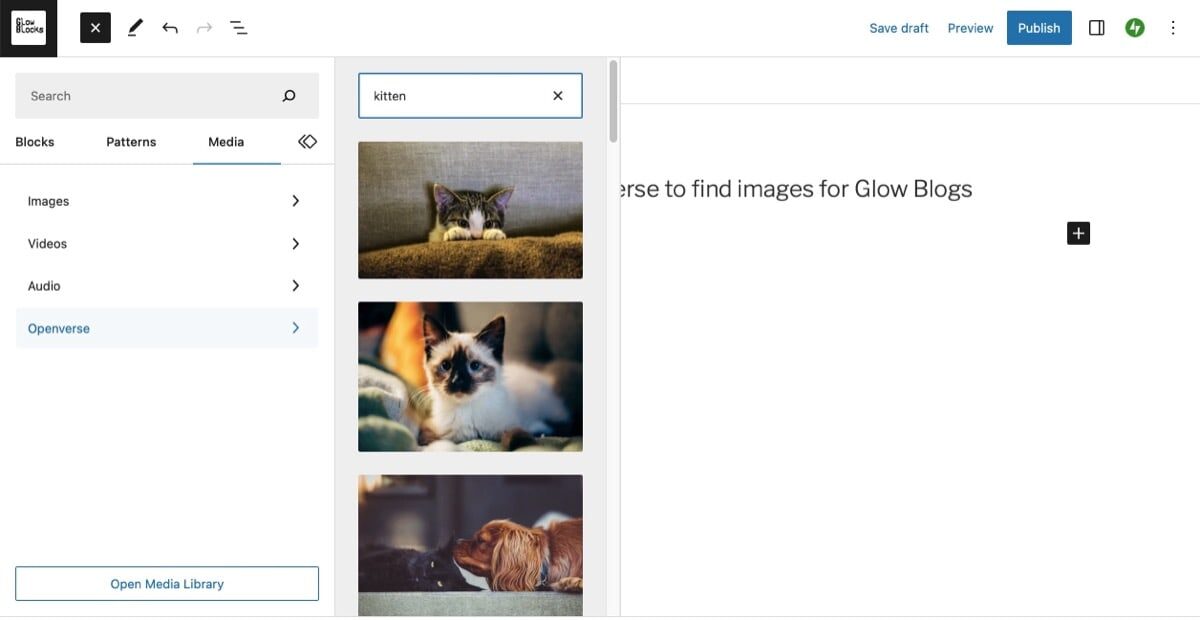
Tip – Use Openverse to find images
You can search for and use openly licensed images directly in the Glow Blogs editor. The required attribution is automatically added.