P5, 6 & 7 at Hawkhill Primary had a fantastically creative morning thanks to YMI (Youth Music Initiative) and Tinderbox Creative.
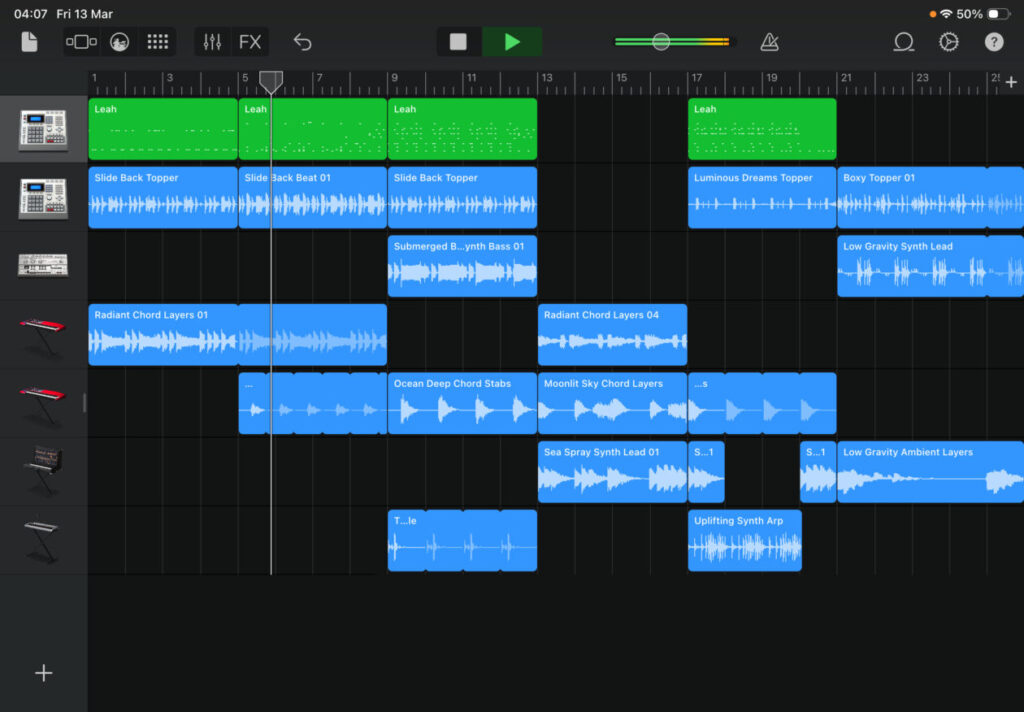
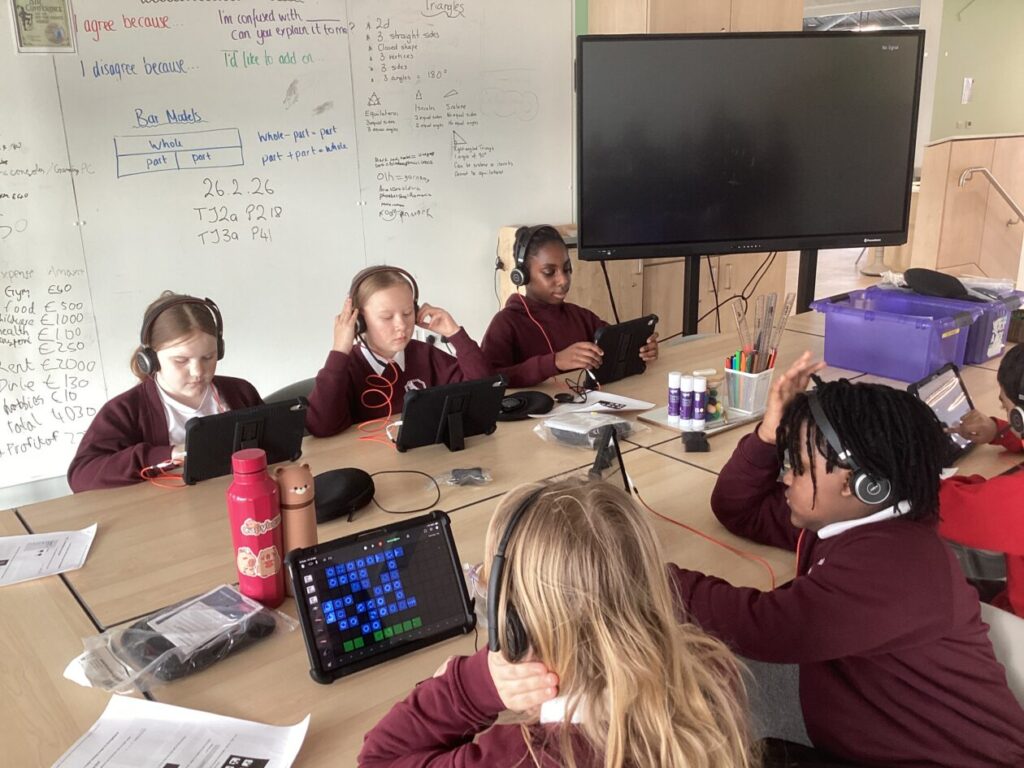
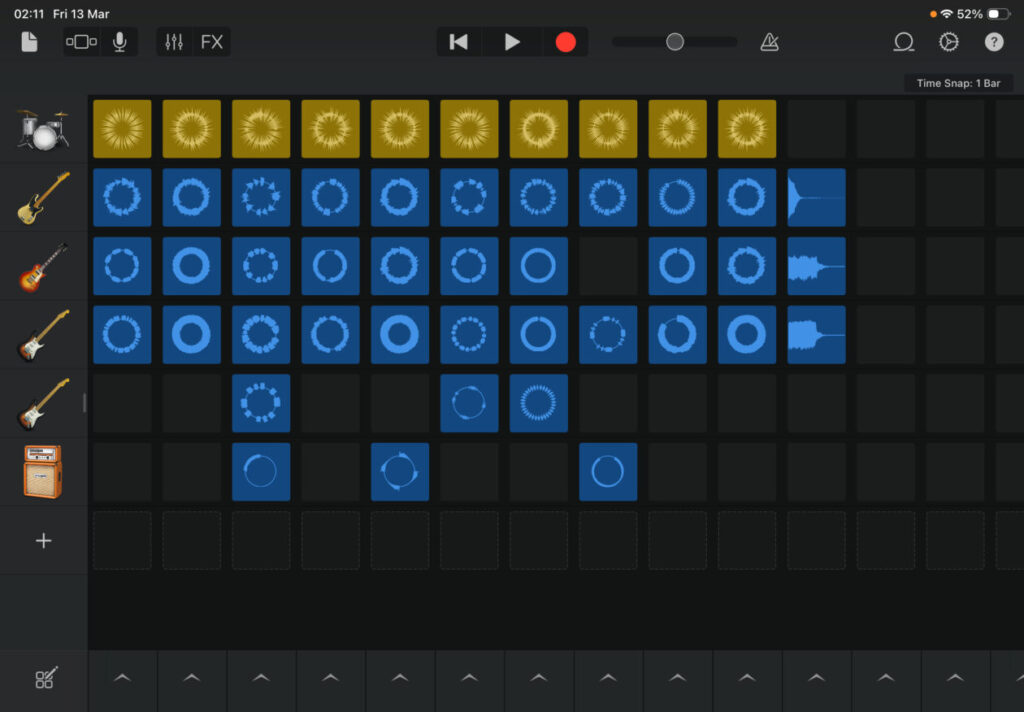
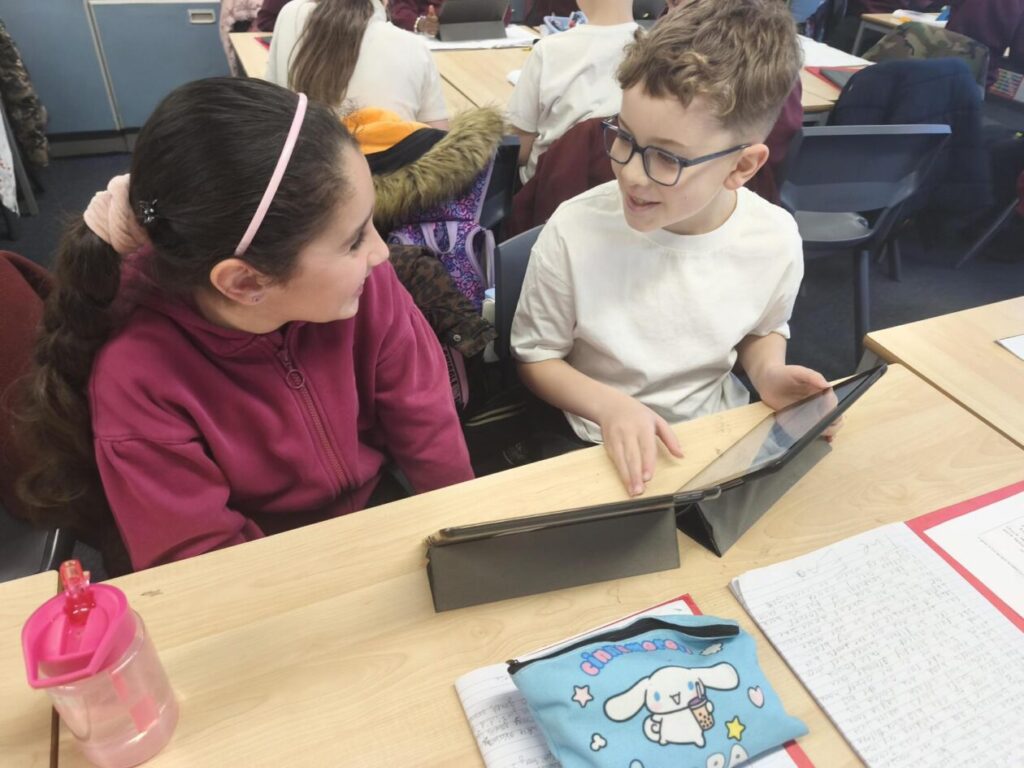
Pupils were introduced to a range of music genres and instruments through the Garageband app on iPads. They explored layering loops to create a song, which included drums, bass and a melody for musical interest. They learned how to duplicate, edit and add loops together to make their own songs, building their understanding of rhythm, pitch and dynamics.
Pupils were excited to share their creations with each other and could confidently explain their choices for their music, with their peers giving each other detailed and supportive feedback. Staff were impressed at the collaboration and communication skills being developed during this process too.
More feedback from staff included that they’d never heard the pupils so quiet and engaged. Classes are currently working on a STEM IDL focus so are excited to continue exploring how technology can support a range of industries.
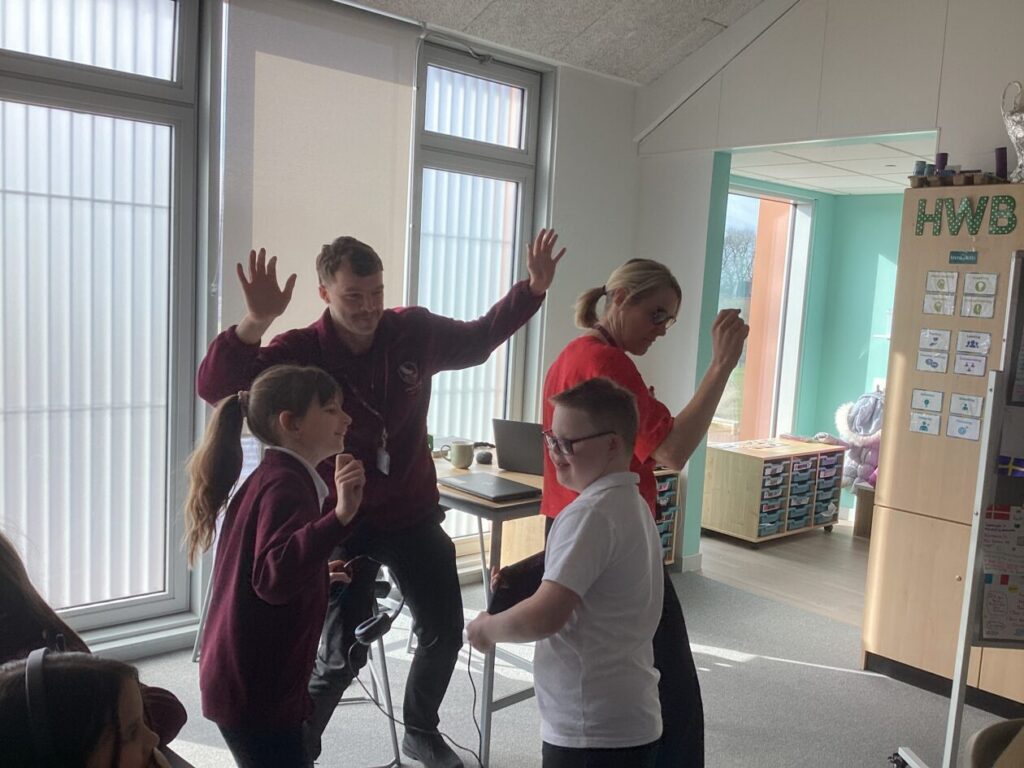
Pupils used words such as ‘Amazing’, ‘Fantastic’ and ‘Inspiring’ to describe the session – they are excited to use their new skills again soon.
Thank you to Andra & Chris from Tinderbox for delivering such an engaging and fascinating session. We can’t wait to see how the pupils continue to develop these skills and hear their creations.
Sharing the Learning
Pupils from Hawkhill are also keen to develop their Young Leader skills and would love to support this learning at other primary schools. If anyone is interested in being involved in this, please reach out to the Digital Learning Team.