
Our latest Staff Digital Network meeting was all about practitioners sharing real classroom examples of how digital tools are enhancing learning and teaching. It was an inspiring evening filled with creativity, collaboration, and practical ideas to take back to schools.
Live from Blackburn PS: Coding Club in Action
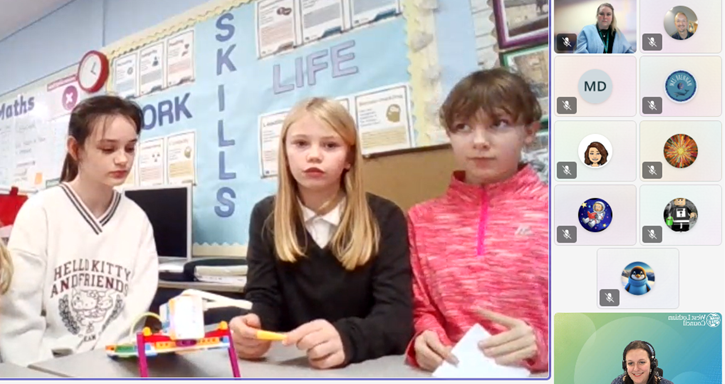
We kicked off by joining the Digital Xtra Coding Club live at Blackburn Primary, where pupils from Blackburn and Murrayfield Primary showcased their work with the LEGO SPIKE Essentials kit. The girls spoke confidently about the skills they’ve been developing – collaboration, communication, and problem-solving – and wowed us with their latest creation: a pinball machine complete with lights and a motor to release the ball.
Promethean ActivSuite in Practice
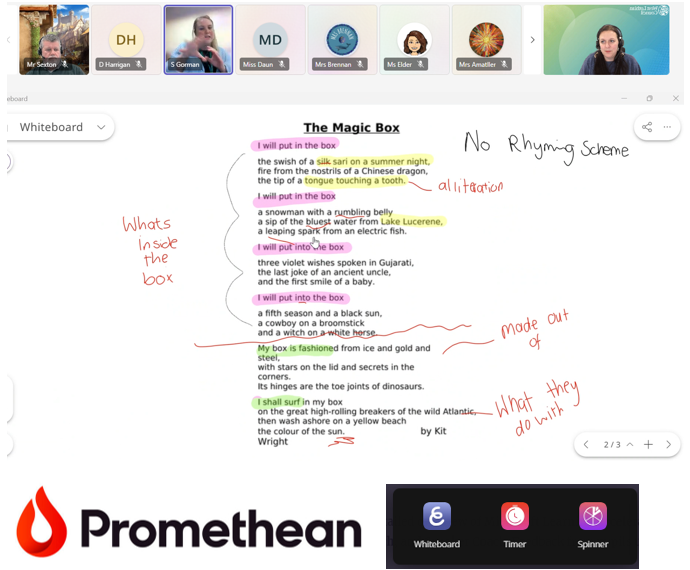
Next, Sam from Riverside PS shared her experience using the new Promethean ActivSuite software. She highlighted the Whiteboard feature, describing it as the perfect balance between the inbuilt panel whiteboard and ActivInspire – simpler than Inspire, and it saves directly to the laptop. Sam demonstrated how she annotates images, resizes content while keeping annotations, and uses the spinner tool on her laptop to create lists in advance – currently for her Advent Calendar pupil recipient. A fantastic example of making interactive teaching more efficient.
Creative Expression with Adobe Express
We then had examples of pupils using Adobe Express to express themselves digitally, at Winchburgh PS, shared on behalf of Nicola. Highlights included:
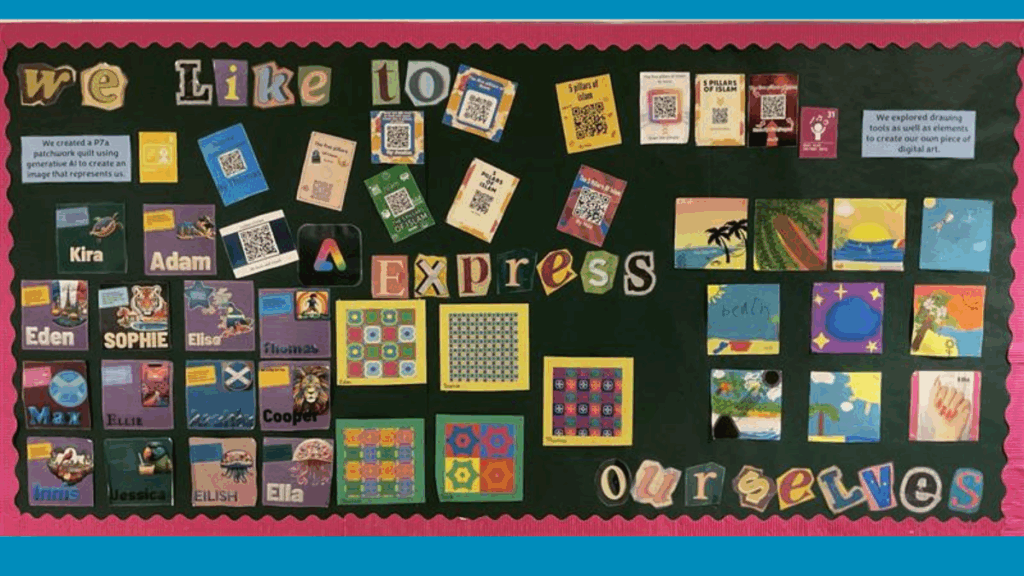
- Stunning displays featuring posters, artwork, and QR codes linking to webpages and videos.
- Creative projects like Blitz-themed artwork, WWII recipe books, and P7 webpages to share learning with parents.
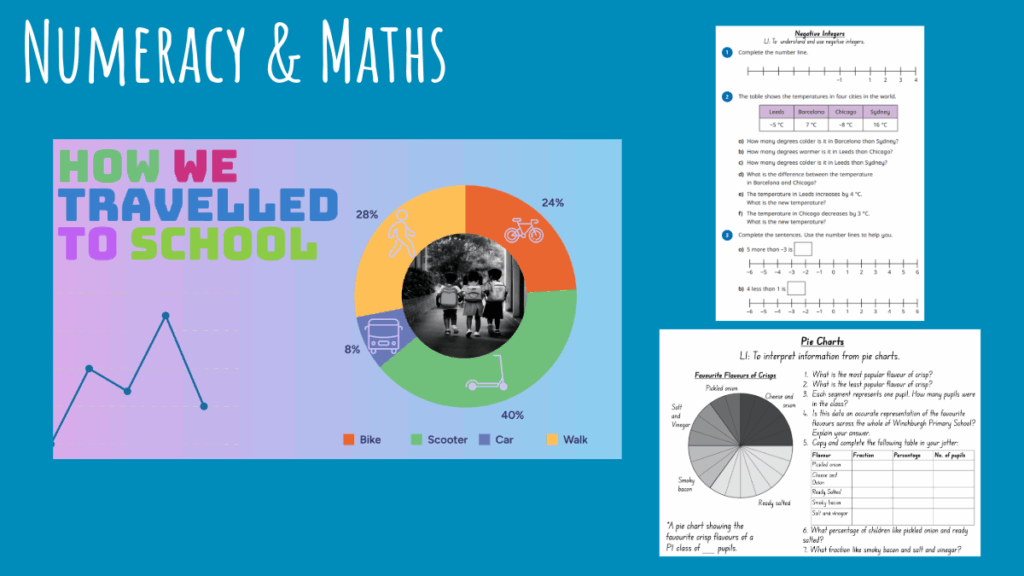
- Use of Generative AI for mythical creature images, visually appealing posters on topics like Henry VIII and Spanish weather, and tools for data handling and worksheet creation. Pupils explored features such as QR code generation, layers, cropping, font editing, and image manipulation – building both technical and creative skills.

Microsoft Learning Accelerators
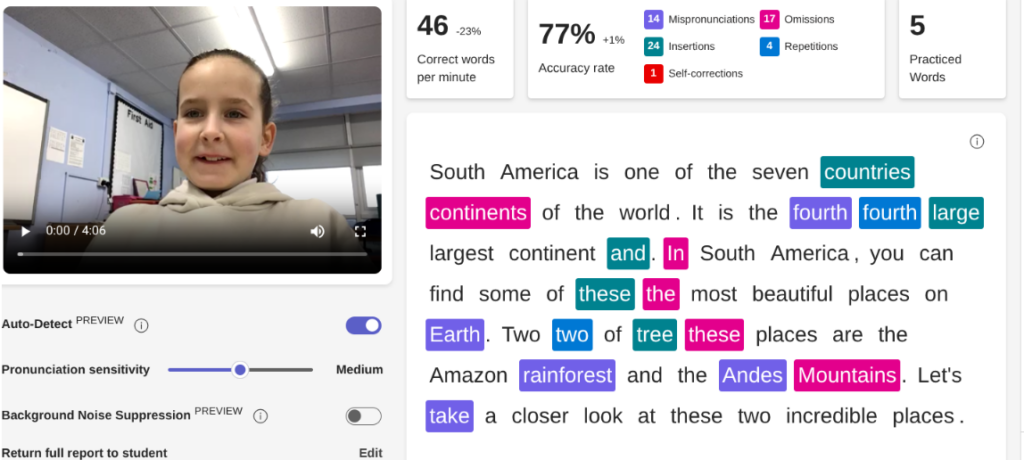
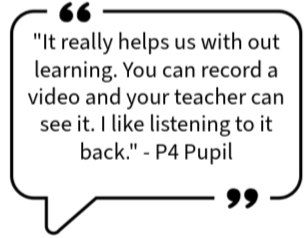
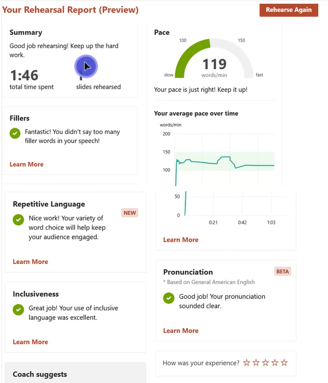
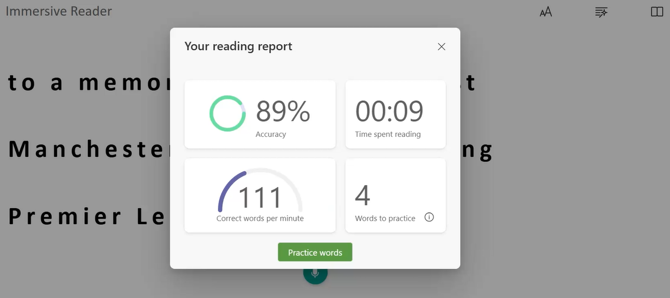
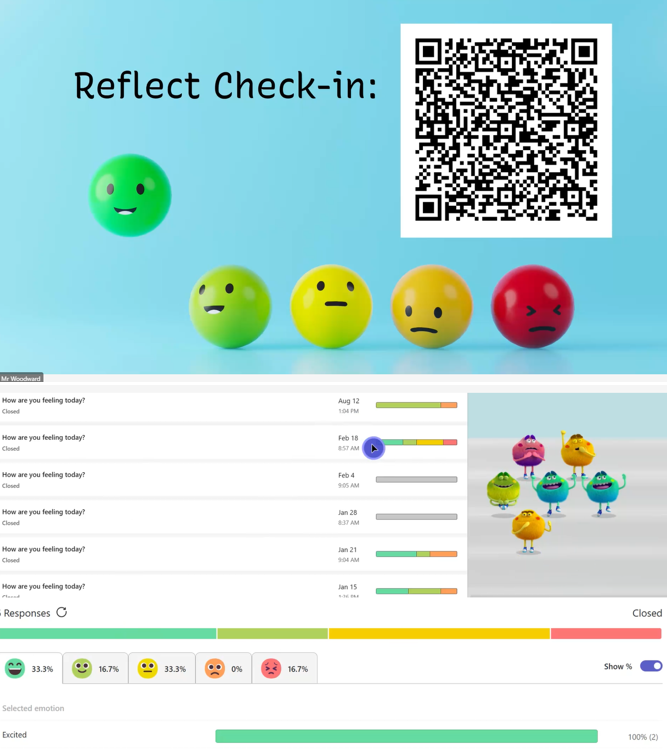
Phil from Carmondean PS gave a detailed overview of Microsoft Learning Accelerators, including Reflect, Reading Coach, Search Coach, and Speaker Coach. Feedback from pupils using Search Coach was particularly positive:
“It’s different from other search sites – it gives more relevant and reliable information and tips for online research.”
Promethean Panels in Early Learning
Finally, Dionne from St Mary’s Bathgate ELC shared how Promethean panels are supporting early learners through:
- Staff modelling and collaborative drawing with split-screen.
- Interactive activities using Top Marks, sharing home learning via Seesaw, and pupils presenting their work.
- Practical tasks like Tesco online ordering for weekly snacks, making digital tools part of everyday learning.
Looking Ahead
This network meeting was a fantastic reminder of the creativity and innovation happening across our schools. Thank you again to everyone for coming along, and especially to those who shared.
If you’d like to share some of the ways you’ve been using digital to enhance learning and teaching in your class, please get in touch with the Digital Learning Team.