We are delighted to announce that St John the Baptist Primary School have recently achieved their Digital Schools Award, recognising the dedication and innovative work of pupils, staff and the whole school community.
Accredited by Education Scotland, The Digital Schools Award Scotland is a national award to promote, recognise and encourage a whole school approach to the use of digital technology.
West Lothian currently has 40 primary schools, 9 secondary schools, 1 ELC and 1 ASN school who have achieved this award. We know there are schools who are working towards their validation this session, so look out for more announcements soon!
Congratulations once again to St John the Baptist PS! We can’t wait to see how you continue to use these skills.
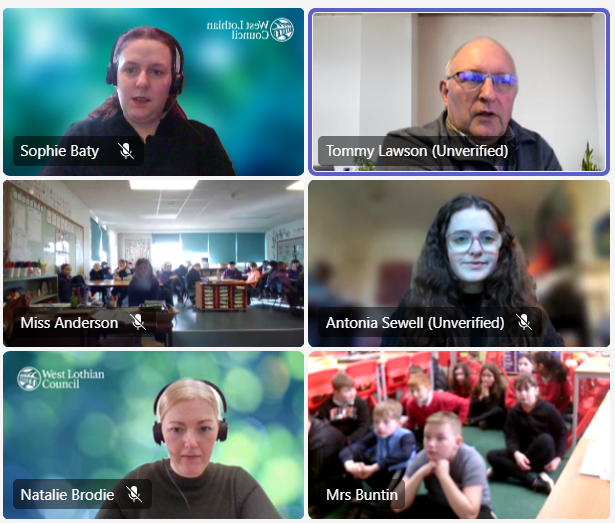
This week, pupils from Deans Primary and Boghall Primary presented their findings and reflections from their recent Internet of Things Data Literacy Project.
The project began a couple of months ago, with an introductory lesson delivered by Tommy Lawson from the University of Edinburgh, during which the pupils explored the sensors and the data collected from their learning environments. They then spent a few weeks using the sensors to help improve their learning environments, before presenting their findings.
Boghall Primary Update
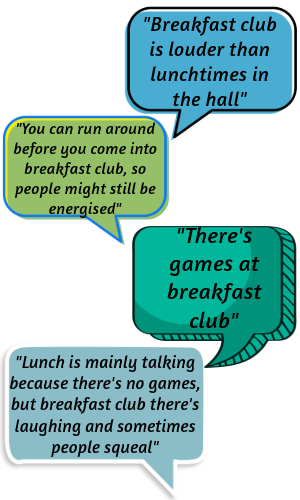
Boghall pupils used the new Sound Sensors to explore the noise level in the hall over breakfast club and lunch times.
They are now planning on introducing music to the hall specifically during breakfast club, to see if it can help reduce the noise level. We wonder if different types of music will have a different effect?
Deans Primary Update
Deans pupils began by using the data to identify where the sensors are located.
” We were looking at the motion detector on one of the sensors, the motion was flat, so we thought it was in a cupboard but the light sensor was quite high. The light was mostly on at 7 and went off between half 8 or 9. We thought it might have been in the cleaners cupboard because it was on at different times from when we were in school.” – P7 Pupil
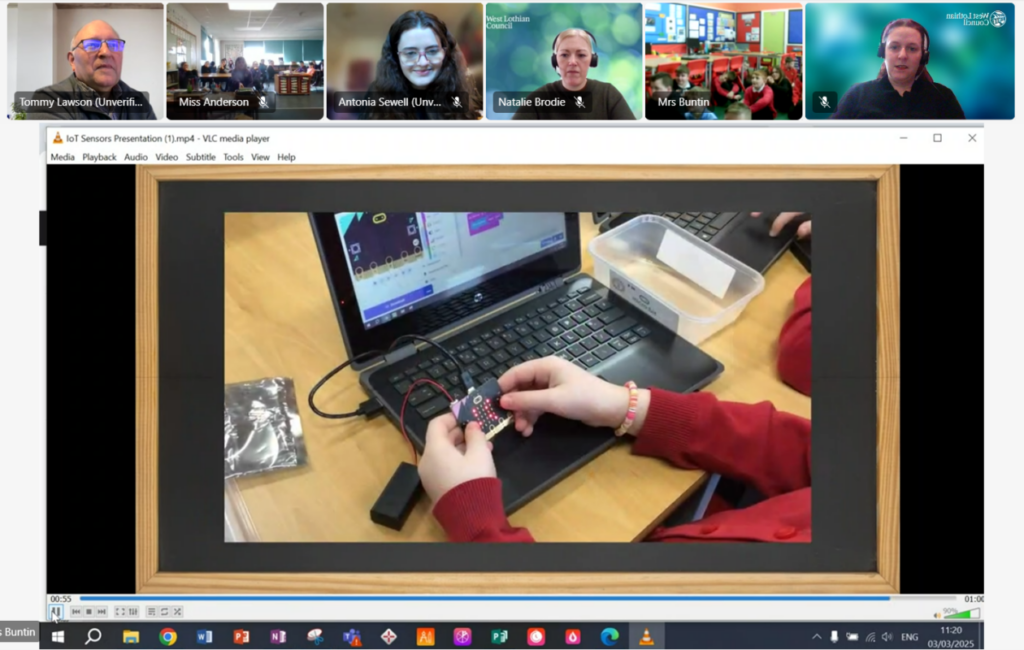
They have also been working with Cambridge University on a computing project, using the Microbits to create their own sensors, which they will then compare with the IoT sensors. We wonder if the data will be the same?
“The real challenge was trying to get the temperature to code, so if you put it in your hands it would heat up, and show the number, but it was quite tricky” – P7 Pupil
We are very impressed with the learning taking place with both of these schools, and we can’t wait to hear what else you find out from continuing this project. Well done all!
This morning, P7/6 at Eastertoun Primary had a creative morning working with the Digital Team, exploring Adobe Express to share their learning from their digital research project this term, all about planets. They began a few weeks ago by learning to use Microsoft Search Coach to identify accurate and reliable information online and exploring the filtering options to narrow their searches, and used Microsoft Whiteboard and Microsoft Assignments to collaborate and share their findings.
Today they used this knowledge and information to share their learning in their own, incredibly impressive, creative projects, with pupils choosing to create posters, animations, videos and even podcasts!
We are looking forward to seeing what else you can create over the next few months. Well done P6/7!
P7 Pupils at Eastertoun Primary School enjoyed exploring the Microsoft Search Coach tool this morning, to support them in finding accurate and reliable information online. Pupils confidently identified the benefits and importance of finding and using trustworthy websites, and enjoyed critically evaluating sites to assess their reliability.
“Using Search Coach can help you find trustworthy websites instead of ones with viruses or false information.”
P7 Pupil
Pupils then utilised their digital skills to collaborate online, sharing their learning through Teams and enhancing their understanding by using the Accessibility Tools built into Microsoft Edge.
By the end of the session, pupils were feeling proud of their achievements and excited to continue to explore other digital tools available to them.
“In Search Coach, you can filter by domain, country and timescale, to get accurate and up-to-date information.”
We had a great start to the relaunch of the Internet of Things project, in collaboration with the University of Edinburgh. Thank you to P6 from Blackridge Primary, P5 and P6 from Livingston Village Primary, for joining us on this exciting project.
“CO2 was low until everyone came in the class.” P5 pupil at Livingston Village PS
Pupils found the information and videos interesting and informative, and the sessions prompted fantastic discussions around the effects of environmental factors on learning.
“It really got the pupils thinking. Thank you” P6 teacher
The sessions were designed to introduce the data sensors and encourage pupils to investigate their learning environment, by analysing the data.
The data sensors collect readings on the temperature, light level, CO2 level, motion and humidity of the classroom environment.
Thank you again to all our schools, staff and of course to Tommy & Antonia, for your involvement.
We would like to share the fantastic digital learning opportunities coming up over the next few weeks.
Live Lessons 4th & 6th February
We are excited to invite P5-S3 classes to join us online for an introduction to the Data Literacy Project with IoT in Schools. Learners will explore data and build digital literacy skills, collecting & analysing data from within their own school. This opportunity is open to all schools with the Internet of Things Data Sensors and is being delivered in collaboration with The University of Edinburgh.
Tuesday 4th February 11am or 1.30pm: Beginners Sessions
Thursday 6th February 9.30am or 1.30pm: Intermediate Sessions (for classes who have explored the sensors before)
If you’d like to be involved, please sign up using this link.
Our Digital Learning Pedagogy Officers will be running bitesize training sessions demonstrating how to use Seesaw effectively for Profiling.
There will be examples of Seesaw Profiles as well as demonstrations of how to use key features, such as the Highlight tool, automatic Translate with Google and how to tag Meta-Skills as Standards.
These sessions are primarily aimed for P1-3 staff, however ELC, SLT or other staff members are welcome to come along too.
No need to sign up, just join the meeting online, through the #Digiken Team.
Adobe Express are continuing to run a wide range of online Live Lessons for classes, as well as teacher training sessions.
ACE Level 1 – Intro to Adobe Express – this session will get you hands on with Adobe Express and talking about creativity in the classroom, how it works and how to foster a creative culture.
Safer Internet Day 2025 will take place on the 11th of February 2025, with celebrations and learning based around the theme ‘Too good to be true? Protecting yourself and others from scams online‘
Some key questions being explored this year include:
How is changing technology like generative AI going to impact the approach of scammers?
What role can the government and internet industry take to tackle this threat?
What changes would young people like to see to help protect themselves moving forward?
We are also very excited to announce the launch of the new Safer Schools Scotland resource Hub: Teach Hub – Safer Schools
Safer Schools is a multi-award-winning safeguarding ecosystem, created to educate, empower and protect your entire school community, in a digital World.
The Teach Hub is a free library of resources created for teachers by teachers, specifically designed for teaching in the classroom, including age-appropriate lessons, activities, worksheets and PowerPoints on topics affecting children and young people today.
The Teach Hub also has shareables resources and guides around a range of platforms, apps and websites which can be downloaded and shared with staff and parents.
These resources focus on sharing positive messages, and highlights the benefits of building good habits online, building self-esteem and forming good relationships.
All teaching staff have been sent the access code by email as this resource is only available to West Lothian staff.
We are thrilled to introduce our latest cohort of Promethean Certified Trainers, who are excited to share their knowledge and new expertise of the Promethean panels and the ActivInspire software with their schools and clusters.
This technology can significantly enhance learner engagement, ensuring that learners benefit from more interactive and dynamic educational experiences.
Key takeaways and most impactful learning experiences identified by the participants included:
Promethean tools available on the panels and online (such as spinner, annotate and timer)
ActivInspire tools, tips and hints (such as the use of templates, interactive manipulatives, reveal sliders and overlays)
Laptop and Online tools to boost engagement and collaboration (such as MS Whiteboard, floating keyboard, split screen functionality and MS Accessibility Tools)
Features to enhance productivity (such as importing and annotating PDF’s, exporting lessons as JPEGs or PDFs to share and ability to use the board separately from the laptop)
Congratulations all, we are excited to see how you take this new knowledge forward in your schools.
I can really see the potential for using this in class, it’s engaging all my learners in different ways.
P7 Teacher
Our Digital Pedagogy Officers were supporting at Pumpherston and Uphall Station Community Primary School this week, team teaching in P7.
The aims for the session were to:
Foster collaboration through digital tools and platforms
Enhance engagement using digital tools to present learning and information
Build confidence in using Adobe Express for creativity
The highlights of the session included:
Learners engaged and enthusiastic about using Adobe Express, and excited to discuss how else they can use it in the future to enhance learning.
Learners found the interface and usability easy to navigate, building confidence with ALL learners. Usually shy learners were excited to share their learning and the Adobe Express tools with their peers and teachers.
Learners were confidently exploring tools on their own, working out how to add animations to still images, and including buttons and links to their webpages.
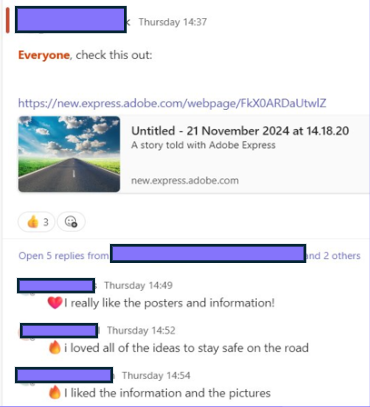
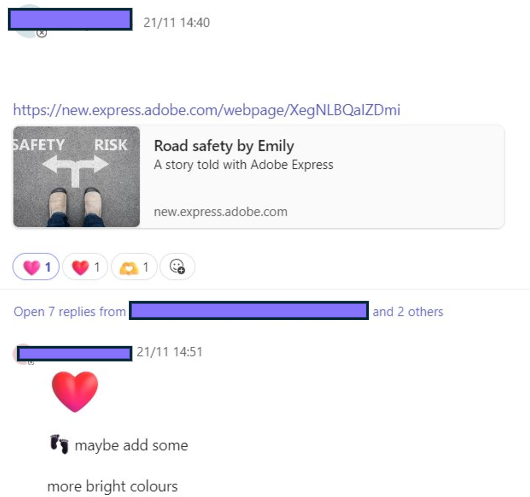
Learners were excited to share their creations through Teams, and enjoyed exploring each others creations, providing feedback and next steps as ‘comments’ and ‘reactions’.
This week, the Digital Learning Team worked with Seafield Primary in creatively enhancing learning and teaching using Adobe Express, following on from our staff input last week.
Some of the highlights from the day include:
Learners actively supporting each other to share tools, tips and ideas, such as removing backgrounds from images, or adding outlines to text to enhance the visibility.
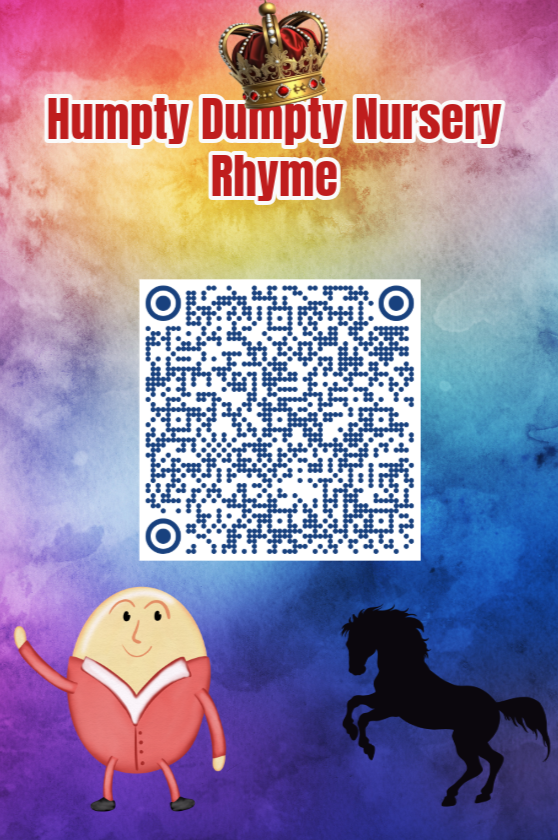
Learners working collaboratively to create projects with real-life purposes. One fab example of this was some P7 pupils recording nursery rhymes, adding animations, sharing the video as a QR code and then creating a bright, attention-grabbing infographic to share the QR code.
Learners able to confidently articulate the purpose of learning and able to discuss the benefits of using Adobe Express.
Learners able to draw upon their previous knowledge and learning, to share detailed information, demonstrating their depth of understanding.
One class explored the video, animation and graphic features to share learning. They identified some key features of a successful and informative poster as needing bright, bold colours, large text, short statements, related images and animations or eye-catching features.
“I like making videos in Adobe Express, because it’s fun and interesting. It’s quicker to use, and more fun than PowerPoint, because there’s more things to learn, it’s newer, you can draw and add animations.”
P7 pupil
“I like when we could add my voice to my character”
P4 Pupil
Adobe Express is accessible through the tile on your school Glow launchpad.