Another huge thanks to @Miss_aird for sharing this Quick Guide to Immersive Reader. What a fantastic tool for learners to help with their reading and comprehension skills and they can personalise them to suit themselves!

Another huge thanks to @Miss_aird for sharing this Quick Guide to Immersive Reader. What a fantastic tool for learners to help with their reading and comprehension skills and they can personalise them to suit themselves!
The ICO have launched an update of new resources through schools resources landing page. To improve usability, we’ve split the resources by country and level, so the relevant links for Scotland are:
Teachers can use these resources to help children identify where they can go to for support, including what they should do if they suspect an app, game or website is misusing their data or not conforming to the Children’s code. There is also a background summary for teachers to give them confidence in their own knowledge prior to delivering the lessons.
Want to change how your Google Forms is used? Check out the settings tab in our bite sized video.

We hope you all have a fabulous, well-earned Easter break. Enjoy!
If you are looking for something to fill your time, check out our CLPL blog posts! 😊
Did you know that you share your Google Quiz with others so you can collaborate? Check-out our video below!
For details on other Attainment Challenge workstreams, check out the Attainment Challenge Offering blog.
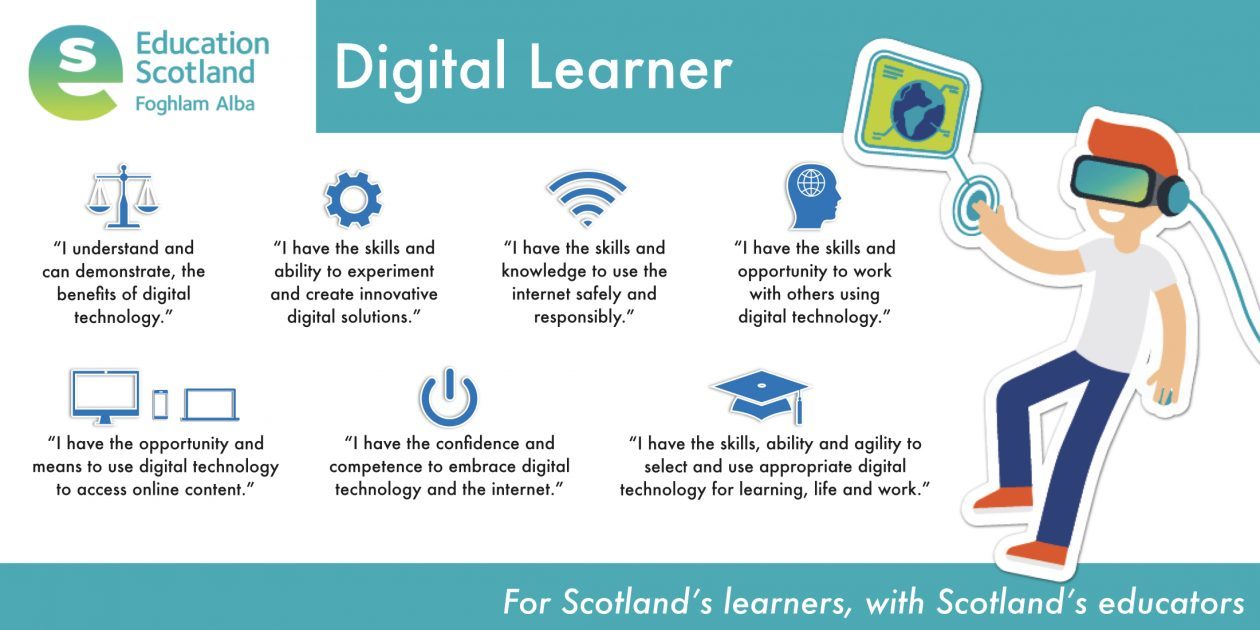
The Scottish Government has made a promise of 1-2-1 devices for all learners from P1 – S6 by the end of this Parliament. This means schools need to begin planning now around how they will incorporate digital into their day-to-day planning, learning, teaching and assessment.
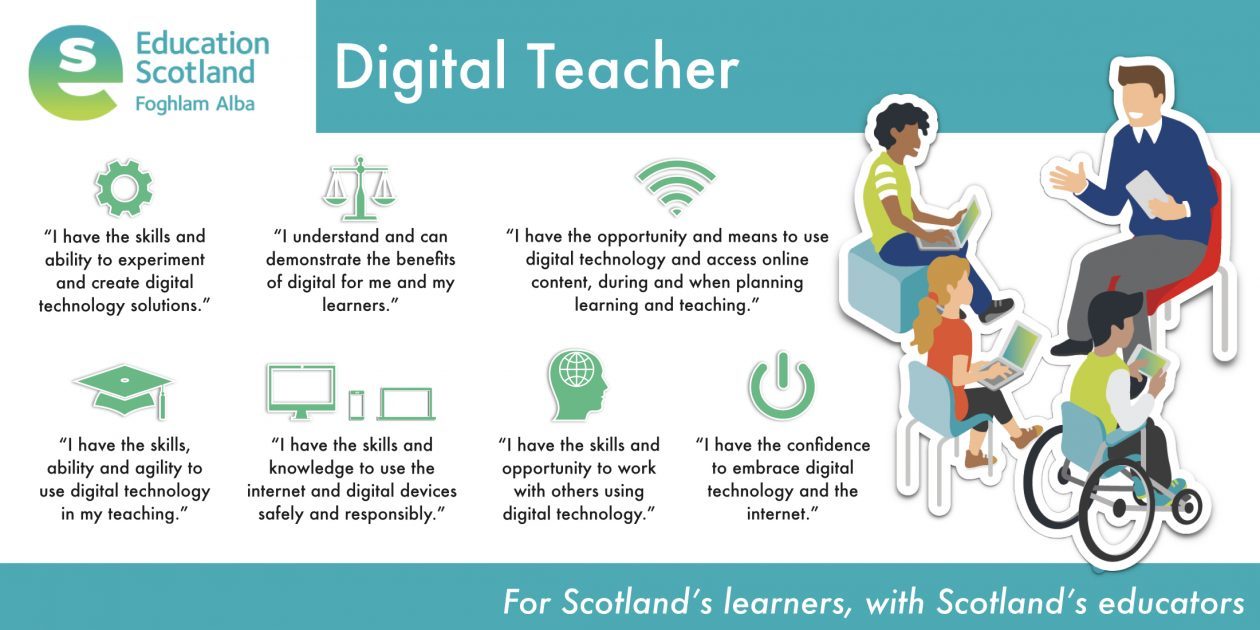
Our Digital Learning offer will provide high-quality CLPL to increase knowledge and understanding of effective digital pedagogy. We want practitioners’ to consider why and when to use digital tools and effective skills progression for learners, leading to a positive impact on learners.
Keep up-to-date with all things digital on our DigiLearnRen blog.
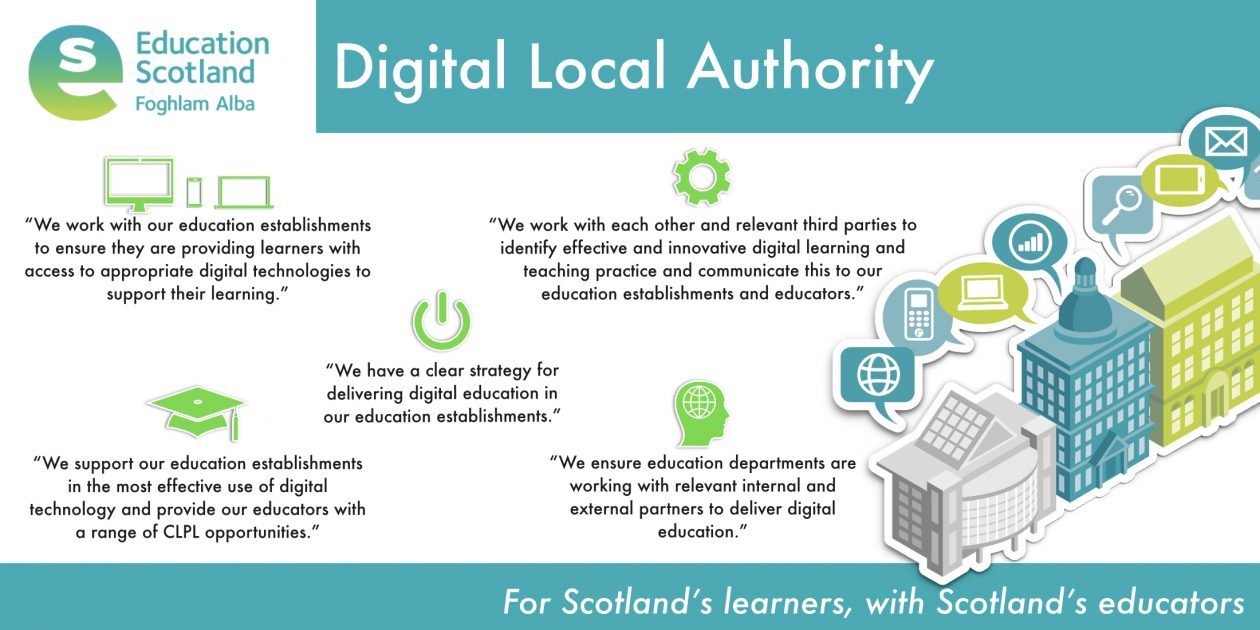
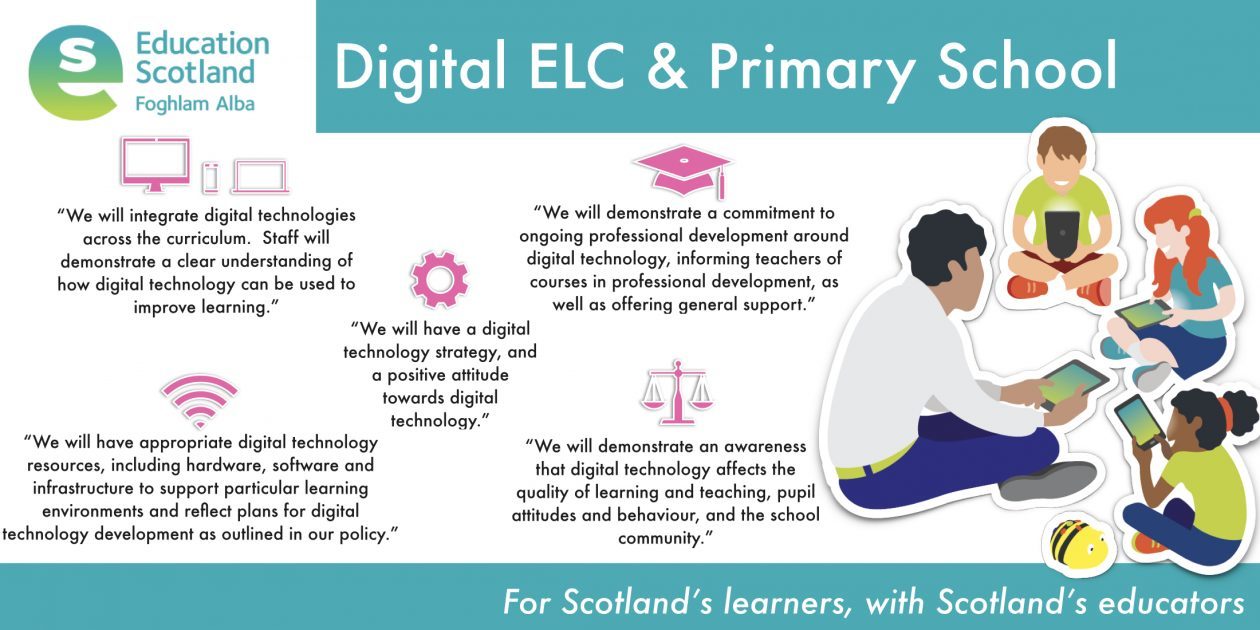
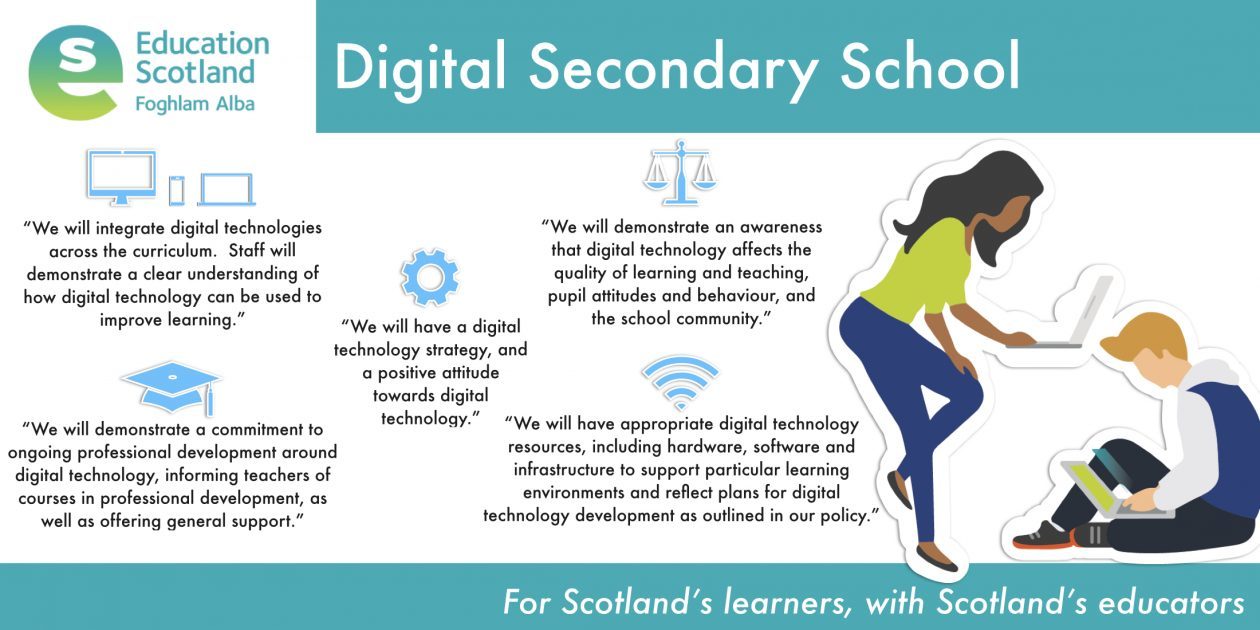
Here’s the latest update on what has been happening in all things #DigiLearnRen. We hope you find it useful!
|
Check out some of the Microsoft Whiteboard features that you can use in your school with our bite-sized guide!
We love the Dictate tool for learners so another big thanks to @Miss_aird for sharing this quick guide. Check it out and see how you can encourage your learners to make use of this amazing tool!
Didn’t manage to come to our ThingLink session? Fear not, below is the full fantastic session with Louise Jones, ThingLink Community and Partnerships Director. Also check out her slides and get some great hints and tips!
Renfrewshire _ Welcome to ThingLink!
If you would like to join our Renfrewshire ThingLink account, just email DigiLearnRen@renfrewshire.gov.uk and we’ll get you set up so you can start creating!