
Developing Use of Platforms & Apps
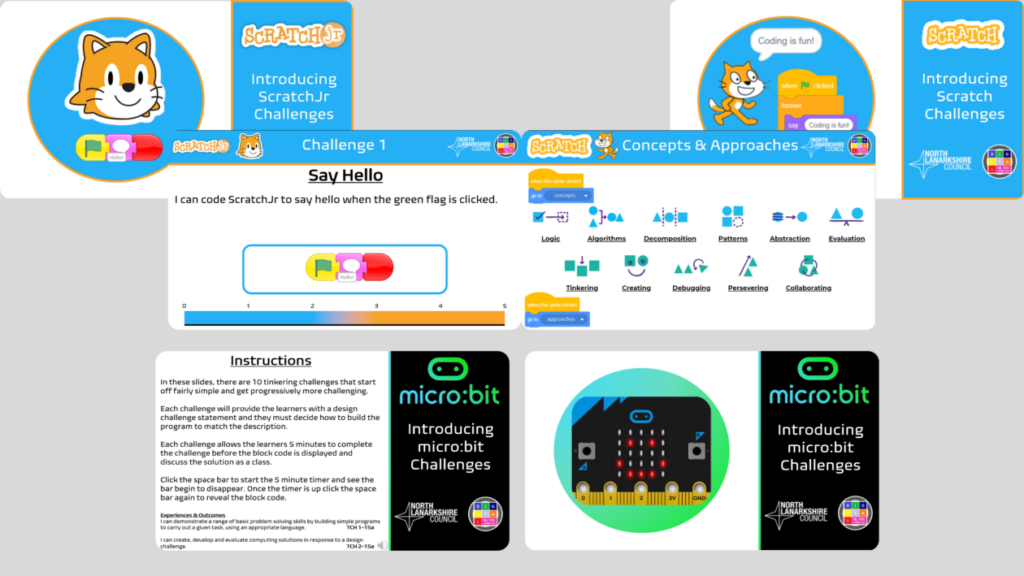
Introduction to Coding Platforms Challenges
As part of an effort to improve the confidence of primary teachers teaching computing
science and coding I developed a couple of coding platform challenges to get started. These
resources were shared among my colleagues and passed on to their respective
establishments. The challenges give learners a brief outline of the Computational Thinking Concepts and Approaches that can be used when attempting these challenges.
The challenges provide learners with a basic program to create and then a five minute
countdown timer starts. Learners then work together to solve the design challenge and create the program in either ScratchJr, Scratch or Micro:bit MakeCode Editor. Each challenge gets
progressively more challenging to test the learners ability.
Digital Active Literacy Phonics Boards
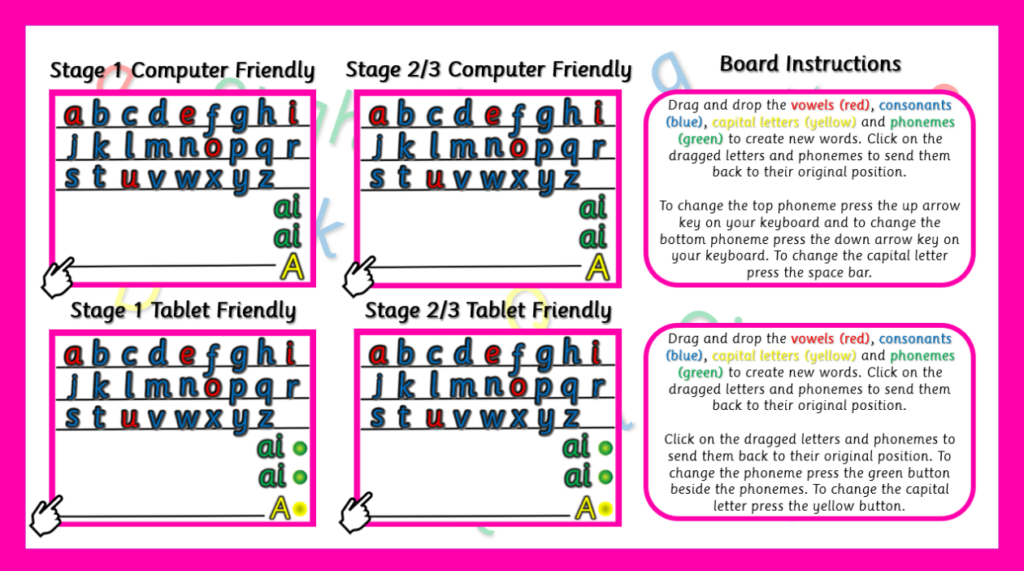
In North Lanarkshire our schools use Magnetic Phonics Boards in class to help develop pupils phonics and spelling understanding. During the multiple lockdowns pupils did not have access to these boards and I thought of an idea to create an online version that anyone could access via a tablet, laptop or PC.
Working alongside the NL Literacy Team I was able to release this resource as a ‘Home Learning Tool’ but was not to be used as a replacement for the physical boards. Releasing these boards was vital to ensure that the NL Active Literacy program could still be taught even via Microsoft Teams. Currently these boards are still being used as a ‘Home Learning Tool’ and have amassed over 2000 unique users.
Link to Digital Phonics Boards:
NL Digital Phonics Boards – Scratch Studio
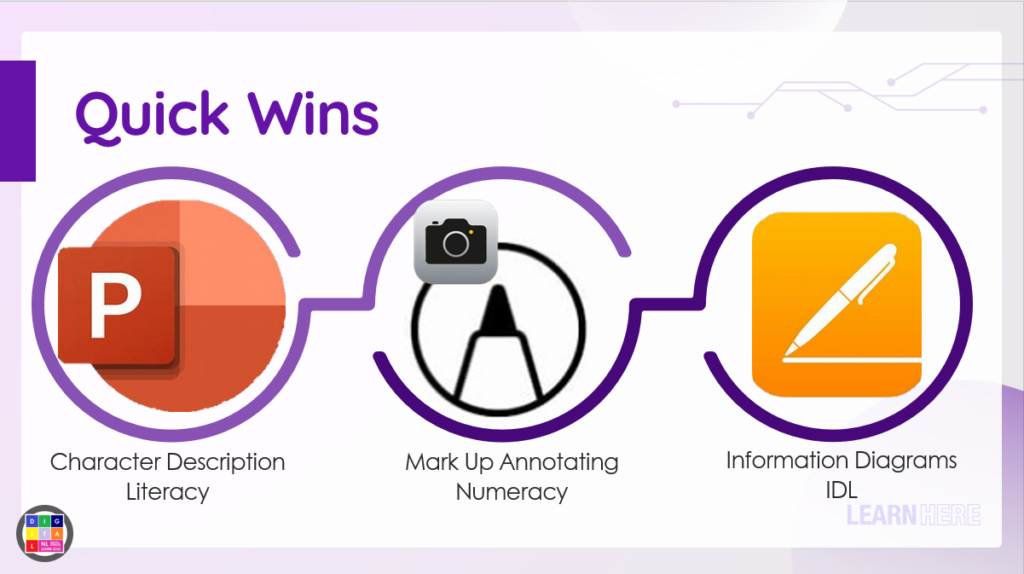
Apple iPad & Microsoft Quick Wins
As part of an intensive support for an individual school I was tasked with showcasing to staff how apps and software installed by default can be used effectively as part of their everyday teaching. I ensured I was providing a balanced view between Apple and Microsoft apps to
allow teachers the choice and freedom in their own planning. Apps and software such as PowerPoint, Keynote, Pages, Word, Excel, Numbers, MarkUp etc are adaptable and easy to use.
Our team call these apps ‘Quick Wins’ as they can be used offline with no need for internet, as Wi-Fi can sometimes be an issue and this eliminates that barrier to learning. I showed some of the theory behind using these apps and asked staff to utilise at least one app before our next meet up. Staff seem much more confident using these ‘Quick Wins’ and are now
embedding digital activities across their own teaching with much more confidence.