


Differentiation:
- Simplifying texts
- Creating multiple challenge levels
- Adjusting reading age of resources

Improving Accessibility:
- Text-to-speech tools
- Summarising key information
- Creating visual supports

Inspiring Learners:
- Generating lesson starter Images (using Adobe Express)
- Creating scenarios, contexts and resources linked to pupil interests
- Sparking discussion and curiosity

Supporting Learners:
- Producing step-by-step instructions
- Translation support
- Alternative explanations

Developing Critical Thinking:
- Evaluating AI-generated responses
- Identifying errors and bias
Microsoft Learning Accelerators
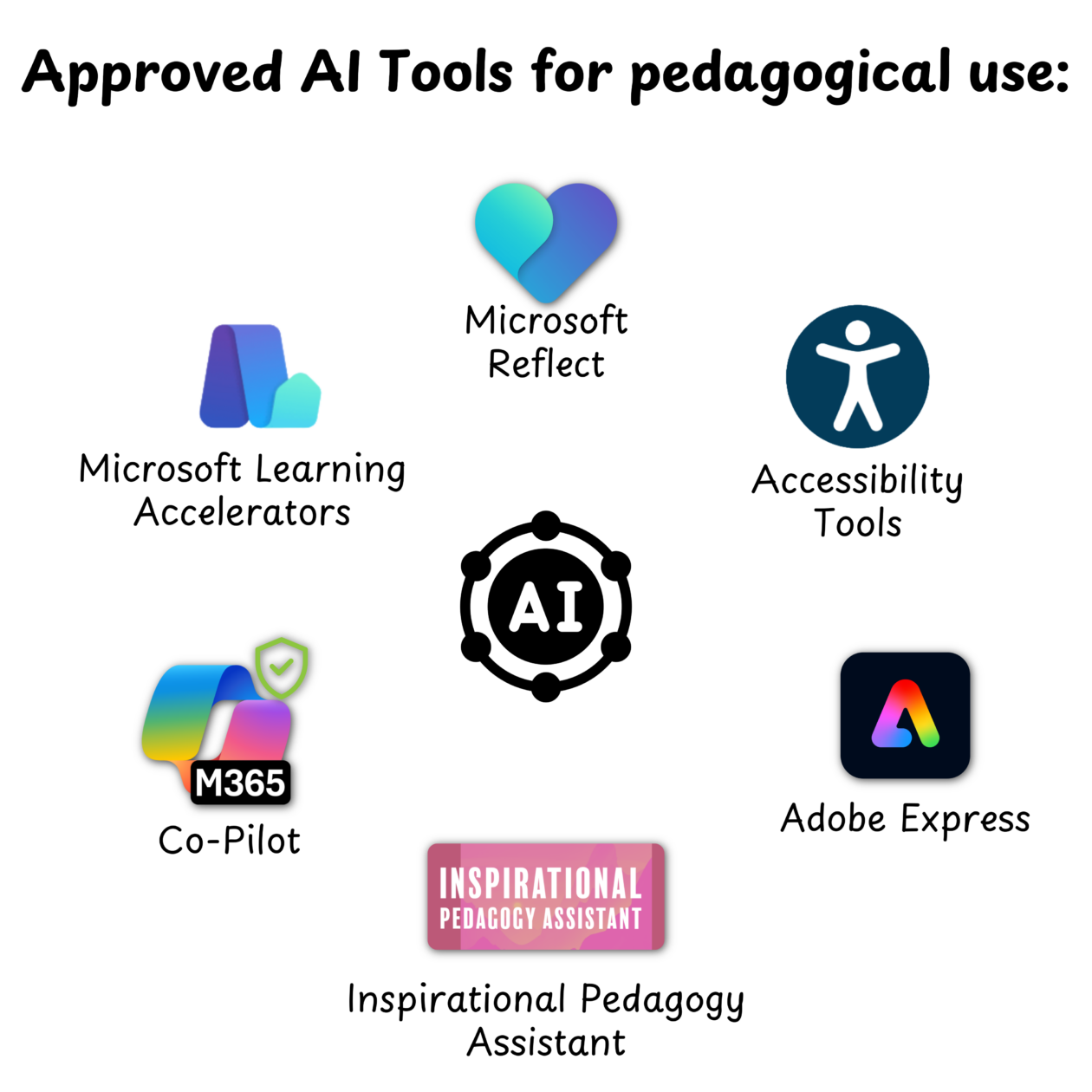
Microsoft Learning Accelerators
Microsoft Learning Accelerators are AI powered tools available within Microsoft Education.
Reading Coach (web browser) - provides personalised reading practice and coaching.
Reading Progress (Microsoft Teams Assignments) – Assess and track reading fluency.
Reflect (Teams or web browser) – Encourages reflection, builds emotional vocabulary, supports wellbeing check-ins and tracks data over time.
Search Coach (Microsoft Teams) – Teach safe, effective and critical searching.
Search Progress (Microsoft Teams Assignments) - Track and assess research skills
Speaker Coach (PowerPoint online) - Improve presentation confidence and skills with real-time feedback
Speaker Progress (Microsoft Teams Assignments) - Assess speaking and presentation skills
Microsoft Reflect
Reflect uses AI to facilitate regular emotional check-ins with pupils.
AI analyses the responses from these check-ins to provide teachers with valuable insights into their pupils’ emotional wellbeing. This data helps identify trends and areas that may require additional support, enabling targeted interventions more effectively.
Reflect is also integrated into Microsoft Teams, making it easy for teachers to create check-ins and access the insights.
Accessibility Tools
- Isolating text to improve focus.
- Displaying pictures for commonly used words.
- Highlighting parts of speech.
- Reading text aloud.
- Translating text in real-time.
- Breaking down words into syllables
- Speech Recognition to accurately transcribe spoken language into written text
- Voice Commands to format text, add punctuation, and perform editing tasks like deleting or selecting text.
- Language Understanding to help users understand the context and improve the accuracy of transcription.
- Translate spoken words into different languages in real-time, supporting users with English as an additional language.
Co-Pilot
Microsoft Co-Pilot is available to West Lothian staff through Glow.
Users should always ensure the green shield is visible, confirming that Enterprise Data Protection is enabled.
Copilot can support learning and teaching by helping to generate ideas, create and adapt resources, differentiate learning, develop success criteria and produce exemplar materials.
As with all AI tools, outputs should be reviewed for accuracy, suitability and bias before use, and personal or sensitive information must never be entered.
Inspirational Pedagogy Assistant
The Inspirational Pedagogy Assistant is an AI Planning Tool to reduce the workload associated with planning. It can help teachers by providing suggested learning experiences. These should always be used with a critical lens and adapted to meet the needs of individual learners.
Adobe Express
Adobe Express is available to West Lothian staff and learners through Glow and includes a range of AI-powered tools to support creativity, communication and accessibility.
AI features can generate images from text prompts, remove or edit backgrounds, create templates and designs, generate captions and help produce visual learning materials quickly.
These tools can support lesson hooks, storytelling, resource creation, pupil creativity and the presentation of learning.

See our posts discussing, sharing and demonstrating safe use of approved AI tools.