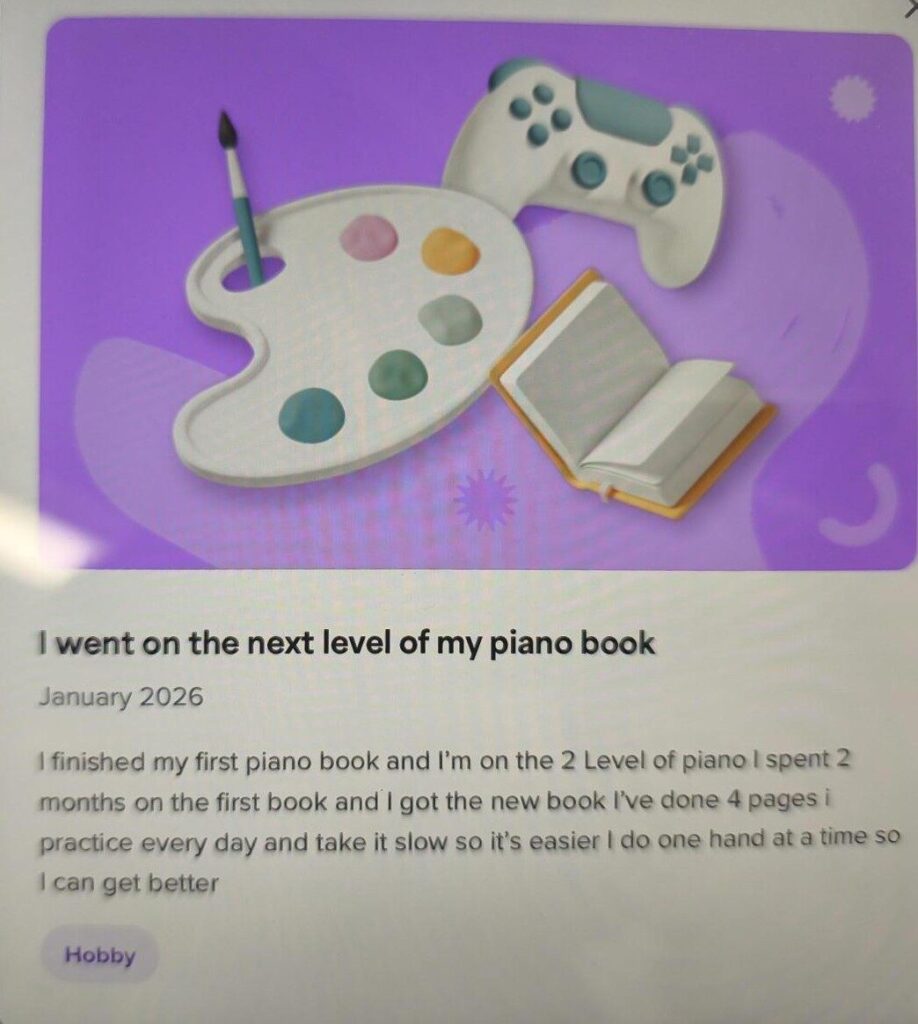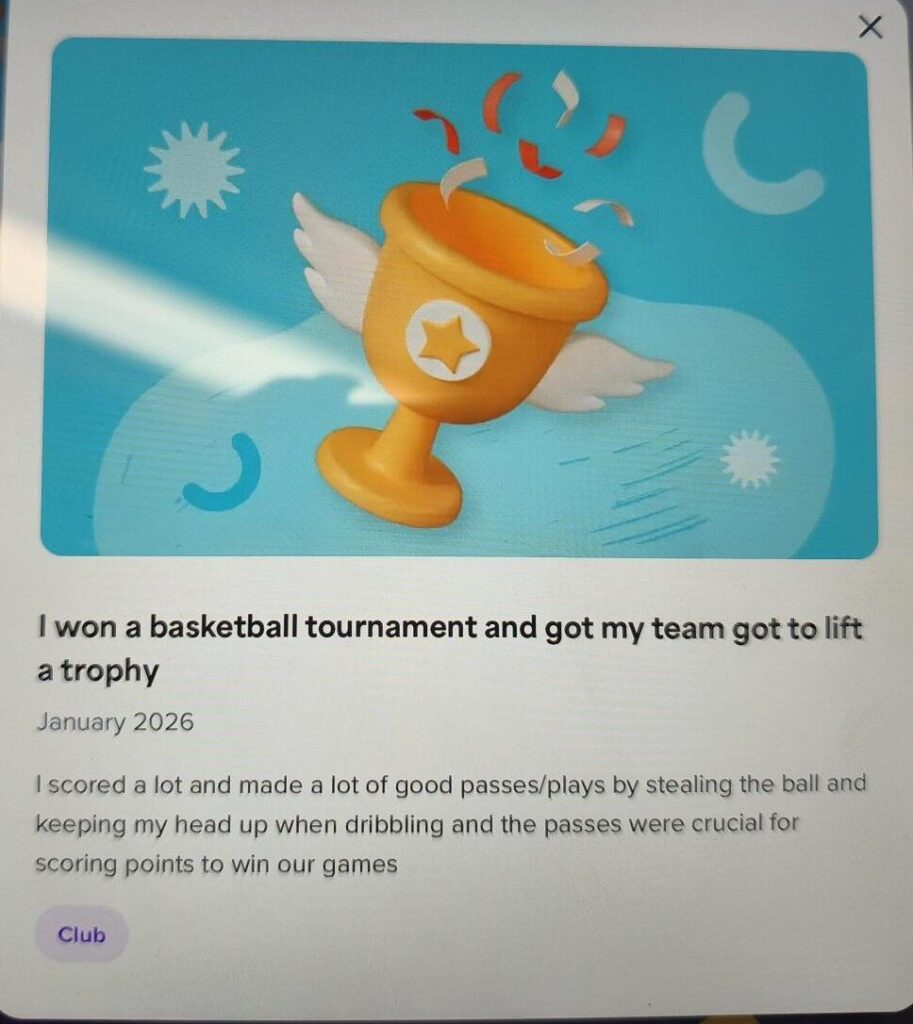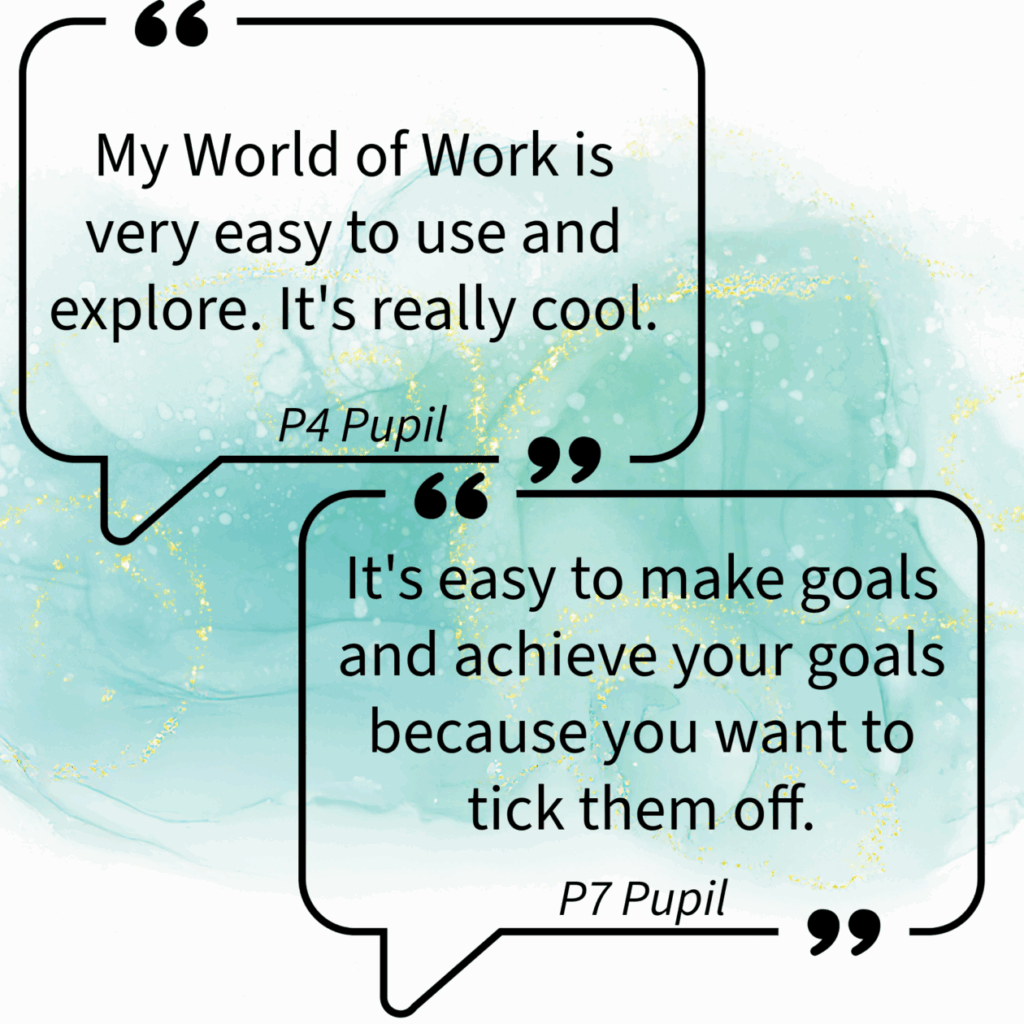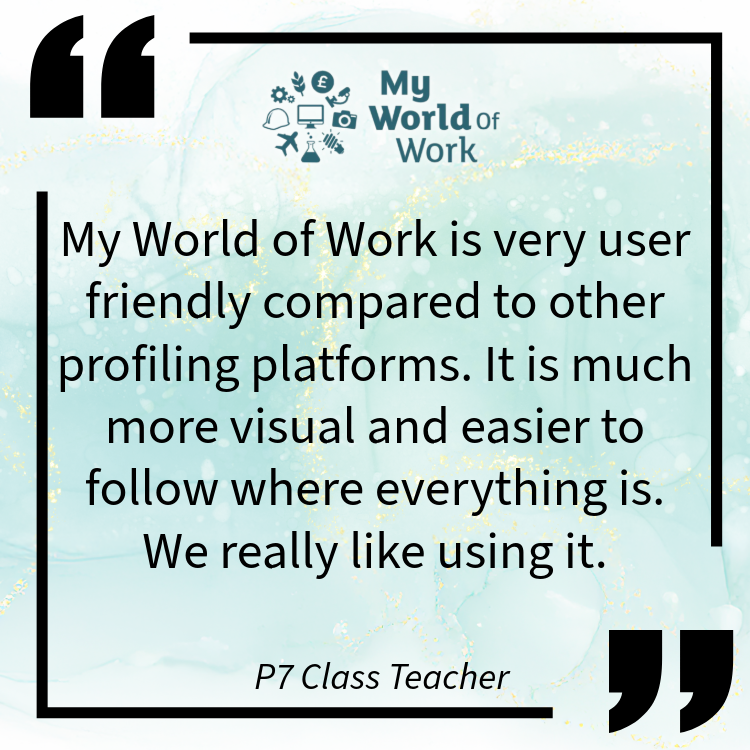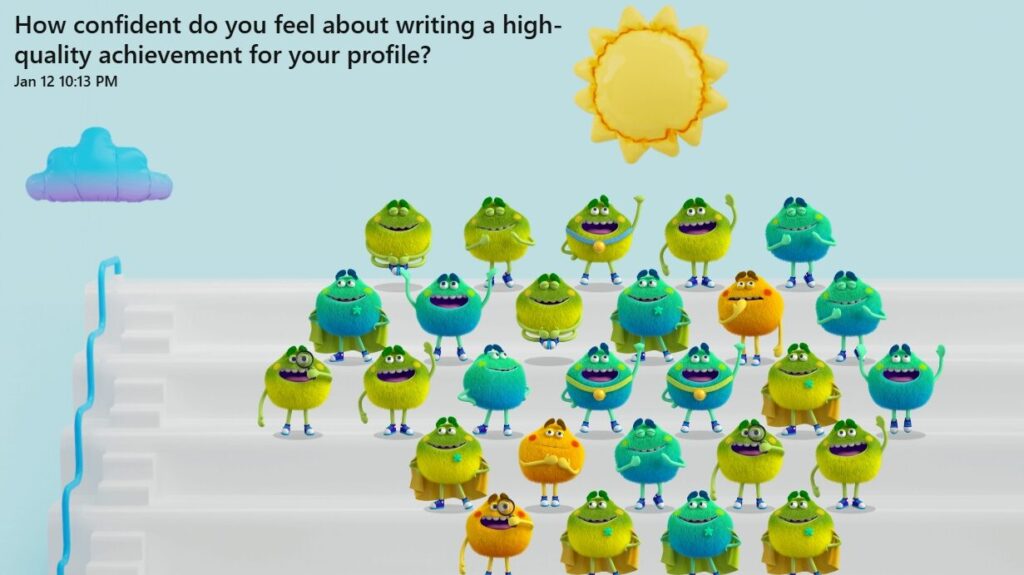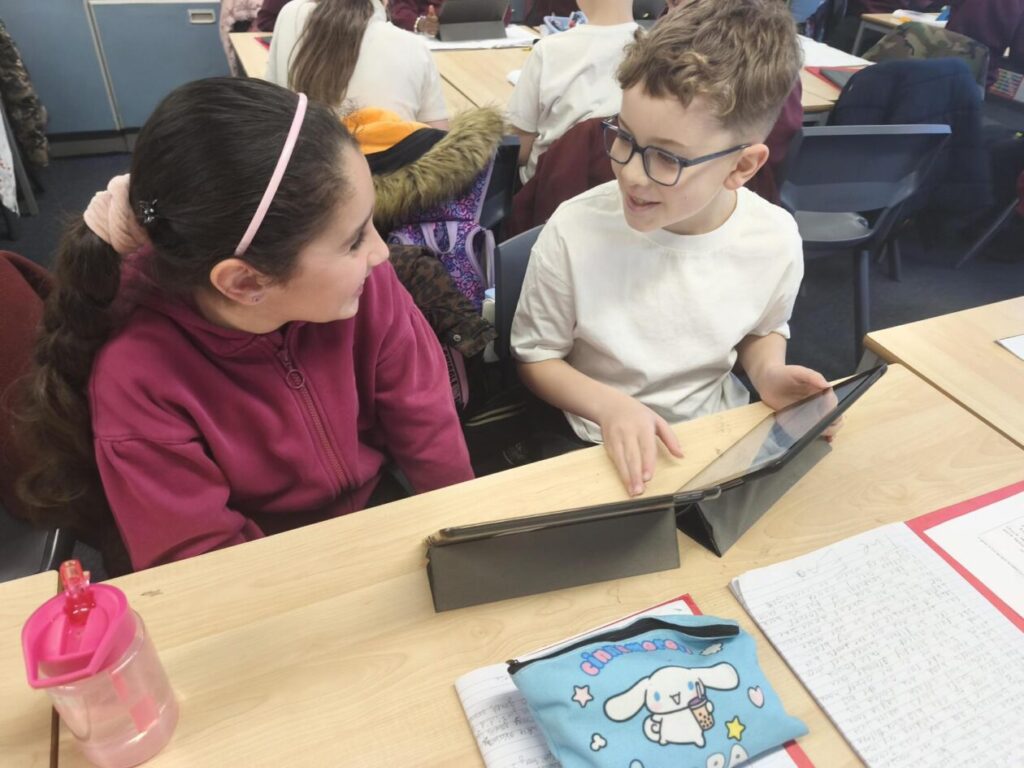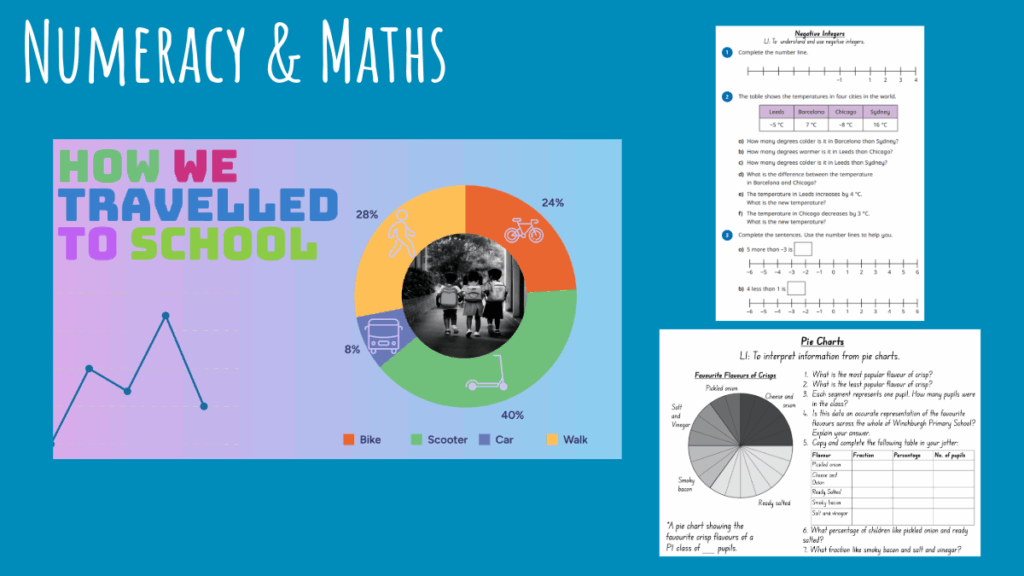
At Williamston Primary, we’ve been working with pupils in Primary 4–7 to develop their skills in profiling and self-reflection using My World of Work.
Why Profiling Matters
Profiling encourages pupils to take ownership of their learning journey. By recording achievements and setting achievable goals, they can begin to see the connection between effort, progress, and success. It’s a powerful tool for developing skills for learning, life, and work.
What is My World of Work?
My World of Work has been designed by Skills Development Scotland, to help learners understand their strengths, set meaningful goals, and celebrate achievements in a way that builds confidence and prepares them for future learning. On the platform, learners can:
Explore their interests and skills
Understand different careers and pathways
Build a personal profile that grows with them through school and beyond
It supports pupils to develop self-awareness and ownership of learning.
My World of Work in action
Pupils are becoming more confident in talking about their learning and proud of their progress. Teachers have noticed richer conversations during learning reviews, and parents appreciate seeing detailed profiles that showcase effort and growth.
If you’d like more information about using My World of Work with your learners, or if you’ve used it and would like to share your successes, please get in touch with the Digital Learning Team.
Our latest Staff Digital Network meeting was all about practitioners sharing real classroom examples of how digital tools are enhancing learning and teaching. It was an inspiring evening filled with creativity, collaboration, and practical ideas to take back to schools.
Live from Blackburn PS: Coding Club in Action
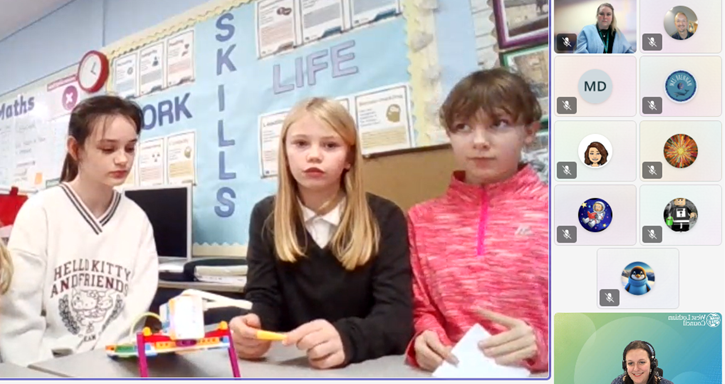
We kicked off by joining the Digital Xtra Coding Club live at Blackburn Primary, where pupils from Blackburn and Murrayfield Primary showcased their work with the LEGO SPIKE Essentials kit. The girls spoke confidently about the skills they’ve been developing – collaboration, communication, and problem-solving – and wowed us with their latest creation: a pinball machine complete with lights and a motor to release the ball.
Promethean ActivSuite in Practice
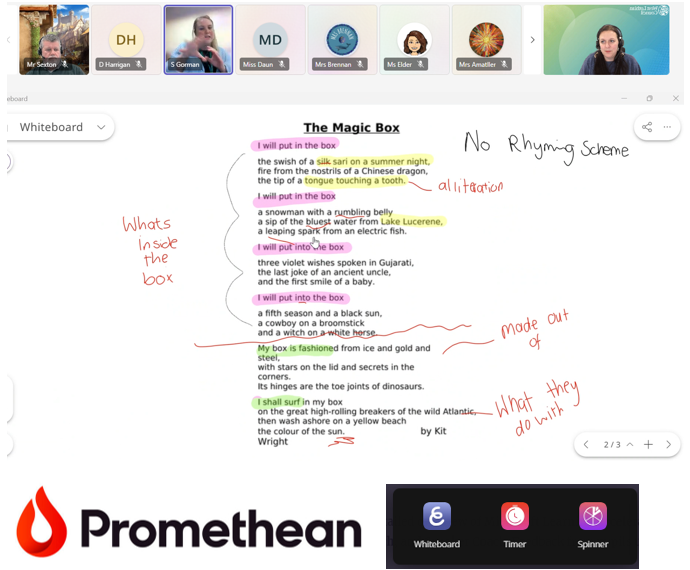
Next, Sam from Riverside PS shared her experience using the new Promethean ActivSuite software. She highlighted the Whiteboard feature, describing it as the perfect balance between the inbuilt panel whiteboard and ActivInspire – simpler than Inspire, and it saves directly to the laptop. Sam demonstrated how she annotates images, resizes content while keeping annotations, and uses the spinner tool on her laptop to create lists in advance – currently for her Advent Calendar pupil recipient. A fantastic example of making interactive teaching more efficient.
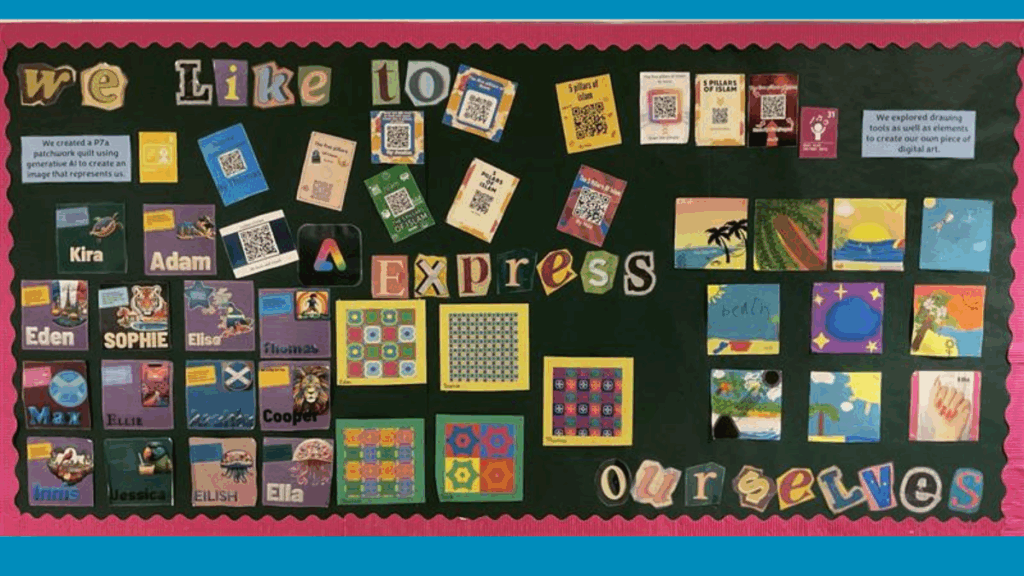
Stunning displays featuring posters, artwork, and QR codes linking to webpages and videos.
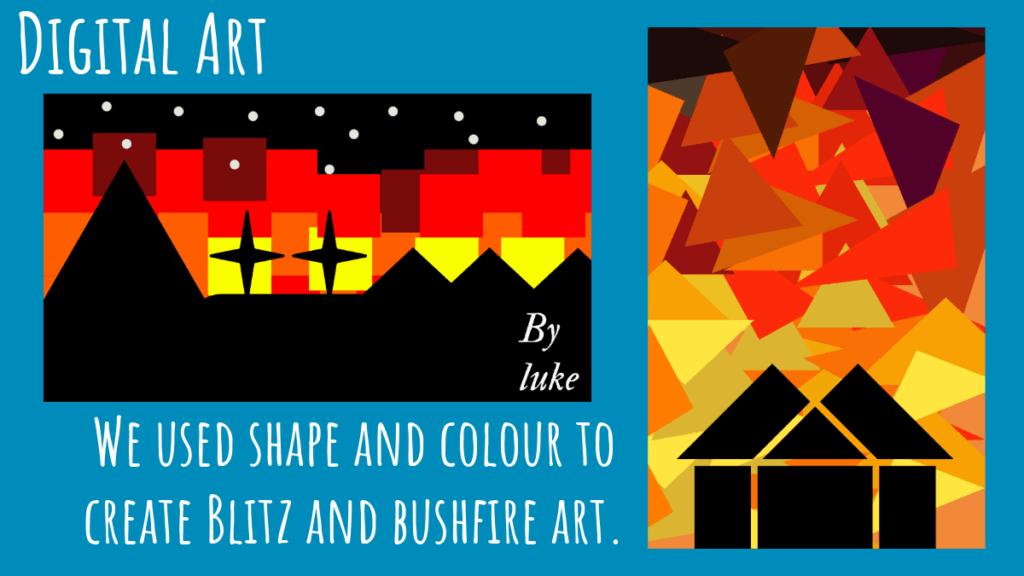
Creative projects like Blitz-themed artwork, WWII recipe books, and P7 webpages to share learning with parents.
Use of Generative AI for mythical creature images, visually appealing posters on topics like Henry VIII and Spanish weather, and tools for data handling and worksheet creation. Pupils explored features such as QR code generation, layers, cropping, font editing, and image manipulation – building both technical and creative skills.
Microsoft Learning Accelerators
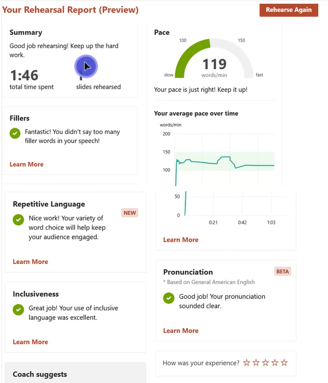
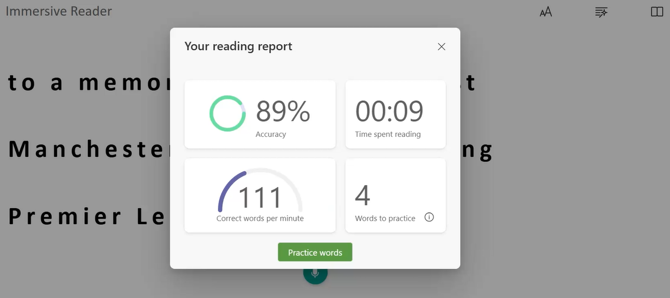
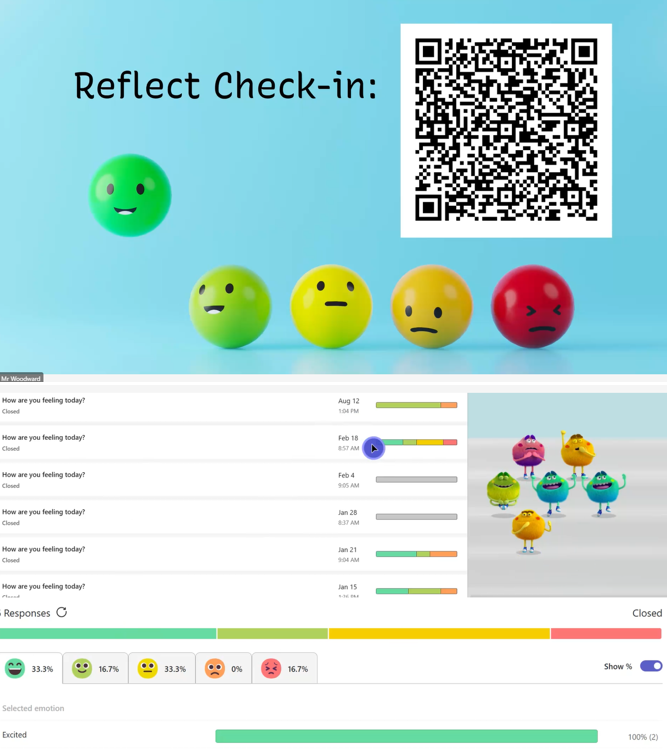
Phil from Carmondean PS gave a detailed overview of Microsoft Learning Accelerators, including Reflect, Reading Coach, Search Coach, and Speaker Coach. Feedback from pupils using Search Coach was particularly positive:
“It’s different from other search sites – it gives more relevant and reliable information and tips for online research.”
Promethean Panels in Early Learning
Finally, Dionne from St Mary’s Bathgate ELC shared how Promethean panels are supporting early learners through:
Staff modelling and collaborative drawing with split-screen.
Interactive activities using Top Marks, sharing home learning via Seesaw, and pupils presenting their work.
Practical tasks like Tesco online ordering for weekly snacks, making digital tools part of everyday learning.
Looking Ahead
This network meeting was a fantastic reminder of the creativity and innovation happening across our schools. Thank you again to everyone for coming along, and especially to those who shared.
If you’d like to share some of the ways you’ve been using digital to enhance learning and teaching in your class, please get in touch with the Digital Learning Team.
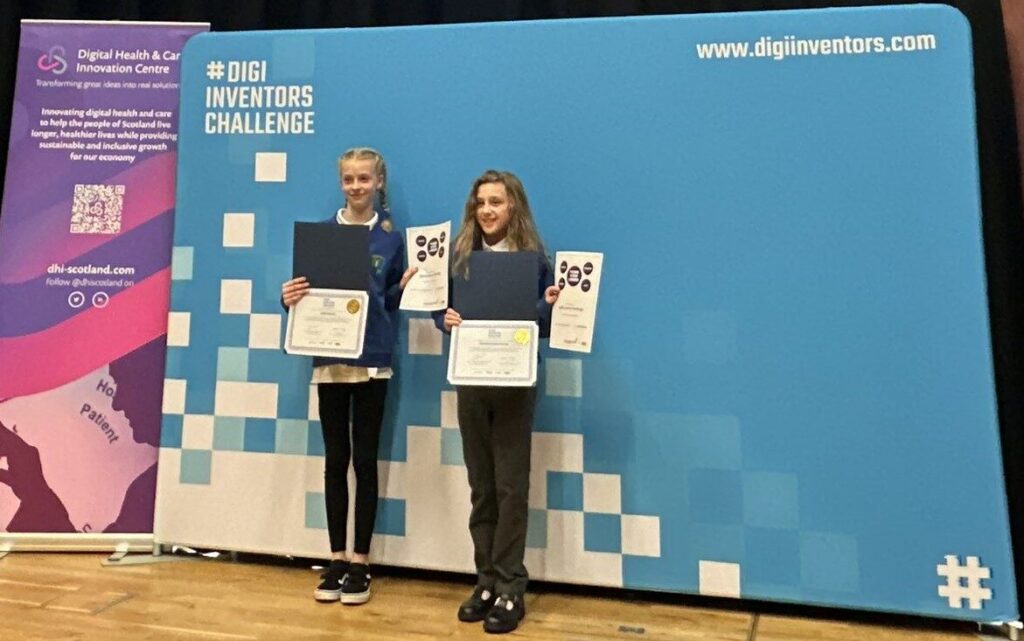
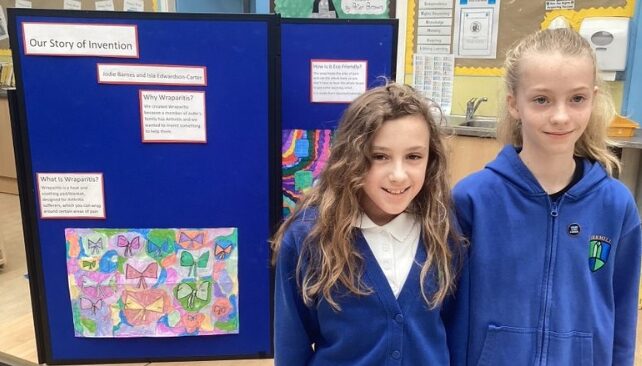
We are thrilled to announce that two talented students from Kirkhill Primary School have been recognised as Runners-Up in the recent #DigitalInventorsCompetition! Their innovative project earned them an invitation to the award ceremony in Glasgow this week, where they celebrated their achievements.
The Competition
Pupils were challenged to research common health and care challenges and come up with ideas that could be transformed into a digital health and care solution.
They designed a heated blanket to soothe the symptoms of Arthritis, and includes space for a medicated gel pad for topical treatment, and a digital chip to connect to an app for wireless control. It is designed to be made using recycled materials, and specifically targets the area of pain, using heat to improve symptoms and reduce the environmental impact of heating the whole house.
Kirkhill Primary School submitted designs from pupils across P6, and also had a second group receive a Special Recognition award for their invention too. This is an incredible achievement to all. Well done to everyone who entered, you are all superstars!
We are excited to share this beautiful example of how Winchburgh PS ELC have highlighted the amazing learning taking place, through the use of an Adobe Webpage.
The webpage brings together pictures, text, quotes and videos to show an incredibly detailed picture of the excitement and enthusiasm of our youngest learners.
See some lovely snippets of the webpage below, or click the link to view more.
At Winchburgh ELC we have been exploring the Gruffalo story. Literacy was our focus, but the story has permeated through all of our learning and the children have taken it down many avenues
“We read the story in small groups and talked about how the characters might be feeling at certain points in the story. We asked our own questions to help us understand the story and made predictions about what might happen next.”
“After retelling the story using the spoons we decided to do some drama to recreate the story.”
Adobe Express is a creativity tool available to all learners (P4+) and staff through their GLOW accounts. It allows users to easily create videos, flyers, banners, and more with intuitive drag-and-drop functionality, making content creation accessible and fun for everyone.