
Category Archives: Glow Connect

Set a recovery email address in Glow

This functionality is available to both adult users and learners within Glow and can be found within their Glow profile.

What is a recovery email address?

It is a secondary email address (different from your primary Glow email address) used solely for account recovery purposes.

Why is it important to have a recovery email address?

  • Having a recovery email address registered is important because it acts as a primary safety net for maintaining access to your Glow account.
  • It enables you to recover your account if you forget your password, get locked out, or if your account is compromised.

Think of a recovery email as your digital spare key. If you ever forget your password or get locked out of your account, this is the fastest and safest way to get back in.

Glow Connect Post

  • The news post below outlines how users can set up a Glow recovery email address and reinforces that this should be a non-Glow email address.


Setting a Glow recovery email address – Glow Connect

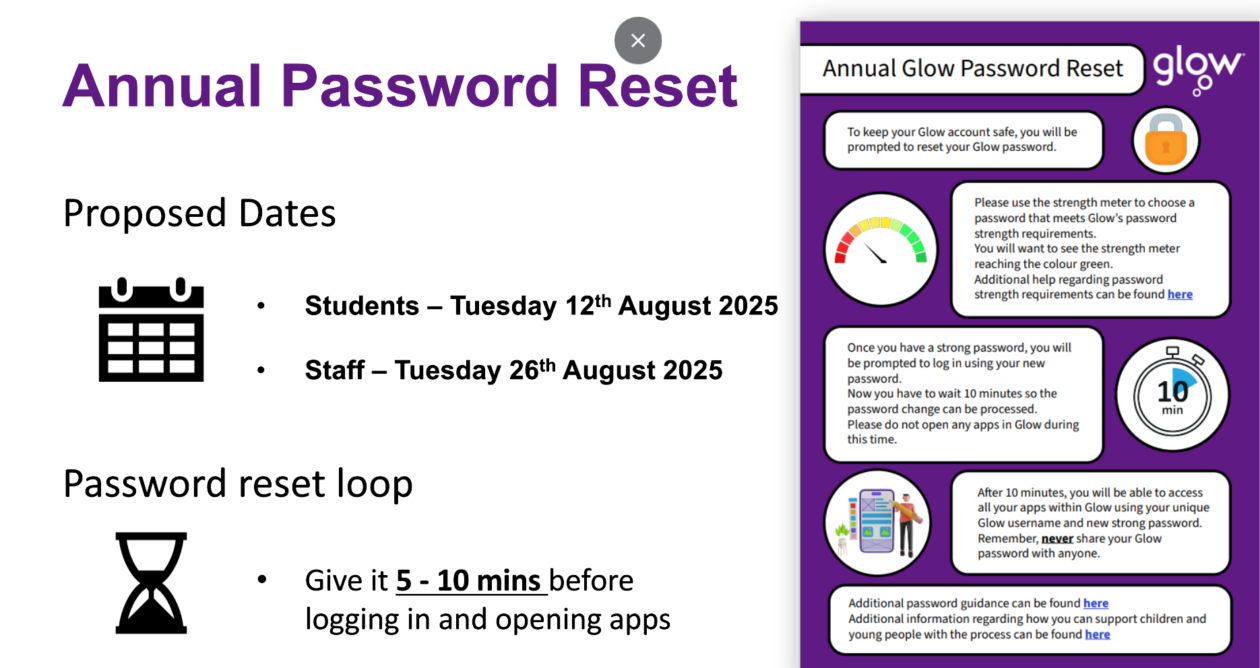
Change to resetting Glow passwords

As part of our ongoing information security improvements, we would like to inform you of a change when resetting a users password.

What’s changing?

  • When you reset a users password, you will no longer be able to tick the box that allows users to log on using the password you have reset the account to.
  • This means that all users will be prompted to create a new password, once their password has been reset.

When is this change happening?

RM will implement this change on the Monday 2nd March 2026

Why is it important to create your own password?

  • When an administrator resets a password, there are no complexity checks which may result in very simple passwords being set for an individual or even a whole class.
  • Every Glow user should create their own password that is difficult for other people to guess but easy for them to remember.
  • To help young people and children to stay safe online we want to make sure they understand what makes a strong password when using Glow.

Glow Password Guidance

  • The Glow Connect links below can be used to support Glow users with information about this change, guidance outlining how to create a strong password, how to reset passwords and how to stay safe online.
  • Password Guidance – Glow Connect

Glow Updates

Unsure where to check when something in Glow appears to be not working? Education Scotland have a very useful page – the Service Status page – which alerts users to any issues affecting Glow Services, the Education Scotland websites and also Education Scotland managed SWAN circuits.

Staying up to date via the Service Status page may save you time if something isn’t working for you when trying to access any of these services. If the issue is not highlighted in this page then you know it is a local issue and can take appropriate action.

Use the link below to access it. You could bookmark this so you can access it quickly.

https://status.education.scot