
This page is for session resources from our AI in Education Refresher session. This session built on the success of last session’s AI in Education series, this refresher session is explored tools from the Falkirk AI in Education Starter Suite and introduced Canva Code.
Session Slides
You can view a copy of the slides below.
Additional Content
Our sessions tend to have a lot of live demonstrations within them. This section of the page outlines some of the digital tools covered in the session or signposting to some of the resources shown or mentioned in a format which can be easily revisited or passed along to colleagues who were unable to attend the session.
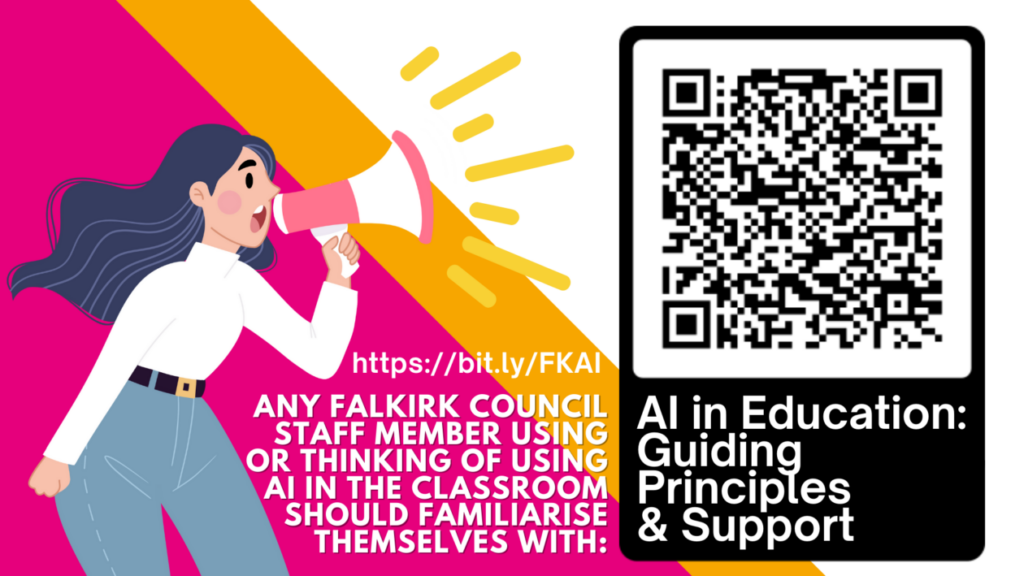
AI in Education: Guiding Principles and Support
All Falkirk Council education staff using or considering using AI in education should familiarise themselves with the AI in Education: Guiding Principles and Support information.
AI Teacher Tools – Starter Suite
Navigating the rapidly evolving landscape of AI in education can be overwhelming for busy educators. Our starter suite offers a carefully curated collection of nine free AI-powered tools which have been assessed to ensure their educational value and ease of initial use. The hope is that this provides a practical entry point for teachers and establishments embarking on their AI journey. The document sorts the tools by educational function, gives an education focused use overview and provides quick guides for each tool.
Falkirk AI Teacher Network
Are you interested in exploring the potential of AI in education? Express your interest in joining our AI Teacher Network. By filling out this form, you’ll help us connect with like-minded educators and keep you updated on exciting opportunities, resources, and events. You will also have the opportunity to influence the use if AI in education within Falkirk. We’ll be in touch with details of how to join the Microsoft Teams space.
Session Recording
Here is a recording of the session for those who wish to watch it again or who missed it. Please be aware that the session recording is edited to remove all discussion and task sections. This is to protect the privacy of our participants and ensure everyone feels comfortable speaking freely on mic and in the chat without worry that their comments will be made publicly available.