Education City

All children in Primary 1 have been given a letter today explaining how to login to Education City at home. Each child has their own unique username and password.  We have allocated some games for the children to explore (instead of sending out homework in the red homework jotters), have a look in the ‘Homework’ section.  In class we are working through the activities at Early level-either Early** or Early***.  Some of the activities at First level will be too difficult for the children to complete independently.

Have fun boys and girls!
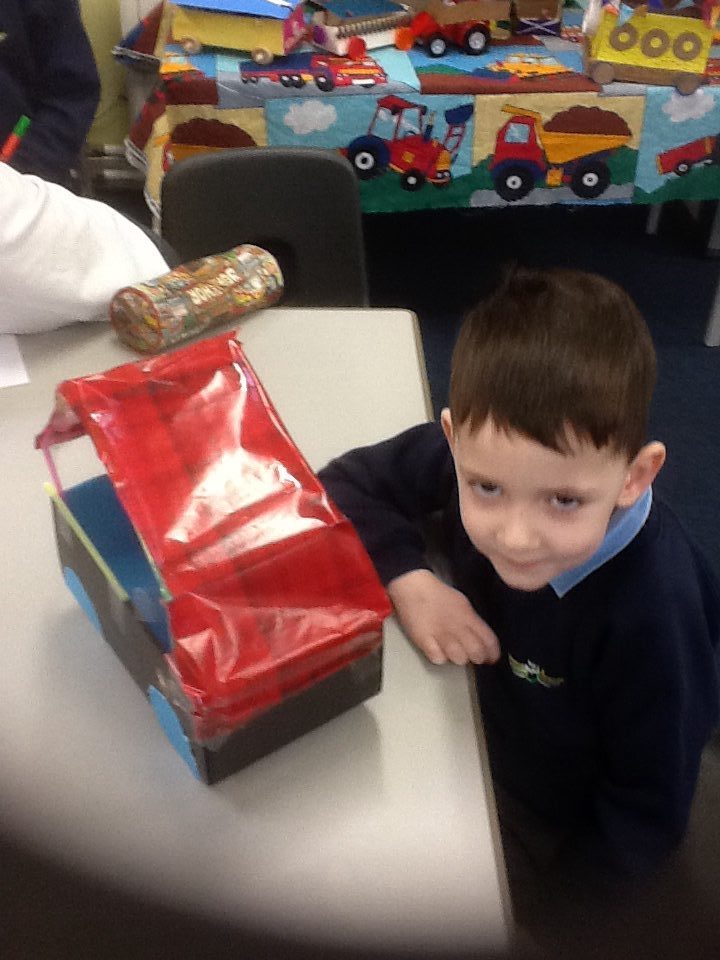
Whirry Bangs Galore!

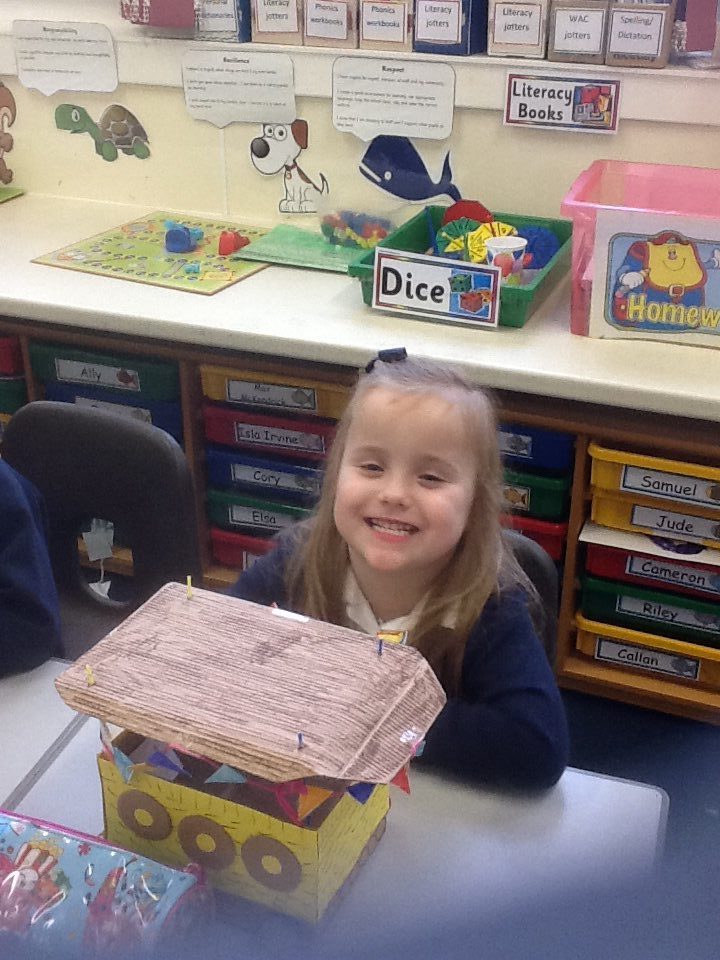
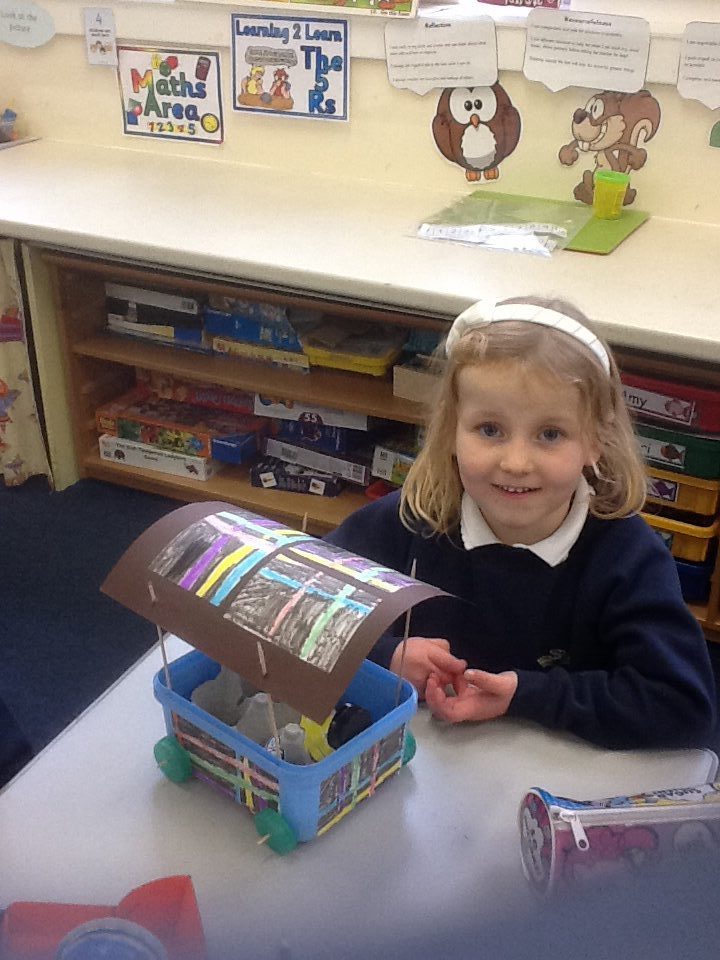
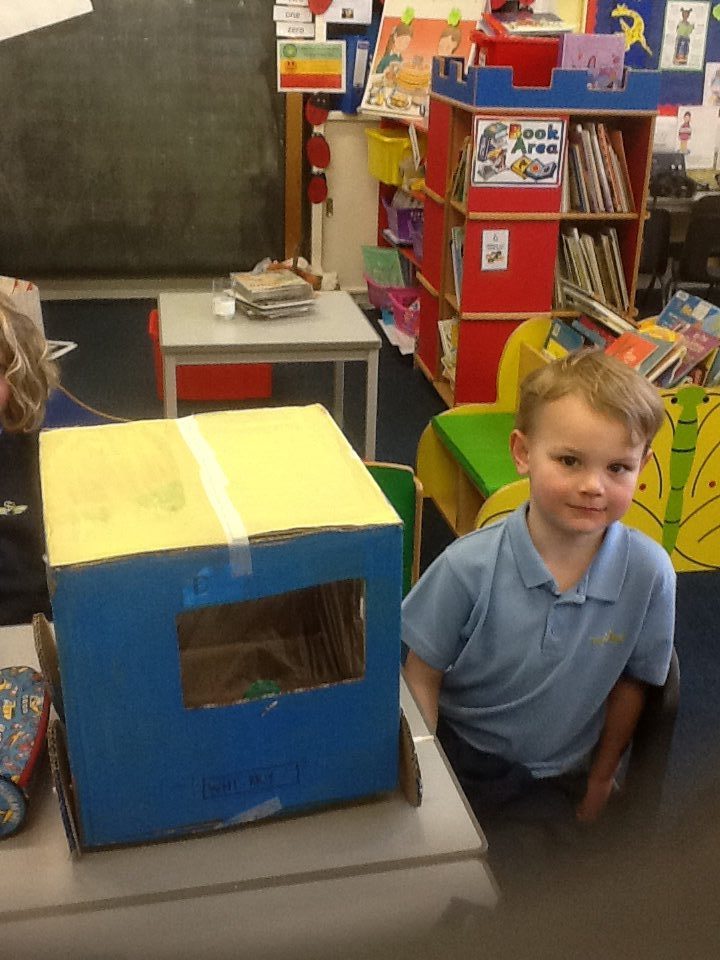
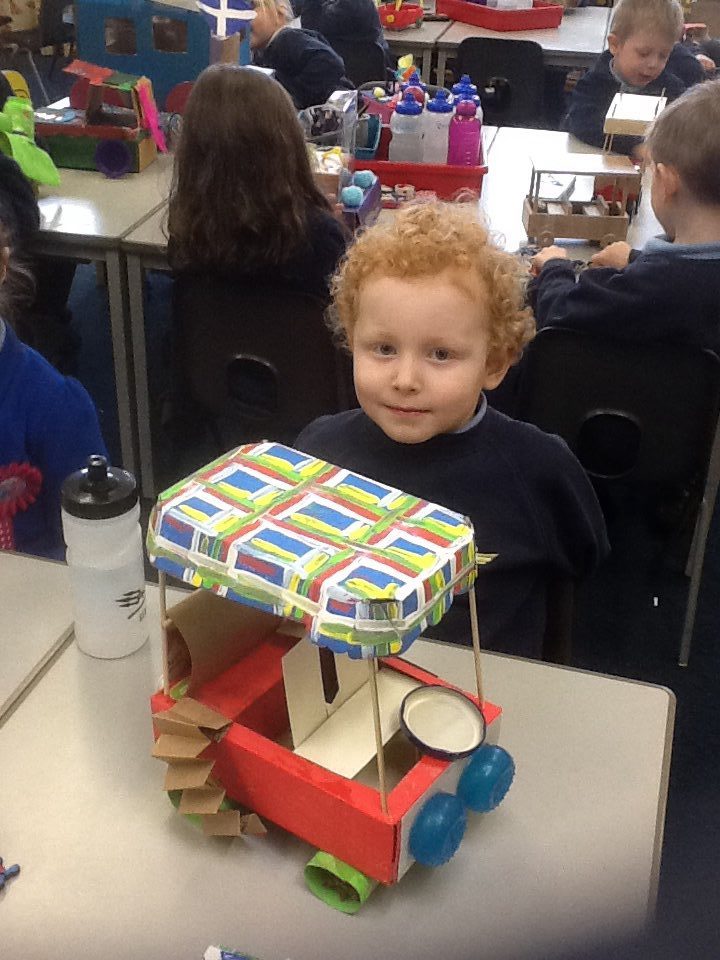
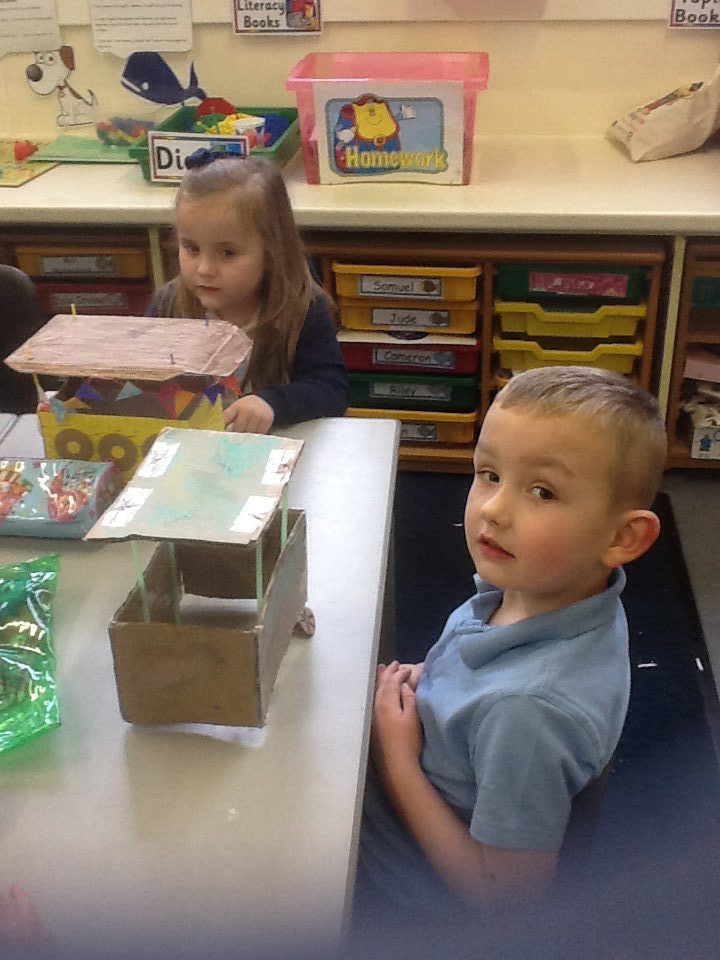
Thank you to everyone at home who helped the children create their Whirry Bang models.  The children are extremely proud of their creations, talking confidently about how they made them.  We have compared designs and styles within our own class and with P1S.  Primary 4 visited our classroom to see our Whirry Bangs too-they gave us great feedback.

image

image

image

image

image

image

Dinosaur Discovery in P1

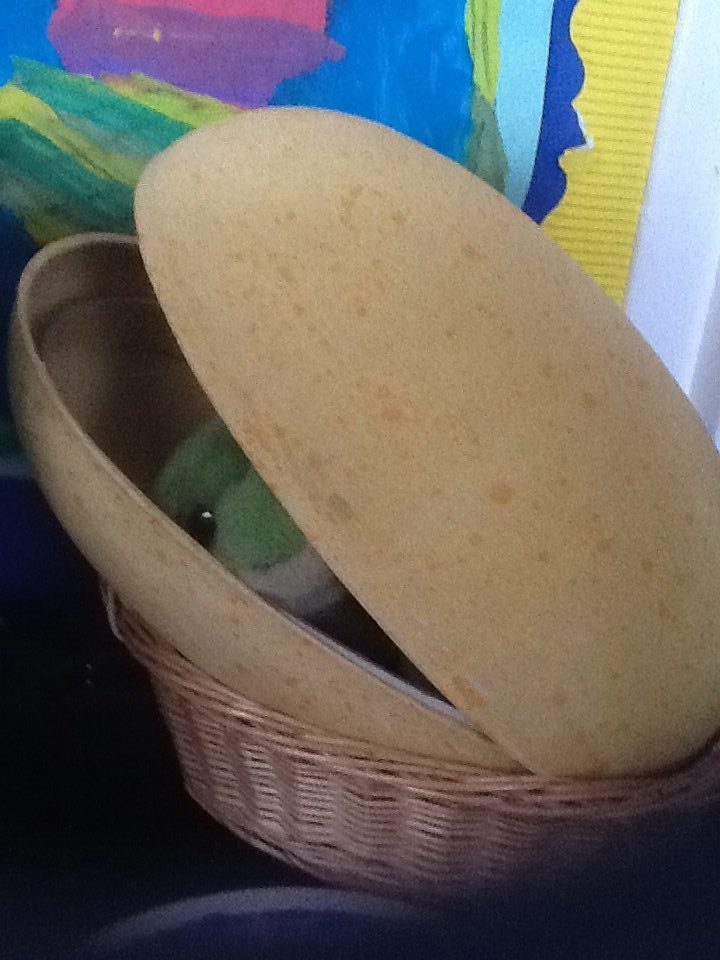
Archie the archaeologist has paid us another visit and left behind a very special egg!  Inside was a cute, cuddly, fluffy green baby dinosaur!  We decided to call him Dino and he is taking it in turns to go home with P1M children at the end of each school day.  We have learned lots about Dinosaurs this week and know that the word dinosaur means ‘terrible lizard.’  Some of the boys in primary 1 know lots of facts and information about Dinosaurs and really are ‘Dinosaur Experts’ already!  They are helping Mrs McKay and Mrs Sutherland pronounce dinosaur names correctly and sharing their knowledge with everyone in P1.

image

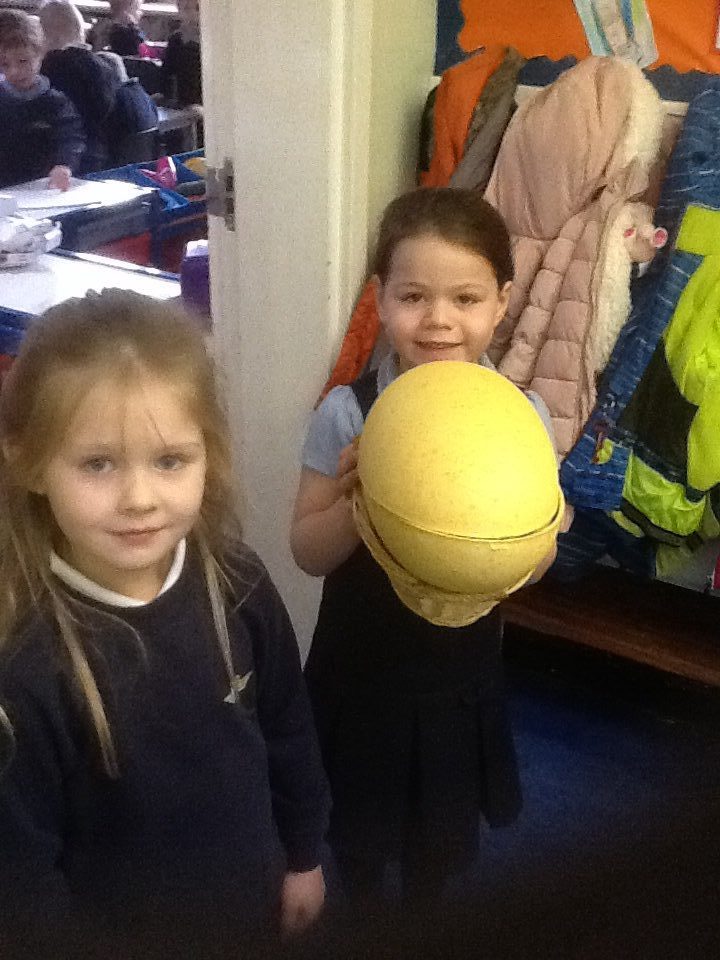
Carefully taking the dinosaur egg to show P1S what was discovered in P1M after lunch!

image

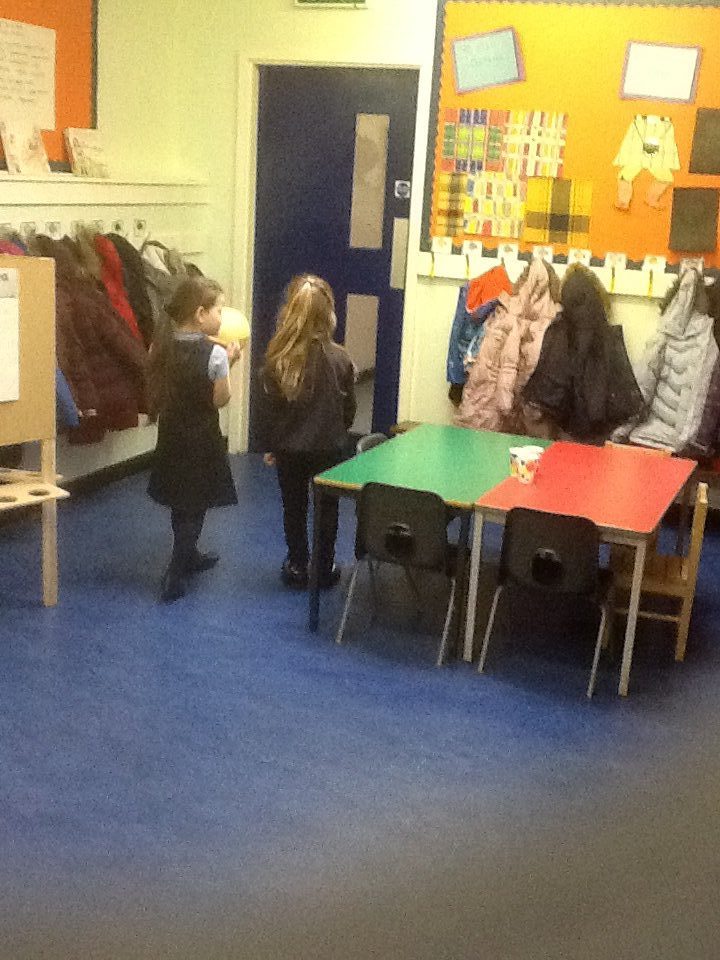
The girls were sure they heard something moving about inside the egg and were listening carefully.

image

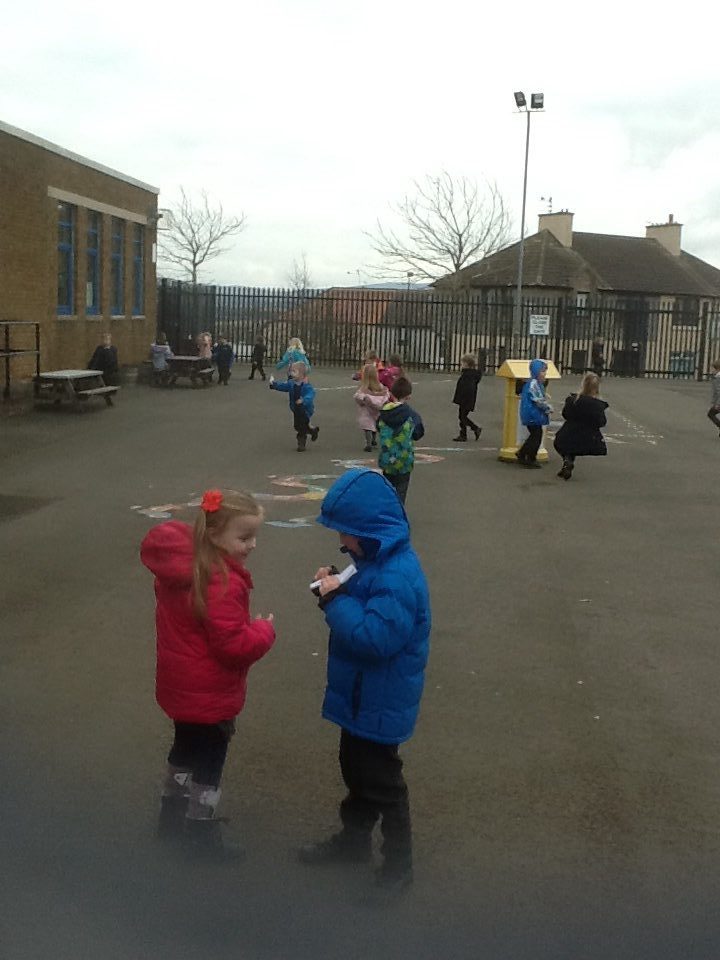
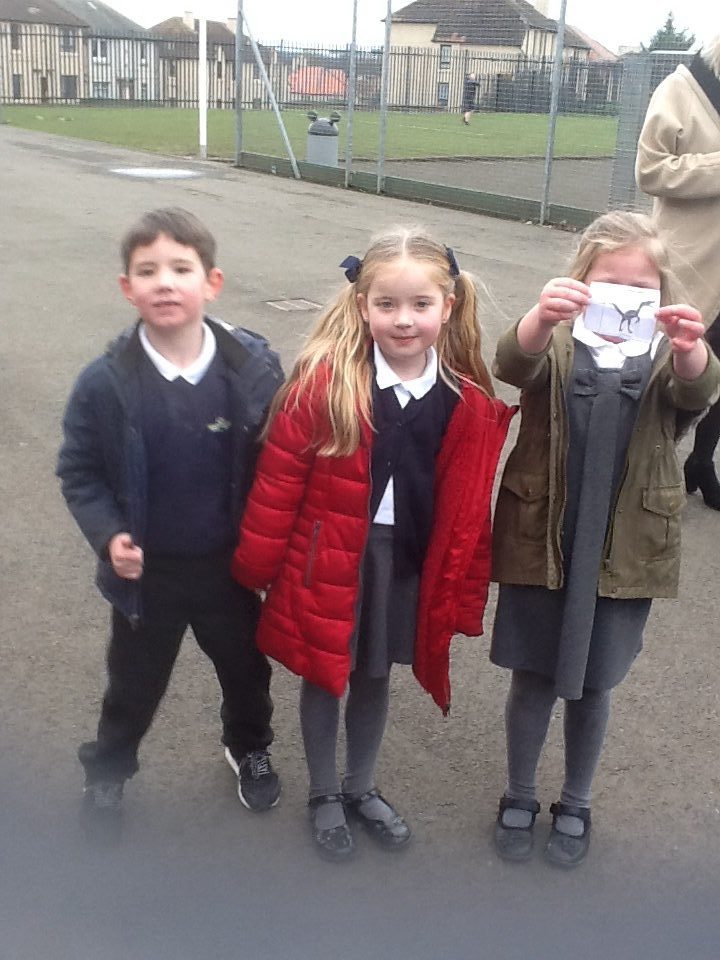
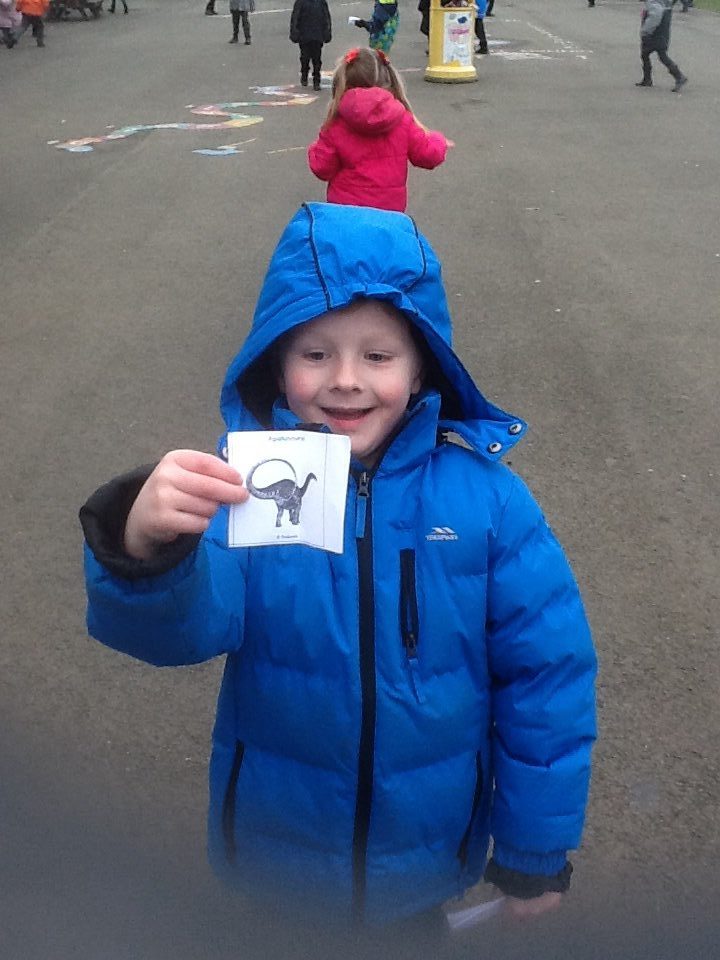
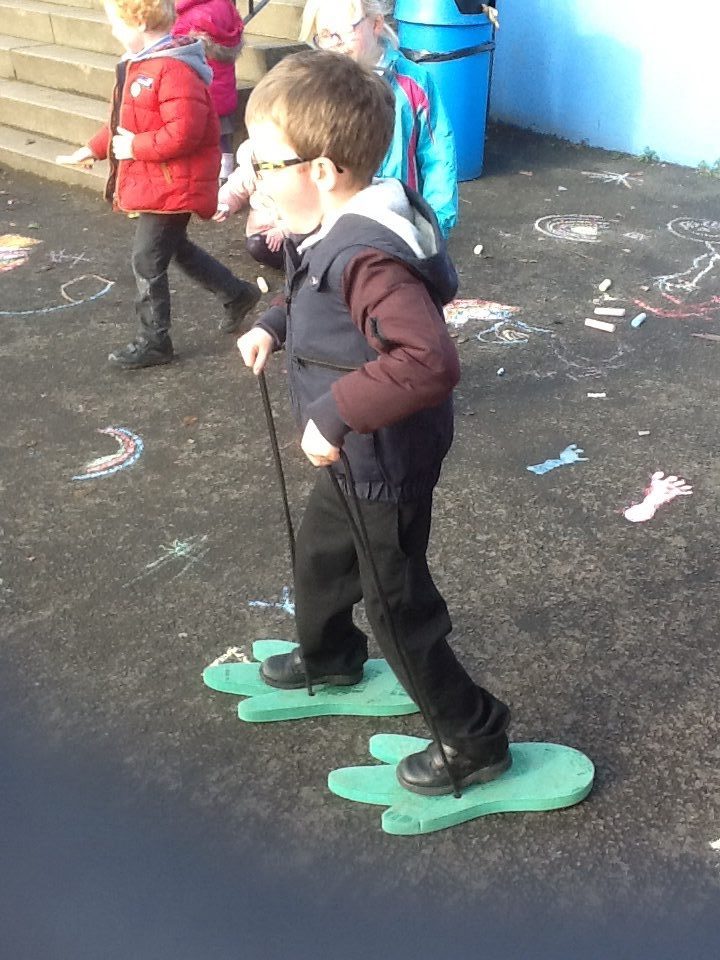
We went on a dinosaur hunt and managed to find all of the dinosaur pictures that were hidden in the playground-great detective work P1!

image image image

Beebots

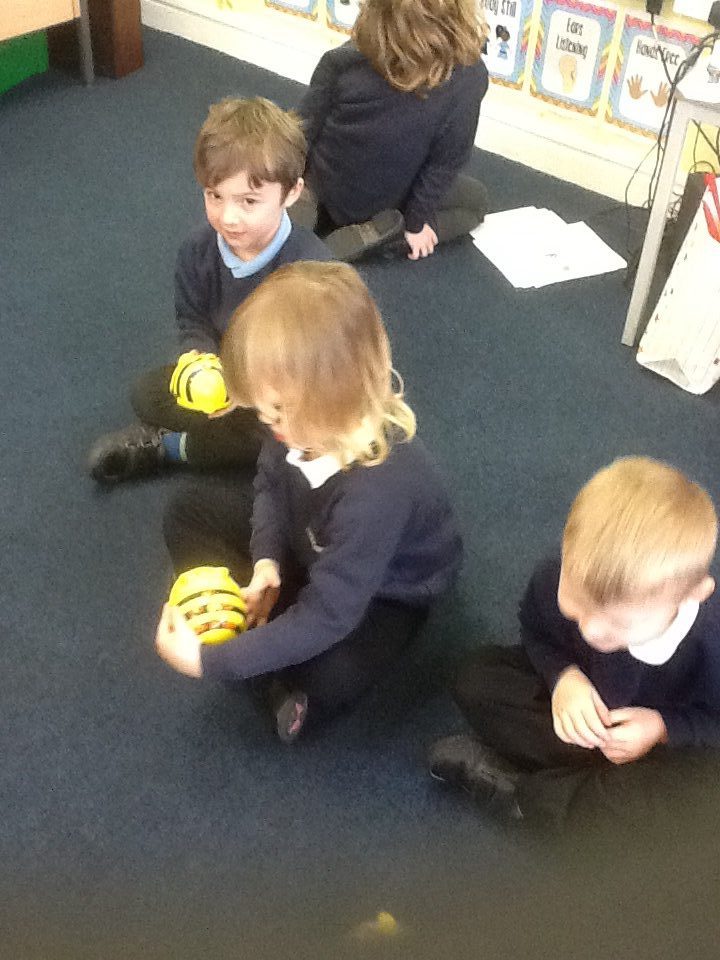
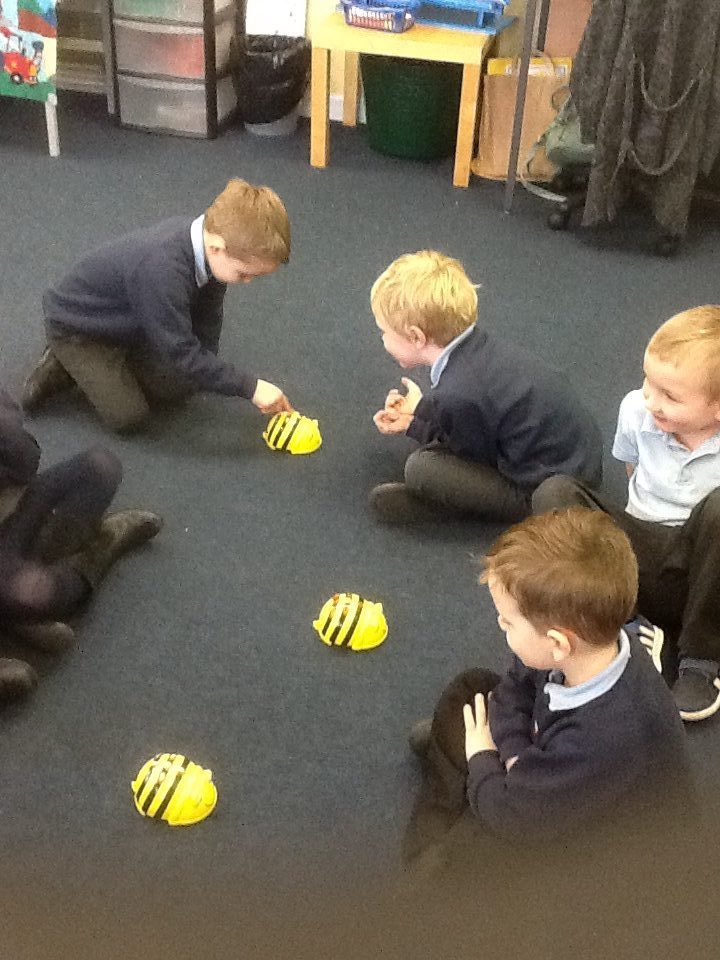
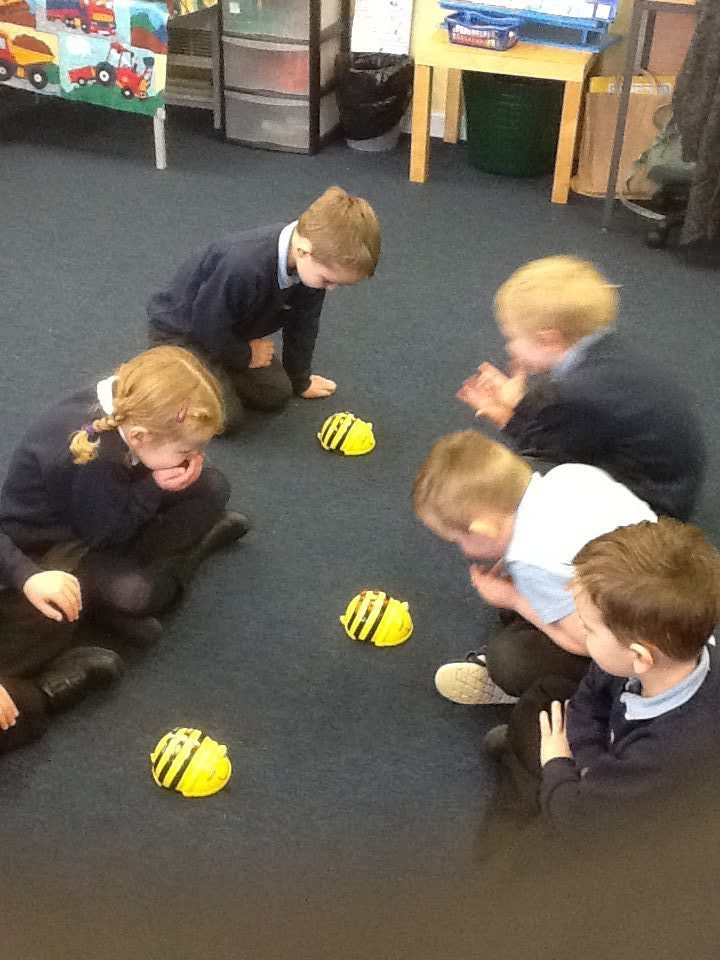
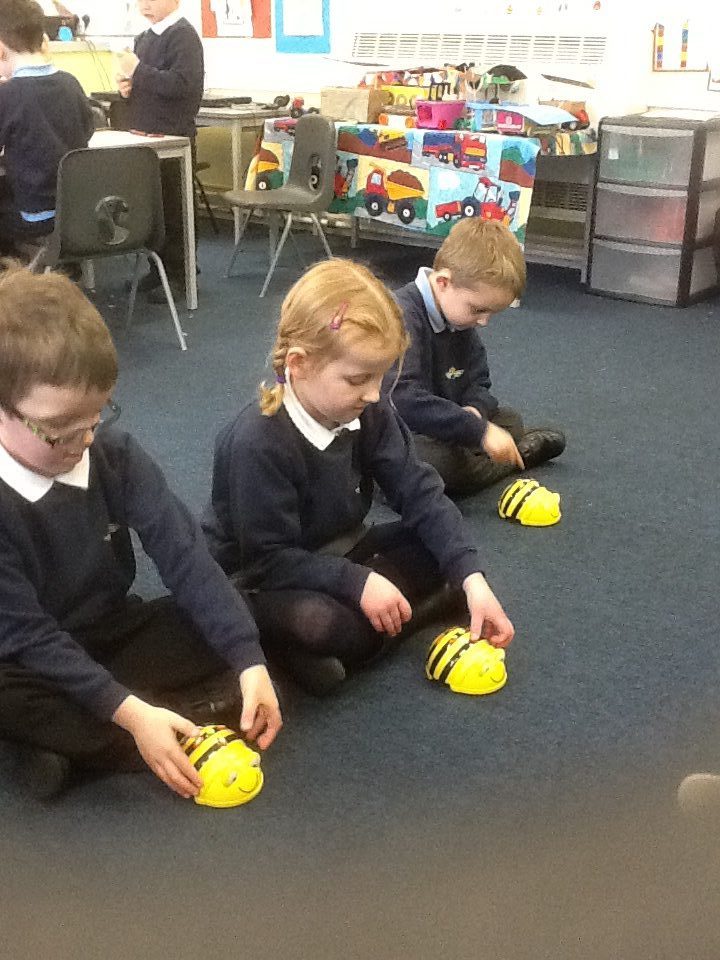
We were desperate to use the Beebots in P1M this week and have learned how to enter commands to control the Beebot. It can move forwards, backwards, turn right and left-we had to think very carefully about the direction we wanted to move it.


image

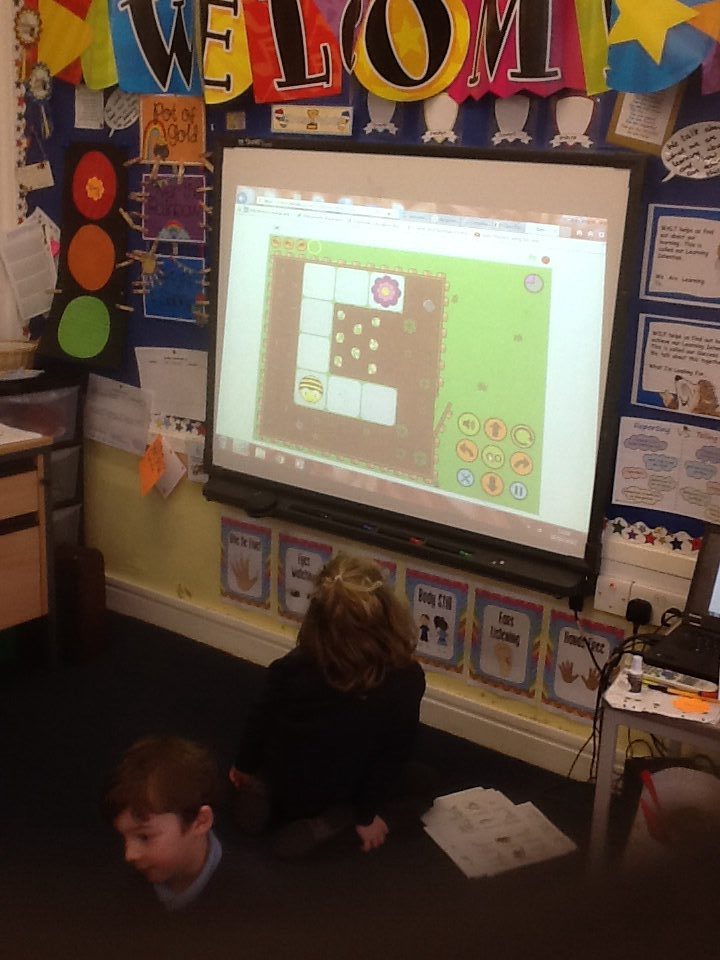
There are some great Beebot games online.  We also looked at Pac-Man games on the smartboard and discussed the ways in which he could move.  Knowing the difference between a left turn and right turn was very important!

image image image image

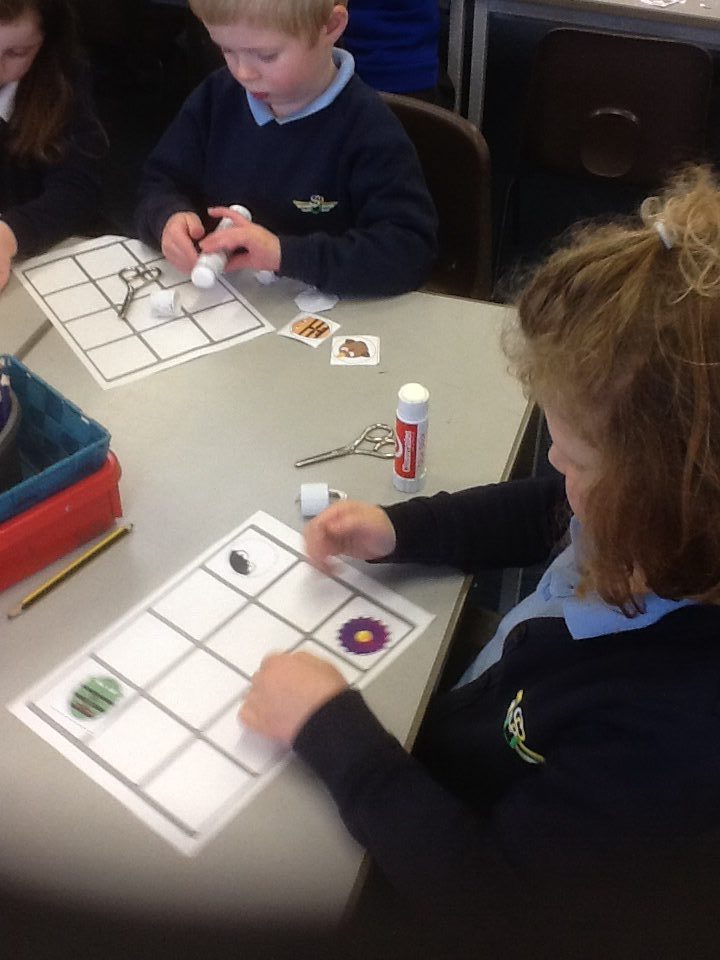
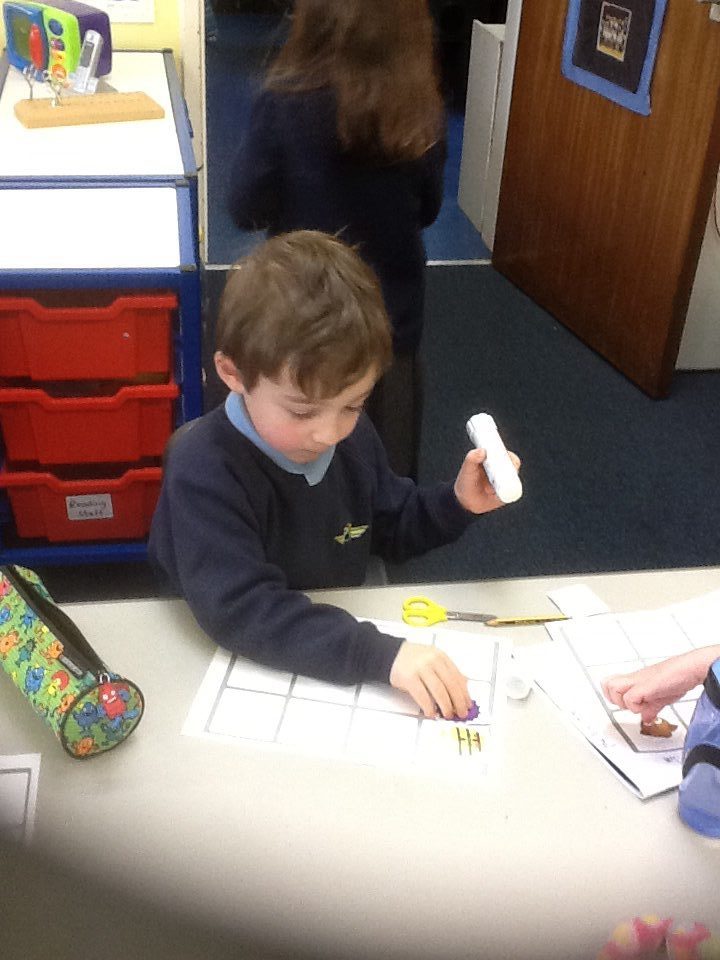
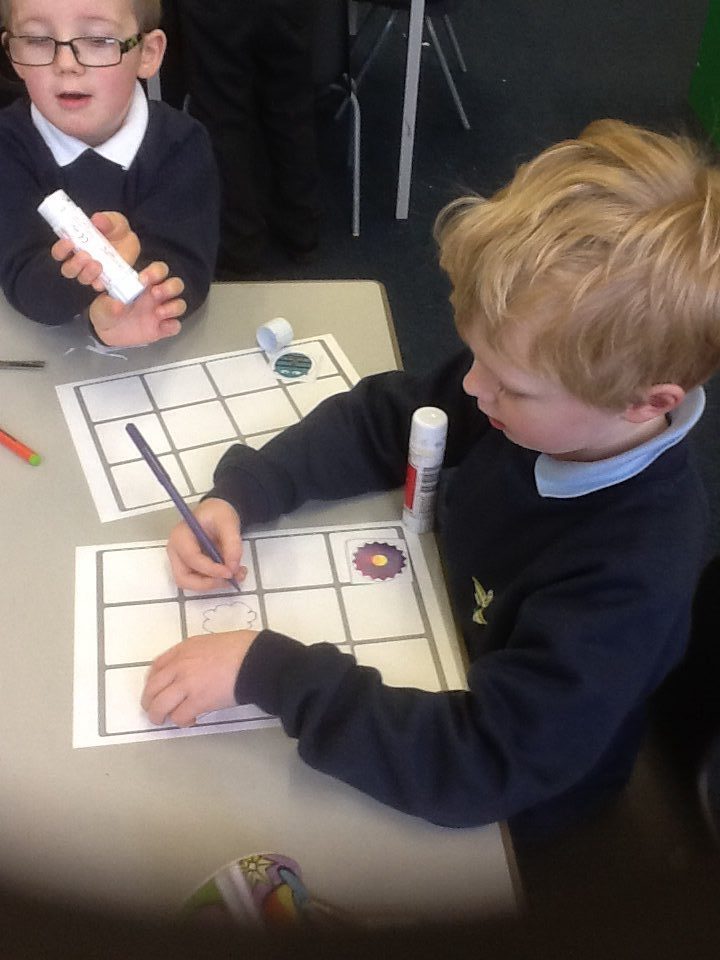
Creating our own Beebot grids.

image image image