
🌟Spotlight on: Microsoft Reading Coach

We’re excited to highlight Microsoft Reading Coach, a powerful web‑based tool that supports learners to develop confidence, fluency, and enjoyment in reading. Reading Coach is available to all learners through Glow, making it simple, safe, and accessible – in class and at home.
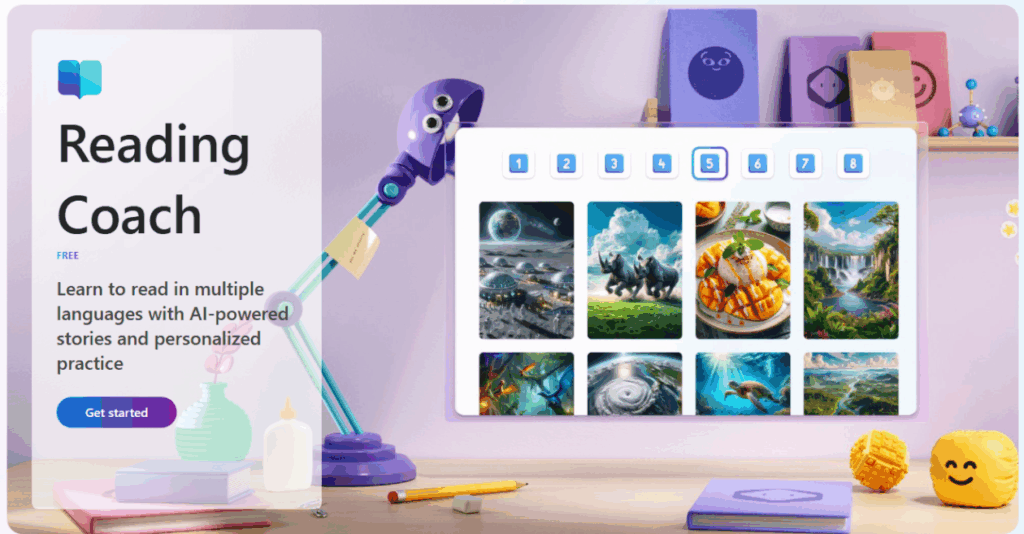
✨What is Reading Coach?

Reading Coach is a personalised reading tool where learners can independently choose or generate a text, read aloud, and receive immediate, targeted feedback. The platform adapts to each learner’s level and interests, making reading feel meaningful and motivating.

Because it’s fully web‑based, pupils can log in independently using their Glow account, with no additional setup required.

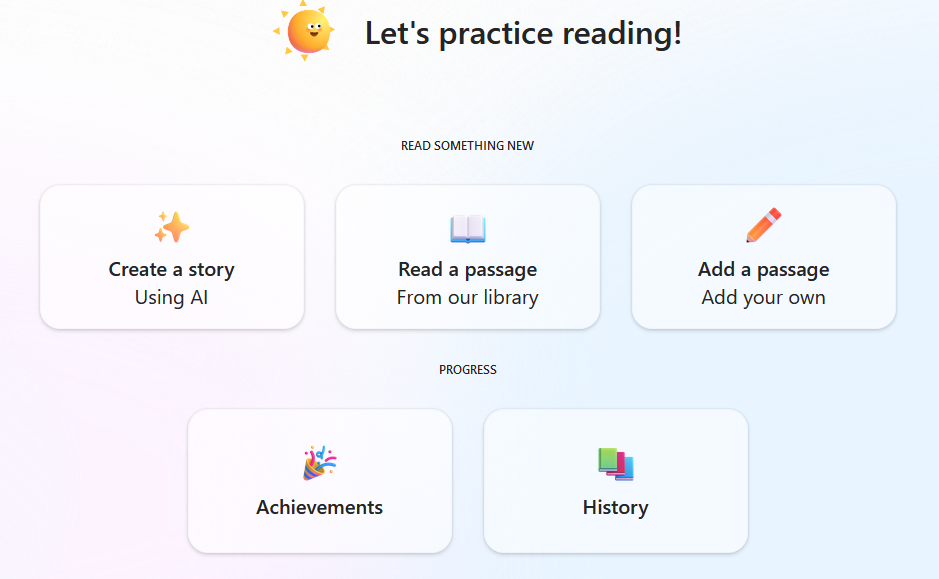
📚choose or create a story

Learners can choose how they want to read by selecting from two options:

Generate a story

Pupils can create their own story by selecting themes, settings, and what happens next. This gives them ownership over the narrative and encourages creative thinking.

Choose a reading passage

Alternatively, they can pick from a curated library of passages—perfect for quick reading practice or structured tasks.

For both options, pupils can choose their reading level, ensuring texts are accessible but still challenging.
🎙️Read Aloud, Record, Reflect

One of the most valuable features of Reading Coach is its read‑aloud and recording function.

  • Pupils read the passage aloud into their device.
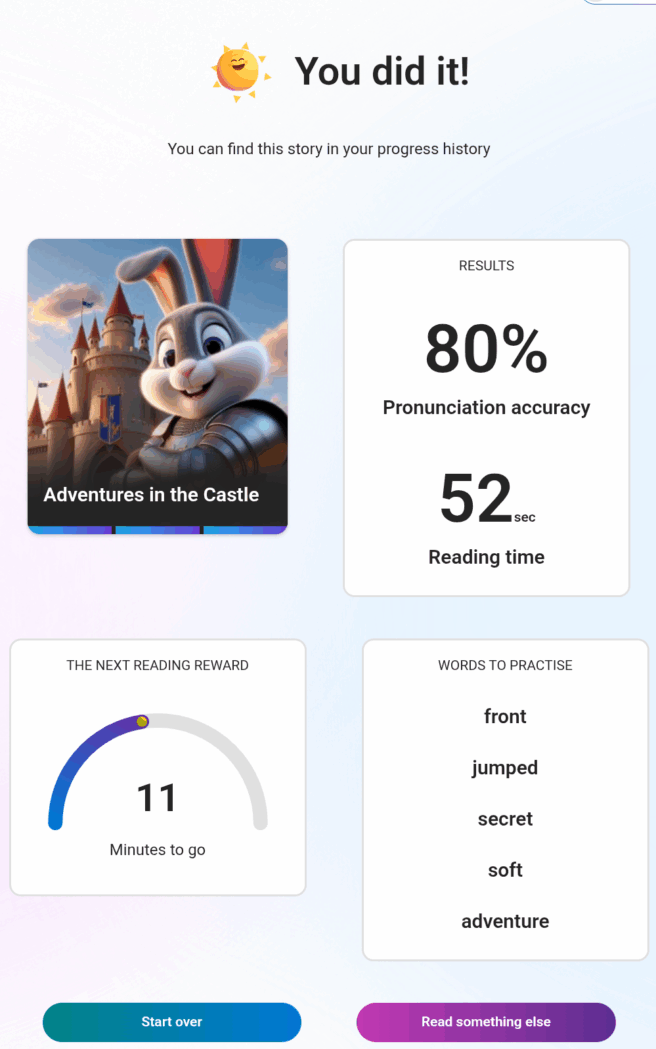
  • Reading Coach analyses the recording and provides instant feedback on accuracy, including:
    • An accuracy score
    • Highlighted words they struggled with
    • Opportunities to practise those words in isolation

This supports fluency development and reinforces positive reading habits.

🏆Rewards and Motivation

To keep learners engaged, Reading Coach includes simple but effective reward elements. As they continue reading they can unlock new characters and settings, to allow them to further personalise their experience.
👧👦What our pupils say

Learners who have used Reading Coach have shared some really positive reflections:

“I like choosing what happens next in the story.”

“I can create my own story and the chapters aren’t too long.”

“It’s really really good!”

“I can unlock new characters by reading more.”

Pupils appreciate the independence it offers and the sense of ownership over their reading journey.

If you’d like more information, or if you’ve used Microsoft Reading Coach with your learners, please get in touch with the Digital Learning Team – we’d love to hear from you.

Savvy Searching in Eastertoun Primary

P7 Pupils at Eastertoun Primary School enjoyed exploring the Microsoft Search Coach tool this morning, to support them in finding accurate and reliable information online. Pupils confidently identified the benefits and importance of finding and using trustworthy websites, and enjoyed critically evaluating sites to assess their reliability.

“Using Search Coach can help you find trustworthy websites instead of ones with viruses or false information.”

P7 Pupil

Pupils then utilised their digital skills to collaborate online, sharing their learning through Teams and enhancing their understanding by using the Accessibility Tools built into Microsoft Edge.

By the end of the session, pupils were feeling proud of their achievements and excited to continue to explore other digital tools available to them.

“In Search Coach, you can filter by domain, country and timescale, to get accurate and up-to-date information.”

P7 Pupil

Enhancing Digital Skills at Seafield PS

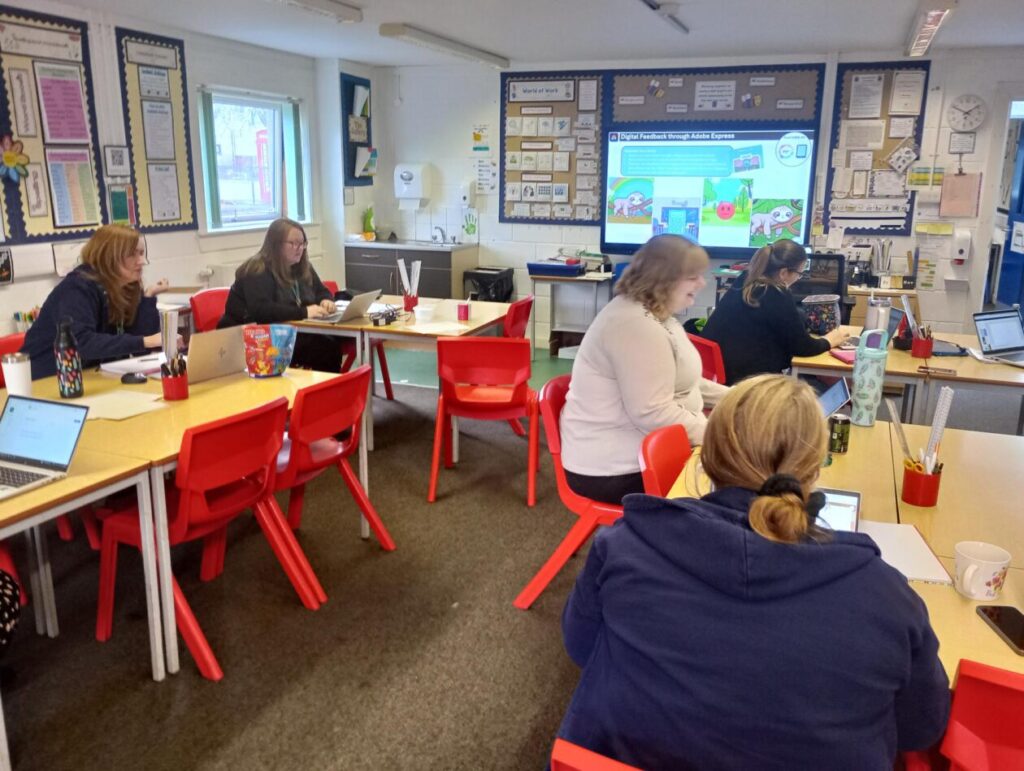
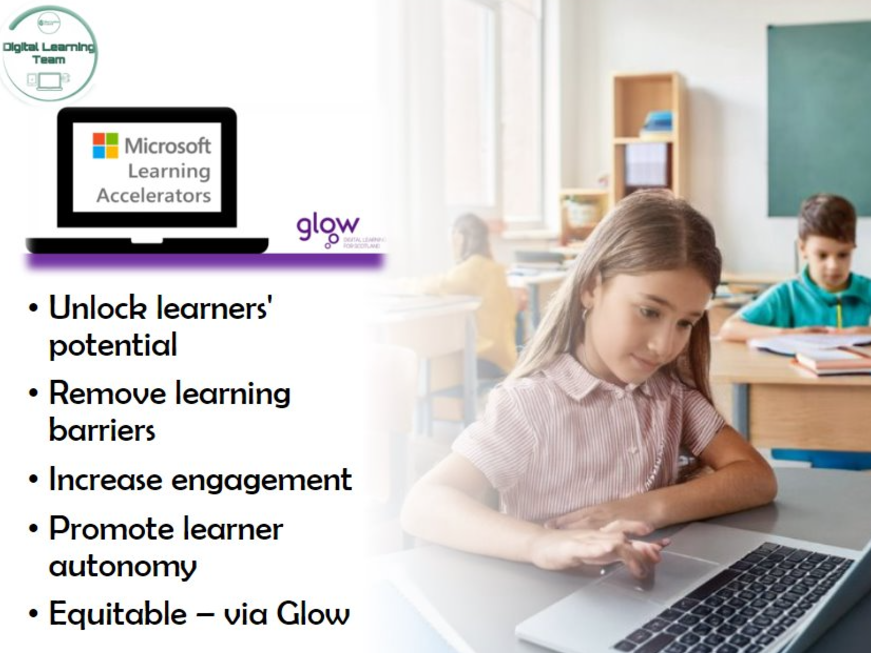
This afternoon, one of our Digital Pedagogy Officers held a training session with the staff at Seafield Primary, specifically focusing on the Microsoft Learning Accelerators, Microsoft Accessibility Tools, and Adobe Express, to build engagement and support all learners.

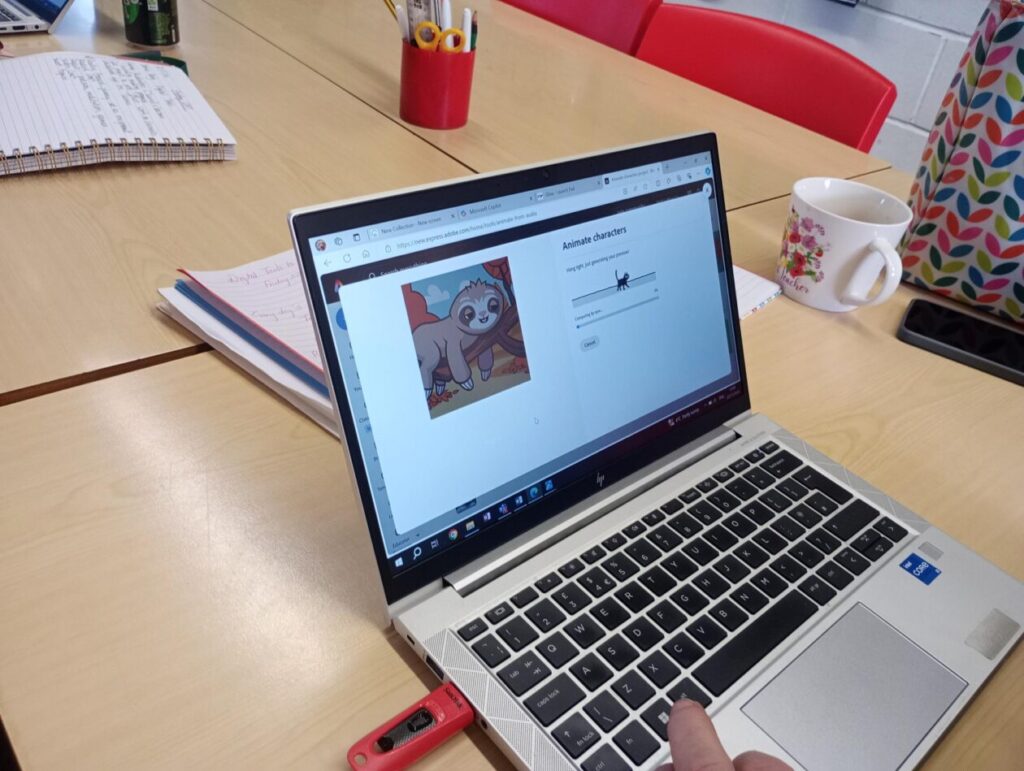
Adobe Express offers great opportunities for collaboration, feedback, engagement and creativity. Today, staff explored a number of features, but particularly enjoyed the ‘Animate Your Voice’ function, producing some cute results.

Staff explored how to use or further embed the use of the Microsoft Learning Accelerators and Accessibility tools, to support ALL learners.

The tools we looked at today included:

  • Reflect
  • Reading Progress & Reading Coach
  • Search Progress
  • Immersive Reader
  • Dictate
  • Accessibility within Microsoft Edge

It was great having an in person session. I really liked that it was informative but also informal so we could ask questions specifically relating to our own class or our own level of knowledge. Thanks! 😊Class Teacher

It was great to learn more about Adobe Express and I have now added all pupils in the class with lots of thoughts on how we can use this in the near future.

P6/7 Teacher

We are looking forward to seeing how these tools are used across the school in the near future. Good luck Seafield, and thanks for a great session today.

Report a Glow concern
Cookie policy  Privacy policy