Connecting Classrooms using Microsoft Teams

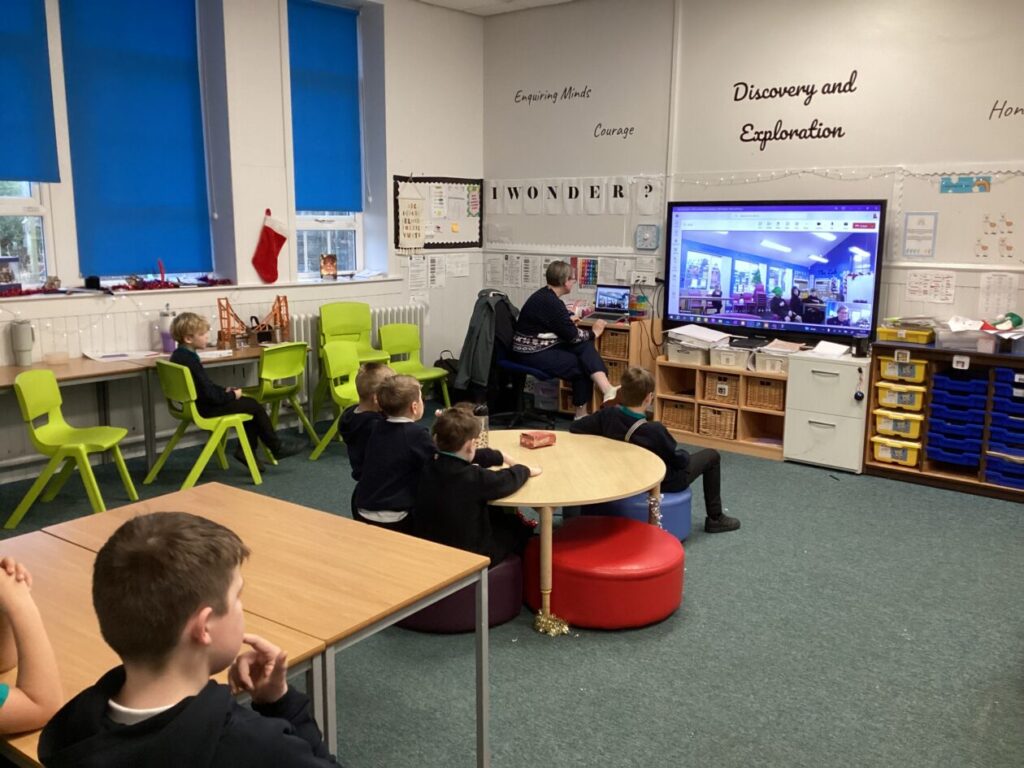
The Digital Learning Team recently visited Westfield Primary School to find out how they were using Microsoft Teams to enhance their curricular offerings for pupils across P3-7 in their school as well as those in Torphichen Primary School.

Connecting the two classrooms using Team’s conferencing capabilities offers learners a wider circle of peers to learn with and from, providing opportunities for cross-school peer assessment and collaboration.

Learners told us how they enjoyed sharing their learning with another school and that they found lessons were fun and engaging. Primary 7s also valued the opportunity to build relationships with each other ahead of moving on to secondary school next year.

Teachers have been using a range of digital tools, such as ActivInspire or Microsoft Whiteboard, to plan engaging learning experiences which are accessible and meet the needs of both in-person and remote learners.


In addition to the P3-7 offerings, a small group of P7 learners meet on Teams once a week to work together on Numeracy and Mathematics projects. They use a shared Microsoft Whiteboard to communicate their ideas, collaborate, solve problems and discuss their thinking.

One P7 learner shared that even when they decided to work independently for a while, everybody shared their working on the Whiteboard so that as a group they could collectively check each other’s answers. This ensured they were able to confidently move on to the next part together as a group.

P7s dive into Adobe Express at Pumpherston and Uphall Station Community Primary School

I can really see the potential for using this in class, it’s engaging all my learners in different ways.

P7 Teacher

Our Digital Pedagogy Officers were supporting at Pumpherston and Uphall Station Community Primary School this week, team teaching in P7.

The aims for the session were to:

  • Foster collaboration through digital tools and platforms​
  • Enhance engagement using digital tools to present learning and information​
  • Build confidence in using Adobe Express for creativity​

The highlights of the session included:

  • Learners engaged and enthusiastic about using Adobe Express, and excited to discuss how else they can use it in the future to enhance learning.
  • Learners found the interface and usability easy to navigate, building confidence with ALL learners. Usually shy learners were excited to share their learning and the Adobe Express tools with their peers and teachers.
  • Learners were confidently exploring tools on their own, working out how to add animations to still images, and including buttons and links to their webpages.
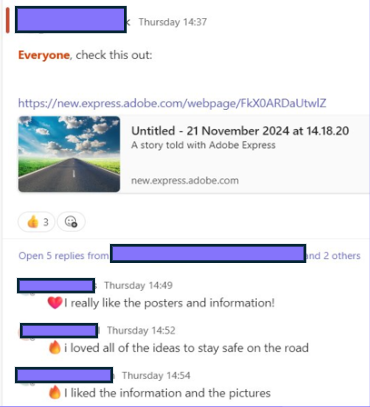
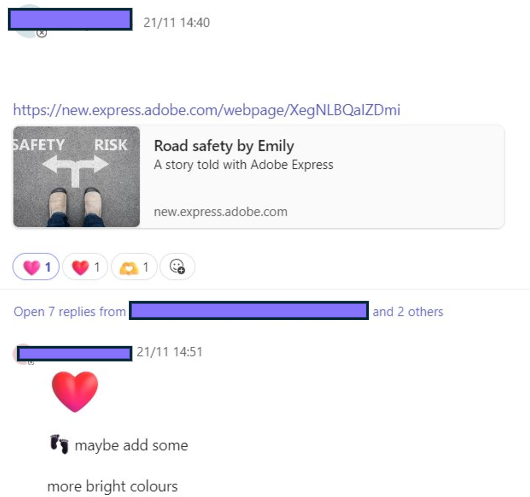
  • Learners were excited to share their creations through Teams, and enjoyed exploring each others creations, providing feedback and next steps as ‘comments’ and ‘reactions’.

Enhancing Digital Skills at Seafield PS

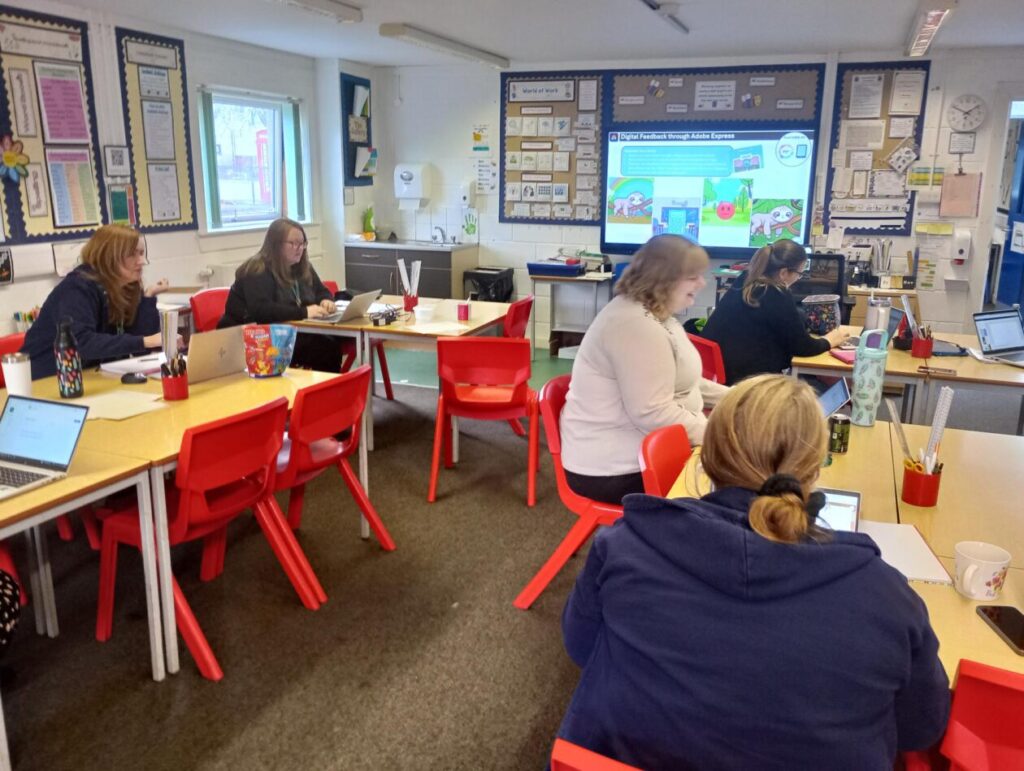
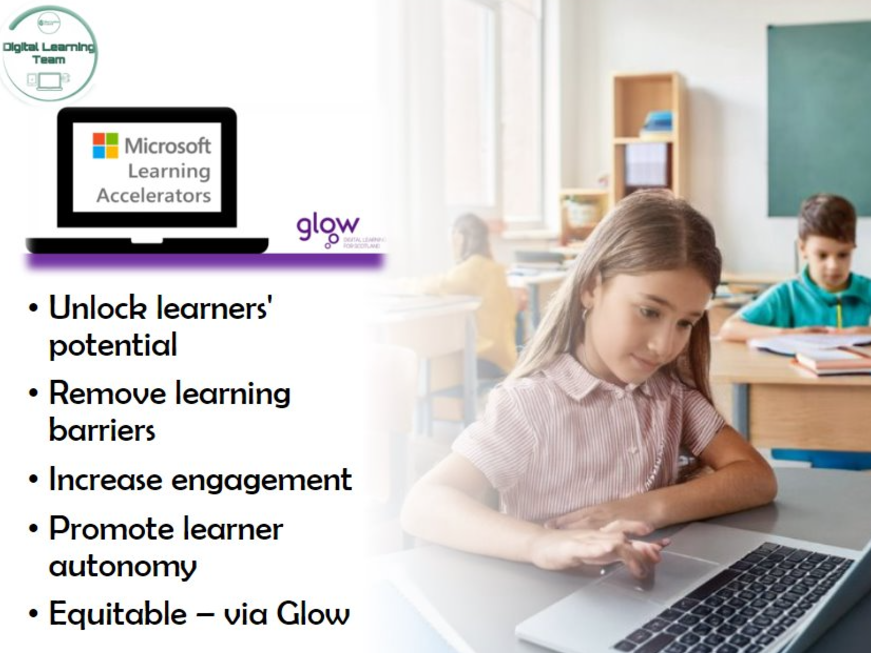
This afternoon, one of our Digital Pedagogy Officers held a training session with the staff at Seafield Primary, specifically focusing on the Microsoft Learning Accelerators, Microsoft Accessibility Tools, and Adobe Express, to build engagement and support all learners.

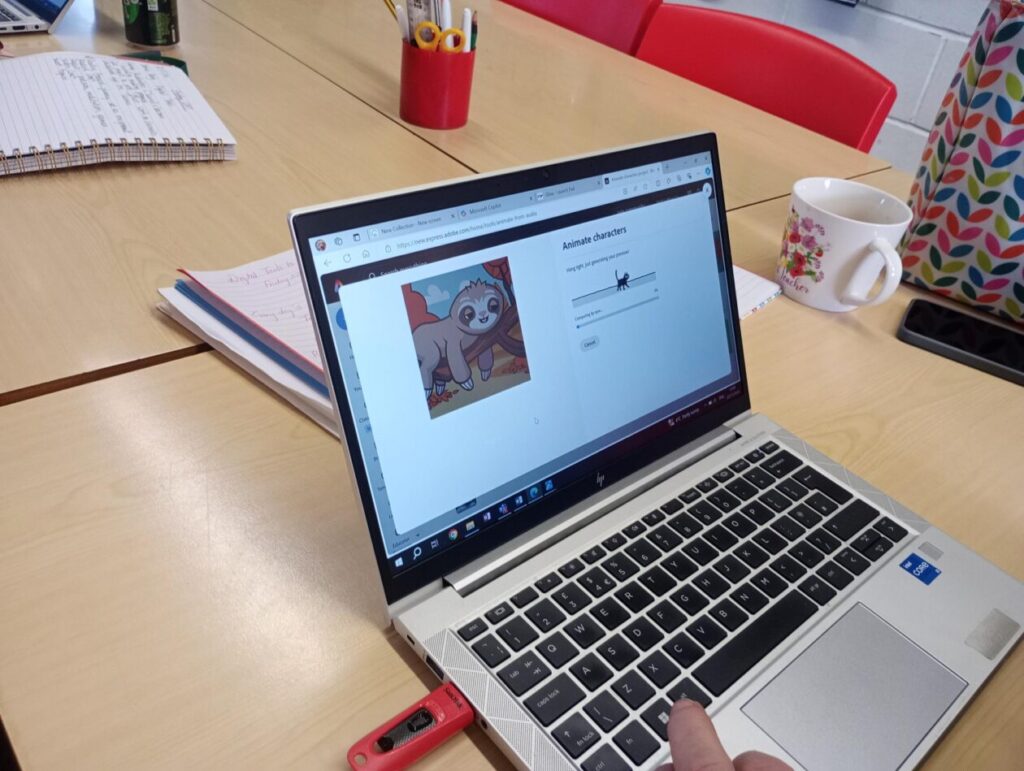
Adobe Express offers great opportunities for collaboration, feedback, engagement and creativity. Today, staff explored a number of features, but particularly enjoyed the ‘Animate Your Voice’ function, producing some cute results.

Staff explored how to use or further embed the use of the Microsoft Learning Accelerators and Accessibility tools, to support ALL learners.

The tools we looked at today included:

  • Reflect
  • Reading Progress & Reading Coach
  • Search Progress
  • Immersive Reader
  • Dictate
  • Accessibility within Microsoft Edge

It was great having an in person session. I really liked that it was informative but also informal so we could ask questions specifically relating to our own class or our own level of knowledge. Thanks! 😊Class Teacher

It was great to learn more about Adobe Express and I have now added all pupils in the class with lots of thoughts on how we can use this in the near future.

P6/7 Teacher

We are looking forward to seeing how these tools are used across the school in the near future. Good luck Seafield, and thanks for a great session today.

Report a Glow concern
Cookie policy  Privacy policy