Save the Date: Exciting Events Coming Your Way

We would like to share the fantastic digital learning opportunities coming up over the next few weeks.

Live Lessons 4th & 6th February

We are excited to invite P5-S3 classes to join us online for an introduction to the Data Literacy Project with IoT in Schools. Learners will explore data and build digital literacy skills, collecting & analysing data from within their own school. This opportunity is open to all schools with the Internet of Things Data Sensors and is being delivered in collaboration with The University of Edinburgh.

Tuesday 4th February 11am or 1.30pm: Beginners Sessions

Thursday 6th February 9.30am or 1.30pm: Intermediate Sessions (for classes who have explored the sensors before)

If you’d like to be involved, please sign up using this link.

Our Digital Learning Pedagogy Officers will be running bitesize training sessions demonstrating how to use Seesaw effectively for Profiling.

There will be examples of Seesaw Profiles as well as demonstrations of how to use key features, such as the Highlight tool, automatic Translate with Google and how to tag Meta-Skills as Standards.

These sessions are primarily aimed for P1-3 staff, however ELC, SLT or other staff members are welcome to come along too.

No need to sign up, just join the meeting online, through the #Digiken Team.

Adobe Express are continuing to run a wide range of online Live Lessons for classes, as well as teacher training sessions.


To sign up, click the links below:

Adobe Express live lessons

Children’s Mental Health Week (3rd/4th Feb)

SAFER INTERNET DAY (4th/10th/11th Feb)

Cyber Week Scotland (26th Feb)

Adobe Creative Educator – Live UK Courses

ACE Level 1 – Intro to Adobe Express – this session will get you hands on with Adobe Express and talking about creativity in the classroom, how it works and how to foster a creative culture.​

18th & 27th Feb

My World of Work’s Digital Profile is here!

​If you are interested in finding out more about the new national learner profile, there are free webinars coming up on the following dates:​

6th February Webinar 10-11am

25th February Webinar 4-5pm

3rd March Webinar 4-5pm

20th March Webinar 4-5pm

Get Ready for Safer Internet Day: 11th February 2025

Safer Internet Day 2025 will take place on the 11th of February 2025, with celebrations and learning based around the theme ‘Too good to be true? Protecting yourself and others from scams online

Some key questions being explored this year include:

  • How is changing technology like generative AI going to impact the approach of scammers?
  • What role can the government and internet industry take to tackle this threat?
  • What changes would young people like to see to help protect themselves moving forward?

For access to a range of resources, including activities, lesson ideas, assembly slides and quizzes, visit Safer Internet Day 2025 – UK Safer Internet Centre.

We are also very excited to announce the launch of the new Safer Schools Scotland resource Hub: Teach Hub – Safer Schools

Safer Schools is a multi-award-winning safeguarding ecosystem, created to educate, empower and protect your entire school community, in a digital World.

The Teach Hub is a free library of resources created for teachers by teachers, specifically designed for teaching in the classroom, including age-appropriate lessons, activities, worksheets and PowerPoints on topics affecting children and young people today.

The Teach Hub also has shareables resources and guides around a range of platforms, apps and websites which can be downloaded and shared with staff and parents.

These resources focus on sharing positive messages, and highlights the benefits of building good habits online, building self-esteem and forming good relationships.

All teaching staff have been sent the access code by email as this resource is only available to West Lothian staff.

Meet the Masters: Introducing our latest Promethean Certified Trainers

We are thrilled to introduce our latest cohort of Promethean Certified Trainers, who are excited to share their knowledge and new expertise of the Promethean panels and the ActivInspire software with their schools and clusters.

This technology can significantly enhance learner engagement, ensuring that learners benefit from more interactive and dynamic educational experiences.

Key takeaways and most impactful learning experiences identified by the participants included:

  • Promethean tools available on the panels and online (such as spinner, annotate and timer)
  • ActivInspire tools, tips and hints (such as the use of templates, interactive manipulatives, reveal sliders and overlays)
  • Laptop and Online tools to boost engagement and collaboration (such as MS Whiteboard, floating keyboard, split screen functionality and MS Accessibility Tools)
  • Features to enhance productivity (such as importing and annotating PDF’s, exporting lessons as JPEGs or PDFs to share and ability to use the board separately from the laptop)

Congratulations all, we are excited to see how you take this new knowledge forward in your schools.

P7s dive into Adobe Express at Pumpherston and Uphall Station Community Primary School

I can really see the potential for using this in class, it’s engaging all my learners in different ways.

P7 Teacher

Our Digital Pedagogy Officers were supporting at Pumpherston and Uphall Station Community Primary School this week, team teaching in P7.

The aims for the session were to:

  • Foster collaboration through digital tools and platforms​
  • Enhance engagement using digital tools to present learning and information​
  • Build confidence in using Adobe Express for creativity​

The highlights of the session included:

  • Learners engaged and enthusiastic about using Adobe Express, and excited to discuss how else they can use it in the future to enhance learning.
  • Learners found the interface and usability easy to navigate, building confidence with ALL learners. Usually shy learners were excited to share their learning and the Adobe Express tools with their peers and teachers.
  • Learners were confidently exploring tools on their own, working out how to add animations to still images, and including buttons and links to their webpages.
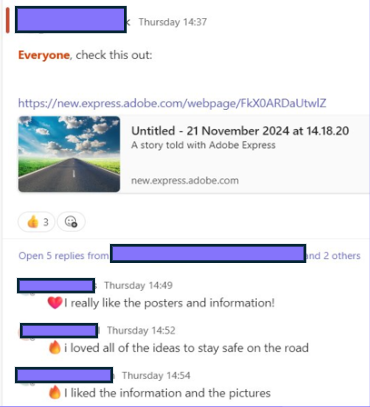
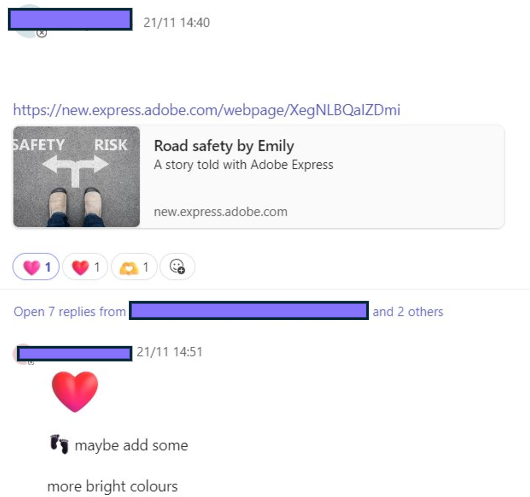
  • Learners were excited to share their creations through Teams, and enjoyed exploring each others creations, providing feedback and next steps as ‘comments’ and ‘reactions’.

Sparking Imagination with Adobe Express

This week, the Digital Learning Team worked with Seafield Primary in creatively enhancing learning and teaching using Adobe Express, following on from our staff input last week.

Some of the highlights from the day include:

  • Learners actively supporting each other to share tools, tips and ideas, such as removing backgrounds from images, or adding outlines to text to enhance the visibility.
  • Learners working collaboratively to create projects with real-life purposes. One fab example of this was some P7 pupils recording nursery rhymes, adding animations, sharing the video as a QR code and then creating a bright, attention-grabbing infographic to share the QR code.
  • Learners able to confidently articulate the purpose of learning and able to discuss the benefits of using Adobe Express.
  • Learners able to draw upon their previous knowledge and learning, to share detailed information, demonstrating their depth of understanding.

One class explored the video, animation and graphic features to share learning. They identified some key features of a successful and informative poster as needing bright, bold colours, large text, short statements, related images and animations or eye-catching features.

“I like making videos in Adobe Express, because it’s fun and interesting. It’s quicker to use, and more fun than PowerPoint, because there’s more things to learn, it’s newer, you can draw and add animations.”

P7 pupil

“I like when we could add my voice to my character”

P4 Pupil

Adobe Express is accessible through the tile on your school Glow launchpad. 

Click here for more information.

Enhancing Digital Skills at Seafield PS

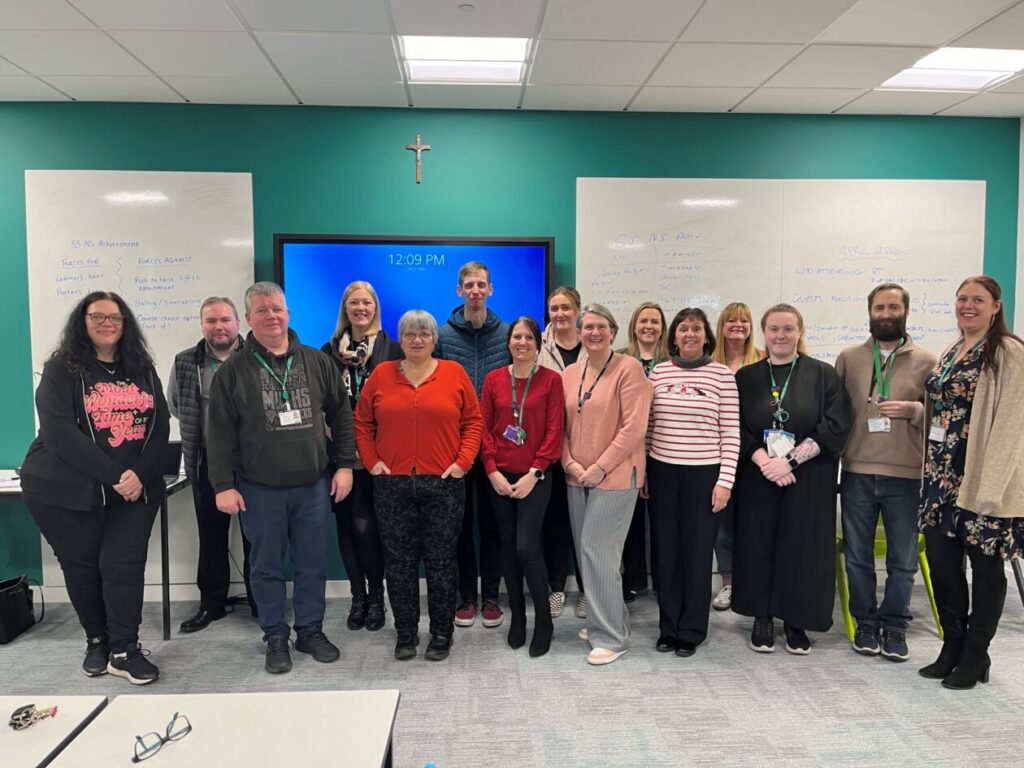
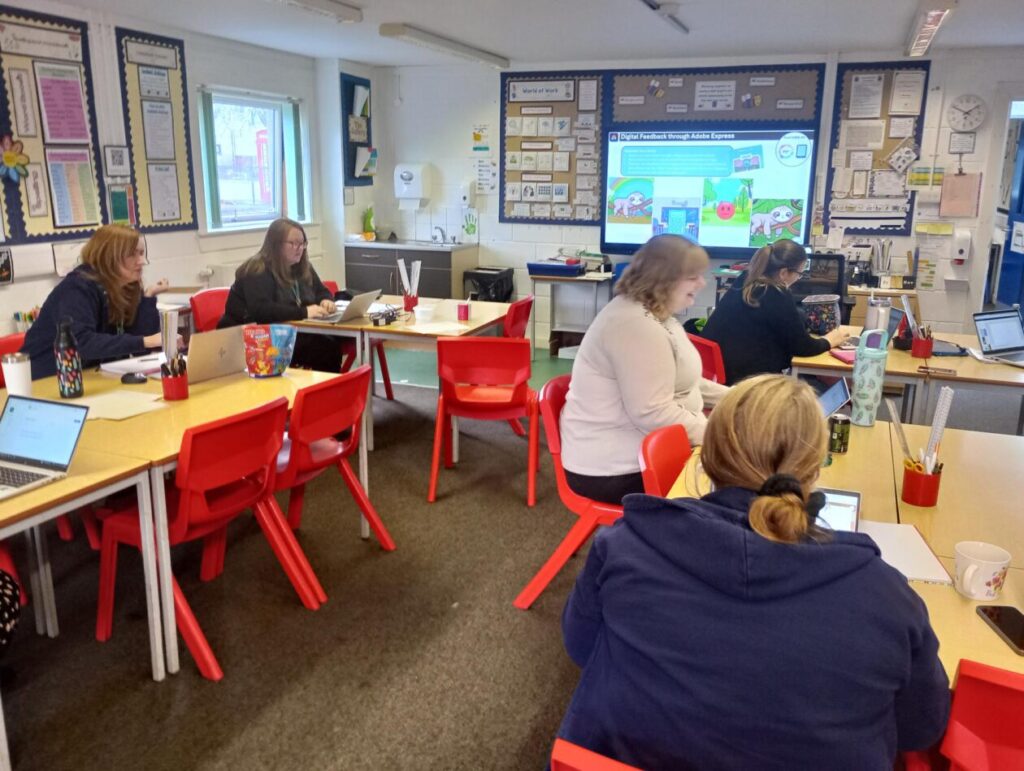
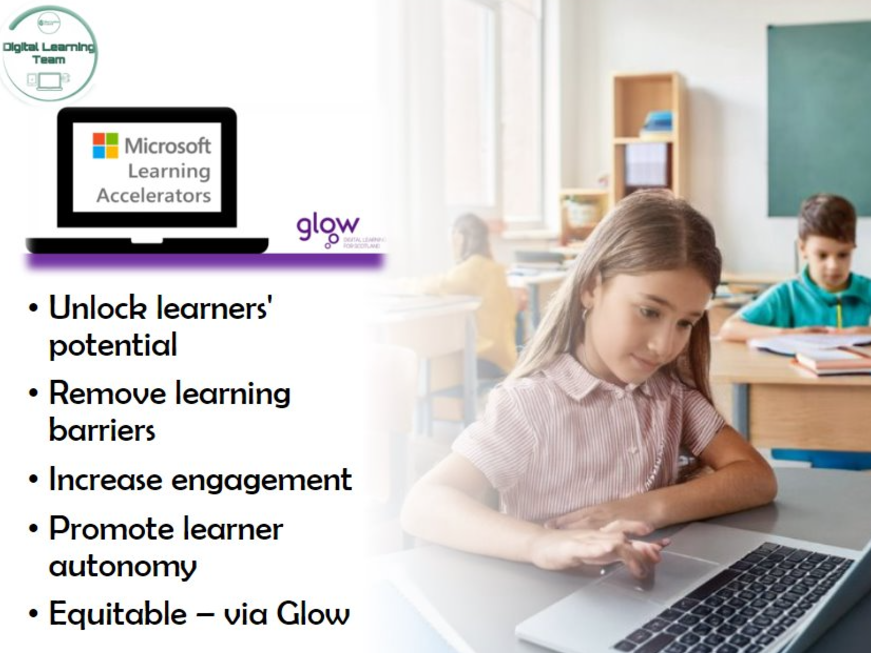
This afternoon, one of our Digital Pedagogy Officers held a training session with the staff at Seafield Primary, specifically focusing on the Microsoft Learning Accelerators, Microsoft Accessibility Tools, and Adobe Express, to build engagement and support all learners.

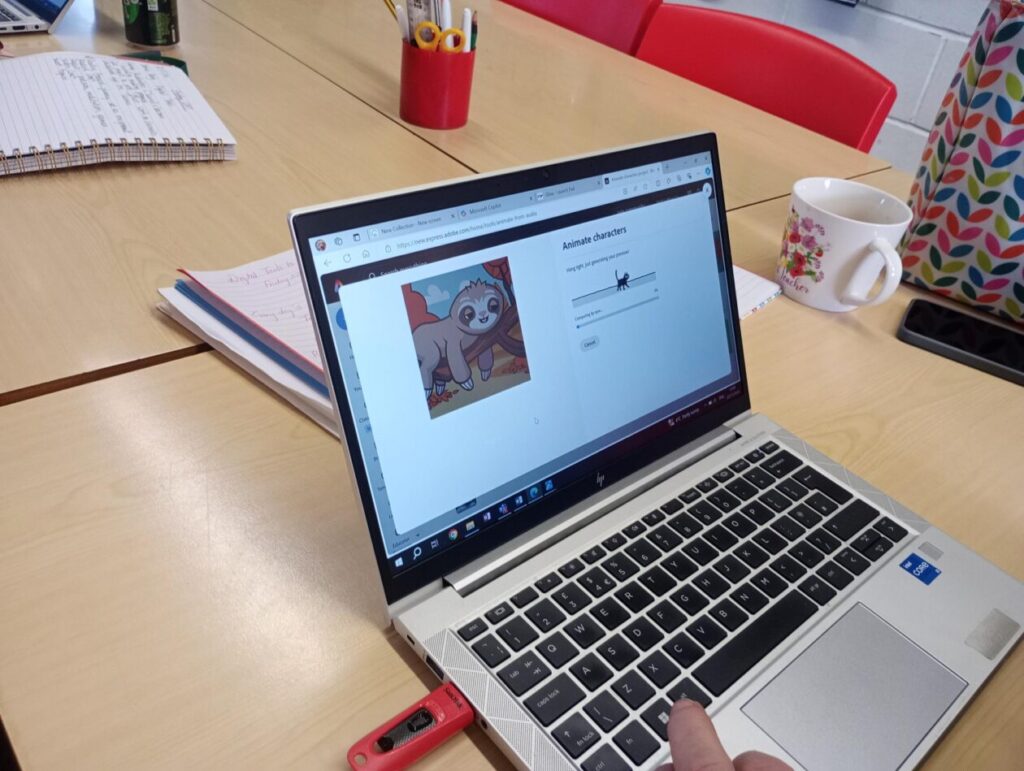
Adobe Express offers great opportunities for collaboration, feedback, engagement and creativity. Today, staff explored a number of features, but particularly enjoyed the ‘Animate Your Voice’ function, producing some cute results.

Staff explored how to use or further embed the use of the Microsoft Learning Accelerators and Accessibility tools, to support ALL learners.

The tools we looked at today included:

  • Reflect
  • Reading Progress & Reading Coach
  • Search Progress
  • Immersive Reader
  • Dictate
  • Accessibility within Microsoft Edge

It was great having an in person session. I really liked that it was informative but also informal so we could ask questions specifically relating to our own class or our own level of knowledge. Thanks! 😊Class Teacher

It was great to learn more about Adobe Express and I have now added all pupils in the class with lots of thoughts on how we can use this in the near future.

P6/7 Teacher

We are looking forward to seeing how these tools are used across the school in the near future. Good luck Seafield, and thanks for a great session today.

Report a Glow concern
Cookie policy  Privacy policy