Just do this:
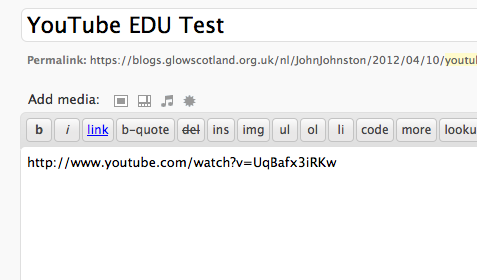
Just do this:
All I did was this:
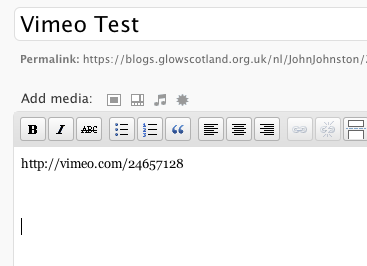
After a morning of Glow Busting I am showing P 7-6 how to use SonicPics to make slides shows for their blog.
Glow blogs provide an easy way to post to the web. You can post text, audio & video. The only limit is the upload file size which is limited to 5mbs. This is fine for audio but you need to keep video short and small. There is a way around this. You can have a podcast set up on the NLC Podcast server where is is very easy to post audio and video file of up to 50mb. Here is a screencast showing how easy it is: Uploading a podcast even easier than using a glow blog.
Once it is there is is simple to post this to your blog:
These instructions are for Safari (tested on v5)
Here are some pictures of the process. click the first thumbnail and then on the left to move on.
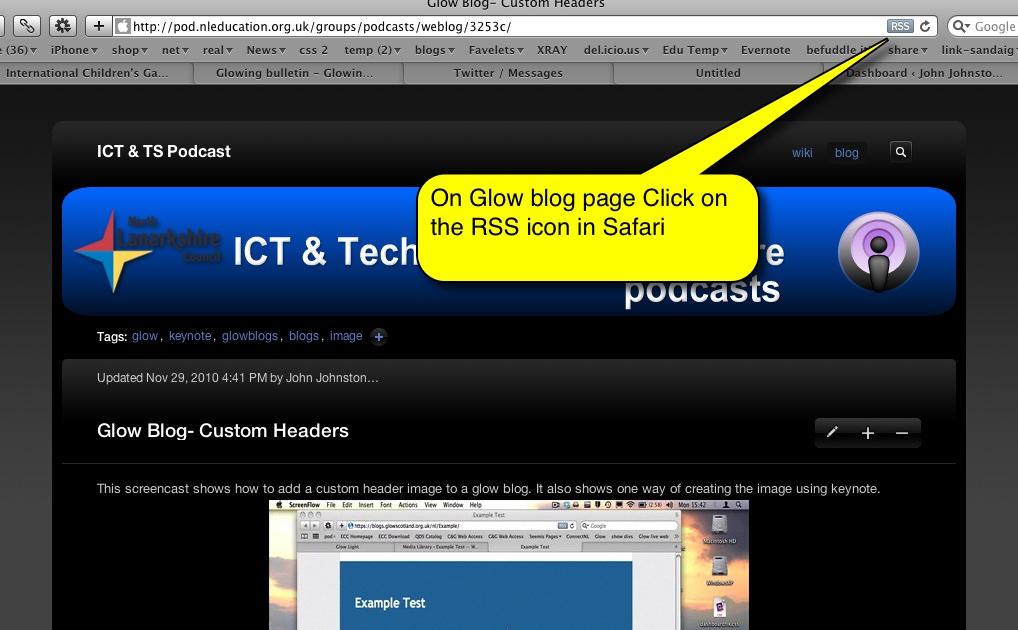
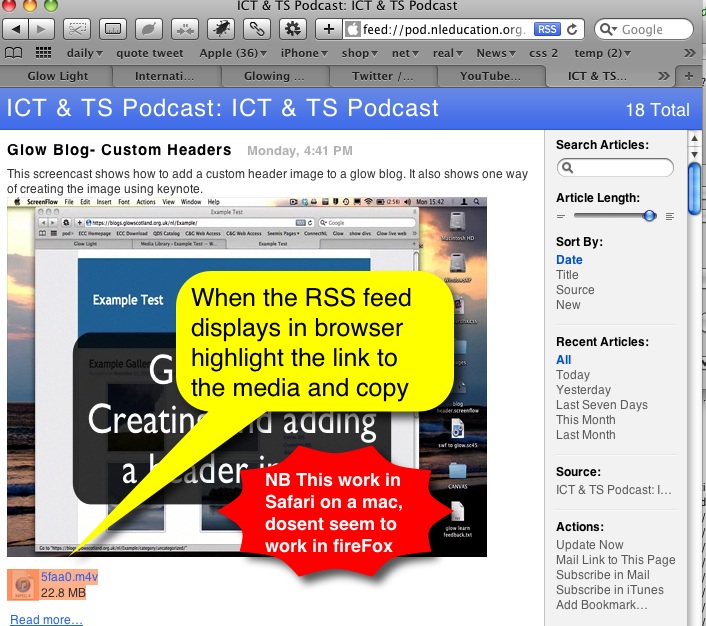
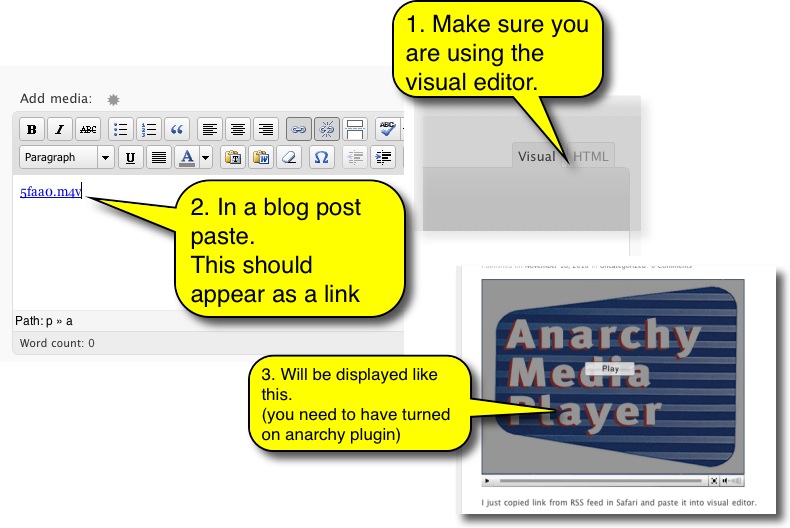
and here is an example movie, this one shows how to create a header for your blog using Keynote.
Here I have uploaded a video and an image file
The video’s file name is slides.mov
the images file name is slides.mov.jpg
the slides.mov.jpg image replaces the default Anarchy splash screen.
Music in video by Kevin MacLeod Licensed under Creative Commons “Attribution 3.0
I just copied link from RSS feed in Safari and paste it into visual editor.