Finding and Checking Information and Media – second level
Finding and Checking Information and Media
| I know that… |
I can… |
For example… |
- not all online information and content that I see is reliable
- Advertising and ai overview
|
- evaluate what information or content may, or may not, be reliable
- search for information required for my learning
- use bookmarks to save and retrieve information on my web browser
- use the internet to legally access content for entertainment including films, music, games and books
|
- understand that not all entries in online encyclopaedias, such as Wikipedia, are true or reliable
- search for news using a browser such as Chrome, Internet Explorer or Safari
- stream music from legal sites such as Spotify or Apple Music, or watch streamed movies from legal sources such as Netflix or Amazon Prime
|
Information:
Topics | Learn My Way – Digital media literacy
BBC Bitesize – How can we trust a website?
BBC Bitesize – Fake news – Other Side of the Story
Activities:
Watch Newsround
BBC Bitesize – AI or real and fake news quizzes
Use Simple English version of Wikipedia, including viewing the editing history to see how pages are constantly scrutinised and verified by the community
Resources:
The Guardian NewsWise
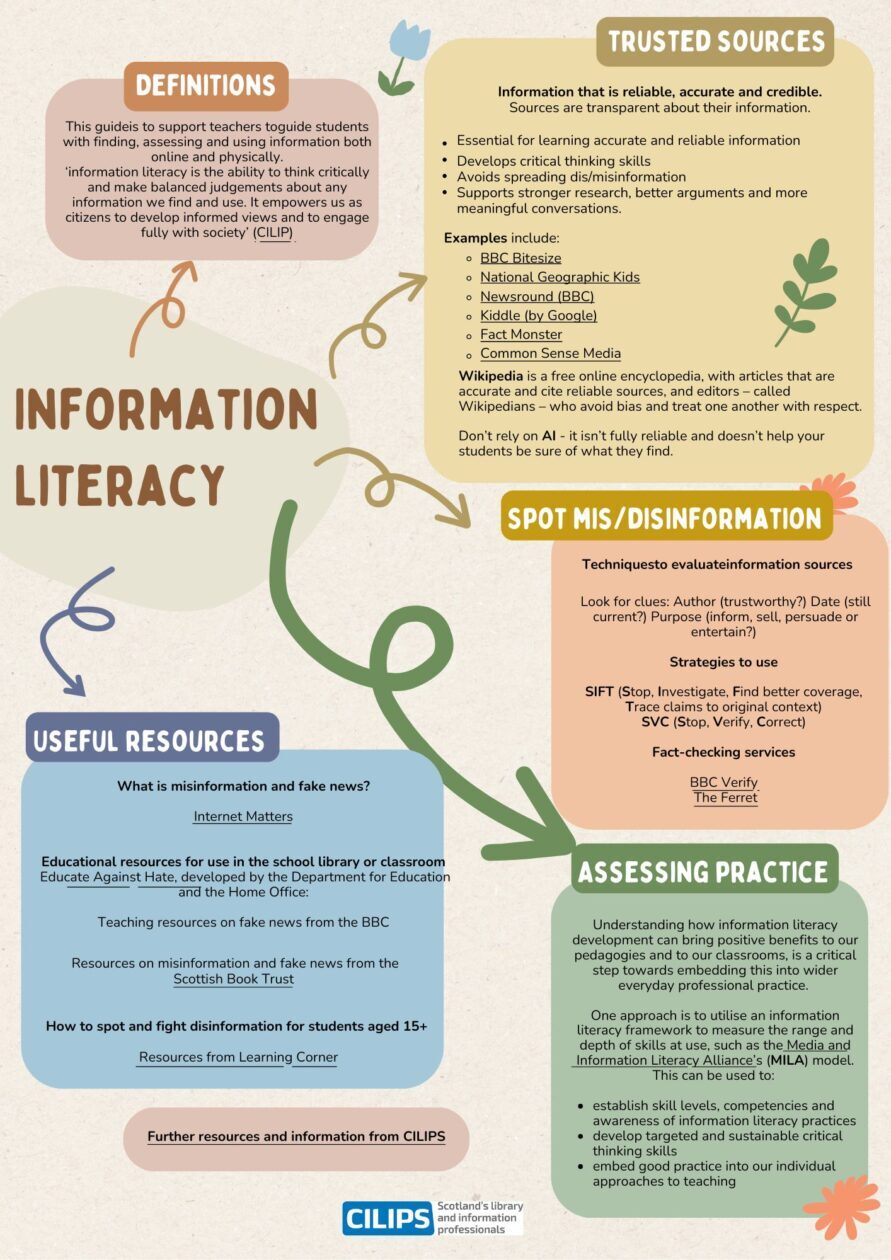
This poster was created by CILIPS (Scotland’s library and information professionals).
View and download the poster