The Spinner app allows you to create custom wheels with names, numbers, words, topics, or challenges, making it ideal for selecting pupils, assigning groups, choosing discussion questions, or adding a fun element to revision activities.
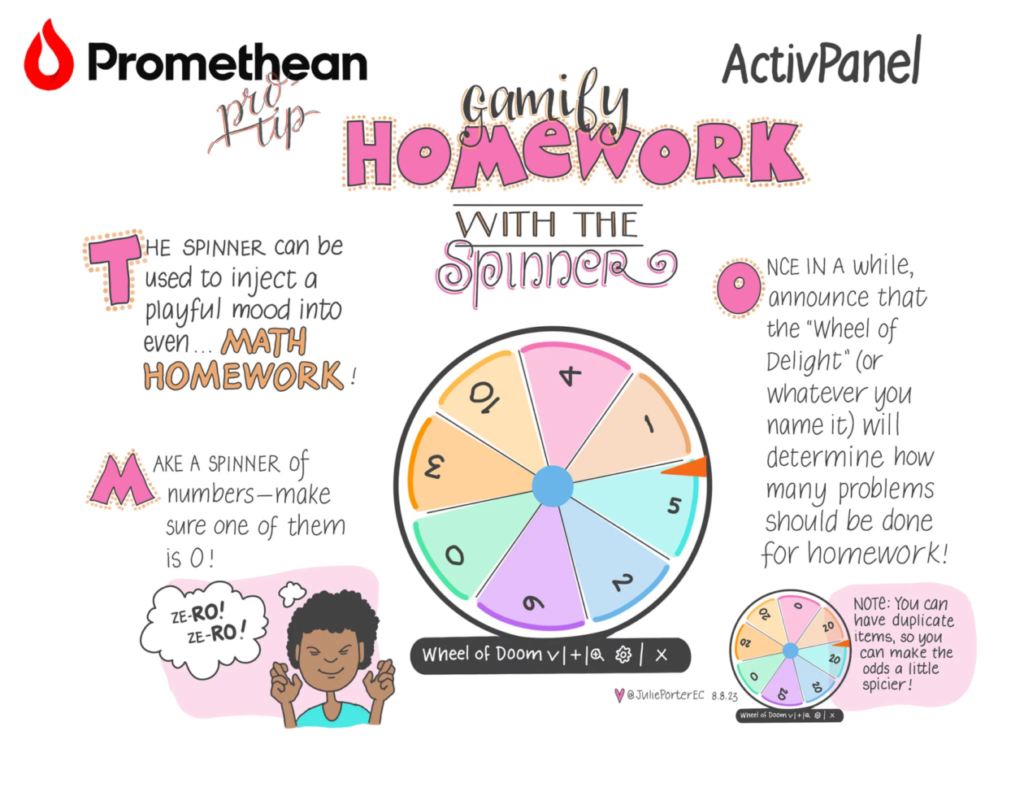
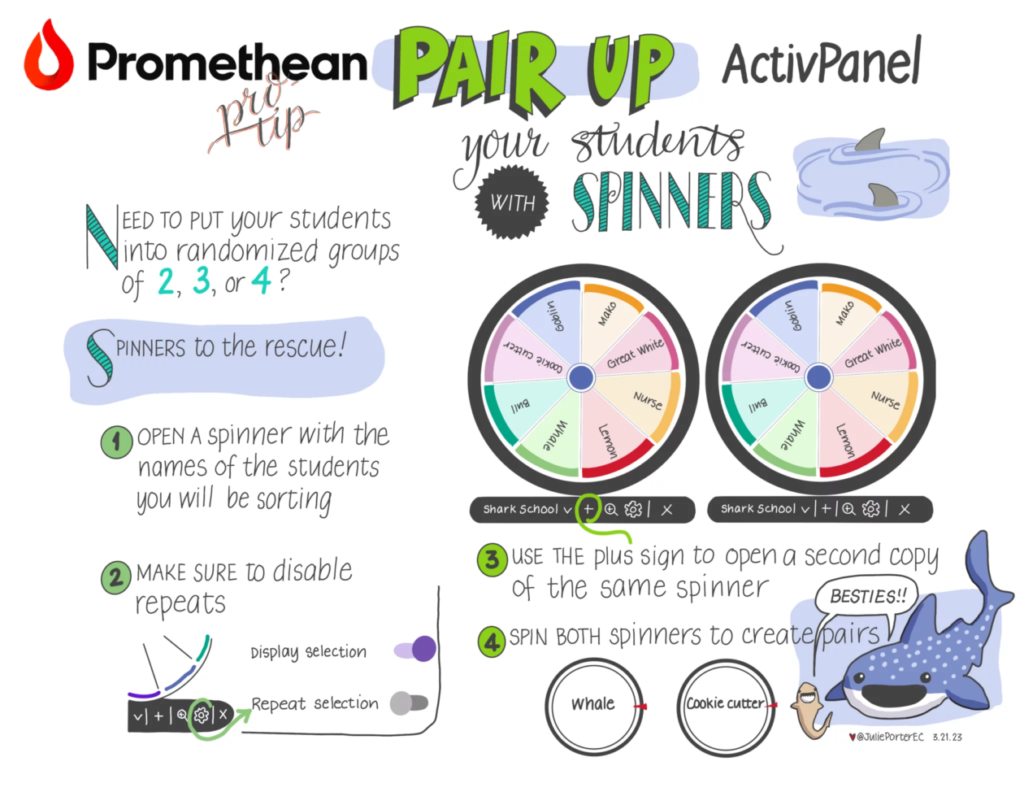
Whether you’re picking a pupil to answer a question, selecting the next task, or gamifying a classroom activity, the Spinner app is a quick and effective way to boost interaction and keep learning dynamic. Sometimes, all it takes is a spin to transform classroom engagement!
Where do I find the Spinner app?
The Spinner app is available from your one.prometheanworld.com account where you can set up spinners in advance. Alternatively, find the Spinner app from the flame button on your ActivPanel.

Spinner features
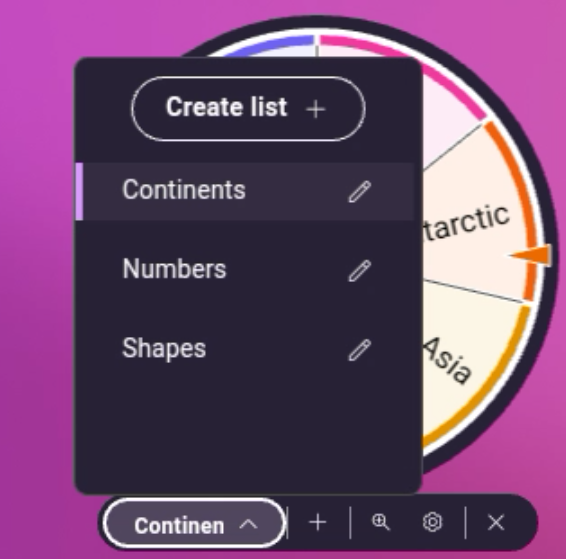
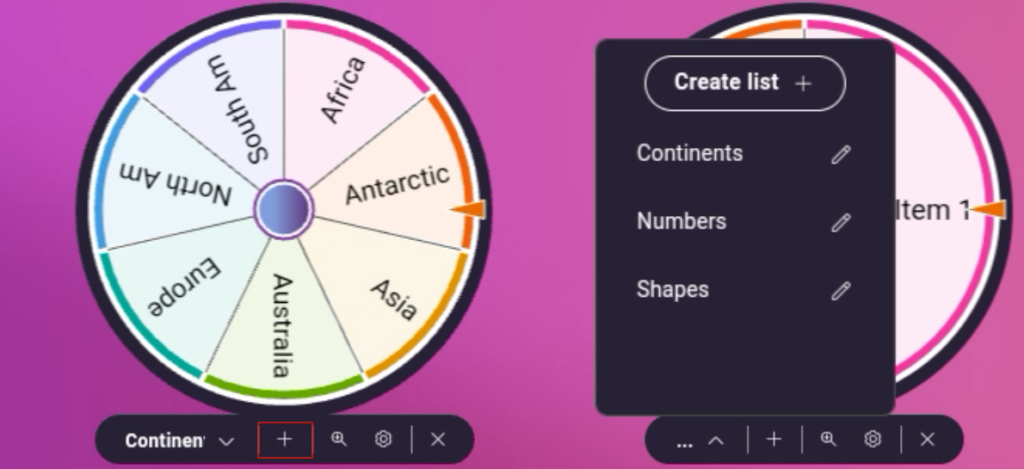
The Spinner App has preset templates to choose from to get started quickly. Choose one or select Create List to build your own list. You can also edit the templates and customise them to your needs.
Give your new list a title and begin adding items. You can type from the on-screen keyboard, or you can import a list you created previously from a CSV file.
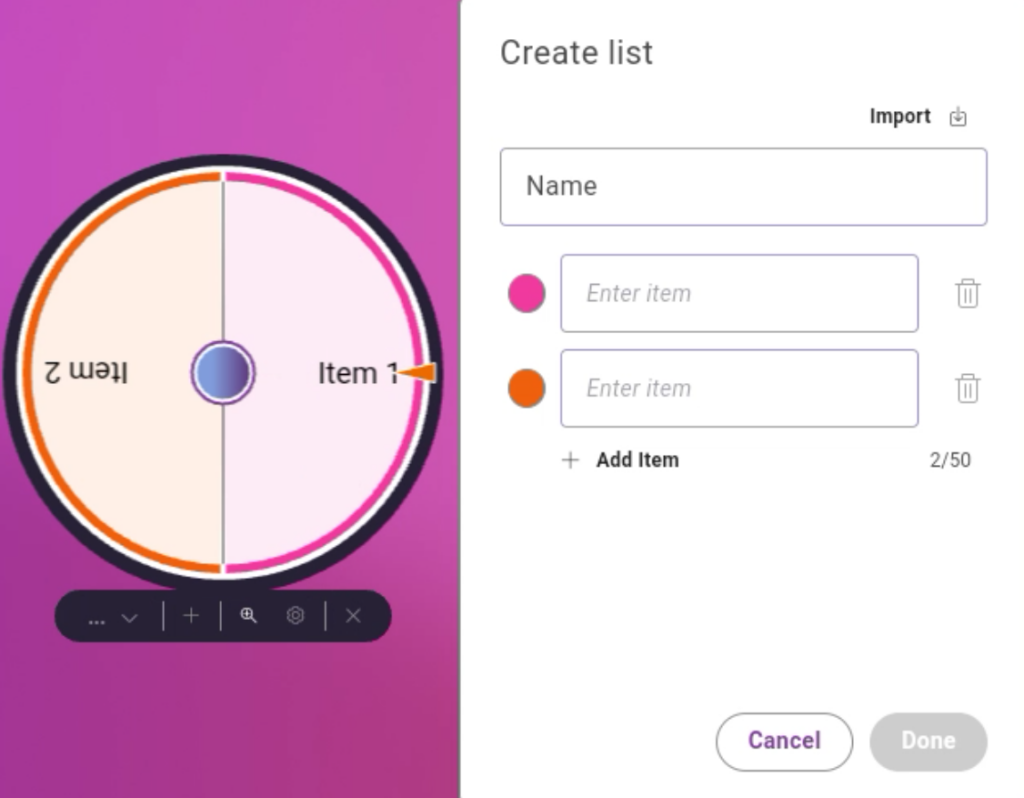
Spinners are dynamic, and you can see changes made live as you are editing text. You can access recently used lists quickly from the drop-down menu below the spinner.
To spin the spinner, tap the centre button or swipe it. Spinners can rotate both clockwise and anticlockwise, depending on which direction you swipe. On the ActivPanel 9, you can use the spinner within the app window or full screen.
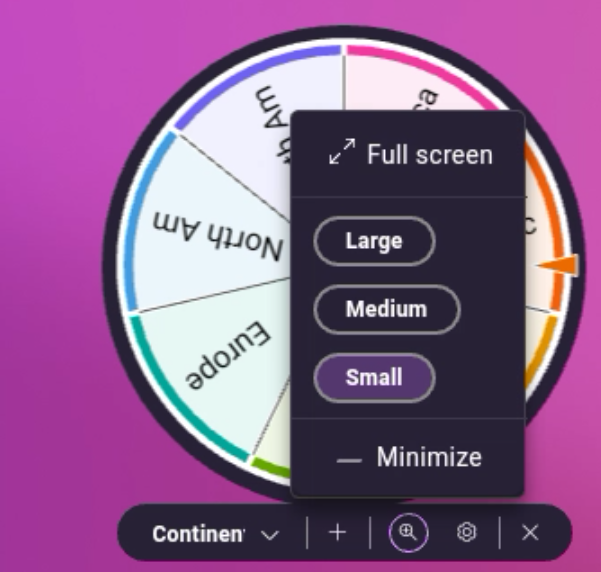
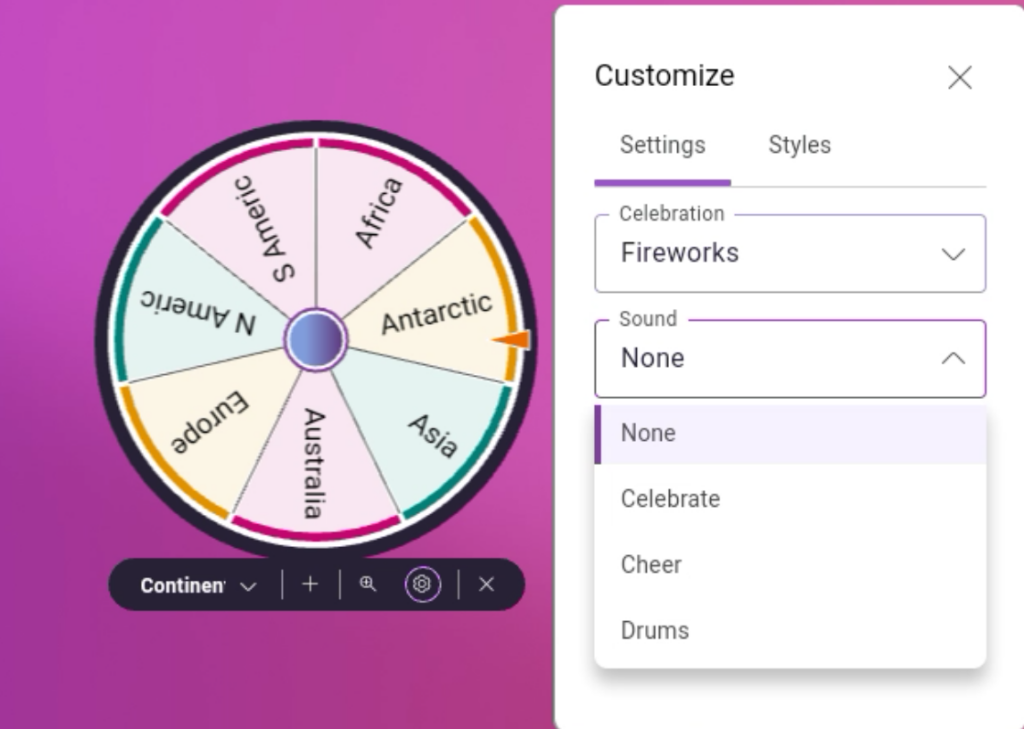
The Settings menu contains many options to customise your spinners and create excitement for your students.
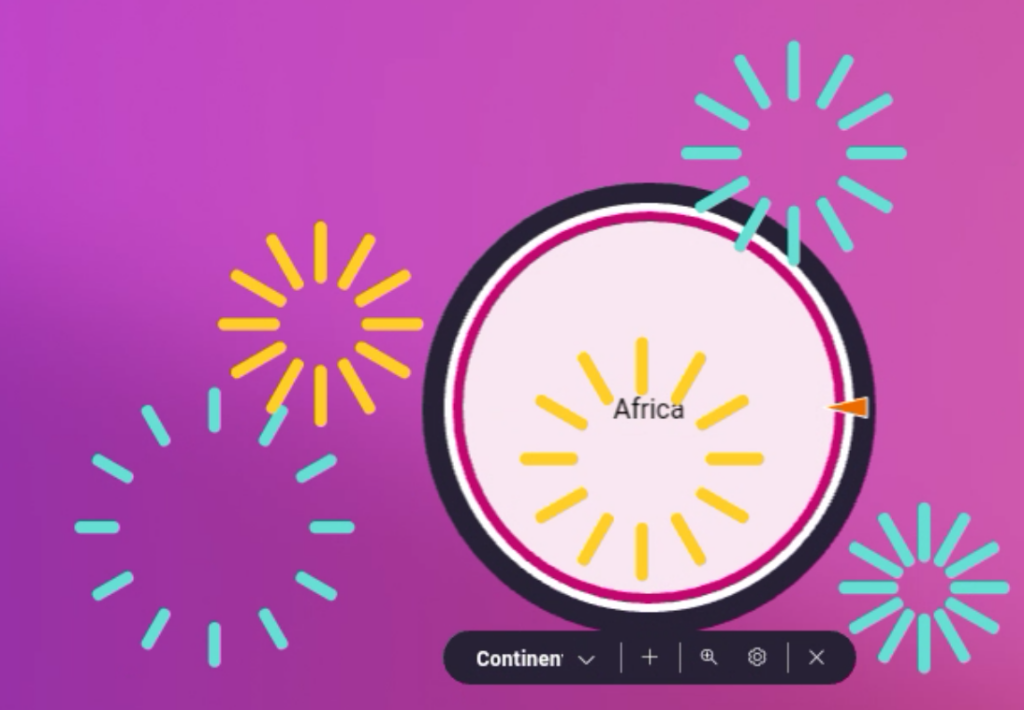
- Celebrations are quick animations of confetti or fireworks that can play when the spinner has stopped.
- Sounds can also play when the spinner stops in lieu of Celebrations.
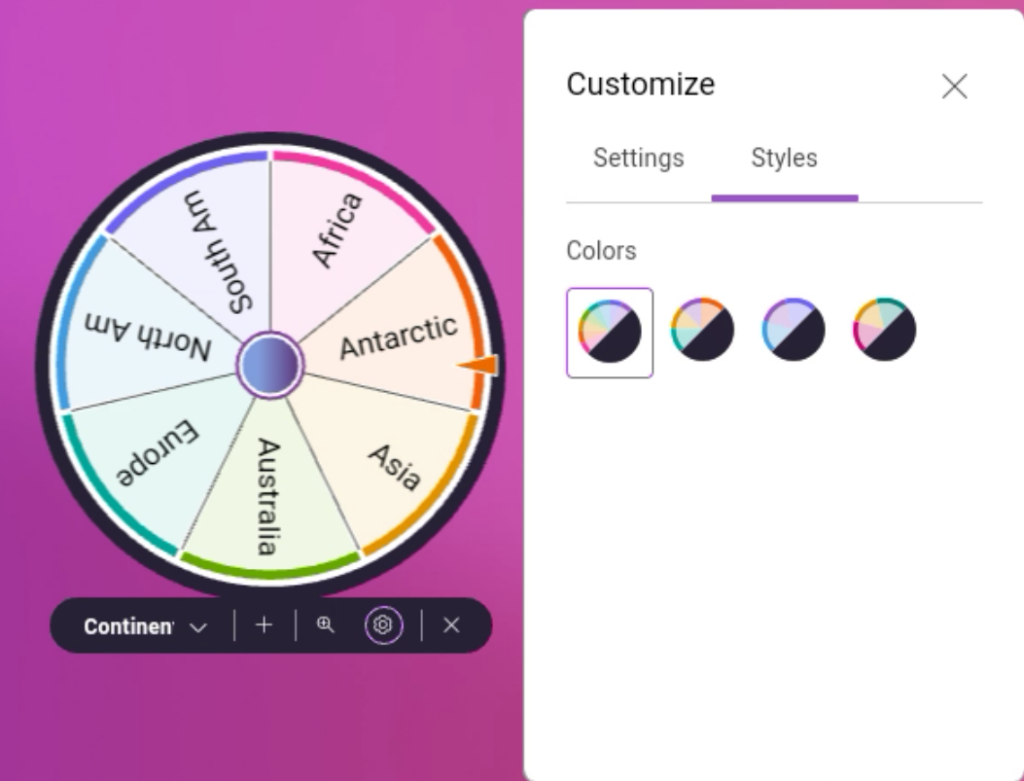
Styles allow you to edit the colours of your spinners.
If you need more than one spinner, tap the + icon at the bottom of the window, and another spinner will appear. Keep tapping + until you have the desired number of spinners. On the ActivPanel, you may have up to 4 spinners. Click and drag the spinners around the screen to arrange however you need.
If you share an ActivPanel 9 with other teachers, you can bring your Spinner settings to other panels with your Promethean account. The last settings you used will auto-save to your profile when you sign out and will be ready to use when you sign in again on any ActivPanel 9.