Microsoft Copilot in Glow
1. To access Copilot in Glow, visit: https://www.office.com/.
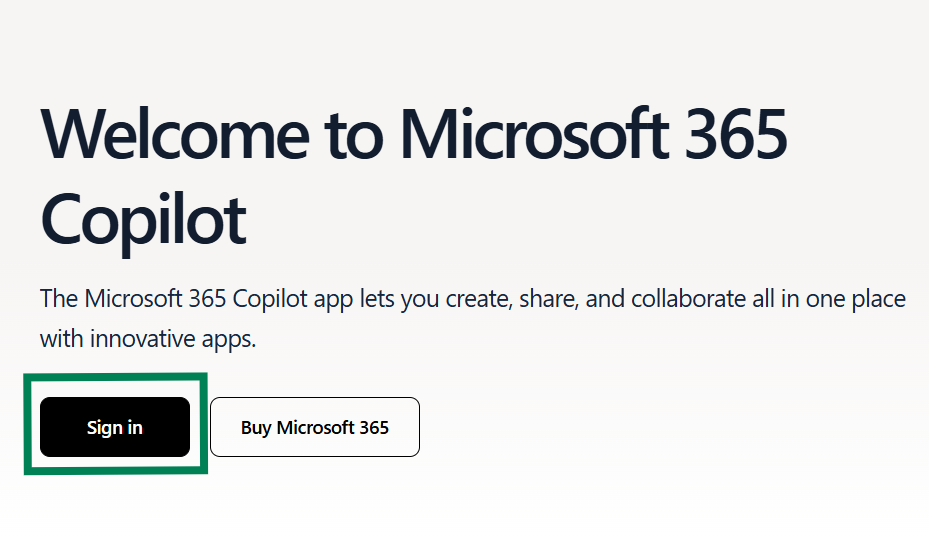
2. Sign in using your Glow email address ending @glow.sch.uk or @glowmail.org.uk.
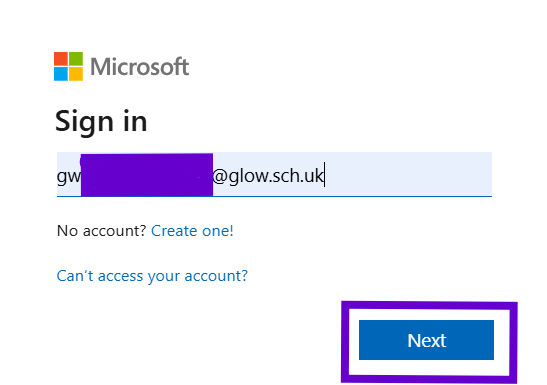
You will be directed to the Glow sign in page. Enter your Glow username (ending @glow) and password.
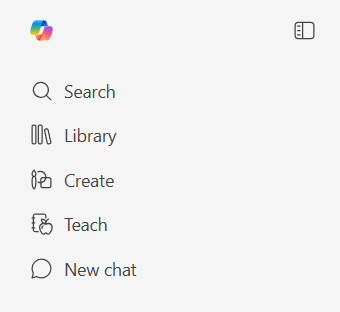
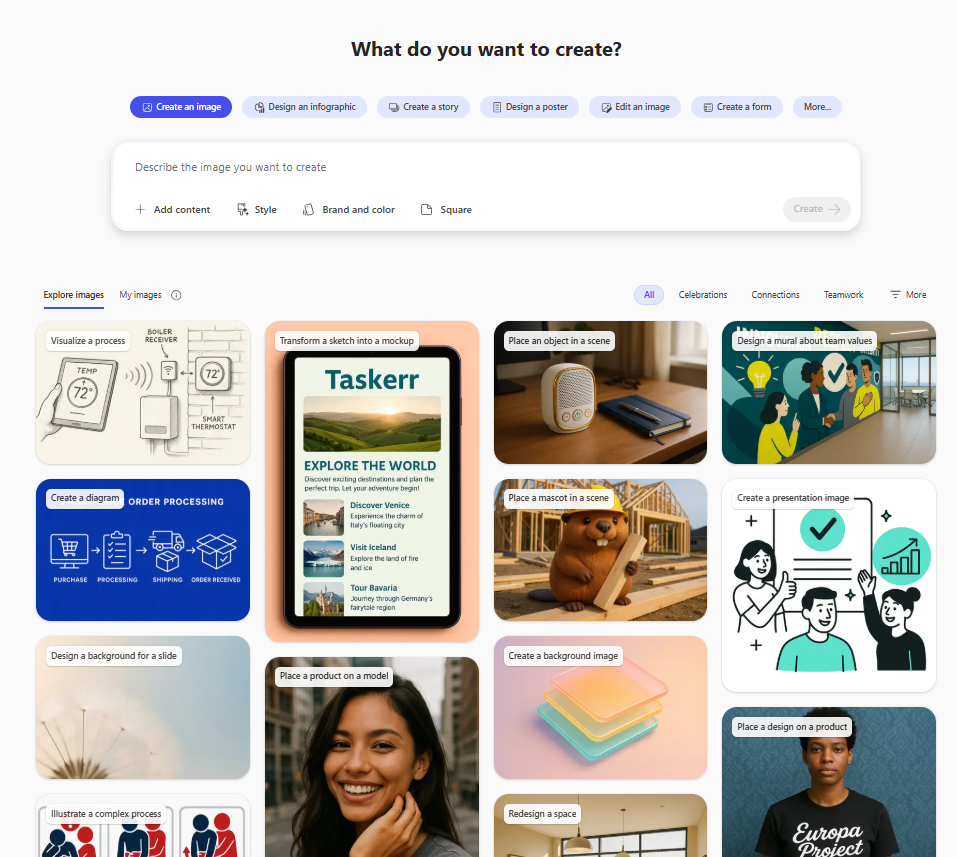
Once you are logged in, select Create, Teach or New Chat to get started.
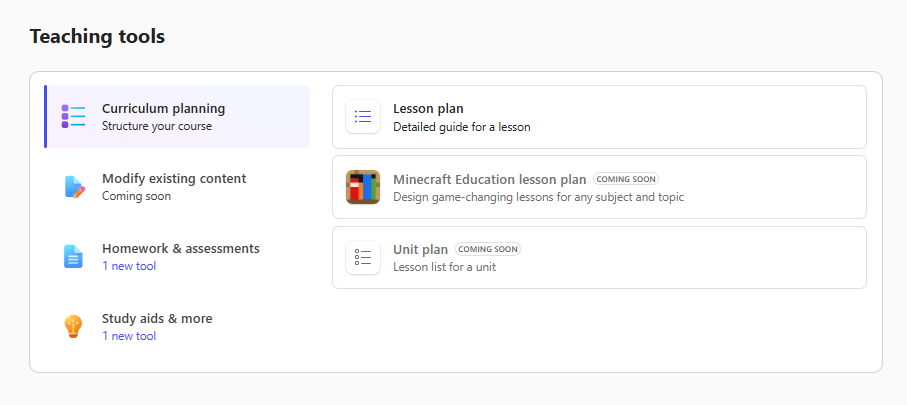
Learn how to Create instructional materials with Teach in Microsoft 365 Copilot.
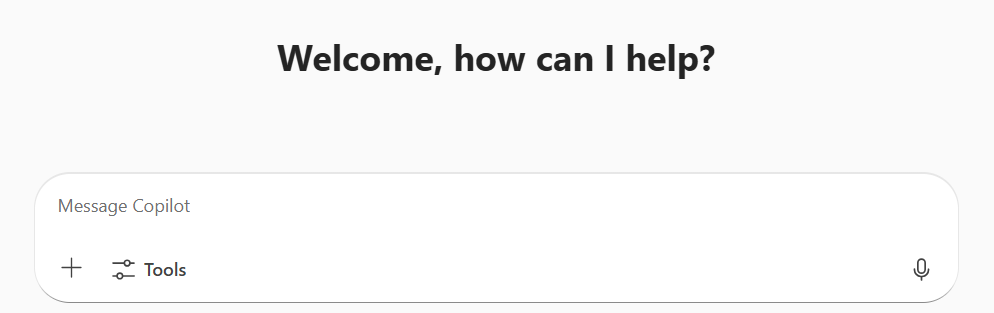
Learn how to Enhance teaching and learning with Microsoft 365 Copilot Chat.
Take the course AI for educators (a four module learning path, aimed at beginner level).