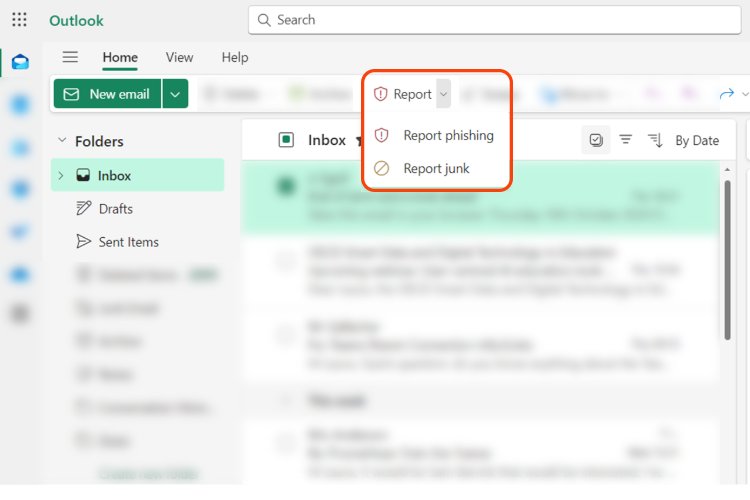
Outlook has a built-in Report button to report junk and phishing emails.
- Users can report a message as junk from the Inbox or any email folder other than the Junk Email folder.
- Users can report a message as phishing from any email folder.
In a supported version of Outlook, select one or more messages, select Report, and then select Report phishing or Report junk in the dropdown list.
The reported messages are sent to Microsoft, and the following actions are also taken:
- Reported as junk: The messages are moved to the Junk Email folder.
- Reported as phishing: The messages are deleted.