
Submit your entry by clicking here sending via email (if file is small enough)
activetravel@scotborders.gov.uk or send via sharepoint.
How to share via SharePoint –
Upload the video to a SharePoint folder
Select Share
Follow the steps to email video to activetravel@scotborders.gov.uk
Find out more about the competition by watching the video below.
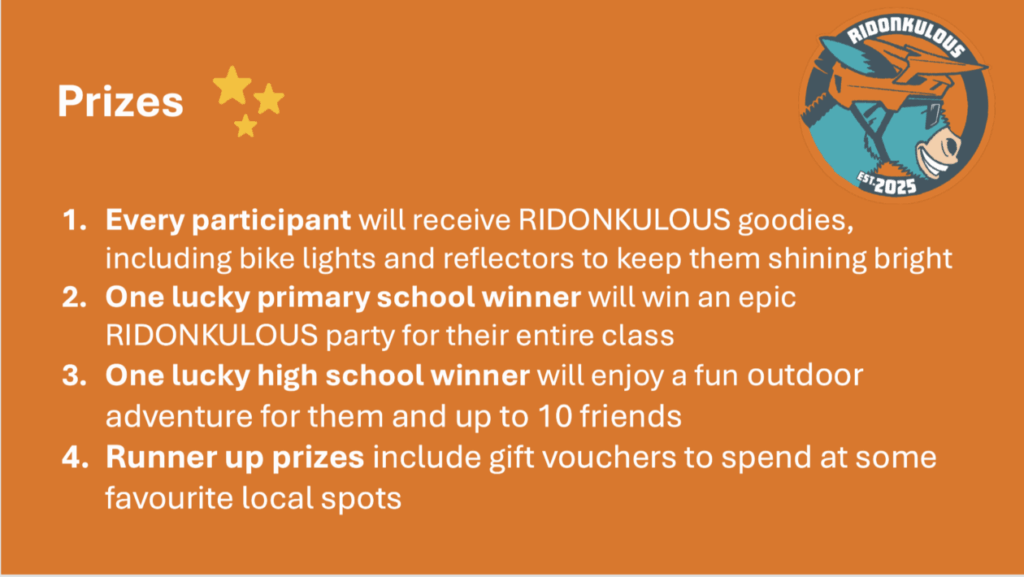
Guides to editing exciting Videos in iMovie
Make someone disappear and reappear in another place using the step by step guides. click the image to find out how.
Learners can add themselves or their friends to any location using Green Screen Magic! Click the image here to find out how.
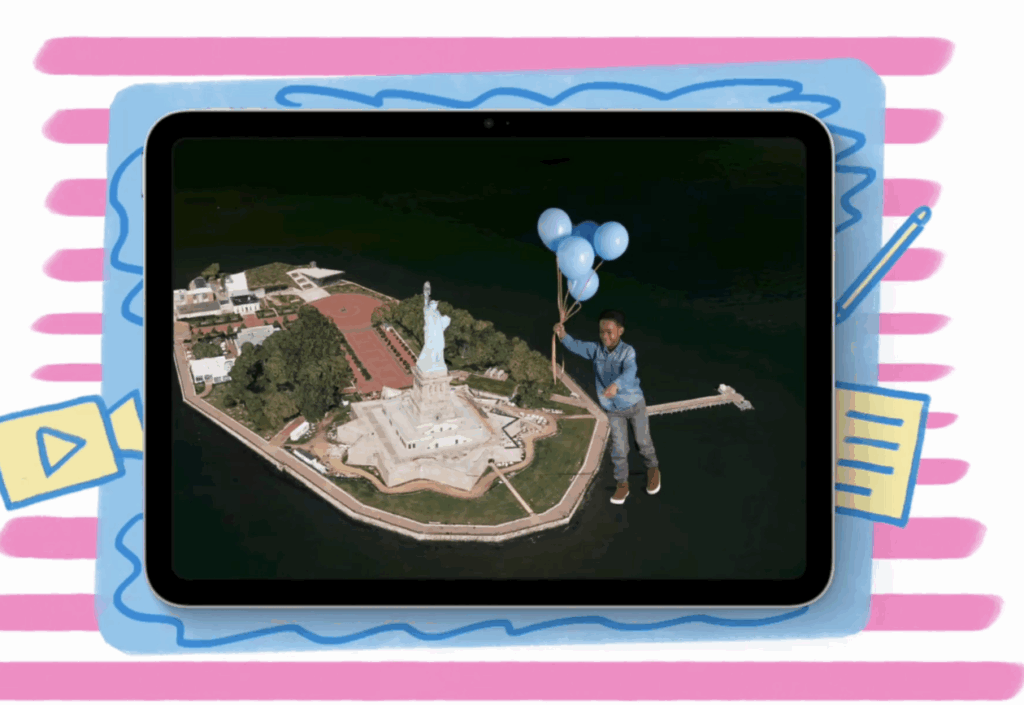
The video or guide below shows how you can add some special features to your video. You can use a Picture in Picture to present yourself in front of some locations or footage or how about a special cutaway from one location to another? Bring some video magic and creativity to your project.